編輯:關於Android編程
最近在寫webservice接口 給客戶端提供數據和接收客戶端發來的數據。當數據類型為圖片類型的文件時候,先把文件轉為流,然後用Base64編碼成字節流的字符串,傳輸的還是字符串。
客戶端代碼:
	public static void main(String[] args) throws IOException {
		 File file=new File("d:/272.jpg");
	     FileInputStream fis = new FileInputStream(file);
	     ByteArrayOutputStream baos = new ByteArrayOutputStream();
	     byte[] buffer = new byte[1024];
         int count = 0;
         while((count = fis.read(buffer)) >= 0){
             baos.write(buffer, 0, count);
         }
         String uploadBuffer = new String(Base64.encode(baos.toByteArray()));  //進行Base64編碼
         fis.close();
         writeSmilFile(uploadBuffer);
		System.out.println("uploadBuffer:"+uploadBuffer);
	}

	//寫到txt
	public static void writeSmilFile(String content) {
		File file1 = new File( "d:/123.txt");
		try {
			file1.createNewFile();
		} catch (IOException e) {
			e.printStackTrace();
		}
		PrintWriter pw;
		try {
			 OutputStreamWriter os = null;
			 os = new OutputStreamWriter(new FileOutputStream(file1),"UTF-8");
			  os.write(content);
		        os.close();
		} catch (IOException e) {
			e.printStackTrace();
		}

	}
	//獲取客戶端傳來的圖片文件 (  客戶端處理是文件轉換為流  Base64編碼成字符串)
	public String getPhotoByAndroid(String photoPath){

		//圖片存放路徑 放到正式需要修改
		String newFilePath="D:/";

		String newFileName =UUID.randomUUID().toString()+"jpg";
		 	FileOutputStream fos = null;
	        byte[] buffer;
			try {
				buffer = new BASE64Decoder().decodeBuffer(photoPath);

			//對android傳過來的圖片字符串進行解碼
	        File destDir = new File(newFilePath);
	        if(!destDir.exists()) destDir.mkdir();
	        fos = new FileOutputStream(new File(destDir,newFileName));   //保存圖片
	        fos.write(buffer);
	        fos.flush();
	        fos.close();
	        } catch (IOException e) {
				// TODO Auto-generated catch block
				e.printStackTrace();
			}
	        System.out.println("上傳圖片成功!" + newFilePath+newFileName);
		return newFileName;

	}
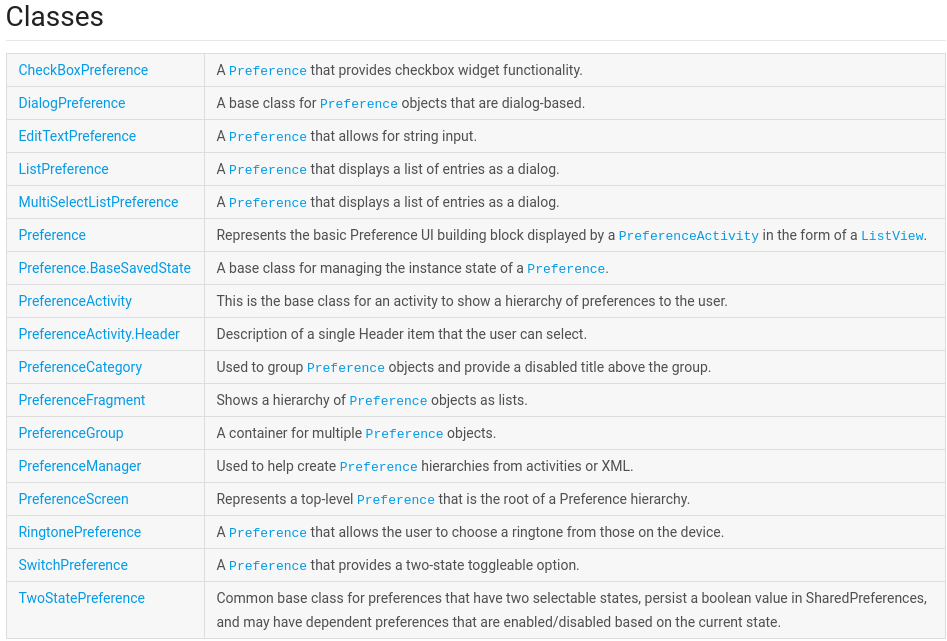 Android Settings(Preferences)開發
在Android的app開發中,很多時候我們的app需要提供用戶一個用戶體驗統一的,友好的setting界面,也就是設置界面。在android系統中,就有一個settin
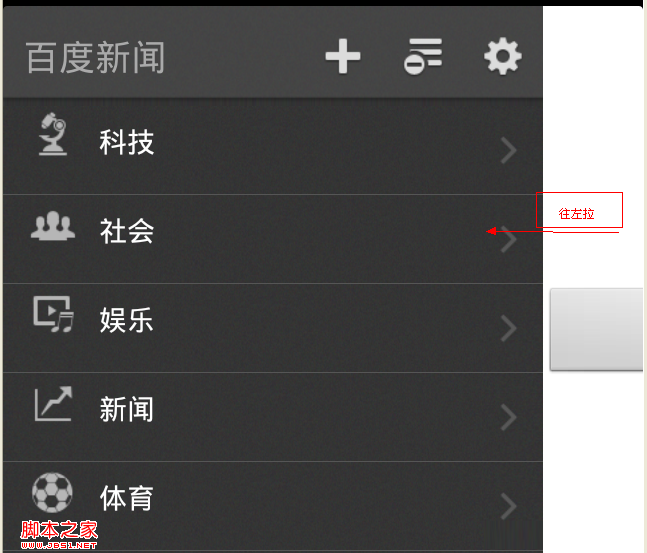 Android界面設計(APP設計趨勢 左側隱藏菜單右邊顯示content)
相關文章android popwindow實現左側彈出菜單層http://www.jb51.net/article/33533.htm移動App設計的13大精髓http:
 Android http文件上傳-本地+服務器一條龍分析
本地: 先看下項目結構 MainActivity.java oldProcess) { Message msg = handler.obtainMessage()
 Android適配安卓6.0藍牙通訊實現過程
事先說明:安卓藍牙需要定位權限申請,在安卓6.0需要用戶手動確認權限後才能使用,各位可以自行查詢資料實現,如果嫌麻煩,可以用第三方Bmob集成好的工具類進行實現,詳細可以