編輯:關於Android編程
android系統的很多信息可以通過 /proc 目錄下獲得,如
cat /proc/cpuinfo 獲取cpu信息
cat /proc/meminfo 獲取內存信息
這些信息以文本格式保存,可以通過IO流讀取,比較簡單,在這裡考慮到一些內容並不是以文本方式保存,磁盤信息
我們通過代碼實現一個linux指令解析器來得到要獲取的信息
指令解析器如下:
public class CMDExecutor {
	/**
	 * 執行命令
	 * @param cmd       命令參數
	 * @param workdir   當前目錄(即執行指令 pwd 看到所在目錄)
	 * @return
	 */
	public synchronized String run(String[] cmd, String workdir){
		String result = "";
		InputStream is = null;
		try {
			ProcessBuilder builder = new ProcessBuilder(cmd);
			if(!TextUtils.isEmpty(workdir)){
				builder.directory(new File(workdir));   // 設置執行指令執所在目錄
				builder.redirectErrorStream();
				Process process = builder.start();      // 執行指令
				is = process.getInputStream();
				byte[] buf = new byte[1024];
				int len = 0;
				while((len = is.read(buf)) != -1){
					result += new String(buf, 0, len);
				}
			}
		} catch (Exception e) {
			return null;
		}finally{
			if(is != null){
				try {
					is.close();
				} catch (IOException e) {
					e.printStackTrace();
				}
			}
		}
		return result;
	}
}public class GetPhoneInfoUtil {
// 獲取內核版本,gcc版本等
public String fetch_version_info(){
String result = null;
CMDExecutor cmdexe = new CMDExecutor();
String[] args = {"/system/bin/cat", "/proc/version"}; // "/system/bin/cat" 指令絕對路徑
result = cmdexe.run(args, "system/bin/"); // 已指定指令執行目錄,上面絕對路徑可寫相對路徑 "cat"
return result;
}
// 獲取CPU信息
public String fetch_cpu_info() {
String result = null;
CMDExecutor cmdexe = new CMDExecutor();
String[] args = { "/system/bin/cat", "/proc/cpuinfo" };
result = cmdexe.run(args, "/system/bin/");
return result;
}
// 要加輸權限:android.permission.READ_PHONE_STATE
// 運營商信息
public String fetch_tel_status(Context context) {
String result = null;
TelephonyManager tm = (TelephonyManager)context.getSystemService(Context.TELEPHONY_SERVICE);
String str = " ";
str += "DeviceId(IMEI) = " + tm.getDeviceId() + "\n";
str += "DeviceSoftwareVersion = " + tm.getDeviceSoftwareVersion() + "\n";
int mcc = context.getResources().getConfiguration().mcc;
int mnc = context.getResources().getConfiguration().mnc;
str += "IMSI MCC (Mobile Country Code): " + String.valueOf(mcc) + "\n";
str += "IMSI MNC (Mobile Network Code): " + String.valueOf(mnc) + "\n";
result = str;
return result;
}
private static StringBuffer buffer = null;
public static String initProperty(String description, String propertyStr) {
if (buffer == null) {
buffer = new StringBuffer();
}
buffer.append(description).append(":\t");
buffer.append(System.getProperty(propertyStr)).append("\n");
return buffer.toString();
}
public static String getSystemProperty() {
buffer = new StringBuffer();
initProperty("java.vendor.url", "java.vendor.url");
initProperty("java.class.path", "java.class.path");
initProperty("os.name", "os.name");
initProperty("os.version", "os.version");
initProperty("user.home", "user.home");
return buffer.toString();
}
// 獲取網絡信息
public static String fetch_netcfg_info(){
String result = null;
CMDExecutor cmdexe = new CMDExecutor();
String[] args = { "/system/bin/netcfg" };
result = cmdexe.run(args, "/system/bin/");
return result;
}
// 磁盤信息
public static String fetch_disk_info() {
String result = null;
CMDExecutor cmdexe = new CMDExecutor();
String[] args = { "/system/bin/df" };
result = cmdexe.run(args, "/system/bin/");
return result;
}
// 獲取顯示頻信息
public static String getDisplayMetrics(Context context) {
String str = "";
DisplayMetrics dm = new DisplayMetrics();
dm = context.getResources().getDisplayMetrics();
// 上面一行等同於下面兩行
//WindowManager wm = (WindowManager) getSystemService(WINDOW_SERVICE);
//wm.getDefaultDisplay().getMetrics(dm);
int screenWidth = dm.widthPixels;
int screenHeight = dm.heightPixels;
float density = dm.density;
float xdpi = dm.xdpi;
float ydpi = dm.ydpi;
str += "The absolute width: " + String.valueOf(screenWidth) + "pixels \n";
str += "The absolute heightin: " + String.valueOf(screenHeight)
+ "pixels \n";
str += "The logical density of the display :"
+ String.valueOf(density) + " \n";
str += "X dimension : " + String.valueOf(xdpi) + "pixels per inch \n";
str += "Y dimension : " + String.valueOf(ydpi) + "pixels per inch \n";
return str;
}
}
 Media Data之多媒體掃描過程分析(一)
1.概述在Android系統中,多媒體文件通常在開機和SD卡掛載的時候進行掃描操作,目的是為了讓多媒體應用便捷地使用和管理多媒體文件。設想一下如果進入多媒體應用才開始掃描
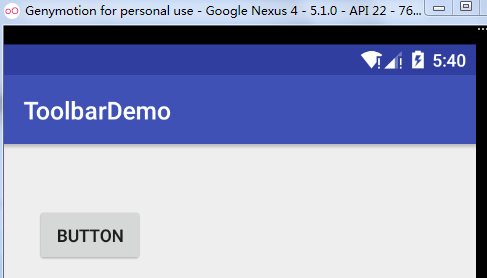 如何用Toolbar取代ActionBar
在 Android 3.0 開始,App Bar的功能逐漸被加入到 ActionBar中,而這個 ActionBar 被包含在 Theme 中,不過對於開發者來說,缺乏的
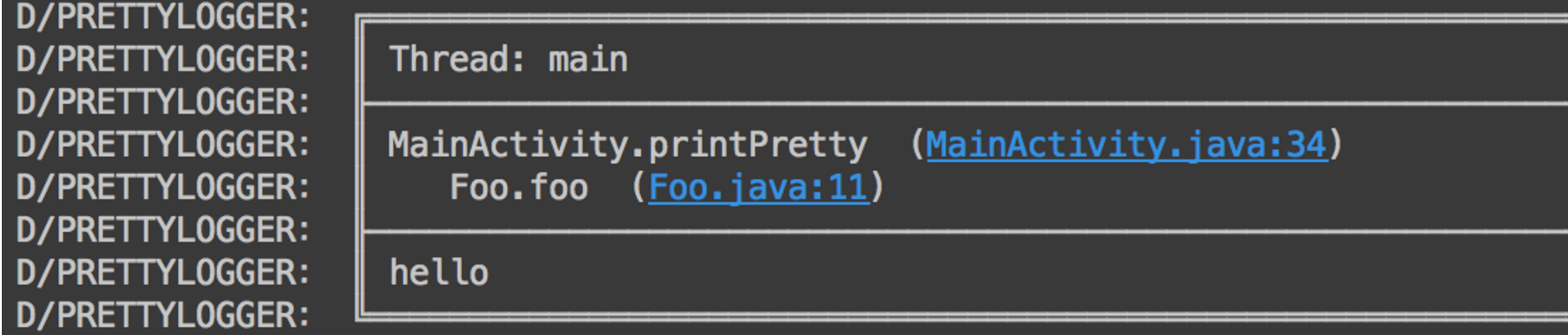 Android 從StackTraceElement反觀Log庫
一、概述大家編寫項目的時候,肯定會或多或少的使用Log,尤其是發現bug的時候,會連續在多個類中打印Log信息,當問題解決了,然後又像狗一樣一行一行的去刪除剛才隨便添加的
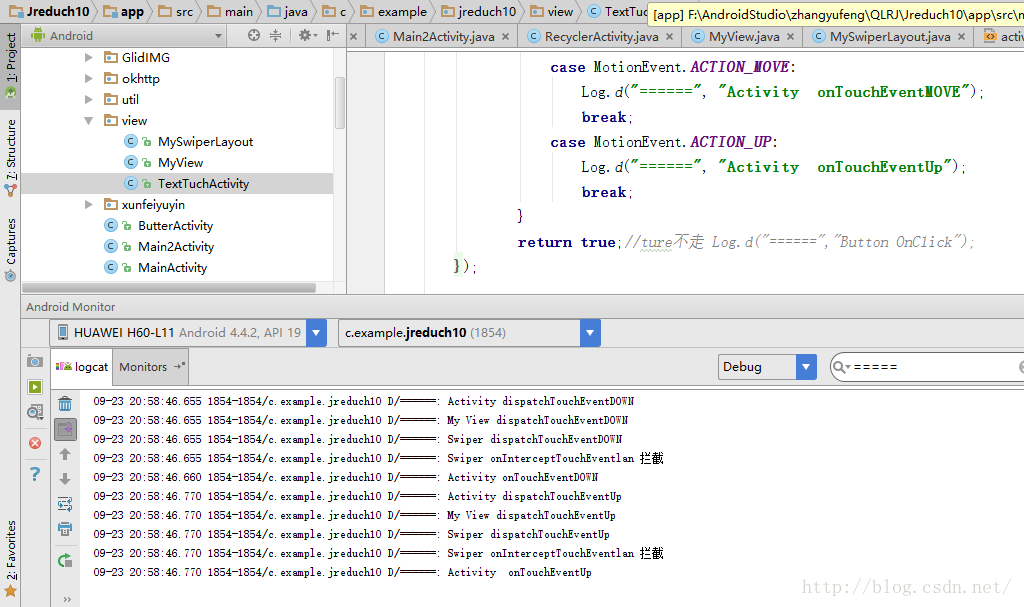 Android——Tuch測試+MyView+MySwiperLayout
xml version="1.0" encoding="utf-8"?><RelativeLayout xmlns:a