編輯:關於Android編程
今天要做一個任務,要求圖片做按鈕開關,點擊出發相應事件。點擊打開,圖片左邊顯示幾行字體,這幾行字體是延時顯示的。下面將主要代碼附上。以下是main.xml
延時處理要用到以下代碼
new Handler().postDelayed(new Runnable(){
    public void run() {
    //execute the task
    }
 }, delay);
java代碼MainActivity.java如下:
package com.example.vieweffect;

import android.app.Activity;
import android.app.ActionBar;
import android.app.Fragment;
import android.graphics.Bitmap;
import android.graphics.BitmapFactory;
import android.os.Bundle;
import android.os.Handler;
import android.view.LayoutInflater;
import android.view.Menu;
import android.view.MenuItem;
import android.view.View;
import android.view.View.OnClickListener;
import android.view.ViewGroup;
import android.widget.ImageButton;
import android.widget.ImageView;
import android.widget.TextView;
import android.os.Build;

public class MainActivity extends Activity {
	TextView txtview01;
	TextView txtview02;
	TextView txtview03;
	TextView txtview04;

	TextView txtview05;
	TextView txtview06;
	private ImageView start =null;
	protected boolean isBrewing = false; // 按鈕置換
	@Override
	protected void onCreate(Bundle savedInstanceState) {
		super.onCreate(savedInstanceState);
		setContentView(R.layout.main);

		txtview01=(TextView)findViewById(R.id.txtView01);
		txtview02=(TextView)findViewById(R.id.txtView02);
		txtview03=(TextView)findViewById(R.id.txtView03);
		txtview04=(TextView)findViewById(R.id.txtView04);

		txtview05=(TextView)findViewById(R.id.txtView05);
		txtview06=(TextView)findViewById(R.id.txtView06);

		start=(ImageView)findViewById(R.id.start);
		start.setOnClickListener((new OnClickListener() {

			@Override
			public void onClick(View v) {
				// TODO Auto-generated method stub

				if(v==start){
		            if(isBrewing)
		                stopView();
		            else
		                startView();

		        }

			}
		}));

	}

	//開始
	public void startView(){
	Bitmap bmp=BitmapFactory.decodeResource(getResources(), R.drawable.stop);//打開資源圖片
	        start.setImageBitmap(bmp);
	        txtview01.setText(打開串口...);
	        new Handler().postDelayed(new Runnable(){
	            public void run() {
	            //execute the task
	            	txtview02.setText(打開A...);
	            }
	         }, 500);

	        new Handler().postDelayed(new Runnable(){
	            public void run() {
	            //execute the task
	            	txtview03.setText(打開B...);
	            }
	         }, 1000);

	        new Handler().postDelayed(new Runnable(){
	            public void run() {
	            //execute the task
	            	txtview04.setText(打開C...);
	            }
	         }, 1500);


	        isBrewing = true;
	}


	//停止
	public void stopView(){
	Bitmap bmp=BitmapFactory.decodeResource(getResources(), R.drawable.blue);//打開資源圖片
	        start.setImageBitmap(bmp);
	        txtview01.setText();
	        txtview02.setText();
	        txtview03.setText();
	        txtview04.setText();

	        txtview05.setText();
	        txtview06.setText();
	        isBrewing = false;
	}


}
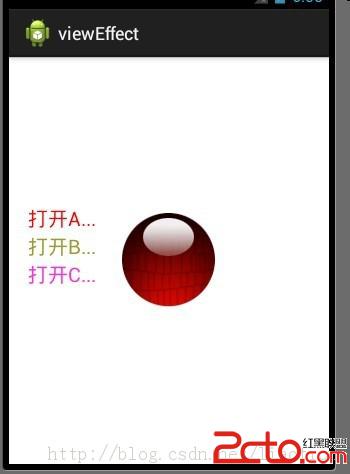
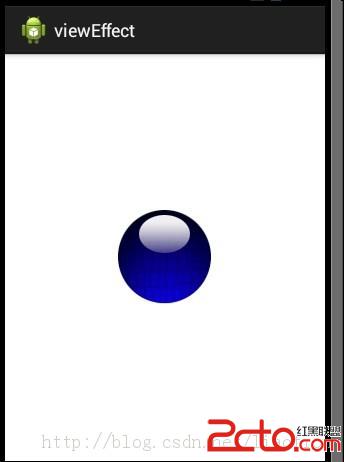 ,點擊該藍色圖片後
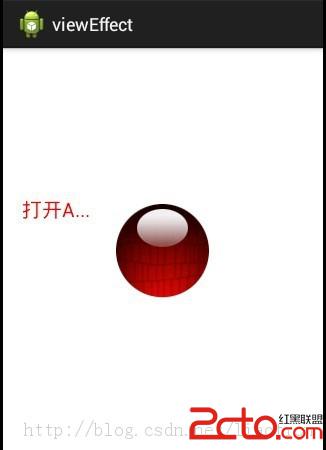 ,
,
 android sqlite綁定城市三級聯(動態) 包含mysql數據源的sql語句
package com.icq.spinnercity; import java.util.ArrayList; import java.util.List; imp
 react native 實戰系列教程之Navigator實現頁面跳轉
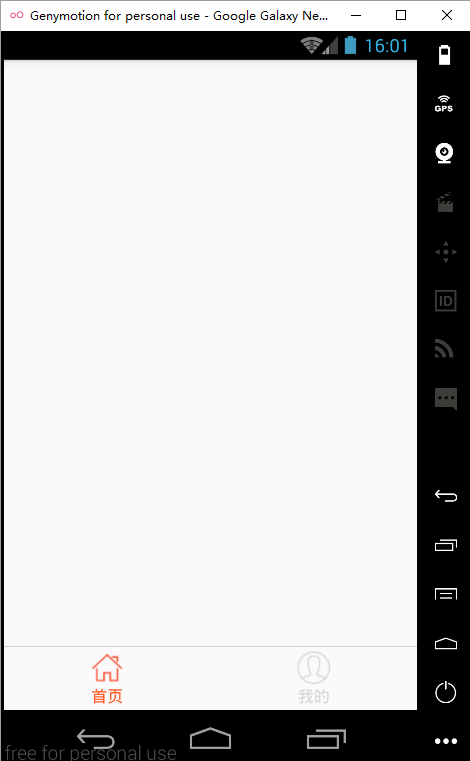
主界面開發上一節,我們已經完成了首頁的開發,現在,我們繼續完成主界面的開發,就是添加底部‘首頁’和‘我的’兩個tabbar
 android 數據庫是否該關閉
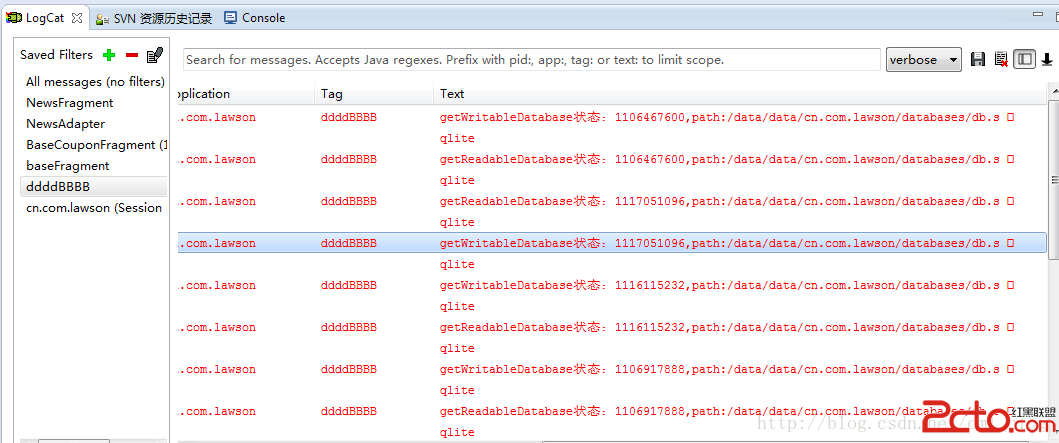
關於android多線程數據讀寫請看博客: android 多線程數據庫讀寫 常常糾結於獲取了SQLiteDatabase每次操作完是否要關閉的問題,每次關閉又怕影
 Andriod 自定義控件之音頻條
今天我們實現一個直接繼承於View的全新控件。大家都知道音樂播放器吧,在點擊一首歌進行播放時,通常會有一塊區域用於顯示音頻條,我們今天就來學習下,播放器音頻條的實現。首先