編輯:關於Android編程
主函數
package com.example.internetone;

import android.app.Activity;
import android.graphics.Bitmap;
import android.graphics.BitmapFactory;
import android.os.Bundle;
import android.os.StrictMode;
import android.view.View;
import android.view.View.OnClickListener;
import android.widget.Button;
import android.widget.ImageView;

public class MainActivity extends Activity implements OnClickListener {

	Button btn;
	ImageView imageView;
	String path;

	public void onCreate(Bundle savedInstanceState) {
		super.onCreate(savedInstanceState);
		setContentView(R.layout.activity_main);

		StrictMode.setThreadPolicy(new StrictMode.ThreadPolicy.Builder()
				.detectDiskReads().detectDiskWrites().detectNetwork()
				.penaltyLog().build());
		StrictMode.setVmPolicy(new StrictMode.VmPolicy.Builder()
				.detectLeakedSqlLiteObjects().detectLeakedClosableObjects()
				.penaltyLog().penaltyDeath().build());

		findViews();

	}

	private void findViews() {
		btn = (Button) this.findViewById(R.id.button1);
		imageView = (ImageView) this.findViewById(R.id.imageView1);
		btn.setOnClickListener(this);
	}

	@Override
	public void onClick(View v) {
		path = "http://cimg2.163.com/catchpic/4/44/44ED4853B4A3FE71971C885A0A22825E.jpg";
		functionOne(path);
	}


	/**
	 * 獲取網絡圖片的方法
	 * */
	private void functionOne(String path) {
		byte[] data;
		try {
			data = NetTool.getImage(path);
			Bitmap bm = BitmapFactory.decodeByteArray(data, 0, data.length);
			imageView.setImageBitmap(bm);
		} catch (Exception e) {
			// TODO Auto-generated catch block
			e.printStackTrace();
		}
	}

}
package com.example.internetone;

import java.io.ByteArrayOutputStream;
import java.io.InputStream;
import java.net.HttpURLConnection;
import java.net.URL;

public class NetTool {

    /**
     * 獲取指定路徑,的數據。
     *
     * **/
    public static byte[] getImage(String urlpath) throws Exception {
        URL url = new URL(urlpath);
        HttpURLConnection conn = (HttpURLConnection) url.openConnection();
        conn.setRequestMethod("GET");
        conn.setConnectTimeout(6 * 1000);
        // 別超過10秒。
        System.out.println("------conn.getResponseCode()--------" + conn.getResponseCode());
        if (conn.getResponseCode() == 200) {
            InputStream inputStream = conn.getInputStream();
            return readStream(inputStream);
        }
        return null;
    }

    /**
     * 讀取數據 輸入流
     *
     * */
    public static byte[] readStream(InputStream inStream) throws Exception {
        ByteArrayOutputStream outstream = new ByteArrayOutputStream();
        byte[] buffer = new byte[1024];
        int len = -1;
        while ((len = inStream.read(buffer)) != -1) {
            outstream.write(buffer, 0, len);
        }
        outstream.close();
        inStream.close();

        return outstream.toByteArray();
    }
}
布局文件
AndroidManifest.xml配置網絡權限
uses-permission android:name="android.permission.INTERNET"/>個人整理的,用於參考
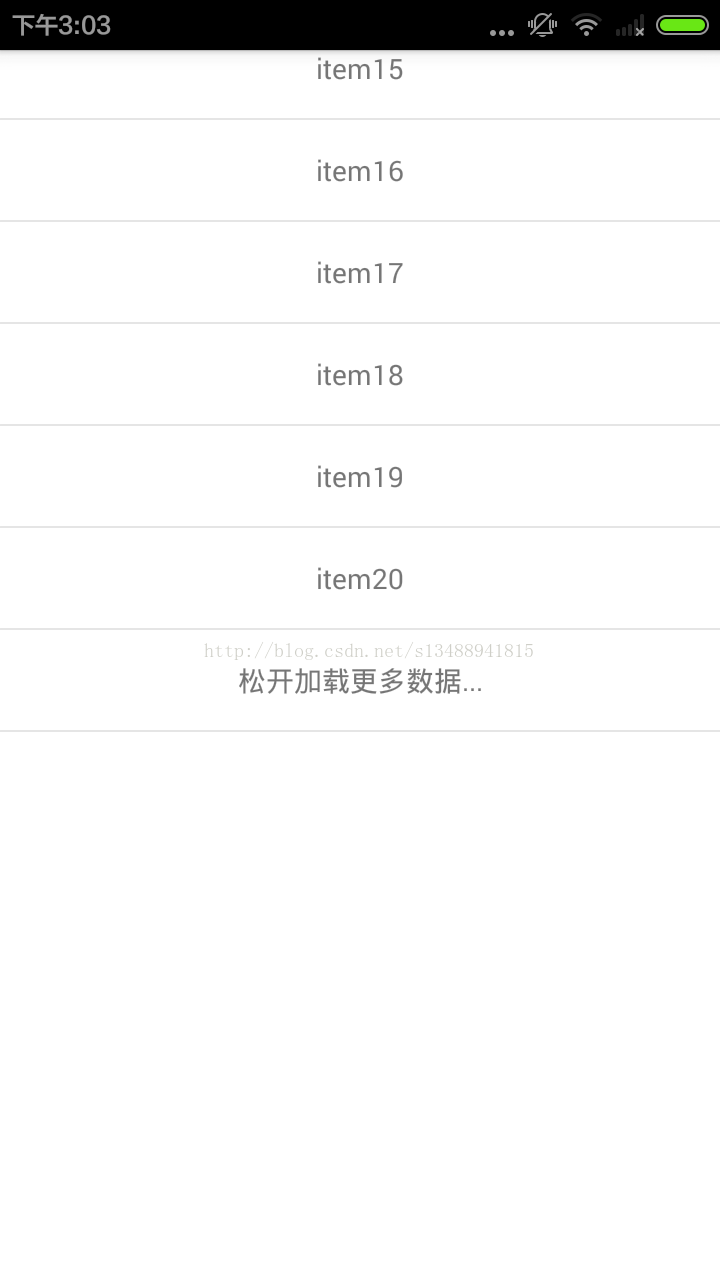 Android RecyclerView上拉加載更多功能回彈實現代碼
實現原理是使用RecyclerView的OnTouchListener方法監聽滑動 在adapter裡面增加兩項footview 其中date.size為顯示的加載條,可
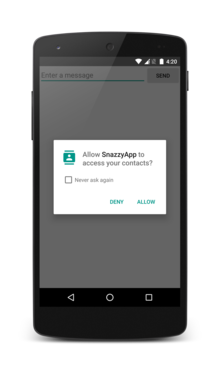 Android doc|Getting Started| Training部分 --翻譯 Working with System Permissions
Working with System PermissionsTo protect the system’s integrity and the user&r
 Android插件化的思考——仿QQ一鍵換膚,思考比實現更重要!
今天群友希望寫一個關於插件的Blog,思來想去,插件也不是很懂,只是用大致的思路看看能不能模擬一個,思路還是比較重要的,如果你有興趣的話,也可以加群:555974449,
 Android開發之使用Notification.Builder
通知的主要功能是提示功能。例如:短信、推送信息等等。大體使用步驟:1.獲取狀態通知欄管理NotificationManager 是一個系統Service,所以必須通過 g