

編輯:Android 開發教學
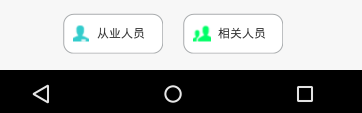
想要在按鈕文字左側放一個小圖示,其實不需要自定義 View,也不用多一層 LinearLayout 去拼——Button 本身就支援 drawableLeft 這類屬性。
<LinearLayout
    android:orientation="horizontal"
    android:layout_width="match_parent"
    android:layout_height="0dp"
    android:layout_weight="2"
    android:gravity="center"
    android:background="#8fff" >

    <Button
        android:text="從業人員"
        android:textSize="12sp"
        android:textColor="#333"
        android:gravity="center_vertical|center_horizontal"
        android:id="@+id/unit_btn_cyry"
        android:layout_width="100dp"
        android:layout_height="40dp"
        android:padding="10dp"
        android:drawableLeft="@drawable/icon_cyry"
        android:background="@drawable/shape_both_corner_white" />

    <Button
        android:text="相關人員"
        android:textSize="12sp"
        android:textColor="#333"
        android:gravity="center_vertical|center_horizontal"
        android:id="@+id/unit_btn_xgry"
        android:layout_width="100dp"
        android:layout_height="40dp"
        android:padding="10dp"
        android:layout_marginLeft="20dp"
        android:drawableLeft="@drawable/icon_xgry"
        android:background="@drawable/shape_both_corner_white" />

</LinearLayout>
幾個可以依需求微調的地方:除了 drawableLeft,還有 drawableRight、drawableTop、drawableBottom 可選;圖示與文字的間距用 drawablePadding 控制;padding 決定文字與邊界的呼吸空間;圓角外觀則完全交給 android:background 指向的 shape 資源。整組下來,布局層級只有兩層,效能負擔極小。
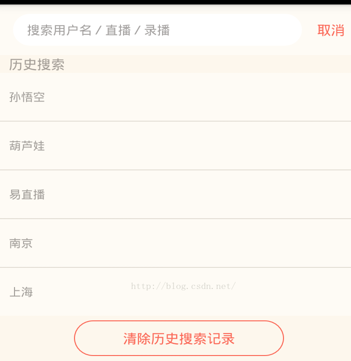 Android 搜索歷史記錄的本地保存與清除實作
搜索頁幾乎是每個 App 的標配,而「保存搜索歷史」則是提升用戶體驗的常見小細節。它的核心思路其實很簡單:把用戶輸入過的關鍵字快取到本地,下次進入頁面時再讀出來展示。
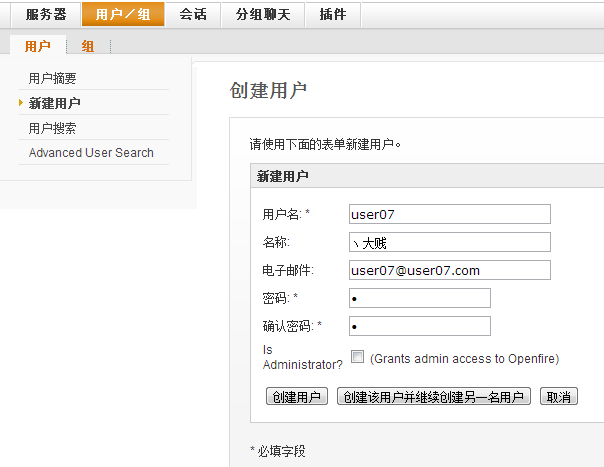 基於 Openfire 開發 Android 即時通訊(3):建立好友列表
透過 roster 就能取得好友列表,但前提是伺服器端已經建立好 roster 資料。如果伺服器上完全沒有設定,那麼不會取得全部使用者,roster.getEntries
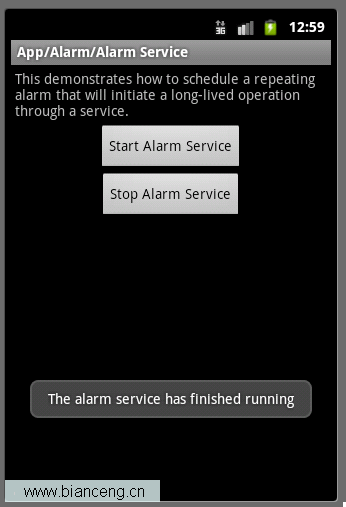 Android ApiDemos 解析(20):App → Alarm → Alarm Service
Alarm Service 與 Alarm Controller 這兩個例子結構幾乎相同,唯一的差別在排程目標:Alarm Service 排的是一個 Service,而
 Android 推送服務實戰:百度雲推送的單播、分組與廣播
一、推送服務簡介 顧名思義,推送是由一方主動發起,另一方與之建立長連接並接收訊息。在 Android 開發中,發起方稱為推送伺服器(Push Server),接收方稱為客