

編輯:Android 程式設計入門
「還剩 12 字」這類提示在社交類 App 里幾乎是標配。實現起來不難,核心是给 EditText 挂一個 TextWatcher,在三個回調里分別記錄內容變化并更新計數。
EditText content;    // 文本輸入框
TextView hasnumTV;   // 顯示剩余字數
int num = 140;       // 允許輸入的最大字數

content  = (EditText) findViewById(R.id.et_content);
hasnumTV = (TextView) findViewById(R.id.tv_num);
hasnumTV.setText(num + "");
content.addTextChangedListener(new TextWatcher() {

    private CharSequence temp;   // 變化前的內容快照
    private int selectionStart;
    private int selectionEnd;

    @Override
    public void beforeTextChanged(CharSequence s, int start, int count, int after) {
        // 變化即將發生,此時 s 還是舊內容
    }

    @Override
    public void onTextChanged(CharSequence s, int start, int before, int count) {
        temp = s;   // 記錄最新內容
    }

    @Override
    public void afterTextChanged(Editable s) {
        // 實時刷新剩余字數
        int number = num - s.length();
        hasnumTV.setText("" + number);

        selectionStart = content.getSelectionStart();
        selectionEnd = content.getSelectionEnd();

        // 超長時刪掉多輸入的那一個字符
        if (temp.length() > num) {
            s.delete(selectionStart - 1, selectionEnd);
            content.setText(s);
            content.setSelection(temp.length());   // 光標定位到末尾
        }
    }
});
afterTextChanged 里直接對 Editable 做刪除,會再次觸發 TextWatcher,稍不注意就是無限循環或光標亂跳。上面的寫法通過記錄 selectionStart / selectionEnd 并重新 setSelection,把光標位置穩住。
如果只是限制字數,并不需要自定義提示 UI,直接在布局里加兩行即可:
<EditText
    android:id="@+id/et_content"
    android:layout_width="match_parent"
    android:layout_height="wrap_content"
    android:maxLength="140" />
如果需要更完整的體驗,還可以配合 TextInputLayout 的 setCounterEnabled(true) 與 setCounterMaxLength(140),計數器由控件自帶,無需自己寫 TextWatcher。
最后提醒:中英文、emoji 的字數計算口徑并不一致——emoji 在 Java 里占兩個 char。如果業務上要求「一個 emoji 算一個字」,應改用 s.codePointCount(0, s.length()) 來統計。
 Android 頭像設定教學:相簿選圖、拍照與裁剪
在許多社群與通訊應用中,頭像設定通常包含三個步驟:從本地相簿選擇圖片、使用相機拍照,以及裁剪成符合介面的方形或圓形頭像。完成後,再將結果顯示於畫面並儲存到本機。效果示意:
 Android GridView 網格檢視詳解:屬性、BaseAdapter 與 convertView 複用
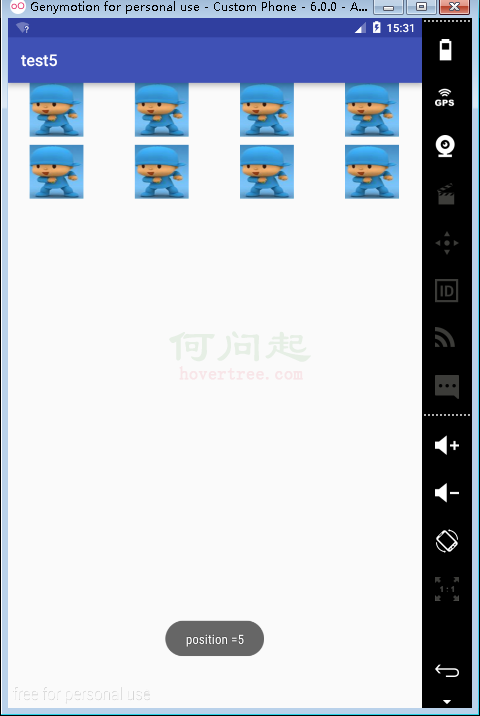
GridView 是九宮格、圖片牆、功能入口這類版面的首選。它的用法與 ListView 高度相似,差別主要在排列方向與欄寬控制。 版面配置 <?xml vers
 Android 五大布局解析:LinearLayout、FrameLayout 等
五大布局LinearLayout:線性排列。FrameLayout:單幀堆疊。AbsoluteLayout:絕對座標,已過時。RelativeLayout:相對位置。Ta
 Android 學習筆記:ActionBar 完整使用指南
一、基本概念 最權威的說明當然還是 Google 官方文件: https://developer.android.com/training/basics/actionba