

編輯:關於 Android 程式設計
臨近農曆新年,微信紅包越來越多,市面上也冒出不少"紅包外掛"。出於好奇,我研究了一番,親手寫了個搶紅包的 App。下面一步步拆解它的實現思路。
實現思路
搶紅包程序開啟後,需要隨時識別、捕獲紅包。這靠一個常駐後台的服務來完成——服務開啟後就不停輪詢微信裡的消息,一旦發現紅包便立即打開紅包所在的界面。那它怎麼識別紅包呢?關鍵是找到微信界面裡對應的 view 節點,拿到它的關鍵字或 id,再根據關鍵字或 id 自動模擬點擊,拆開紅包。承擔這一切的,是系統提供的一個輔助類——AccessibilityService。
AccessibilityService 輔助類
AccessibilityService 是系統的無障礙輔助服務,能監聽手機的焦點變化、窗口變化、按鈕點擊、聲音提示等事件,用來增強交互能力。不過它必須由用戶手動到"設置—輔助功能"裡開啟,無法通過代碼打開。下面用它來實現搶紅包:
1、新建一個類 QiangHongBaoService 繼承自 AccessibilityService。
@Override public void onAccessibilityEvent(AccessibilityEvent event) { //獲取事件類型 int type = event.getEventType(); //在這裡進行事件過濾 } 2、在清單文件中註冊:
<service android:name=".QiangHongBaoService" android:label="@string/app_name" android:enabled="true" android:exported="true" android:permission="android.permission.BIND_ACCESSIBILITY_SERVICE"> <intent-filter android:priority="1000"> <action android:name="android.accessibilityservice.AccessibilityService"/> </intent-filter> <meta-data android:name="android.accessibilityservice" android:resource="@xml/envelope_service_config"/> </service>
新建一個 xml 文件夾,創建 envelope_service_config 文件:
<?xml version="1.0" encoding="utf-8"?> <accessibility-service xmlns:android="https://schemas.android.com/apk/res/android" android:accessibilityEventTypes="typeNotificationStateChanged|typeWindowStateChanged" android:accessibilityFeedbackType="feedbackGeneric" android:accessibilityFlags="flagDefault" android:canRetrieveWindowContent="true" android:description="@string/accessibility_description" android:notificationTimeout="100" android:packageNames="com.tencent.mm" /> 記得加上網絡權限:<uses-permission Android:name="android.permission.VIBRATE" />
搶紅包的業務邏輯處理
在搶紅包界面,我們只關心兩種類型的事件:
1、AccessibilityEvent.TYPE_NOTIFICATION_STATE_CHANGED——監聽通知欄消息。
主要用來捕捉微信推送到通知欄的每條消息,一旦發現內容含有"微信紅包",就立即打開紅包所在界面。
/** * 從知消息欄打開微信聊天界面 * @param event */ private void openNotification(AccessibilityEvent event) { if (event.getParcelableData() != null && event.getParcelableData() instanceof Notification) { Notification notification = (Notification) event.getParcelableData(); PendingIntent pendingIntent = notification.contentIntent; try { pendingIntent.send(); } catch (PendingIntent.CanceledException e) { e.printStackTrace(); } } } 2、AccessibilityEvent.TYPE_WINDOW_STATE_CHANGED——監聽當前窗口變化,判斷是否進入聊天界面。
這裡要根據包名判斷當前所處界面:若是聊天界面則點中紅包,若是拆紅包界面則執行拆開動作。
聊天界面的包名:com.tencent.mm.ui.LauncherUI
拆紅包界面的包名:com.tencent.mm.plugin.luckymoney.ui.LuckyMoneyReceiveUI
/** * 點中紅包 */ @TargetApi(Build.VERSION_CODES.JELLY_BEAN) private void clickHongBao() { AccessibilityNodeInfo nodeInfo = getRootInActiveWindow(); if (nodeInfo == null) { return; } List<AccessibilityNodeInfo> list = nodeInfo.findAccessibilityNodeInfosByText(ENVLOP_OPEN_KEY); if (list.isEmpty()) { list = nodeInfo.findAccessibilityNodeInfosByText(ENVELOPE_TEXT_KEY); for (AccessibilityNodeInfo n : list) { n.performAction(AccessibilityNodeInfo.ACTION_CLICK); break; } } else { //最新的紅包領起 for (int i = list.size() - 1; i >= 0; i--) { AccessibilityNodeInfo parent = list.get(i).getParent(); if (parent != null) { parent.performAction(AccessibilityNodeInfo.ACTION_CLICK); break; } } } } /** *拆紅包 */ @TargetApi(Build.VERSION_CODES.JELLY_BEAN_MR2) private void openHongBao() { AccessibilityNodeInfo rootInActiveWindow = getRootInActiveWindow(); if (rootInActiveWindow == null) { return; } List<AccessibilityNodeInfo> nodeInfos = rootInActiveWindow.findAccessibilityNodeInfosByViewId(ENVLOP_CHECKED_KEY); for (AccessibilityNodeInfo nodeInfo : nodeInfos) { nodeInfo.performAction(AccessibilityNodeInfo.ACTION_CLICK); } } 上例是按控件 id 來拆紅包的,也可以按關鍵字"拆紅包"執行,只是效率略低,可能影響搶紅包的速度。需要注意的是,拆紅包的 id 在微信不同版本中並不一樣,得經常維護更新,比較麻煩。此外,當 AccessibilityService 被關閉時會回調 onInterrupt,連接成功時則回調 onServiceConnected,可以在這兩個方法裡做一些提示性的工作。
如何開啟搶紅包功能
由於必須手動開啟,可在 App 裡放一個按鈕,用隱式意圖直接跳轉到系統的輔助功能設置頁,方便用戶開啟:
//打開系統設置中輔助功能 Intent intent = new Intent(android.provider.Settings.ACTION_ACCESSIBILITY_SETTINGS); startActivity(intent);
至此,搶紅包的核心功能就介紹完了。實際搶紅包的速度還會受網絡、手機內存、系統流暢度以及服務優先級等多種因素影響。這裡僅供學習研究,千萬別拿來長期外掛搶紅包,小心被封號哦!
源碼已上傳 GitHub:https://github.com/yoonerloop/WebEnvelope
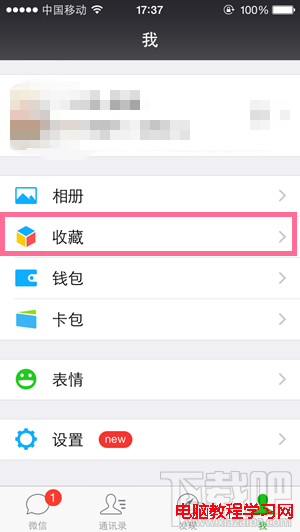 微信收藏如何備份到電腦?兩種實用方法
微信收藏要備份到電腦,可先找到手機中的微信資料夾。圖片通常位於Tencent/MicroMsg/camera,檔案與語音可能在MicroMsg最長代碼的資料夾中。 也可在
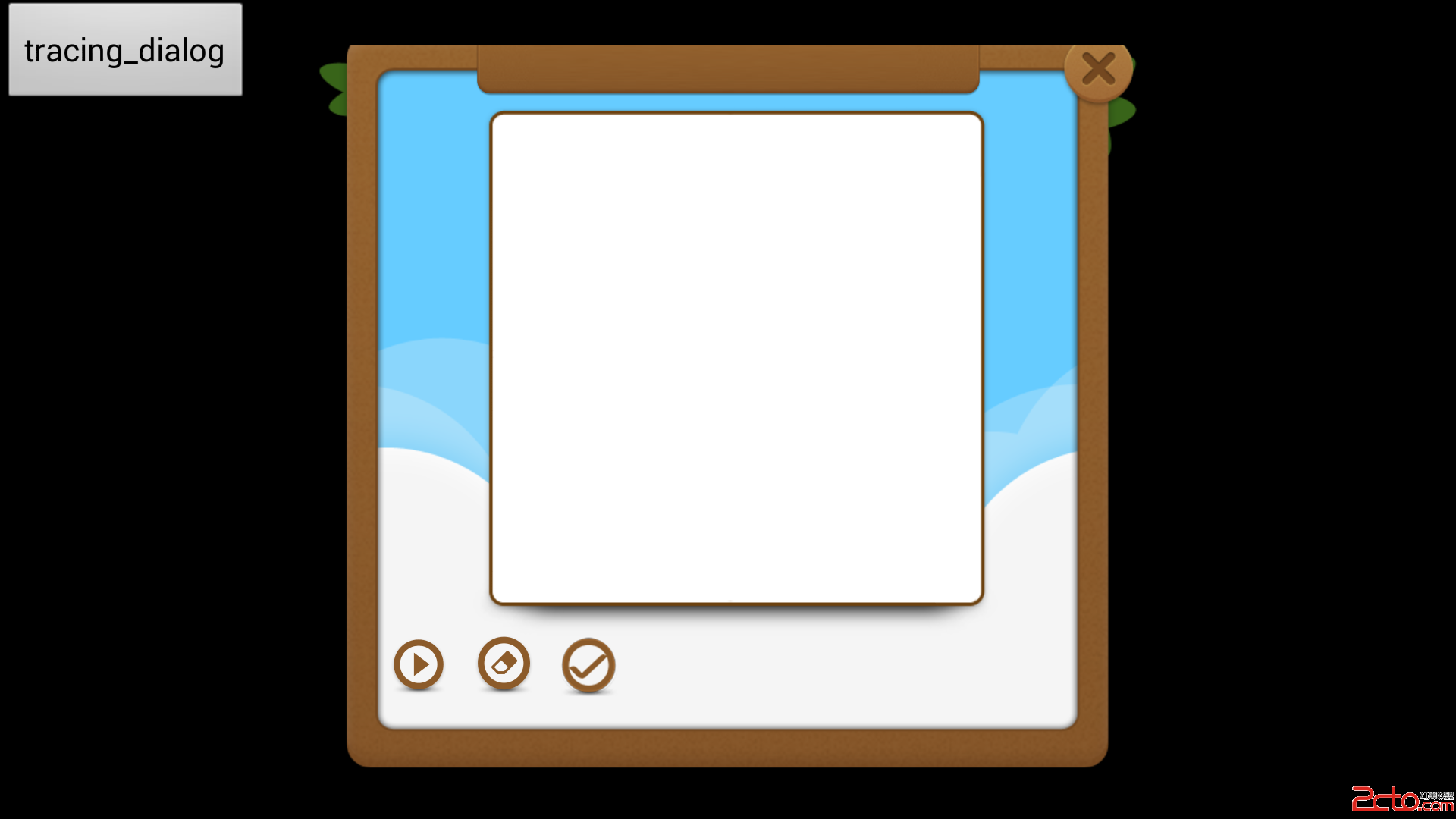 解決 Android 4.4 Dialog 被狀態欄遮擋的問題
先來看看異常的效果:點擊 tracing_dialog 按鈕後彈出的對話框。 再來看理論上應有的效果: 對比兩張圖可以發現,異常的圖最上方被狀態欄遮擋住了,而這個問題
 解決 Android 狀態欄透明後 Toolbar 與之重疊的問題
此前我想為 statusbar 和 toolbar 實現這樣的效果: 為了讓狀態欄變成透明,我在自定義 theme 中給它加上了以下屬性: <!--<it
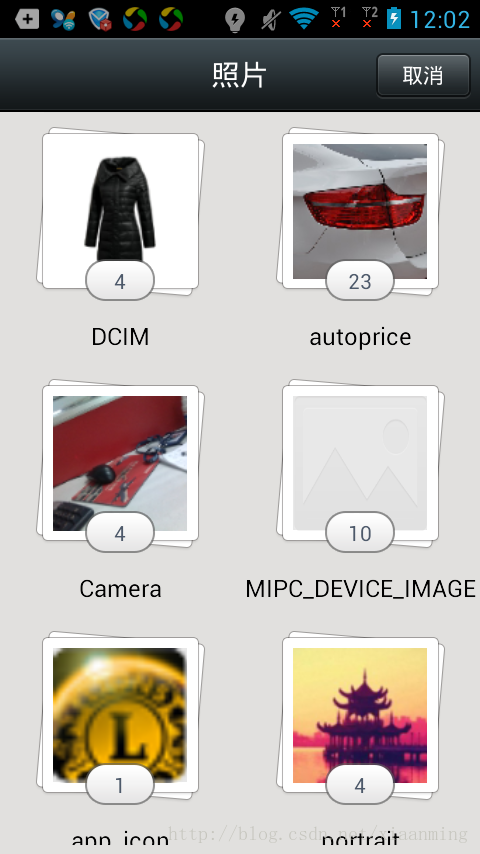 Android 本地圖片掃描與展示:ContentProvider、GridView 與內存優化
像微信一樣瀏覽本地圖片 許多 App 都需要提供「從相簿選擇圖片」的功能。看似簡單,實則牽涉到圖片掃描、資料夾分組、縮圖載入、記憶體管理與多選互動。本文以仿微信的本地圖片