

編輯:關於 Android 程式設計
有時候我們不想為了小小的載入提示而遮擋整個畫面,這時可以借用 Activity 標題欄(Title Bar)內建的進度條,效果如下:
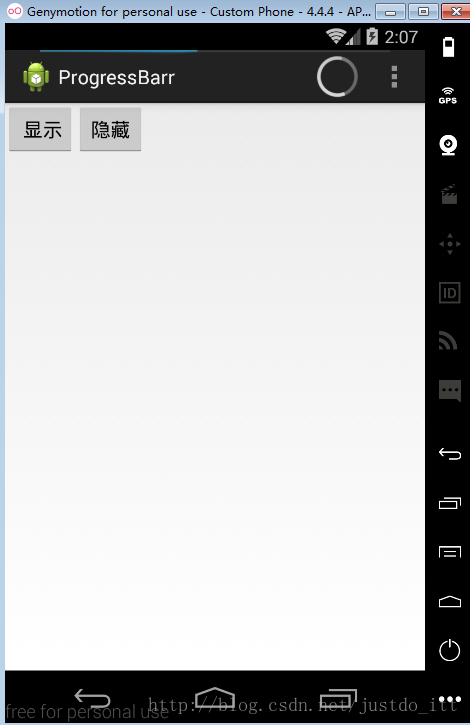
版面很單純,一顆顯示鈕、一顆隱藏鈕:
<LinearLayout xmlns:android="https://schemas.android.com/apk/res/android" android:orientation="horizontal" android:layout_width="fill_parent" android:layout_height="wrap_content" > <Button android:id="@+id/button1" android:layout_width="wrap_content" android:layout_height="wrap_content" android:text=" 顯示"/> <Button android:id="@+id/button2" android:layout_width="wrap_content" android:layout_height="wrap_content" android:text="隱藏"/> </LinearLayout>
關鍵在於:必須在 setContentView() 之前呼叫 requestWindowFeature() 啟用窗口特性,同時具備「不帶進度」與「帶進度」兩種進度條:
package com.imooc.progressbarr; import android.os.Bundle; import android.app.Activity; import android.view.Menu; import android.view.View; import android.view.View.OnClickListener; import android.view.Window; import android.widget.Button; public class MainActivity extends Activity { private Button btn1; private Button btn2; @Override protected void onCreate(Bundle savedInstanceState) { super.onCreate(savedInstanceState); //設置窗口特征:啟用顯示進度的進度條 requestWindowFeature(Window.FEATURE_PROGRESS); //設置窗口特征:啟用不顯示進度的進度條 requestWindowFeature(Window.FEATURE_INDETERMINATE_PROGRESS); setContentView(R.layout.activity_main); Button btn1=(Button)findViewById(R.id.button1); Button btn2=(Button)findViewById(R.id.button2); btn1.setOnClickListener(new OnClickListener(){ @Override public void onClick(View v) { // TODO Auto-generated method stub //顯示不帶進度的進度條 setProgressBarIndeterminateVisibility(true); //顯示不帶進度的進度條 setProgressBarVisibility(true); //設置進度條的進度 setProgress(4500); } }); btn2.setOnClickListener(new OnClickListener(){ @Override public void onClick(View v) { // TODO Auto-generated method stub //隱藏不帶進度的進度條 setProgressBarIndeterminateVisibility(false); //隱藏帶進度的進度條 setProgressBarVisibility(false); } }); } @Override public boolean onCreateOptionsMenu(Menu menu) { // Inflate the menu; this adds items to the action bar if it is present. getMenuInflater().inflate(R.menu.main, menu); return true; } }
補充兩點實務經驗:setProgress() 的取值上限由 Window 的 progress 屬性決定,預設是 10000,因此範例中的 4500 約為 45%;另外在較新的 Android 版本中,若已改用 Toolbar,標題欄進度條就必須自行以 ProgressBar 控制項實作,這個做法主要適用於傳統 Title Bar 的專案。
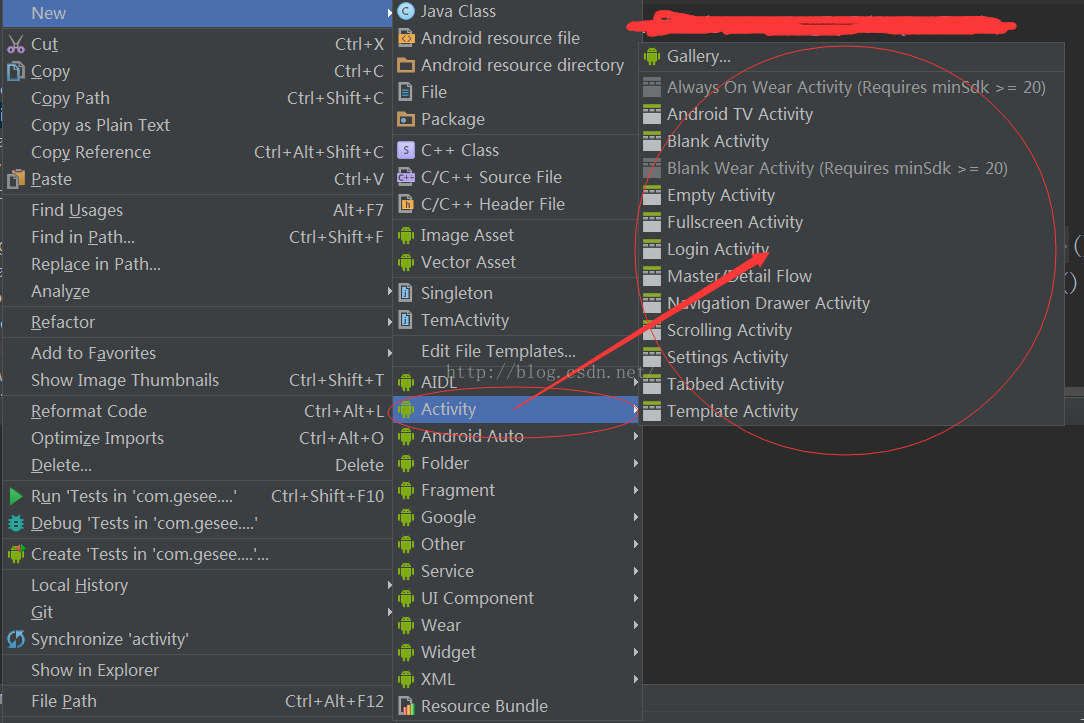 動手打造 Android Studio 自訂 Activity 模板
每次在 Android Studio(以下簡稱 AS)裡新增一個 Activity,只要選擇「Empty Activity」,IDE 就會自動幫你生成對應的 XML 佈局
 Android 接入百度地圖:從申請密鑰到定位顯示
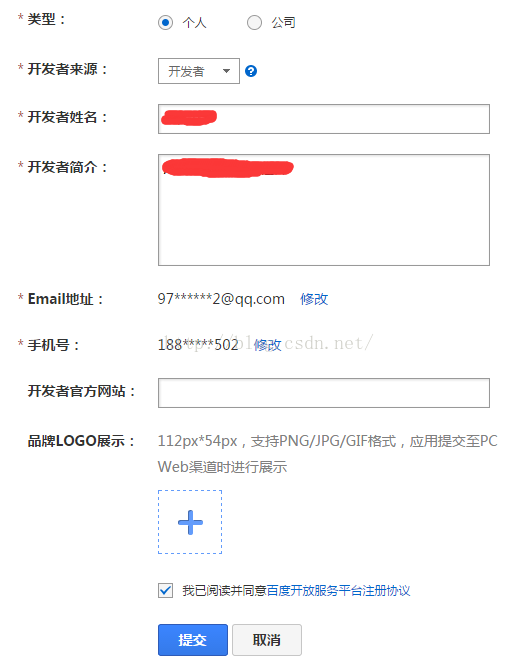
申請百度地圖服務 要在 Android 應用中顯示地圖,可以先到百度開發者平台註冊帳號,建立應用並取得 API Key。建立應用時需要選擇 Android SDK,並填寫
 用 android-support-design 打造 Material Design 風格對話框
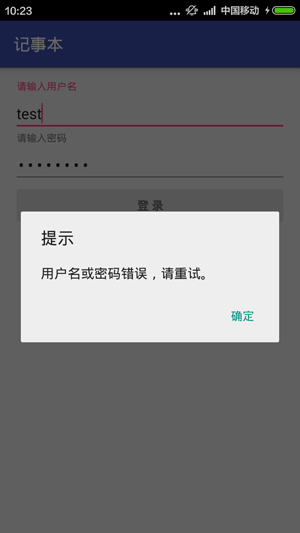
自從 support 庫更新之後,Material Design 風格的對話框已經不必再依賴第三方專案。本文示範如何用系統元件完成兩種常見形態,並封裝成工具類方便重複呼叫
 圖文教程:在 Android Studio 中接入 GitHub 完成首次推送
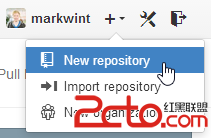
第一步:在 GitHub 上創建倉庫 登錄 GitHub,點擊右上角「+」,選擇 New repository。 填寫表單,新建名為 testproject 的倉庫,並