

編輯:關於 Android 程式設計
前言
怪問題年年有,今年特別多。這次遇到的是 SearchView 在 HTC One S 上的行為異常,不處理就完全沒辦法在這台機器上正常使用 SearchView——它的軟鍵盤不認 searchable.xml 裡設定的 action。
正文
問題機型:HTC One S
原本 searchable.xml 的設定是這樣:
<searchable xmlns:android="https://schemas.android.com/apk/res/android"
    android:label="@string/search_label"
    android:hint="@string/search_hint"
    android:voiceSearchMode="showVoiceSearchButton|launchRecognizer"
    android:imeOptions="actionSearch"
    android:searchSuggestAuthority="com.xxx.provider.searchsuggestion"
    android:searchSuggestSelection=" ? " />
解法
SearchView 提供了一個 setSubmitButtonEnabled 方法,把它設為 true 即可。這樣做的好處是:只要搜尋框不為空,就會出現一個明確的送出按鈕,不再依賴 IME 的 action 按鍵。效果如下:

呼叫時機是在 onCreateOptionsMenu 中 inflate 之後,另外記得加上 API Level 判斷,畢竟這是比較新才有的方法。
以上就是 HTC One S 上 SearchView 軟鍵盤不支援 actionSearch 的解法,希望能幫到開發 Android 軟體的朋友。
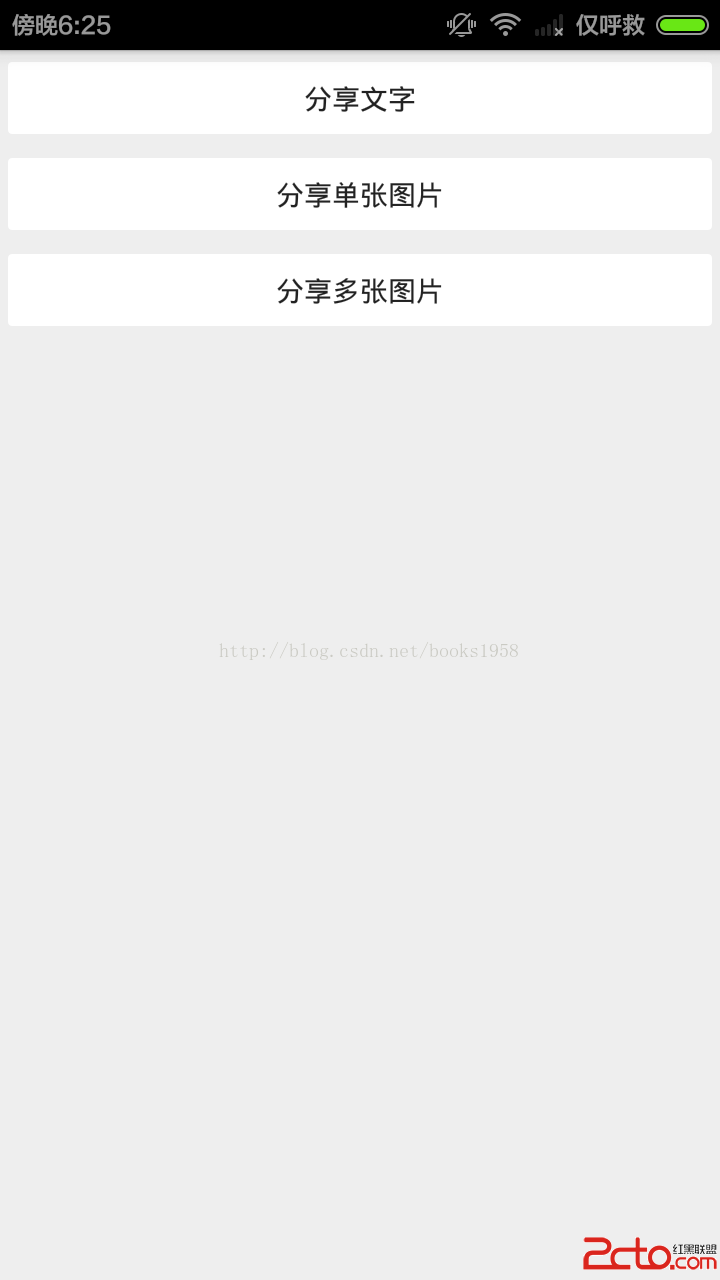 Android 調用系統分享:文字、單圖與多圖三種場景
分享功能不必自己實現,Android 內建的 ACTION_SEND 就能把內容拋給微信、郵件、藍牙等所有已安裝的目標應用。核心只有三件事:設置 action、塞入數據、
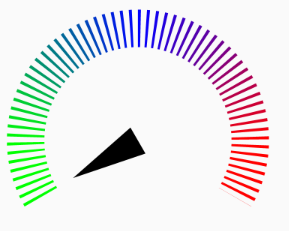 自定義 View 實作漸變圓弧虛線:SweepGradient 與 DashPathEffect 組合技
儀表盤風格的圓弧刻度是設計稿裡的高頻元素。要做出「彩色漸變 + 虛線分段」的效果,關鍵是兩個 API:SweepGradient 負責掃描式漸變上色,DashPathEf
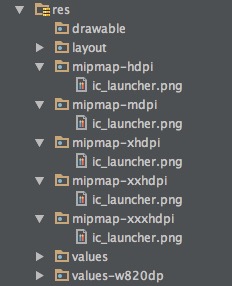 Android drawable 微技巧:揭開圖片自動縮放的秘密
為了準備下一個系列的文章,我最近花了大量時間研讀源碼。由於系列內容還需一段時間才能完成,為了不讓大家久等,今天先分享一篇單篇小文,聊一聊 Android drawable
 Android 自訂元件完整教學:從繼承 View 到自訂屬性
在 Android 開發過程中,系統內建的元件與屬性未必能滿足所有需求。遇到特殊情境時,我們就需要自己動手做一個自訂 View 與專屬屬性。 一、實作步驟 繼承 Vi