

編輯:關於 Android 程式設計
在Android的諸多布局容器中,AbsoluteLayout 是相當有個性的一位。它採用的定位邏輯非常直白:直接依據每個子元件左上角的絕對座標,來決定元件在畫面上的落點。本文就帶大家一起把這個布局的用法摸清楚,供大家參考動手實作。
AbsoluteLayout 又被稱為絕對布局管理器。它的核心思路就是透過 android:layout_x 與 android:layout_y 兩個屬性,為每個子元件標定精確的橫向與縱向座標。寫法簡單明瞭,一眼就能看懂元件擺在哪裡。
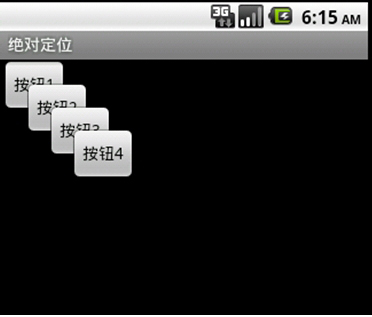
下面這段 XML 示範了如何在布局中放入四個按鈕,並讓它們沿著對角線依序錯開:
<?xml version="1.0" encoding="utf-8"?> <AbsoluteLayout xmlns:android="https://schemas.android.com/apk/res/android" android:orientation="vertical" android:layout_width="fill_parent" android:layout_height="fill_parent"> <Button android:layout_width="wrap_content" android:layout_height="wrap_content" android:text="按鈕1" android:layout_x="0px" android:layout_y="0px" /> <Button android:layout_width="wrap_content" android:layout_height="wrap_content" android:text="按鈕2" android:layout_x="20px" android:layout_y="20px" /> <Button android:layout_width="wrap_content" android:layout_height="wrap_content" android:text="按鈕3" android:layout_x="40px" android:layout_y="40px" /> <Button android:layout_width="wrap_content" android:layout_height="wrap_content" android:text="按鈕4" android:layout_x="60px" android:layout_y="60px" /> </AbsoluteLayout>
執行後的效果如下圖所示,四顆按鈕整齊地沿著斜向排列:
以上就是 AbsoluteLayout 的基本用法示範,希望對正在學習 Android 介面開發的朋友有所幫助。
 Android 文件監控 FileObserver 深度解析
在之前的《Linux 文件系統 Inotify 機制》中,我們介紹了 Linux 對文件變更的監控過程。Android 在此基礎上封裝了一個 FileObserver 類
 Android 5.1+ 如何取得執行中的進程:libsuperuser 開源庫實作
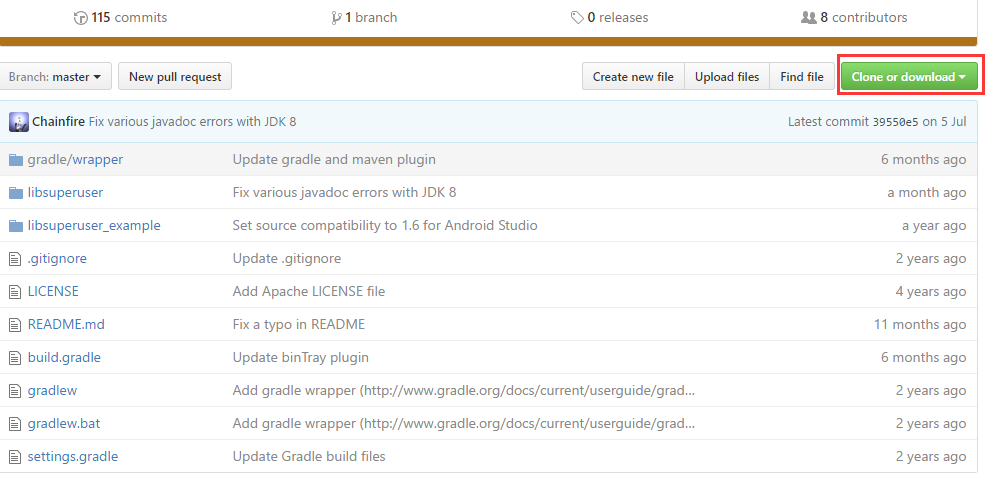
Google 基於安全考量,從 5.1 之後呼叫 ActivityManager.getRunningAppProcesses() 只會回傳自己應用的進程。那麼 5.1
 Android 開發實戰:為 APP 創建桌面快捷方式
很多應用首次啟動時會自動在手機桌面生成一個快捷圖標,方便用戶快速進入。本文就來看看如何在 Android 程序中實現這一功能。 效果預覽 所需權限 <uses-
 從零開始學 Android(二十三):用 RatingBar 做評分功能
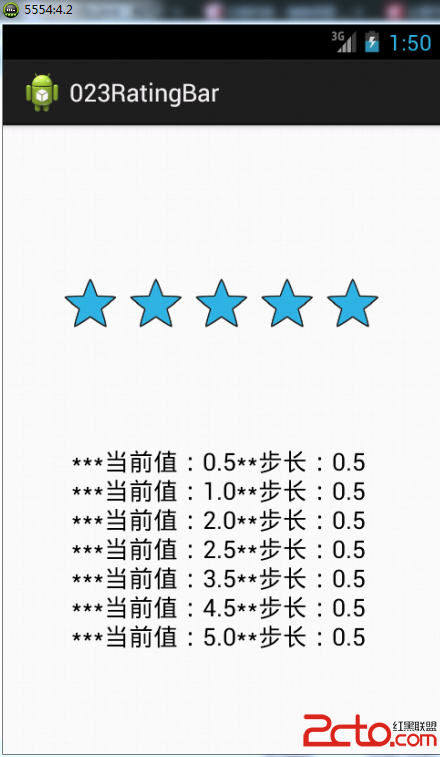
要讓使用者替應用打分,「點星星」大概是最直覺的互動方式。Android 提供了 RatingBar 元件來實作這個需求,它繼承自 SeekBar,因此本質上就是一個只能離