

編輯:關於 Android 程式設計
自訂 Dialog 時最惱人的就是邊上那圈白框,怎麼調版面都拿不掉。其實它是「視窗背景」而不是版面背景,所以要在 style 裡動手腳。
定義一個繼承 Theme.Dialog 的樣式,把視窗相關的裝飾全部關掉:
<?xml version="1.0" encoding="UTF-8"?>
<resources xmlns:android="https://schemas.android.com/apk/res/android">

    <style
        name="dialog"
        parent="@android:style/Theme.Dialog">
        <item name="android:windowFrame">@null</item>
        <item name="android:windowIsFloating">true</item>
        <item name="android:windowIsTranslucent">false</item>
        <item name="android:windowNoTitle">true</item>
        <item name="android:background">@android:color/black</item>
        <item name="android:windowBackground">@null</item>
        <item name="android:backgroundDimEnabled">false</item>
    </style>
</resources>
其中真正消除白框的關鍵是 android:windowBackground 設為 @null,同時把 windowFrame 也設為 @null 拿掉邊框;windowNoTitle 則是去掉預設的標題列。
ProgressDialog dialog = new ProgressDialog(ProgressBarActivity.this, R.style.dialog);
用這個建構子把自訂樣式傳進去,白邊就不會再出現了。
補充一點:backgroundDimEnabled 設為 false 會一併關掉 Dialog 背後的遮罩變暗效果。如果你希望背景仍舊變暗、只是不想要白框,把這個項目留著或設為 true 即可,兩者並不衝突。
 Android 6.0 指紋識別開發筆記:Enroll 流程與關鍵參數
Android M 時期指紋相關的資料還很少,讀了一段時間原生碼之後,把實際跑通的範例整理出來給需要的朋友參考。 以下內容基於 64 位高通 CPU、搭配 FPC1020
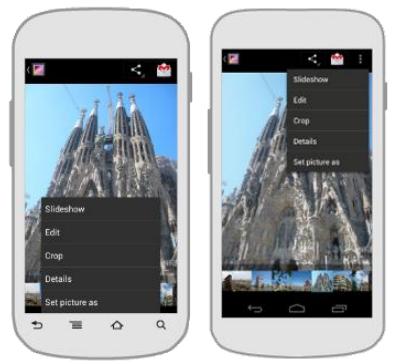 Android ActionBar 詳解
介紹 ActionBar 是 Google 自 Android 3.0 起推出的全新使用者操作方式,旨在取代舊有的選單鍵與長按操作,帶來一致且便利的介面體驗,同時方便開發
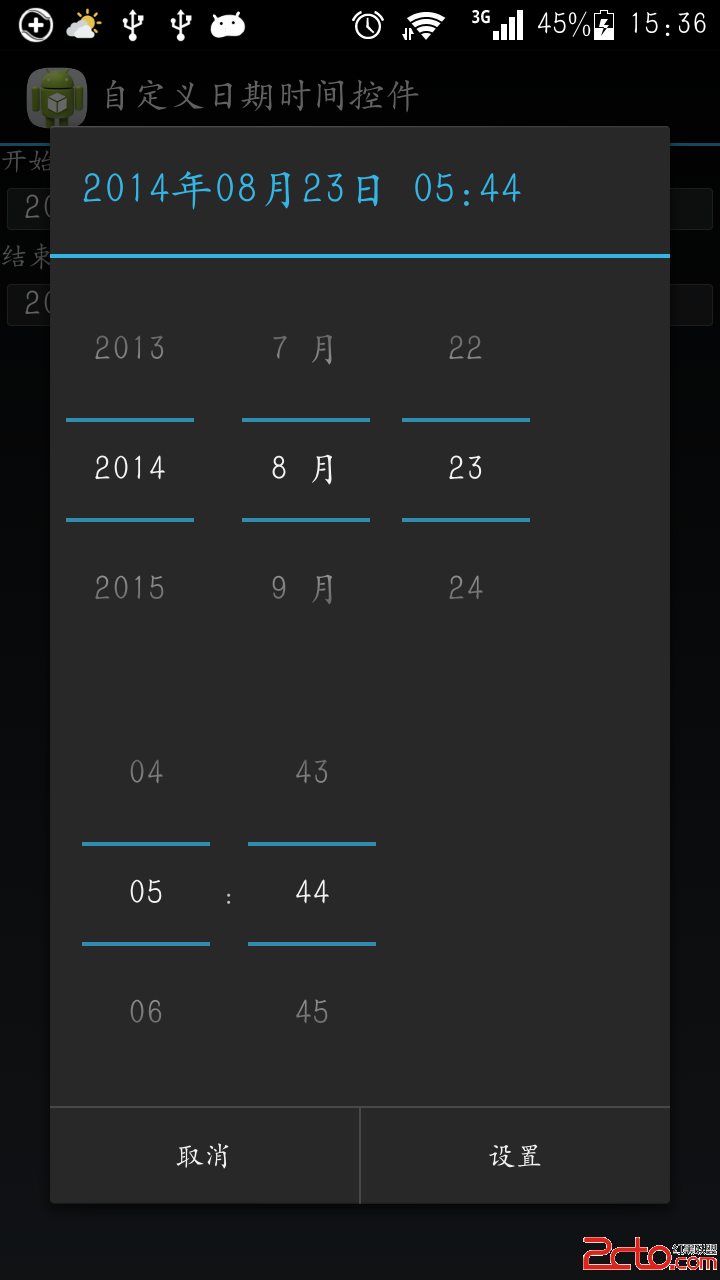 Android 自定義 DateTimePicker:一次選好年月日與時間
距離上一篇 Android 主題的文章已經有一陣子了。關於自定義元件,手邊累積了好幾個題目想陸續分享,本篇要示範的是一個日期時間選擇器,讓使用者能在同一個彈窗裡同時挑選年
 Android 自訂 ViewPager 指示器:打造可重複使用的頁籤元件
ViewPager 指示器是常見的 UI 元件,通常用來表示目前頁籤位置。若把它做成可重複使用的自訂 View,就能在多個頁面中直接引用,而不需要每次重寫邏輯。 設計目標