

編輯:關於 Android 程式設計
我們在使用百度或 Google 搜尋時,只要輸入一兩個字,系統就會自動提示可能想找的內容。這種「自動補全」的體驗,在 Android 中可以透過 AutoCompleteTextView 搭配 ArrayAdapter 輕鬆實現。
做法是:先在佈局中放入一個 AutoCompleteTextView,接著把預先準備好的字串陣列裝入 ArrayAdapter,最後呼叫 AutoCompleteTextView.setAdapter() 方法,就能讓它在使用者輸入時自動比對並提示。例如只要輸入 ab,就會自動帶出所有包含 ab 的字串。
public class MainActivity extends Activity {
    private AutoCompleteTextView actv;
    private static final String[] autoStrs = new String[]{ "a", "abc", "abcde" };

    @Override
    protected void onCreate(Bundle savedInstanceState) {
        super.onCreate(savedInstanceState);
        setContentView(R.layout.activity_main);
        actv = (AutoCompleteTextView) findViewById(R.id.actv);
        ArrayAdapter adapter = new ArrayAdapter(this,
                android.R.layout.simple_dropdown_item_1line, autoStrs);
        actv.setAdapter(adapter);
    }
}佈局中透過 android:completionThreshold 屬性,可以設定「至少輸入幾個字才開始比對提示」門檻:
<LinearLayout xmlns:android="https://schemas.android.com/apk/res/android"
    android:layout_width="match_parent"
    android:layout_height="match_parent" >
    <AutoCompleteTextView
        android:layout_width="fill_parent"
        android:layout_height="wrap_content"
        android:id="@+id/actv"
        android:completionThreshold="1" /><!-- 設定只需輸入一個字就開始比對 -->
</LinearLayout>
透過 AutoCompleteTextView 與 ArrayAdapter 的簡單搭配,就能為輸入框賦予智慧提示能力,大幅提升使用者的輸入效率。
 Android LayoutInflater 深入解析:inflate 三個參數的差異
常見誤解 許多開發者會以為 inflate(resource, null)、inflate(resource, root, false) 與 inflate(resour
 Android 入門第二天:Toast、Menu 與顯式/隱式 Intent 全解
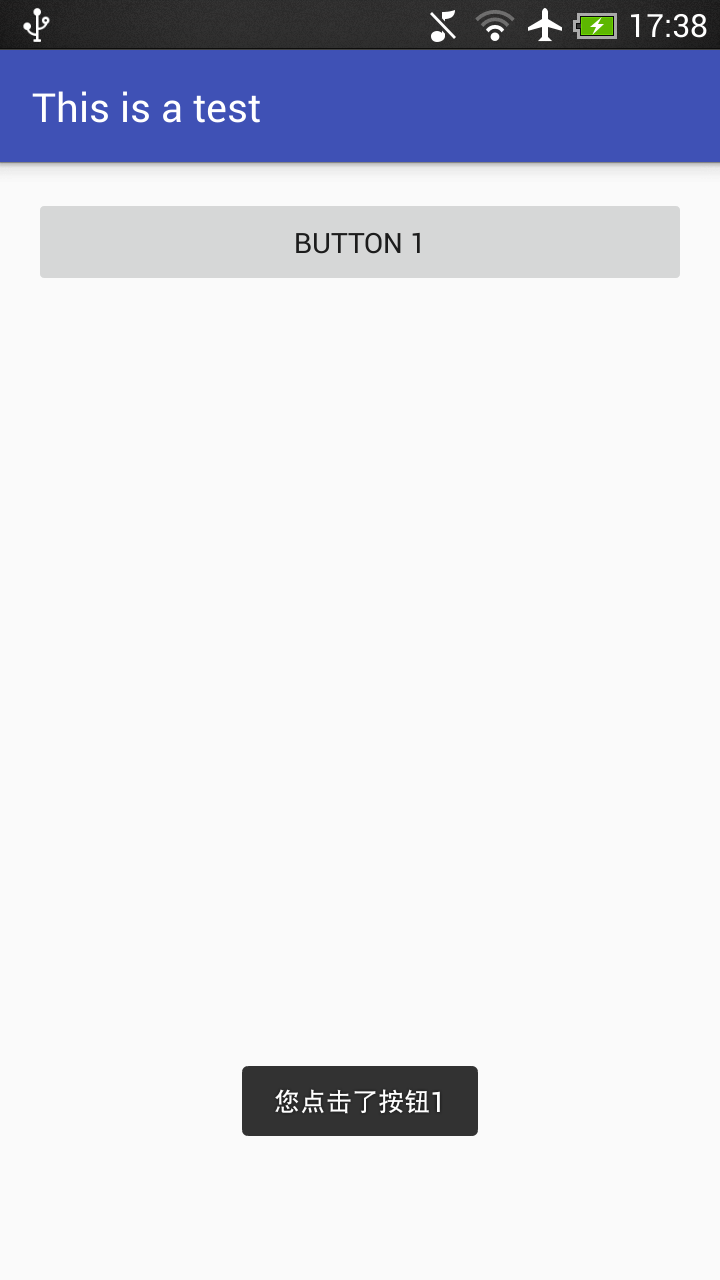
1. Toast 提醒 為昨天寫的按鈕程式加上一個提醒,在 MainActivity 中加入如下程式碼: Button bt1 = (Button) findViewB
 Android 底部彈出 PopupWindow 並讓背景漸變變暗
需求情境 在 Android 中,點擊按鈕後彈出選單是常見互動。PopupMenu 適合簡單選單,PopupWindow 則可自訂任意版面,更適合從底部彈出的操作面板。
 開源項目分享:小 Q 聊天機器人 V1.2,加入語音識別與語音合成
項目地址:https://github.com/baiyuliang/QRobot 1.2 版本為小 Q 加上了兩項新能力——語音識別(把說話轉成文字)與語音合成(把文字