

編輯:關於 Android 程式設計
RadioButton(單選框)與 RadioGroup(單選群組)的搭配,能實現「一組之中只能選一個」的互動效果,最典型的應用就是性別選擇。本文示範如何透過監聽 RadioGroup 的狀態變化來回應使用者的選擇。
關鍵在於為 RadioGroup 註冊 setOnCheckedChangeListener,在回呼中透過 checkedId 判斷被選中的是哪個單選鈕:
public class MainActivity extends Activity {
    public RadioGroup mRadioGroup1;
    public RadioButton mRadio1, mRadio2;

    @Override
    protected void onCreate(Bundle savedInstanceState) {
        super.onCreate(savedInstanceState);
        setContentView(R.layout.activity_main);
        mRadioGroup1 = (RadioGroup) findViewById(R.id.gendergroup);
        mRadio1 = (RadioButton) findViewById(R.id.girl);
        mRadio2 = (RadioButton) findViewById(R.id.boy);
        mRadioGroup1.setOnCheckedChangeListener(radiogpchange);
    }
    private RadioGroup.OnCheckedChangeListener radiogpchange = new RadioGroup.OnCheckedChangeListener() {
        @Override
        public void onCheckedChanged(RadioGroup group, int checkedId) {
            if (checkedId == mRadio1.getId()) {
                Toast.makeText(getApplicationContext(), "女孩", 1).show();
            } else if (checkedId == mRadio2.getId()) {
                Toast.makeText(getApplicationContext(), "男孩", 1).show();
            }
        }
    };
}RadioButton 的運作方式類似 C# 中的 Radio 控制項:將多個 RadioButton 包在同一個 RadioGroup 中,該群組內的項目便只能單選。因此監聽器要掛在 RadioGroup 上,而非個別的 RadioButton:
<RadioGroup
    android:id="@+id/gendergroup"
    android:layout_width="fill_parent"
    android:layout_height="wrap_content"
    android:orientation="vertical" >
    <RadioButton
        android:id="@+id/girl"
        android:layout_width="fill_parent"
        android:layout_height="wrap_content"
        android:text="@string/girl" />
    <RadioButton
        android:id="@+id/boy"
        android:layout_width="fill_parent"
        android:layout_height="wrap_content"
        android:text="@string/boy" />
</RadioGroup>
只要牢記「監聽器掛在 RadioGroup、透過 checkedId 判斷選項」這兩個要點,單選互動便能輕鬆搞定。
 使用 SurfaceView 實作自訂浮水印相機
浮水印相機可以在照片上加入時間、地點、操作資訊或自訂文字。本文以 SurfaceView 為基礎,說明如何完成相機預覽、拍照、浮水印顯示與結果頁流程。 功能設計 自訂相機
 AutoCompleteTextView:幾行程式碼做出輸入自動提示
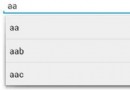
在輸入框打字時,下方即時浮出符合條件的候選清單,這種互動在搜尋、地址輸入、標籤選擇等場景幾乎是必要的。Android 內建的 AutoCompleteTextView 就
 Android 自定義手勢:輸入法手勢辨識實作
除了 Android 內建的觸控手勢,開發者也能自訂「輸入法手勢」或筆畫手勢,例如畫圓形切換背景、畫叉叉關閉功能,或用於解鎖畫面。這類手勢通常由 GestureOverl
 Android 面試知識補充:四大組件、IPC、NDK 與性能工具
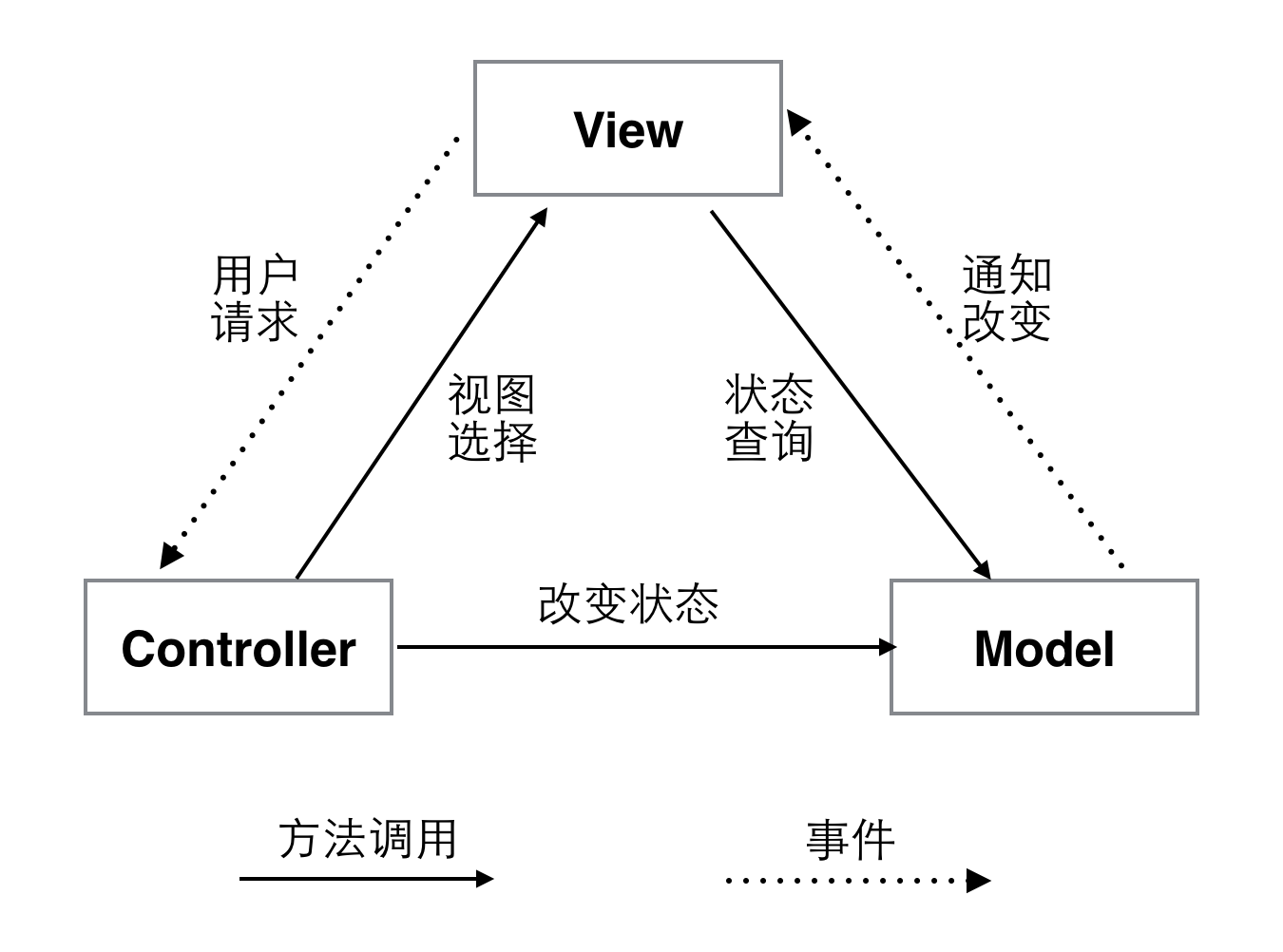
本文整理 Android 面試中常見的知識點,涵蓋四大組件、IntentService、屏幕旋轉、SQLite、Handler、MVC、IPC、NDK 以及常見性能工具。