

編輯:關於 Android 程式設計
想讓輸入框(EditText)呈現圓角外觀,只要透過一個自訂的 shape 背景檔就能輕鬆搞定,完全不需要圖片素材。
<?xml version="1.0" encoding="utf-8"?>
<shape xmlns:android="https://schemas.android.com/apk/res/android"
    android:shape="rectangle">
    <solid android:color="#FFFFFF"></solid>
    <padding android:left="10dp"
        android:top="10dp"
        android:right="10dp"
        android:bottom="10dp"></padding>
    <corners android:radius="15dp"></corners>
</shape>
其中 <corners android:radius> 決定圓角的大小,<solid> 設定背景填色,<padding> 則控制內容與邊框的間距。
<EditText
    android:id="@+id/et_username"
    android:layout_width="match_parent"
    android:layout_height="wrap_content"
    android:inputType="text"
    android:background="@drawable/rounded_editview"
    android:hint="@string/text_hint_username"/>
只要把 android:background 指向剛才定義的 shape 檔,輸入框就會呈現圓角效果。想調整圓角弧度時,改一下 radius 數值即可,非常直覺。
 Android 換膚方案設計:從內置皮膚到與應用分離
換膚是國內應用的常見需求,也是不少App差異化的一部分。本文從功能形態講到技術實現,重點放在「皮膚與應用分離」這套更靈活的方案上。 換膚的三種功能形態 1、內置多套皮
 Android 自訂組合控制元件實戰:圖文按鈕與可清除輸入框
自訂控制元件的路徑大致有三條:從零開始在 onDraw() 裡自己畫、繼承既有控制元件覆寫部分行為,或者把現成元件「組合」成一個新元件。三者之中,組合式最省事也最常用——
 NavigationBottom:一款可定製的底部導航欄庫
如何引入項目 在 Module 下的 build.gradle 中加入以下依賴: compile com.github.youngkaaa:navigation-bot
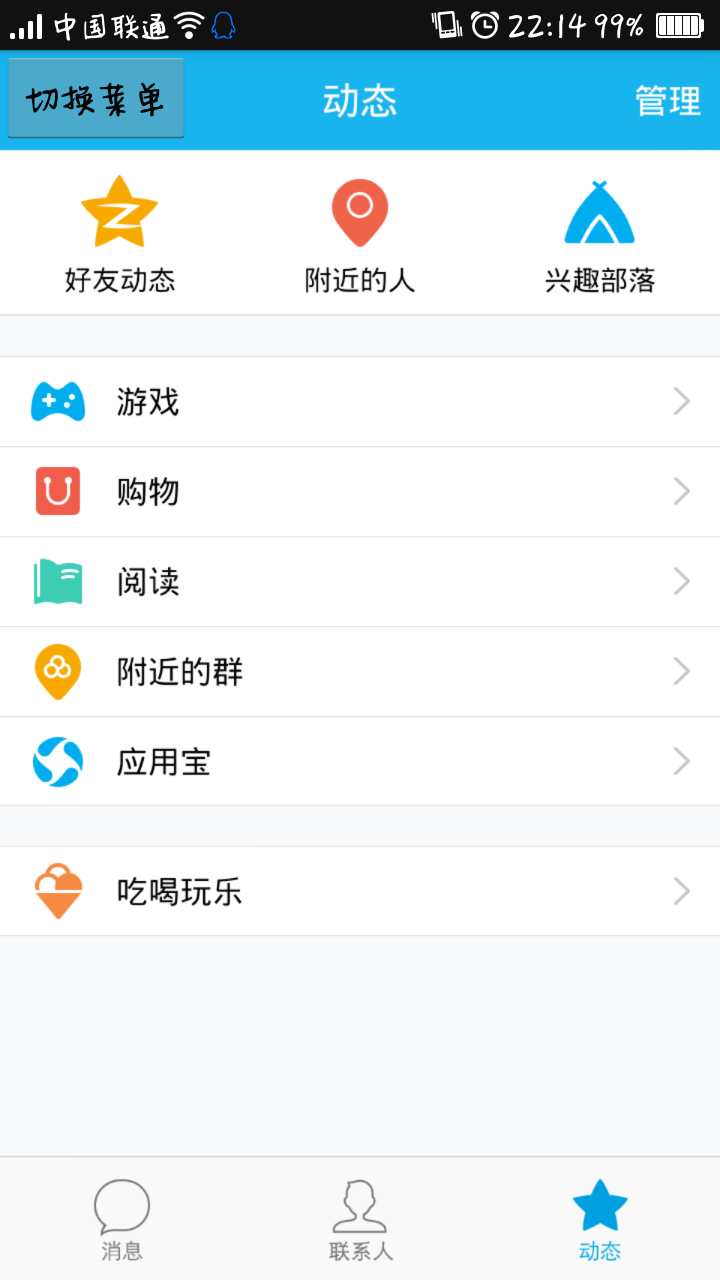 Android 實作仿 QQ5.0 側滑菜單
側滑菜單是許多應用程式中常見的互動模式。透過自訂元件與動畫效果,可以實作出類似 QQ5.0 的側滑菜單,讓使用者能從邊緣拉出選單並與主內容互動。 實作思路 常見做法是使用