

編輯:關於 Android 程式設計
自定義 View 時,我們幾乎都寫過這樣一套流程:繼承 View、在 attrs.xml 裡聲明 declare-styleable、在布局裡使用自定義屬性、在構造方法中用 TypedArray 取值。但很少有人追問:這四步為什麼能生效?styleable 到底做了什麼?本文把這些問題逐一拆開。
聲明文件:
<resources>
    <declare-styleable name="test">
        <attr name="testAttr" format="integer" />
        <attr name="text" format="string" />
    </declare-styleable>
</resources>
在構造方法中取值:
public MyTextView(Context context, AttributeSet attrs) {
    super(context, attrs);
    TypedArray ta = context.obtainStyledAttributes(attrs, R.styleable.test);
    String text = ta.getString(R.styleable.test_testAttr);
    int textAttr = ta.getInteger(R.styleable.test_text, -1);
    ta.recycle();
}
布局中使用時記得聲明命名空間,例如 xmlns:zhy="https://schemas.android.com/apk/res/com.example.test",然後寫上 zhy:testAttr="520"。注意 styleable 的 name 只是給生成的常量分組,並不要求與自定義 View 的類名一致。
構造方法裡的 AttributeSet attrs 確實保存了該標籤上的全部屬性,可以這樣遍歷:
int count = attrs.getAttributeCount();
for (int i = 0; i < count; i++) {
    Log.e(TAG, attrs.getAttributeName(i) + " = " + attrs.getAttributeValue(i));
}
輸出會類似 layout_width = 100.0dip、text = helloworld。看起來一切美好,直到你把布局改成引用:
zhy:text="@string/hello_world"
android:layout_width="@dimen/dp100"
此時 AttributeSet 拿到的是 @2131361809 這樣的資源 ID 字符串,肉眼完全無法辨認。要得到最終值,得先取 ID 再自行解析:
int widthId = attrs.getAttributeResourceValue(0, -1);
Log.e(TAG, "layout_width = " + getResources().getDimension(widthId));
TypedArray 存在的意義就在這裡:它把「取 ID → 查資源 → 類型轉換」的過程一次封裝完成,getString()、getDimension()、getInteger() 直接給你可用值。這也是系統內置 View(如 TextView)的標準做法。
可以。系統在 sdk/platforms/android-xx/data/res/values 下定義了大量通用屬性,直接引用即可:
<declare-styleable name="test">
    <attr name="android:text" />
</declare-styleable>
取值時寫 ta.getString(R.styleable.test_android_text),布局裡寫 android:text="@string/hello_world"。差別只在於:引用已有屬性時不需要再聲明 format。
可以。去掉 declare-styleable 後,只需自己維護一個屬性 ID 數組和下標常量:
private static final int[] mAttr = { android.R.attr.text, R.attr.testAttr };
private static final int ATTR_ANDROID_TEXT = 0;
private static final int ATTR_TESTATTR = 1;

TypedArray ta = context.obtainStyledAttributes(attrs, mAttr);
對比不難發現,declare-styleable 的作用正是由 aapt 在 R.java 中自動生成這個數組與一堆下標常量。屬性一多,手工維護下標簡直是噩夢,所以始終建議保留聲明;name 一般寫成自定義 View 的類名,只是為了可讀性。
recycle()。 Android 廣播機制完整整理:普通、有序與粘性廣播
廣播(Broadcast)是 Android 中在應用程式之間傳遞訊息的機制,常用於監聽系統事件(如開機完成、電量變化)或自訂的應用內事件。本文把廣播的三種型態、註冊方式
 自定義 View 實作:弧線進度條控件完整教學
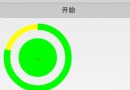
這次要做的東西以弧線為主體,畫面構成很單純:一段背景圓弧、一段表示進度的圓弧、一個圓,以及中央的文字。 點擊「開始」按鈕後會播放一段動畫,進度逐漸增加。下面開始編碼。
 Android 高德地圖自動定位實作
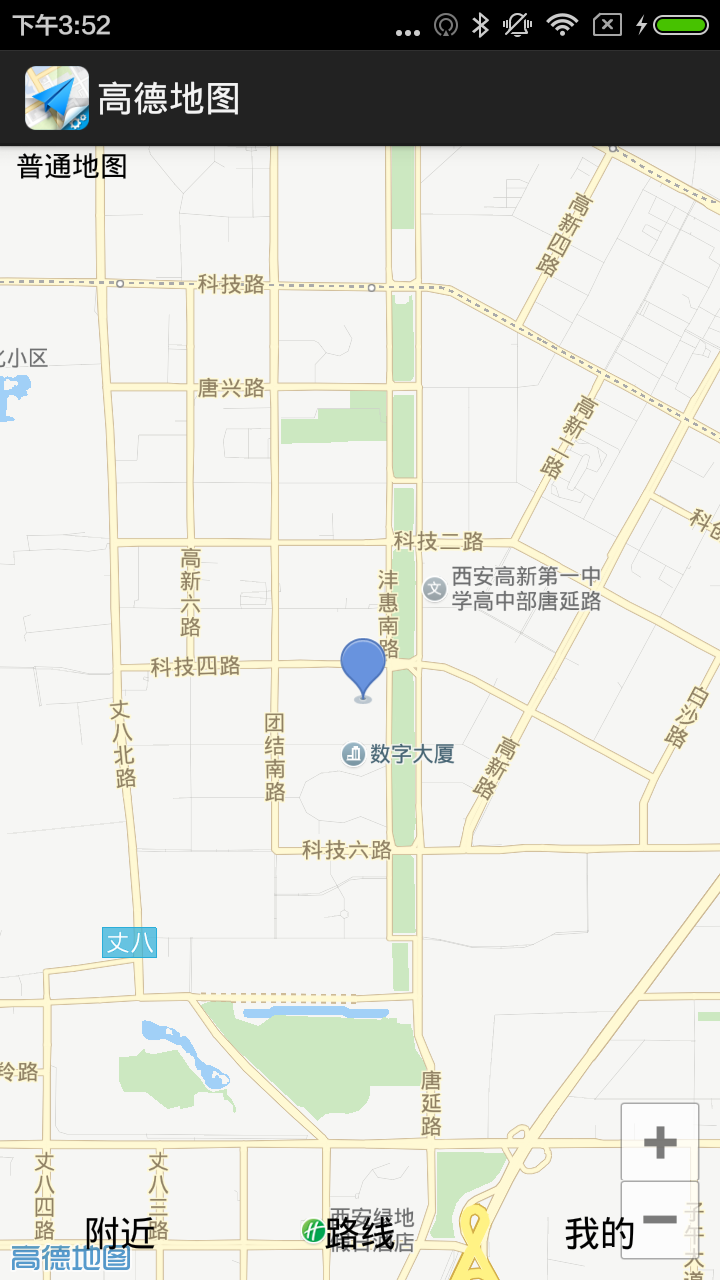
和其他地圖 SDK 一樣,都要先去官網註冊成為開發者,然後取得 Key。下面直接上程式碼。效果圖:核心思路是:透過系統的 LocationManager 取得定位資料,再
 用 Cocos2d-x 實作 Android Toast 風格的浮動提示
Android 原生的 Toast 有個討人喜歡的特質:淡入、停留、淡出,然後自己消失,完全不打斷操作。用 Cocos2d-x 做手機遊戲時,也想有同樣的效果,於是就自己