

編輯:關於 Android 程式設計
在 Android 中,啟動 Activity、Service 或 BroadcastReceiver 有兩種途徑:顯式啟動與隱式啟動。以下以 Activity 為例說明。
顯式啟動直接指定上下文與目標類別:
Intent intent = new Intent(this, Activity.class);
startActivity(intent);
隱式啟動則靈活得多,它透過 action、category 與 data 的組合,交由系統去比對並挑選合適的元件。
特別提醒:以隱式方式啟動的 Activity,在 AndroidManifest 中務必加上
<category android:name="android.intent.category.DEFAULT" />
透過 Intent 設定 action 與 category,讓系統找出對應的 Activity。
AndroidManifest.xml:
<intent-filter>
    <action android:name="me.pwcong.demo.activity" />
    <category android:name="android.intent.category.DEFAULT" />
    <category android:name="android.intent.category.DEMO" />
</intent-filter>
程式碼:
Intent intent = new Intent();
// 指定 AndroidManifest 中 action 標籤的 name 值
intent.setAction("me.pwcong.demo.activity");
// 可不加上 category,系統預設會帶入 Intent.CATEGORY_DEFAULT
intent.addCategory(Intent.CATEGORY_DEFAULT);
intent.addCategory("android.intent.category.DEMO");
startActivity(intent);若有多個 Activity 在 Manifest 中宣告了相同的 action 與 category,執行啟動時系統會跳出選擇清單,讓使用者決定要開啟哪一個。
單靠 category 無法完成匹配,必須搭配 action。原因是當 filter 中只有 category 時,系統僅以 category 進行比對,往往找不到目標而直接報錯。例如:
<intent-filter>
    <category android:name="android.intent.category.DEFAULT" />
    <category android:name="me.pwcong.demo.hello" />
</intent-filter>
Intent intent = new Intent();
intent.addCategory(Intent.CATEGORY_DEFAULT);
intent.addCategory("me.pwcong.demo.hello");
startActivity(intent);如果 Manifest 中宣告了 data,那麼程式碼端就必須設定 Intent 的 data,例如 intent.setData(uri)。
AndroidManifest.xml:
<intent-filter>
    <action android:name="me.pwcong.demo.data" />
    <category android:name="android.intent.category.DEFAULT" />
    <data
        android:scheme="content"
        android:host="pwcong.me"
        android:port="8080"
        android:path="/hello" />
</intent-filter>
程式碼:
Uri uri = Uri.parse("content://pwcong.me:8080/hello");
Intent intent = new Intent();
intent.setAction("me.pwcong.demo.data");
// 可不加上 category,系統預設會帶入 Intent.CATEGORY_DEFAULT
intent.addCategory(Intent.CATEGORY_DEFAULT);
intent.setData(uri);
startActivity(intent);data 的語法:
<data android:host="string"
      android:mimetype="string"
      android:path="string"
      android:pathPattern="string"
      android:pathPrefix="string"
      android:port="string"
      android:scheme="string" />
Uri 的組成形式:scheme://host:port/path(亦可用 pathPrefix 或 pathPattern)。比對規則如下:
1. 若未指定 scheme,其餘屬性全部失效;
2. 若未指定 host,則 port、path、pathPrefix、pathPattern 全部失效;
3. 一個 intent-filter 中可宣告多組 data,只要比對上其中一組即可。
intent-filter 中的 mimeType 屬性用來告知系統「本 Activity 能處理哪一類檔案」。例如設為 text/plain 代表可處理 .txt 檔。
常見 mimeType 對照(節錄):
3gp   video/3gpp
avi   video/x-msvideo
bmp   image/bmp
bz2   application/x-bzip2
css   text/css
doc   application/msword
gif   image/gif
gz    application/x-gzip
htm   text/html
html  text/html
ico   image/x-icon
jar   application/java-archive
jpe   image/jpeg
jpeg  image/jpeg
jpg   image/jpeg
js    application/x-javascript
m3u   audio/x-mpegurl
mid   audio/midi
midi  audio/midi
mov   video/quicktime
mp3   audio/mpeg
mp4   video/mp4
mpeg  video/mpeg
mpg   video/mpeg
pdf   application/pdf
png   image/png
ppt   application/vnd.ms-powerpoint
rar   application/x-rar-compressed
rtf   application/rtf
swf   application/x-shockwave-flash
tar   application/x-tar
tgz   application/x-tar
tif   image/tiff
tiff  image/tiff
txt   text/plain
wav   audio/x-wav
wbmp  image/vnd.wap.wbmp
wml   text/vnd.wap.wml
xml   text/xml
xsl   text/xml
zip   application/zip
完整列表可參考 IANA 與各平台官方文件,實務上只要記住常用的圖片、音訊、影片、文件與網頁類型即可應付大部分情境。
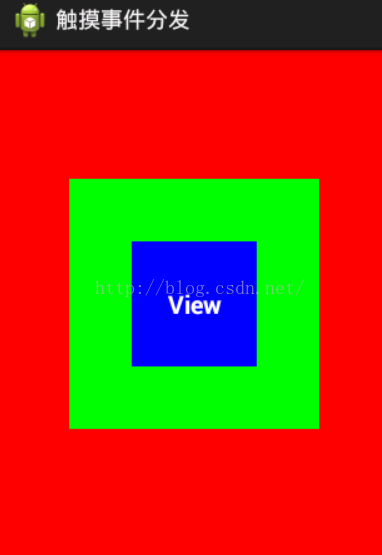 Android 事件分發機制透徹分析(附完整 Log 驗證)
先把觸摸事件相關的方法列出來。 ViewGroup: · dispatchTouchEvent(MotionEvent):用於分發 touch 事件 · onInterc
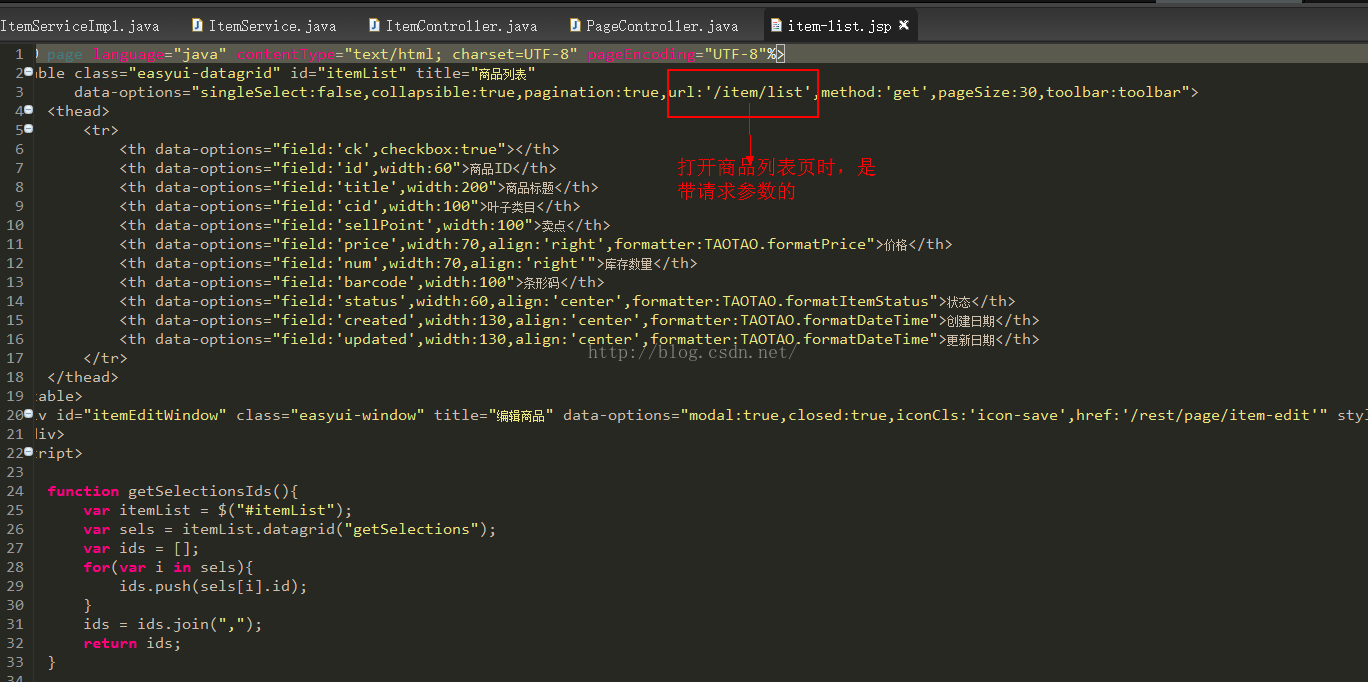 淘淘商城實戰(8.7):後台商品列表查詢與 PageHelper 分頁
昨天完成了框架整合,今天著手實現後台的商品列表查詢。這個需求會牽扯到 JSP、Servlet 以及 Spring MVC 的知識,基礎不牢的朋友建議先補一補。 一、商品列
 Android 學習筆記(四):Activity 生命週期、啟動模式與最佳實踐
要把 Activity 用好,就必須理解它的生命週期。靈活掌握這些回呼時機,才能寫出資源用得剛好、狀態不丟的程式。 Android 是以任務(Task)來管理 Activ
 深入 Android View 容器:ViewGroup 源碼解析與事件分發
為什麼要讀 ViewGroup 源碼? 若想真正掌握 Android 的自訂元件,不能只停留在會用 LinearLayout、RelativeLayout 或 Frame