

編輯:關於 Android 程式設計
自訂圓角或圓形 ImageView 時,若直接在 onDraw 中畫 Bitmap,會發現只有 fitXY 能正常填滿,其他 scaleType 都會像 matrix 一樣從左上角開始顯示。
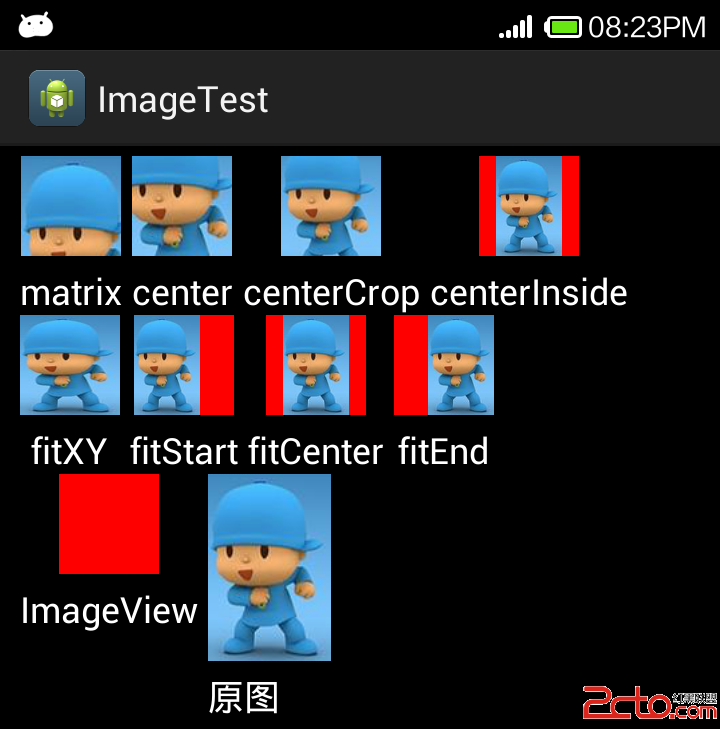
ImageView 的 scaleType 包含 matrix、center、centerCrop、centerInside、fitCenter、fitEnd、fitStart、fitXY。fitXY 會直接拉伸圖片填滿檢視;其他模式通常需要計算縮放與位移。
ImageView 會在 configureBounds 中依 scaleType 建立 mDrawMatrix,再在 onDraw 中透過 canvas.concat 套用。若自訂 View 重寫 onDraw,卻沒有處理 Matrix,圖片就會失去縮放行為。
可在自訂 View 中複製 configureBounds 的概念:先取得圖片寬高與檢視寬高,再依 scaleType 計算 Matrix。fitXY 可直接設定 bounds;centerCrop、centerInside 等則需計算 scale 與 translate。
若需要 ImageView 內部的 scaleTypeToScaleToFit 方法,可透過反射取得。完成後,再將 Matrix 套用到畫布,即可讓圓角圖片支援完整 scaleType。
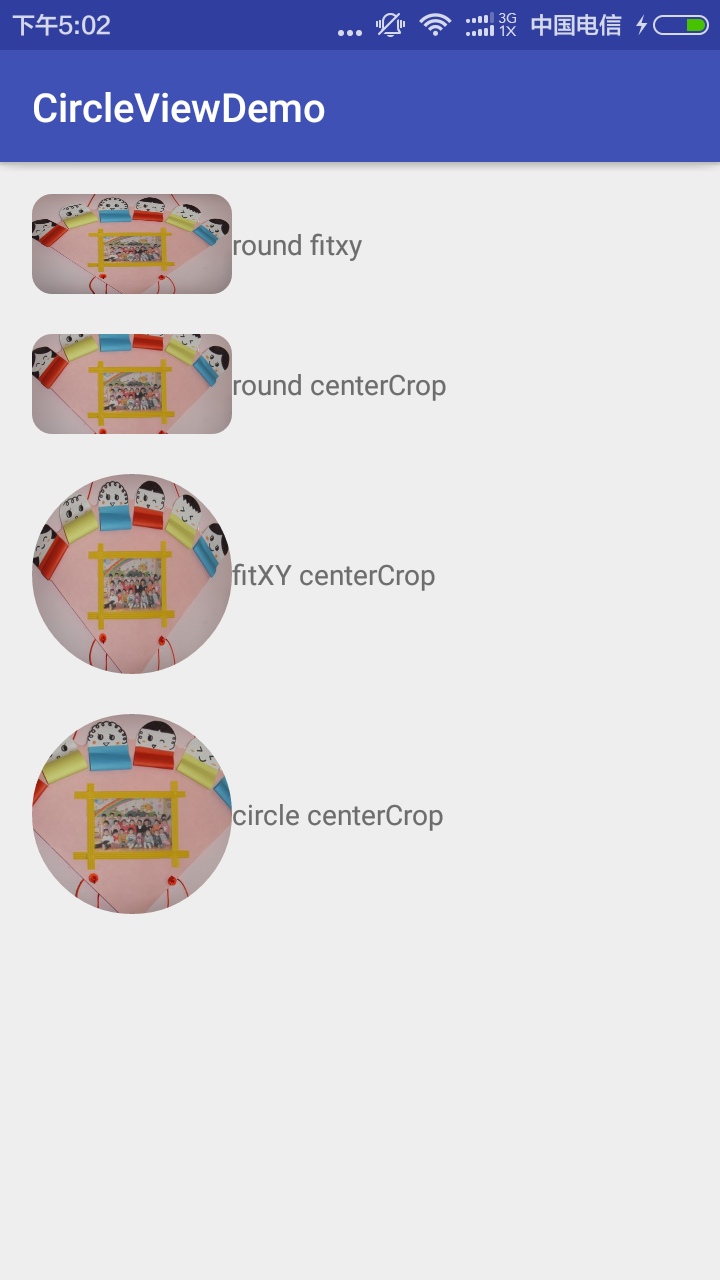
GitHub 位址:https://github.com/913453448/CircleViewDemo
 Android Handler 機制源碼原理剖析
Handler 是 Android 開發必須掌握的技術,但很多人停留在「會用」的階段。用法確實很簡單,兩步搞定:在主執行緒覆寫 handleMessage(),在工作執行
 Android 進程間通信常用方式解析
進程間通信概述 Android 中常見的進程間通信方式包括 Intent、ContentProvider、File、Socket 等。Intent 與 ContentPr
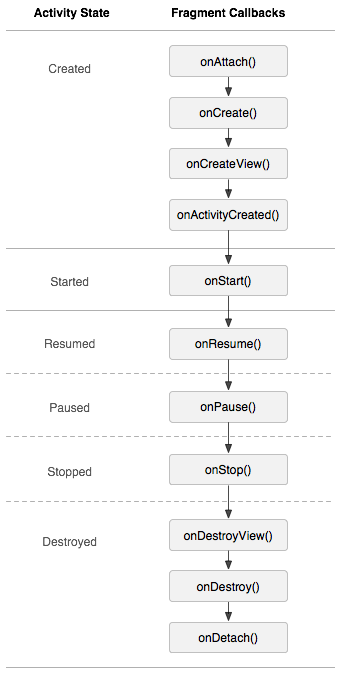 深入解析 Android Fragment 的生命周期與使用
前言 Fragment 的生命周期與 Activity 相似,但實際開發中往往還會牽涉到數據傳遞、onSaveInstanceState 的狀態保存、FragmentMa
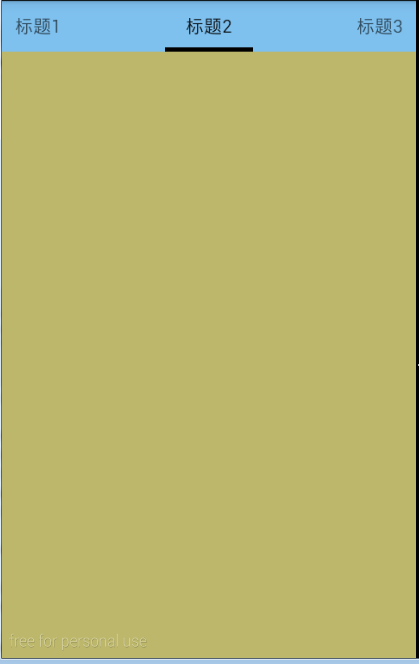 Android Tab 實作:ViewPager 與 PagerTitleStrip/PagerTabStrip
ViewPager 搭配 PagerTitleStrip 或 PagerTabStrip,可以快速建立帶有標題與切換指示效果的頁面。使用者可以透過滑動或點擊標籤切換內容,