

編輯:關於 Android 程式設計
忙完一段落,難得有個空檔,突然興起念頭想自己動手寫一支 App。既然要寫,與其每個效果都從零刻起,不如先盤點市面上現成的開源元件——省時省力,成品質感還更好。以下整理的都是我在 UI 層面挑過、覺得好用的框架,後續若有機會再補上網路請求、資料庫這類非 UI 的開源方案。
名單裡有幾個反覆出現的同一個作者,不難看出 Yalantis 這團隊在動畫細節上的功力,幾乎是 Android 開源視覺效果的半壁江山。
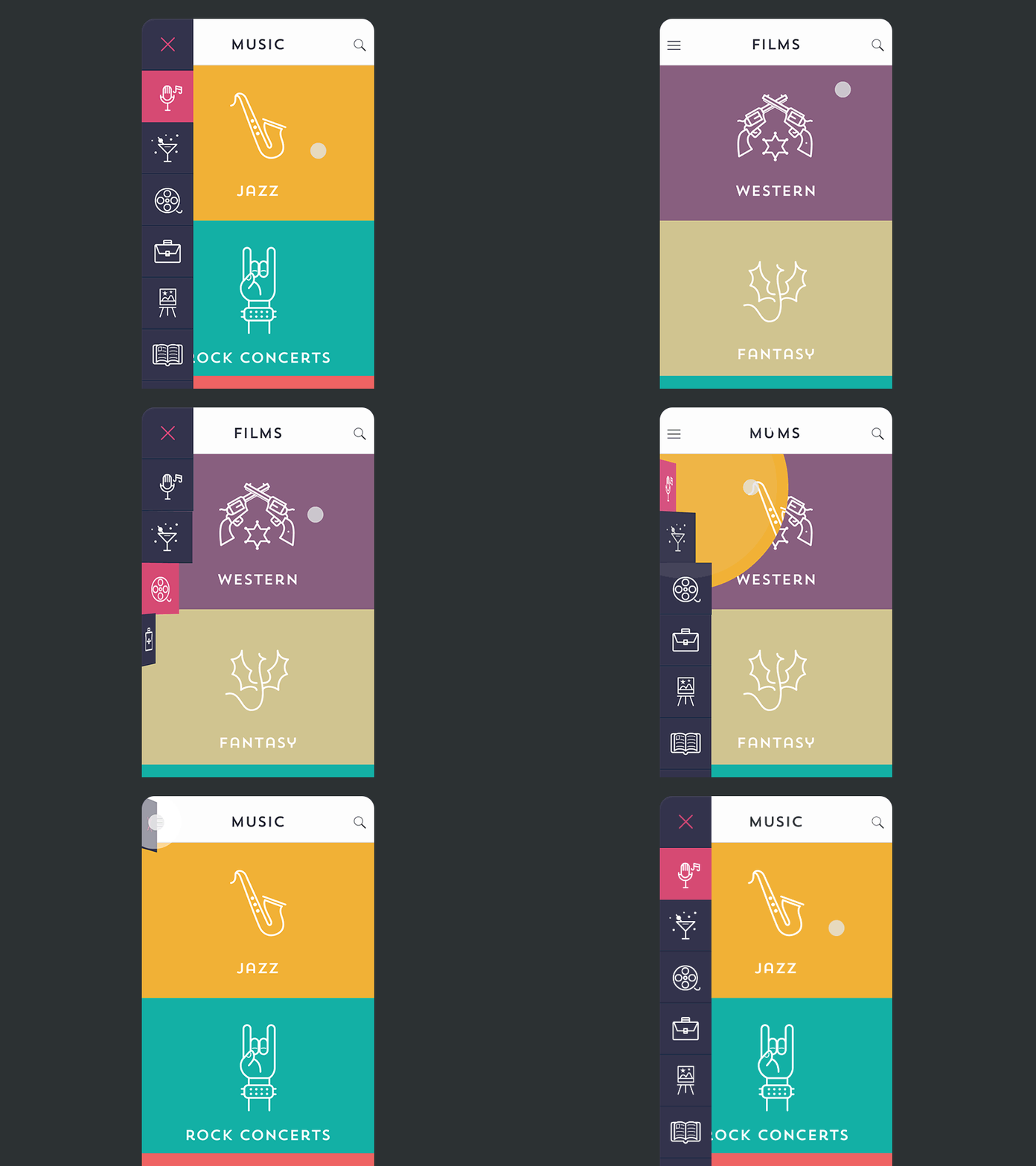
側滑分類選單,Yalantis 出品。轉場動畫流暢,適合需要多層級導覽的應用。
專案位址:https://github.com/Yalantis/Side-Menu.Android
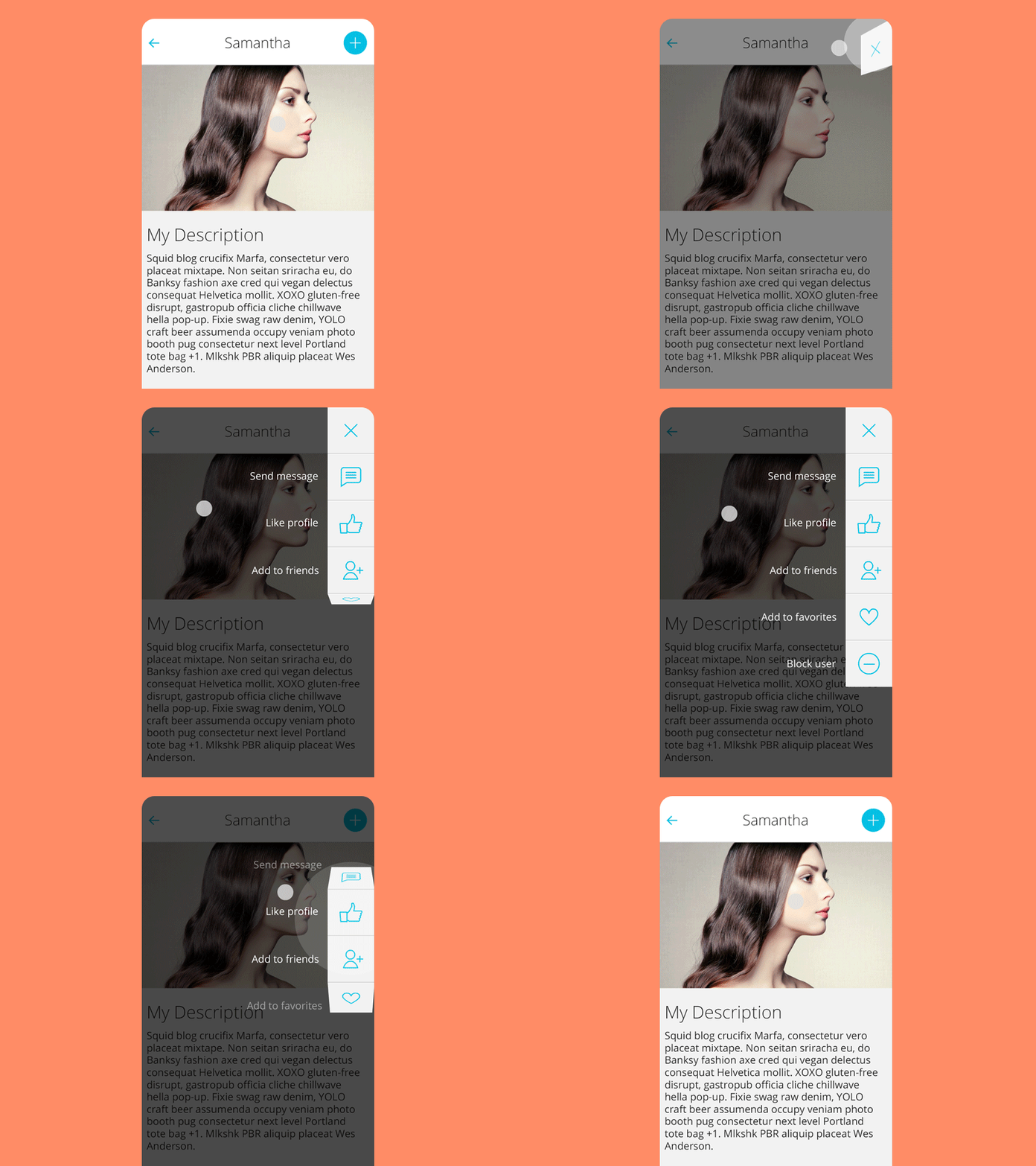
快速整合帶有精緻動畫的上下文選單,同樣出自 Yalantis。
專案位址:https://github.com/Yalantis/Context-Menu.Android
可高度自訂的下拉刷新實作,Yalantis 出品。
專案位址:https://github.com/Yalantis/Pull-to-Refresh.Rentals-Android

讓文字呈現水位漲落的 TextView,視覺效果相當有記憶點。
專案位址:https://github.com/RomainPiel/Titanic

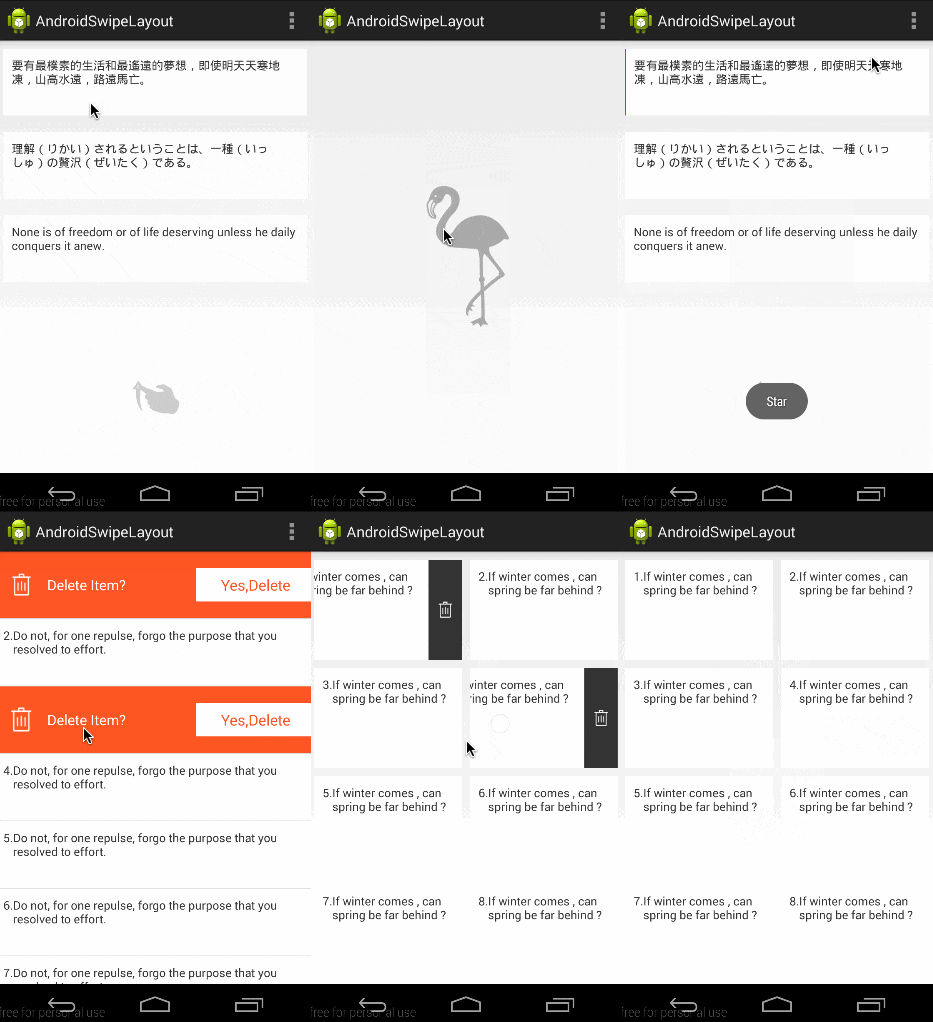
滑動式 Layout,支援單一 View、ListView 與 GridView。
專案位址:https://github.com/daimajia/AndroidSwipeLayout
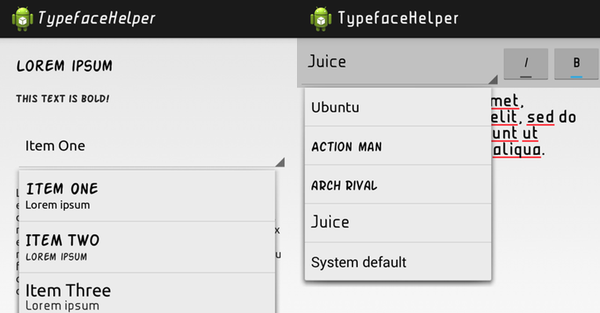
想換字型卻不想四處改寫程式碼?這個庫幫你把自訂字型的事收攏乾淨。
專案位址:https://github.com/norbsoft/android-typeface-helper
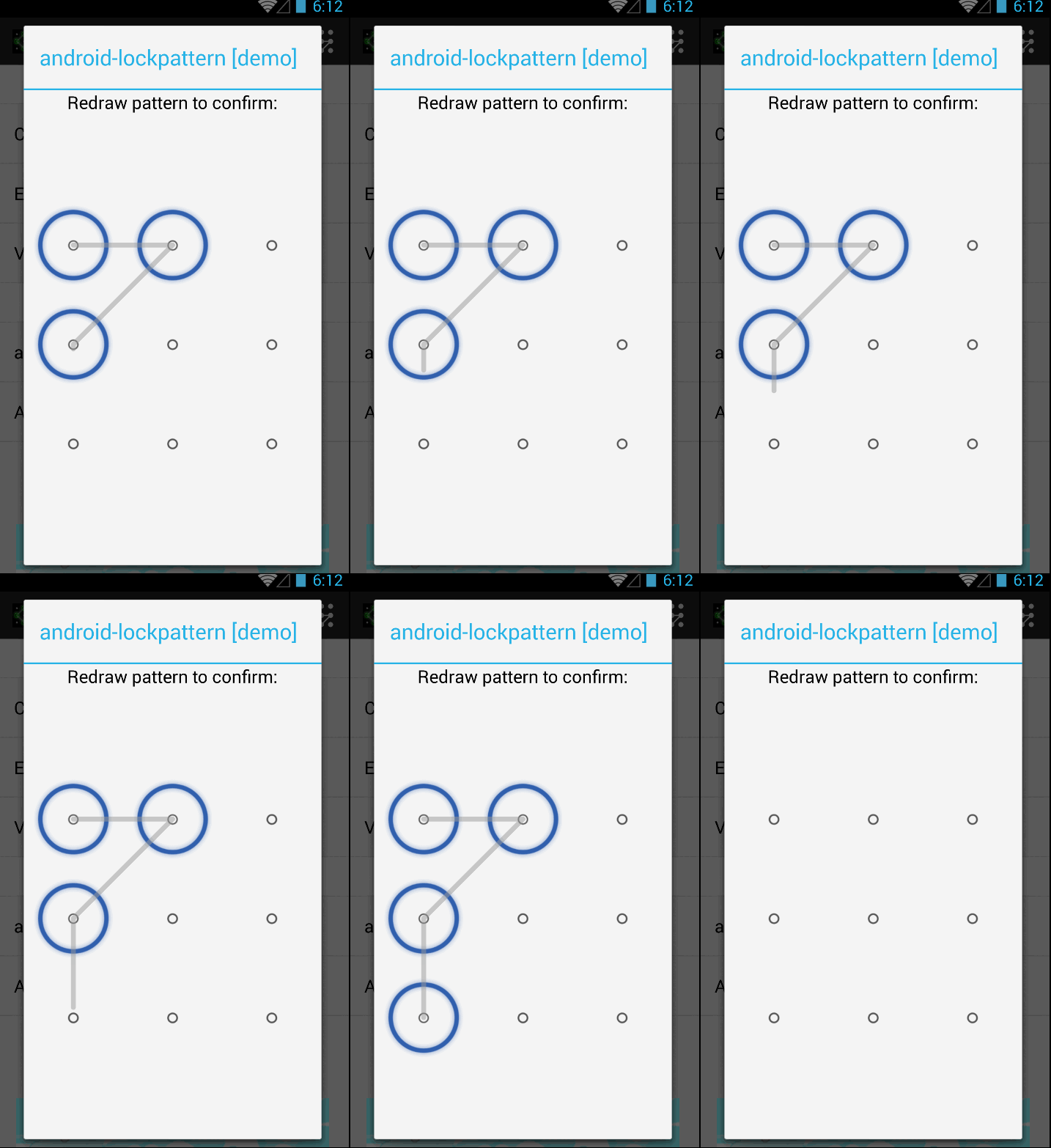
圖案解鎖元件。Android 開機與支付類應用的密碼解鎖,用的就是這一類實作。
專案位址:https://code.google.com/p/android-lockpattern/
Demo:https://play.google.com/store/apps/details?id=group.pals.android.lib.ui.lockpattern.demo
使用說明:https://code.google.com/p/android-lockpattern/wiki/QuickUse
狀態切換按鈕,外觀與手感都向 iOS 靠攏,以純 View 方式實作。
專案位址:https://github.com/zcweng/ToggleButton

繪圖庫,提供折線圖、長條圖與堆疊長條圖三種型別,相容 Android 2.2 以上。
專案位址:https://github.com/diogobernardino/WilliamChart
Demo:https://play.google.com/store/apps/details?id=com.db.williamchartdemo
範例專案:https://github.com/diogobernardino/WilliamChart/tree/master/sample
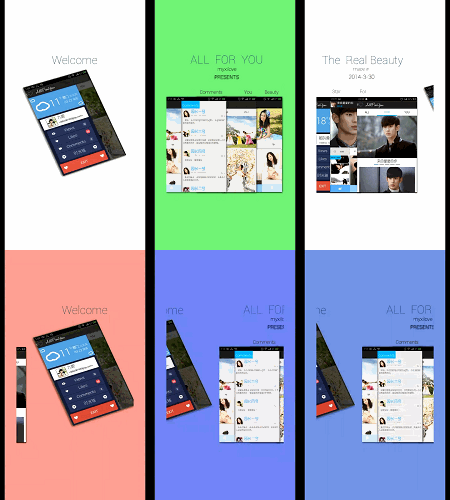
讓 ViewPager 在滑動過程中背景色平滑漸變,很適合引導頁。
專案位址:https://github.com/TaurusXi/GuideBackgroundColorAnimation
簡潔風格的使用者簡歷頁,Yalantis 出品。
專案位址:https://github.com/Yalantis/Euclid
一組以 Instagram 為靈感的 Material Design 概念設計。
專案位址:https://github.com/frogermcs/InstaMaterial

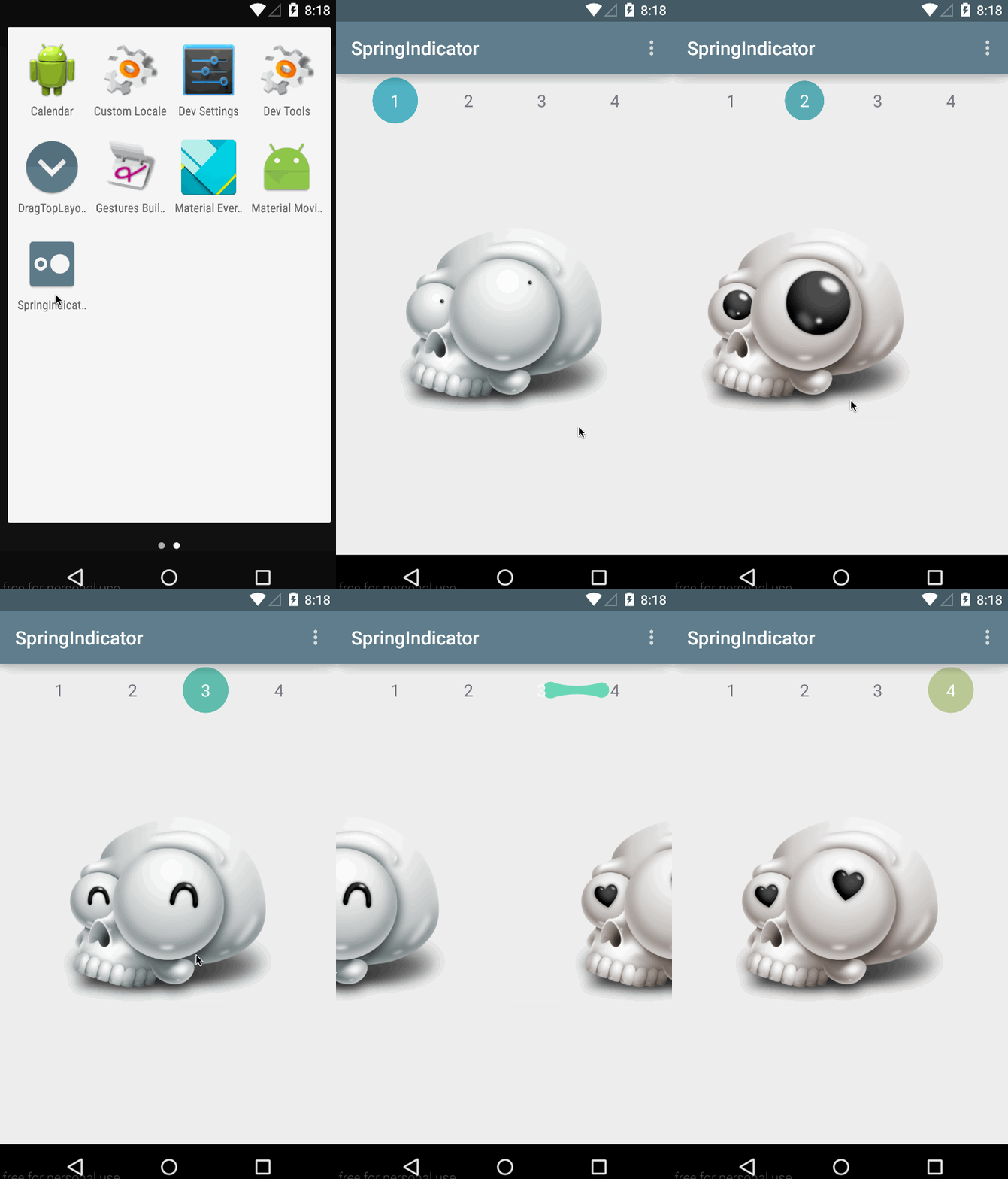
用貝茲曲線做出黏連效果的頁面指示器。
專案位址:https://github.com/chenupt/SpringIndicator
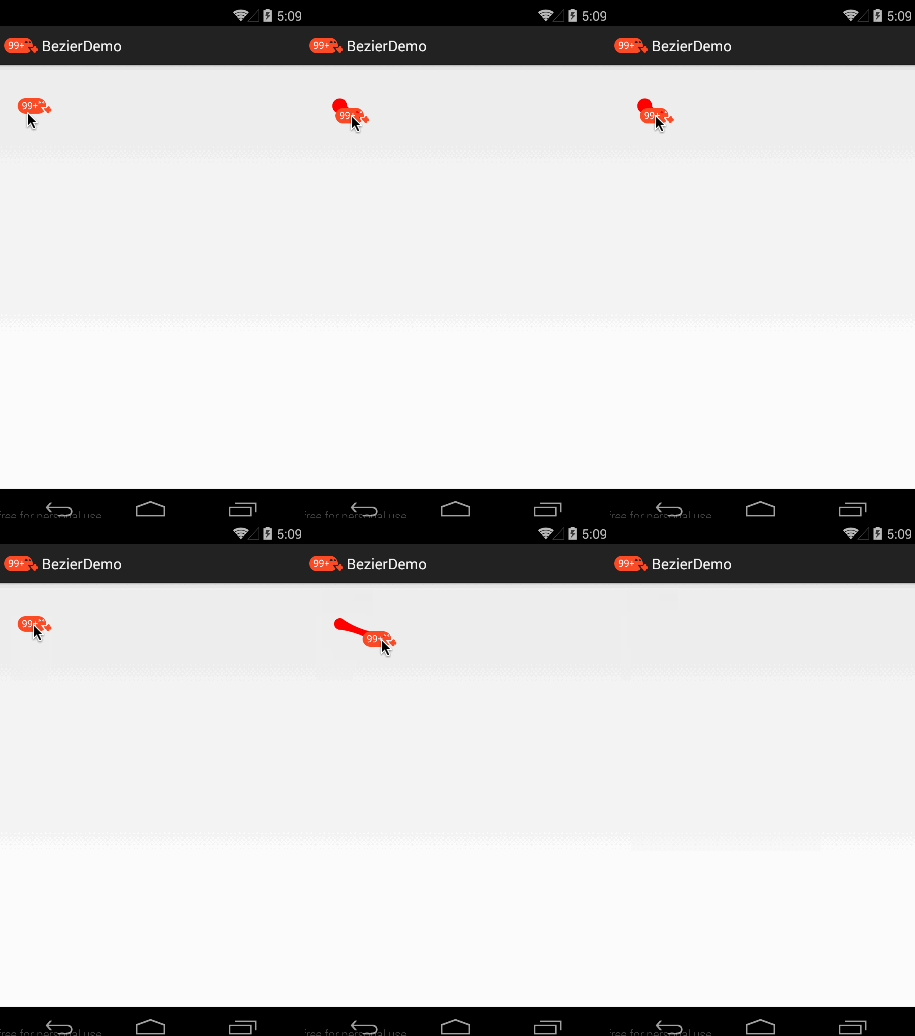
仿 QQ 的氣泡訊息,拖曳後黏連消失的效果。
專案位址:https://github.com/chenupt/BezierDemo
模擬信紙被展開的折疊動畫。
專案位址:https://github.com/alexvasilkov/FoldableLayout
下拉刷新,Yalantis 出品——看到這裡是不是有點似曾相識?
專案位址:https://github.com/Yalantis/Taurus

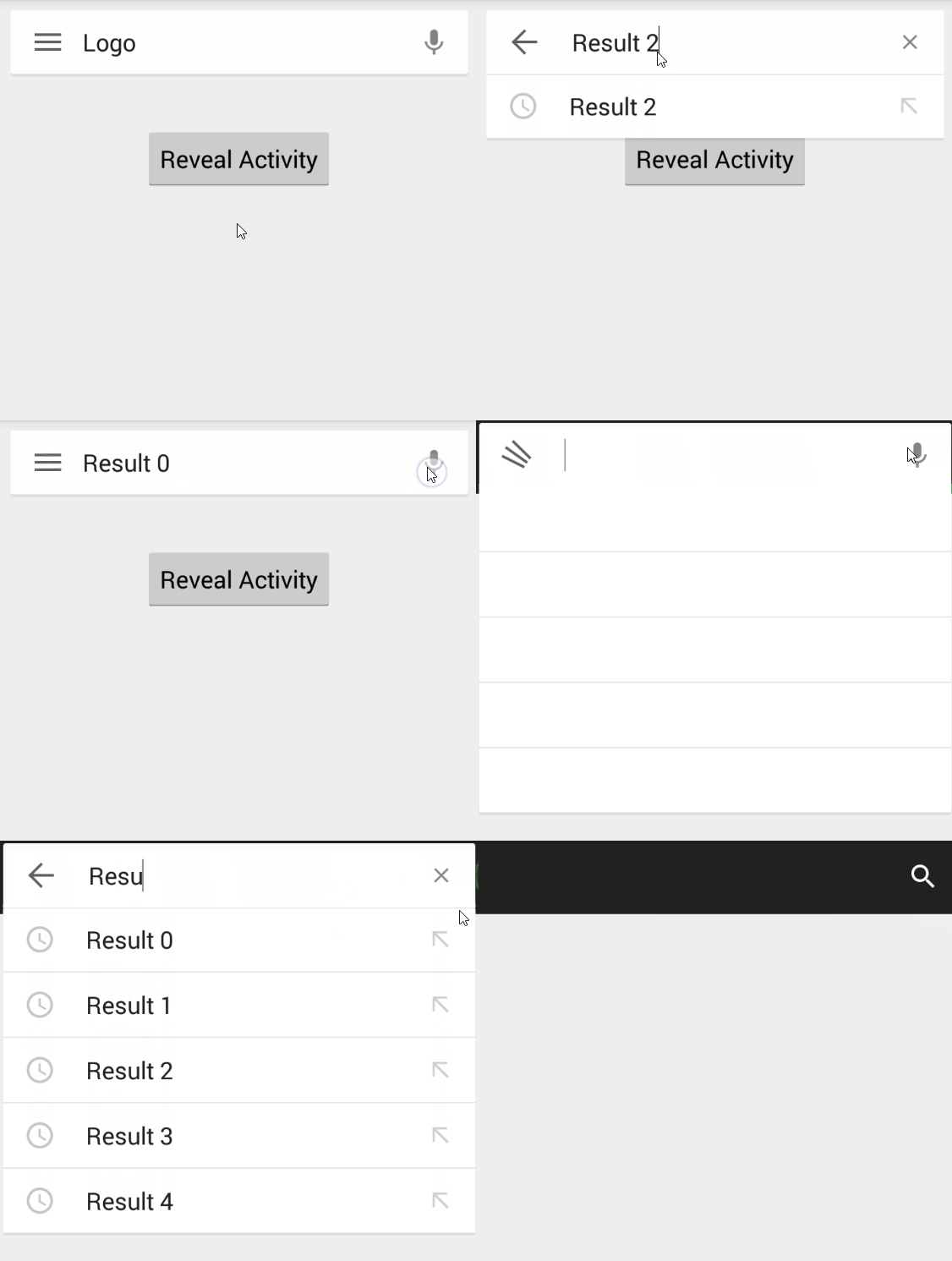
點擊搜尋後,輸入框就地展開,不必跳頁。
專案位址:https://github.com/Quinny898/PersistentSearch
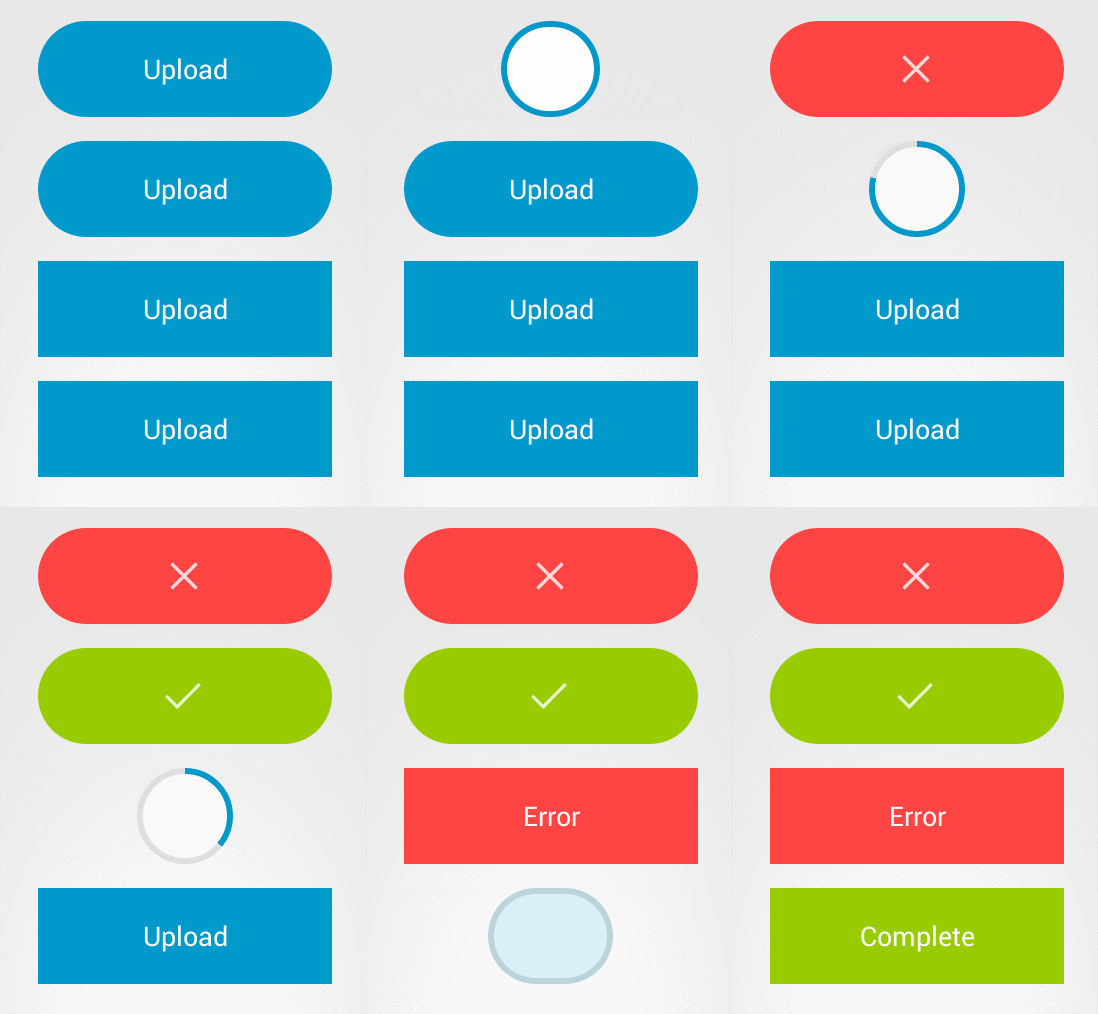
內建進度顯示的按鈕元件。
專案位址:https://github.com/dmytrodanylyk/circular-progress-button
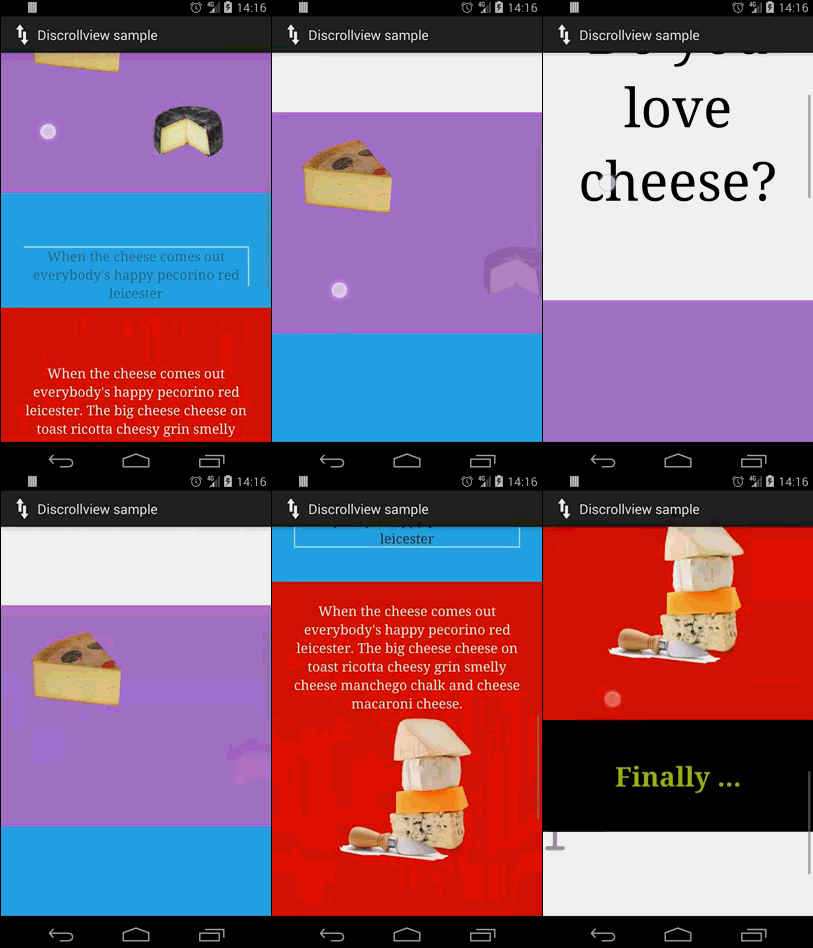
捲動時子元素各自呈現不同動畫的 ScrollView,也就是網頁上說的視差捲動。
專案位址:https://github.com/flavienlaurent/discrollview
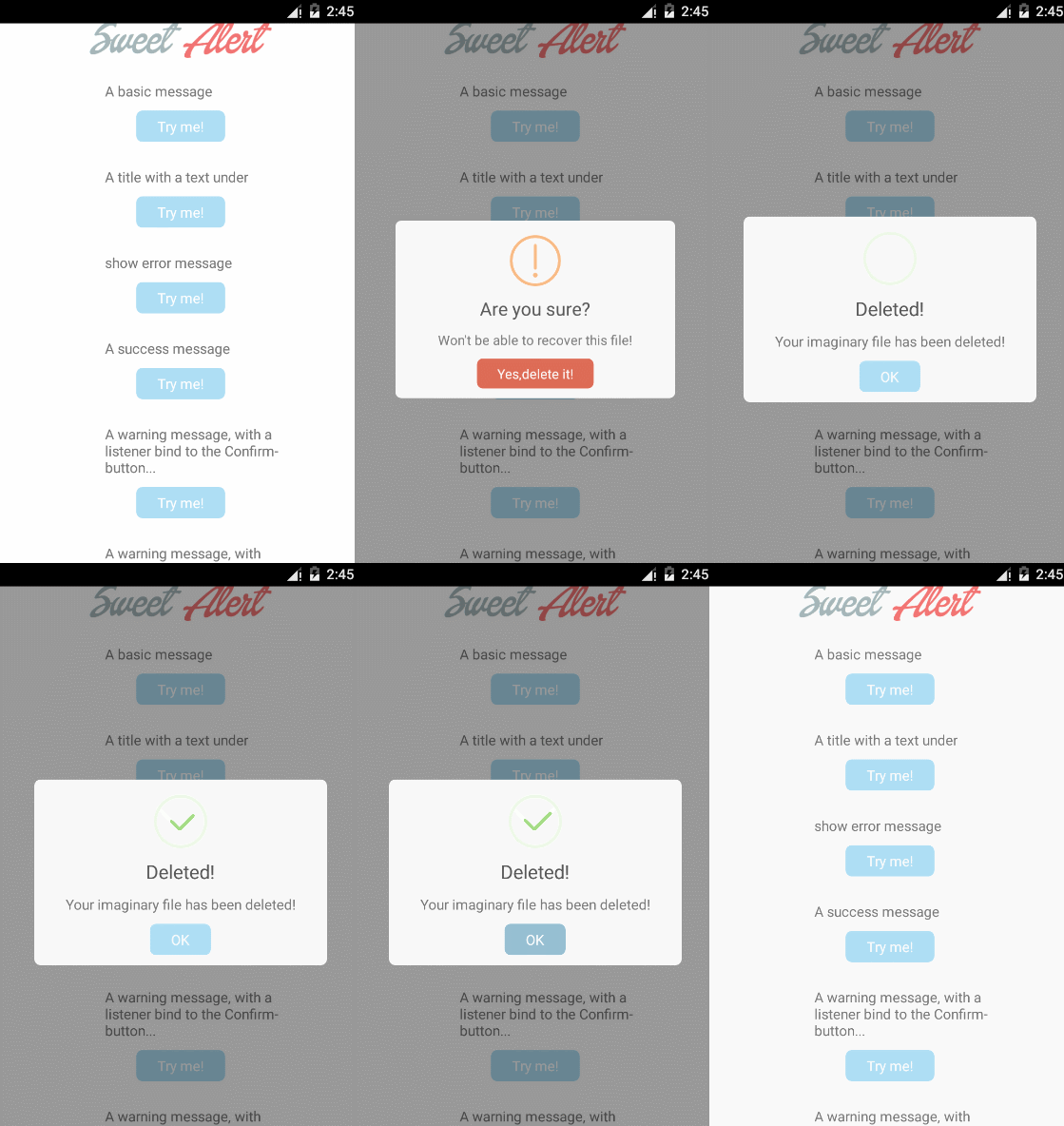
帶動畫效果的自訂對話框樣式。
專案位址:https://github.com/pedant/sweet-alert-dialog
Material Design 風格的浮動操作按鈕。
專案位址:https://github.com/futuresimple/android-floating-action-button

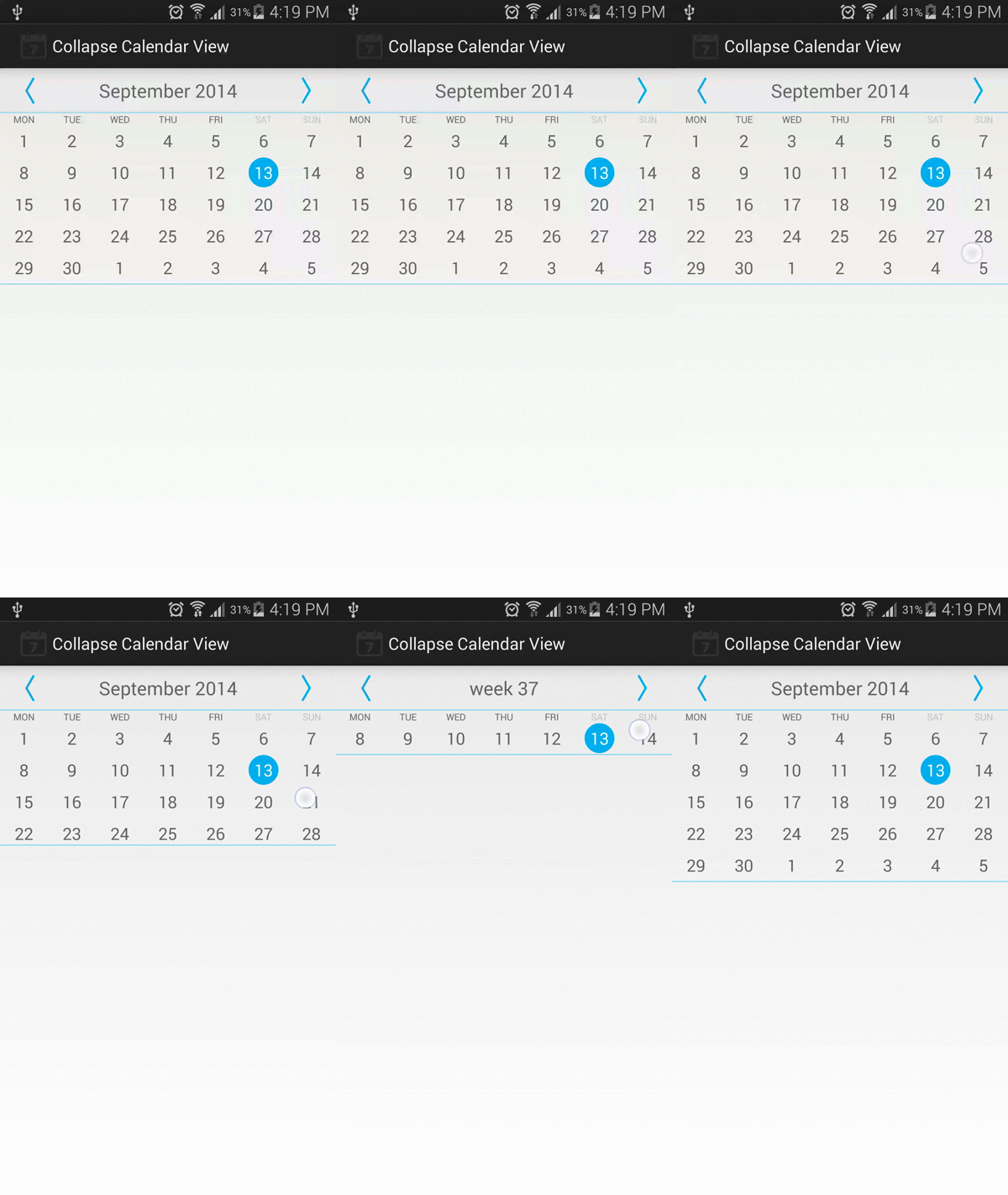
可在月視圖與週視圖之間切換的日曆元件。
專案位址:https://github.com/blazsolar/android-collapse-calendar-view
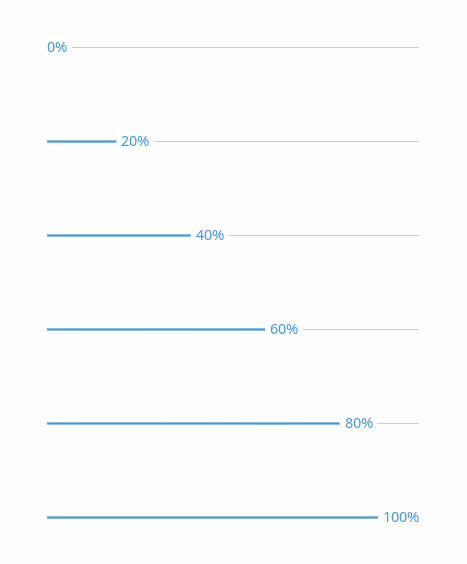
簡約又帶點質感的數字進度條。
專案位址:https://github.com/daimajia/NumberProgressBar
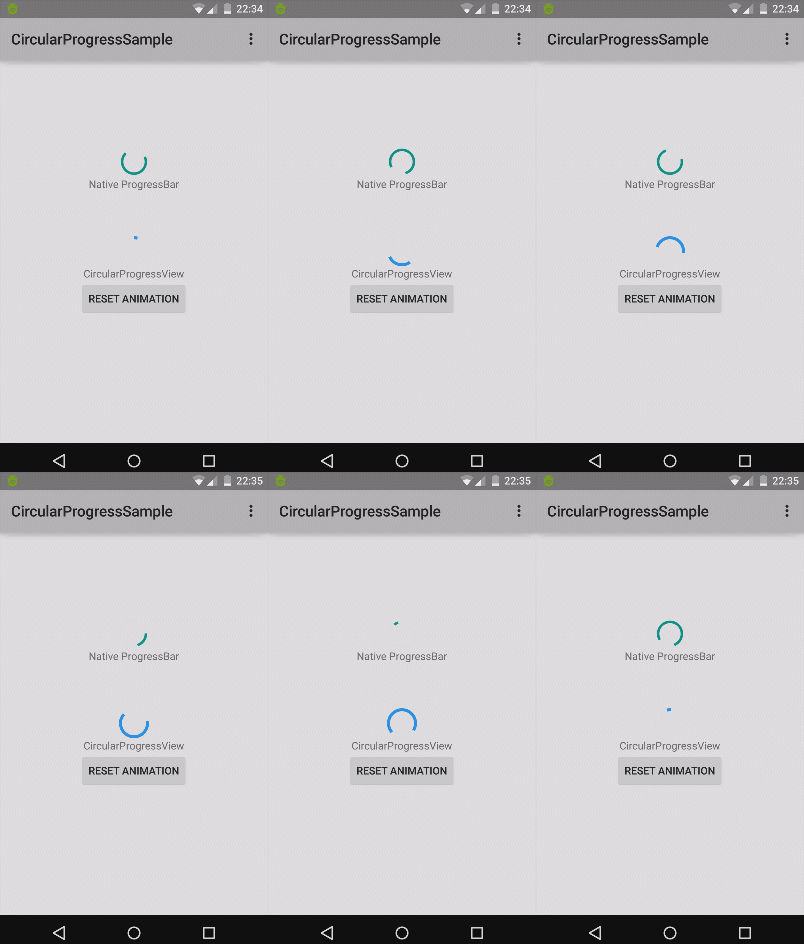
以自訂 View 實作的 Material 風格載入提示,相容性極好,幾乎任何版本都能跑。
專案位址:https://github.com/rahatarmanahmed/CircularProgressView
用 OpenGL 模擬折紙,完整重現一張紙折成小船的過程。
專案位址:https://github.com/RemiKoutcherawy/OriSim3D-Android
這份清單涵蓋導覽、載入、圖表、表單、動畫幾個主要面向。實務上建議先確認元件是否仍在維護、minSdk 是否與專案相符,再決定要不要引入——特別是那些以動畫效果取勝的庫,往往伴隨額外的效能成本,用在對的位置才有價值。另外,如果只需要其中一兩個功能,自己刻一個輕量版本,通常比引入整個大而全的庫划算。
 用 Design Support Library 實現 QQ 風格側滑與滑動菜單導航
2015 年 Google I/O 大會發布了更完善的 Material Design 規范,並推出了 Android Design Support Library。這個
 無線點餐系統資料庫設計:MySQL 表結構規劃
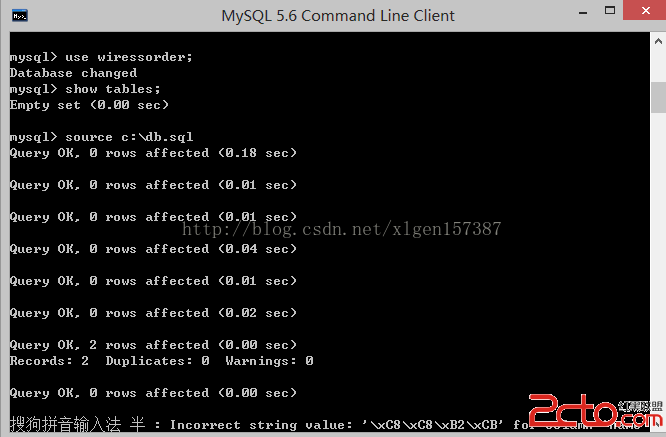
無線點餐系統的資料庫設計,需要涵蓋使用者、餐桌、菜單分類、菜單、訂單與訂單明細。 主要資料表 usertbl 保存帳號、密碼與權限;tabletbl 記錄餐桌狀態;men
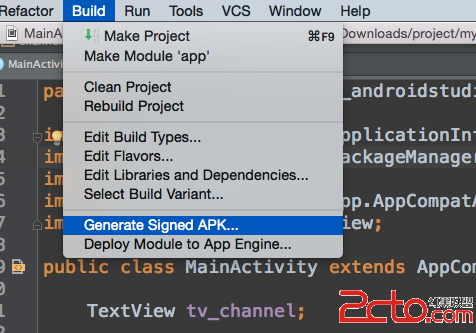 Android Studio 簽名打包全流程:生成 jks 密鑰、簽名 APK 與多渠道構建
在上一篇多渠道打包的實踐中,我們已經用到了簽名文件。Eclipse 時代使用的 .keystore,到了 Android Studio 就換成了 .jks。很多人卡在第一
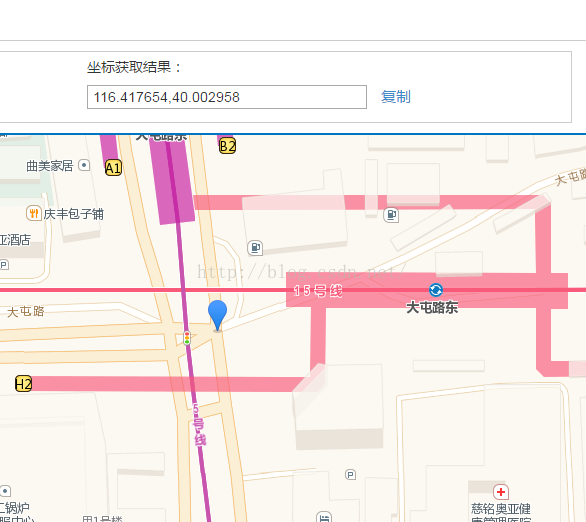 火星坐標系(GCJ-02)與百度坐標系(BD-09)解析及轉換算法實戰
1、美國 GPS 使用的是 WGS84 坐標系統,以經緯度形式標示地球平面上的某一位置。但在中國,出於國家安全考量,國內所有導航電子地圖必須採用國家測繪局制定的加密坐標系