

編輯:關於 Android 程式設計
ActionBar 位於 Activity 頂部,通常用來顯示應用程式圖示、標題與操作選單。它也可用於導航與 View 交互。
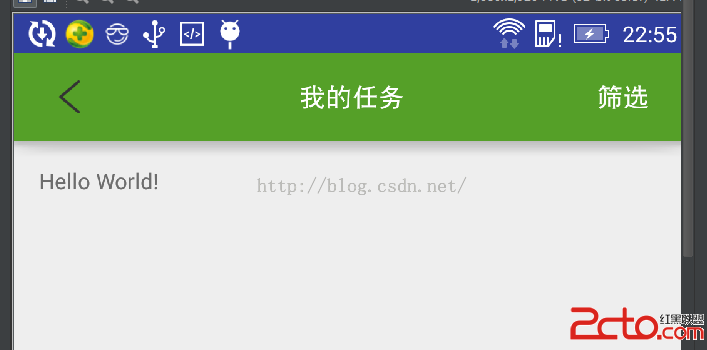
ActionBar 大致可分為三部分:左側圖示、右側操作項目,以及 overflow 按鈕。
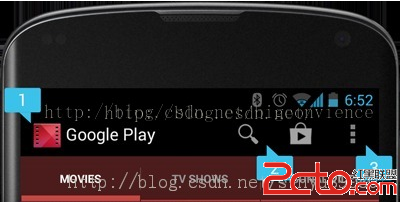
ActionBar 從 Android 3.0 開始提供。若要在低版本使用,可透過 Support Library v7。常見做法是讓 Activity 繼承 AppCompatActivity,並使用 AppCompat 主題。
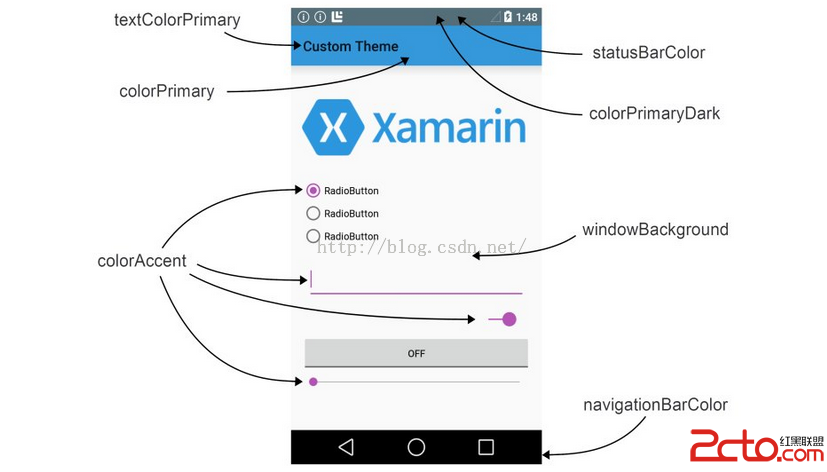
在 styles.xml 中,可將主題 parent 設定為 Theme.AppCompat.Light.DarkActionBar,並設定 colorPrimary、colorPrimaryDark、colorAccent 等顏色。
若要移除 ActionBar,可改用 NoActionBar 主題,或在程式碼中取得 ActionBar 後呼叫 hide。
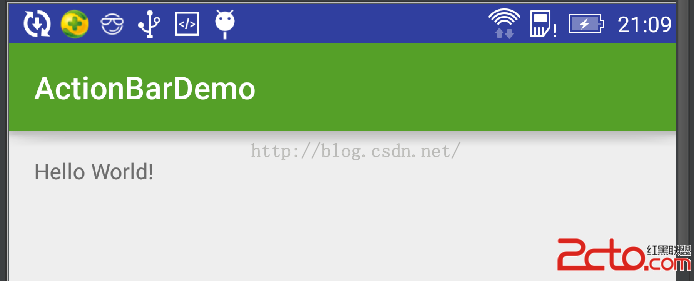
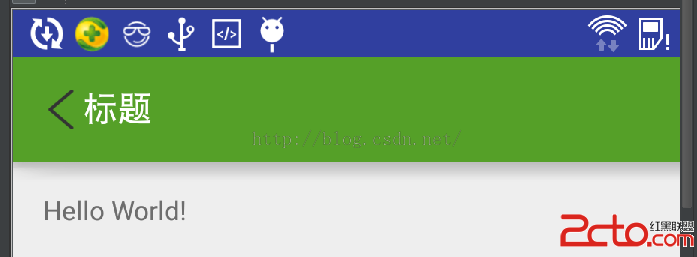
ActionBar 的標題通常來自 Activity 的 label。若要顯示圖示,可在 v7 包中啟用 home 與 logo 顯示。
可在 menu 資源中定義 action item,並使用 showAsAction 控制顯示方式。never 表示不顯示在 ActionBar,ifRoom 表示有空間才顯示,always 表示永遠顯示在 ActionBar。
接著在 Activity 中重寫 onCreateOptionsMenu 與 onOptionsItemSelected,即可處理選單點擊。
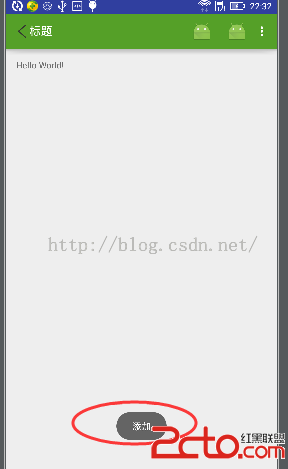
若需要更高度自訂,可建立自訂 layout,透過 LayoutInflater 載入,再設定為 ActionBar 的 custom view。
 Android Fresco 圖片框架入門:高效載入、快取與顯示優化
Fresco 是 Facebook 推出的圖片載入框架,支援多級快取、漸進式顯示、GIF 與 WebP 等格式,適合需要大量圖片呈現的應用。使用前需在 build.gra
 Android 為 ImageView 加上圓角並疊加裝飾性 Drawable 的實作
想讓頭像變圓、或在圖片右下角疊上一個小標記(例如「V」認證或角標)嗎?本文示範如何用 Canvas 裁切圓角路徑,再把裝飾用的 Drawable 合成到指定位置。先把 D
 可直接套用的 Android 刮獎控制項(含百分比統計)
這裡提供一個開箱即用的刮獎 View,除了基本的刮開效果,還能回報「已刮開面積占比」,方便在刮到一定程度時自動揭示獎項。 功能特色 1. 刮開後可顯示自訂的文字或圖片(
 兩秒載入一百張圖:Retrofit、線程池與 DiskLruCache 的三級快取實踐
路很遠,也很暗,但只要敢往前走,腳下自然就有路。寫程式這件事,其實也差不多。 上一篇 Blog 之後,隔了挺長一段時間沒更新,陸續都在忙支付相關的需求,這裡先跟各位說聲抱