

編輯:關於 Android 程式設計
在 Android 裡處理圖片,Bitmap 與 BitmapDrawable 這對搭檔幾乎無可迴避。理解兩者的分工,是寫好任何圖像相關功能的第一步。本文從最單純的載入方式出發,一路寫到自訂圖片輪播。

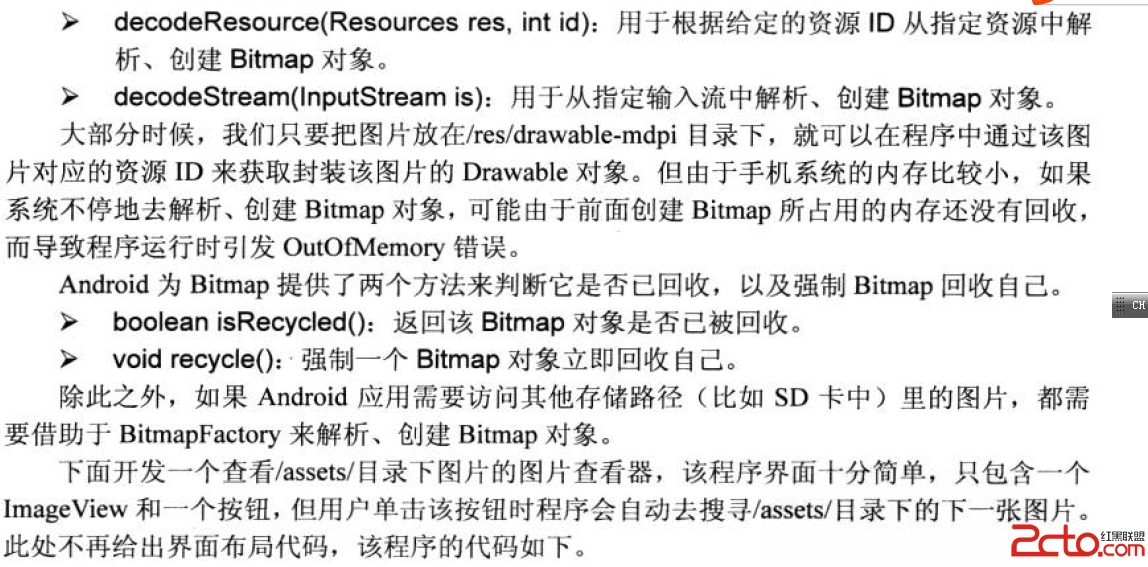
三者並非平行選項,而是層層包覆的關係。Bitmap 是記憶體中的一塊像素矩陣,本身不具備「能被 View 繪製」的能力;BitmapDrawable 則是把它包裝成 Drawable,讓 ImageView 之類的元件可以接受。當你寫 setImageResource 時,系統在幕後做的其實就是同一件事——把資源解碼成 Bitmap,再包成 BitmapDrawable 交給 View。
正因為 Bitmap 背後是一整塊連續的像素記憶體,它的生命週期管理才格外重要。一張 1080p 的 ARGB_8888 圖片,光是像素資料就要吃掉約 8MB,動輒數張同存便足以觸發 OOM。因此替換圖片前主動 recycle 舊的 Bitmap,是一個值得養成的習慣。
public class MainActivity extends Activity {

    String[] images;
    ImageView image;
    int currentImg;
    AssetManager asset;

    @Override
    protected void onCreate(Bundle savedInstanceState) {
        super.onCreate(savedInstanceState);
        setContentView(R.layout.activity_main);
        image = (ImageView) findViewById(R.id.imageBit);

        try {
            asset = getAssets();
            images = asset.list("");
        } catch (Exception e) {
            e.printStackTrace();
        }

        findViewById(R.id.btnBit).setOnClickListener(new View.OnClickListener() {
            @Override
            public void onClick(View view) {
                if (currentImg >= images.length) {
                    currentImg = 0;
                }

                // 跳過非圖片檔案
                while (!images[currentImg].endsWith(".png")
                        && !images[currentImg].endsWith(".jpg")
                        && !images[currentImg].endsWith(".gif")) {
                    currentImg++;
                    if (currentImg >= images.length) {
                        currentImg = 0;
                    }
                }

                InputStream assetFile = null;
                try {
                    assetFile = asset.open(images[currentImg++]);
                } catch (Exception e) {
                    e.printStackTrace();
                }

                // 換圖之前先回收上一張,避免記憶體堆積
                BitmapDrawable drawable = (BitmapDrawable) image.getDrawable();
                if (drawable != null && !drawable.getBitmap().isRecycled()) {
                    drawable.getBitmap().recycle();
                }

                image.setImageBitmap(BitmapFactory.decodeStream(assetFile));
            }
        });
    }
}asset.list("") 傳入空字串代表列出 assets 根目錄,這裡用它來取得圖檔清單,因此實作時要留意根目錄若混有 .html、.txt 等其他檔案,務必像範例那樣做副檔名過濾。另外 decodeStream 回傳的 Bitmap 若為 null(例如檔案損毀),後續 recycle 邏輯雖然不會崩潰,畫面卻會停在舊圖上,正式專案裡建議加上 null 判斷與提示。
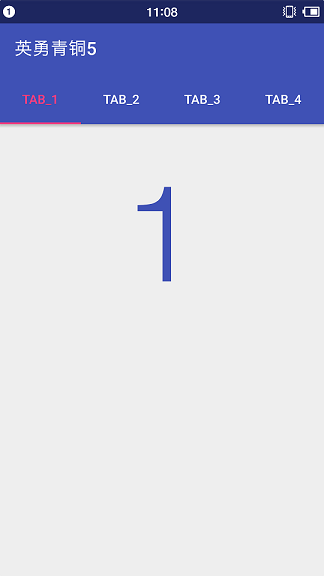 Fragment 在 ViewPager 中的生命週期實測全記錄
一、最初的疑問 Fragment 放在 ViewPager 裡,到底會經歷哪些生命週期方法?中間究竟發生了什麼? TabLayout 搭配 ViewPager 幾乎是標配
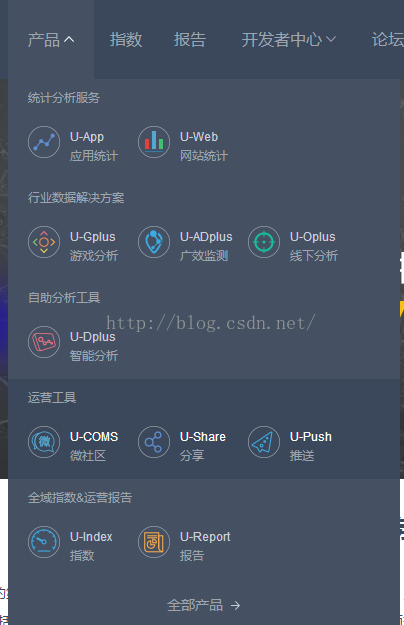 友盟社會化分享集成全流程:SDK 導入、權限配置與三方平台申請
做過 App 的人大概都躲不過三方分享這個需求。當初我為了這件事踩了不少坑,現在把完整流程整理成一份可以照著做的清單,給剛入門的朋友參考。已經很熟的大神可以直接跳過。 這
 MPAndroidChart 系列:玩轉 PieChart 餅圖
簡介MPAndroidChart 是 PhilJay 給 Android 開發者帶來的一份大禮。它功能強大、API 設計靈活,同時支持 Android 與 iOS,本文只
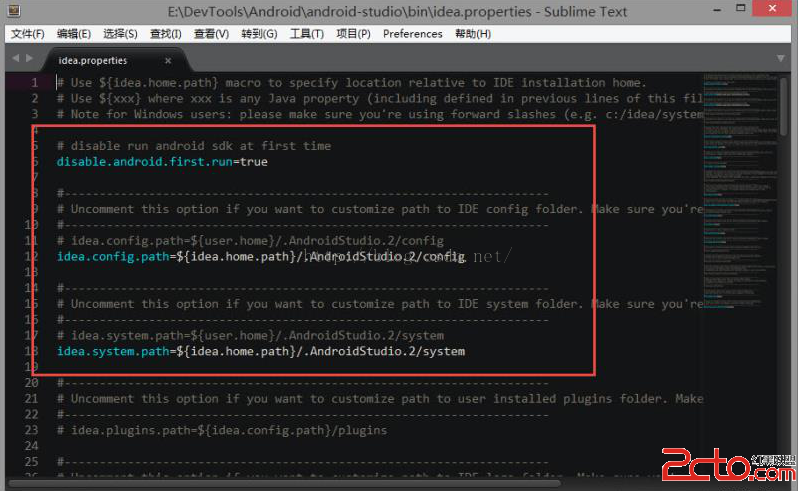 14 條必備的 Android Studio 高效配置技巧
下面整理了 14 條 Android Studio 常用配置,調好之後開發體驗會大幅提升。 1. 修改 idea.properties 文件 找到 bin\idea.pr