

編輯:關於 Android 程式設計
補間動畫,也稱 Tween Animation 或 View Animation,主要用來對單一視圖做透明度、旋轉、縮放與位移等效果。它的特點是只改變視覺呈現,不會改變控件的真實位置或狀態。也就是說,動畫結束後,若沒有特別設定,控件可能會回到原本位置。
以下範例展示透明度動畫。動畫執行兩秒,重複一次,並在結束後反向播放。
AlphaAnimation alpha = new AlphaAnimation(1.0f, 0.0f);
alpha.setDuration(2000);
alpha.setRepeatCount(1);
alpha.setRepeatMode(Animation.REVERSE);
imageView.startAnimation(alpha);
旋轉動畫可指定旋轉中心。若希望繞著檢視本身中心旋轉,可使用相對自身座標 0.5f。
RotateAnimation rotate = new RotateAnimation(0, 360,
        Animation.RELATIVE_TO_SELF, 0.5f,
        Animation.RELATIVE_TO_SELF, 0.5f);
rotate.setDuration(2000);
imageView.startAnimation(rotate);
縮放動畫則可從目前大小放大到兩倍,同樣以自身中心為基準。
ScaleAnimation scale = new ScaleAnimation(1.0f, 2.0f, 1.0f, 2.0f,
        Animation.RELATIVE_TO_SELF, 0.5f,
        Animation.RELATIVE_TO_SELF, 0.5f);
scale.setDuration(2000);
imageView.startAnimation(scale);
位移動畫可讓檢視從目前位置移動一段距離。若希望動畫結束後停在最後位置,可設定 setFillAfter(true)。
TranslateAnimation translate = new TranslateAnimation(
        Animation.RELATIVE_TO_SELF, 0,
        Animation.RELATIVE_TO_SELF, 0.2f);
translate.setDuration(2000);
translate.setFillAfter(true);
imageView.startAnimation(translate);
若要同時播放多種效果,可使用 AnimationSet 將多個動畫加入同一組。
AnimationSet set = new AnimationSet(false);
set.addAnimation(alpha);
set.addAnimation(rotate);
set.addAnimation(scale);
set.addAnimation(translate);
imageView.startAnimation(set);
除了程式碼,也可以在 res/anim 目錄建立 XML 動畫檔,再用 AnimationUtils.loadAnimation 載入。XML 方式適合把動畫參數與程式邏輯分離,讓版面與動畫設定更容易維護。
Animation animation = AnimationUtils.loadAnimation(context, R.anim.rotate);
imageView.startAnimation(animation);
若需要真正改變控件的位置與狀態,例如讓一個檢視實際移動到新座標,則應改用屬性動畫,而不是補間動畫。
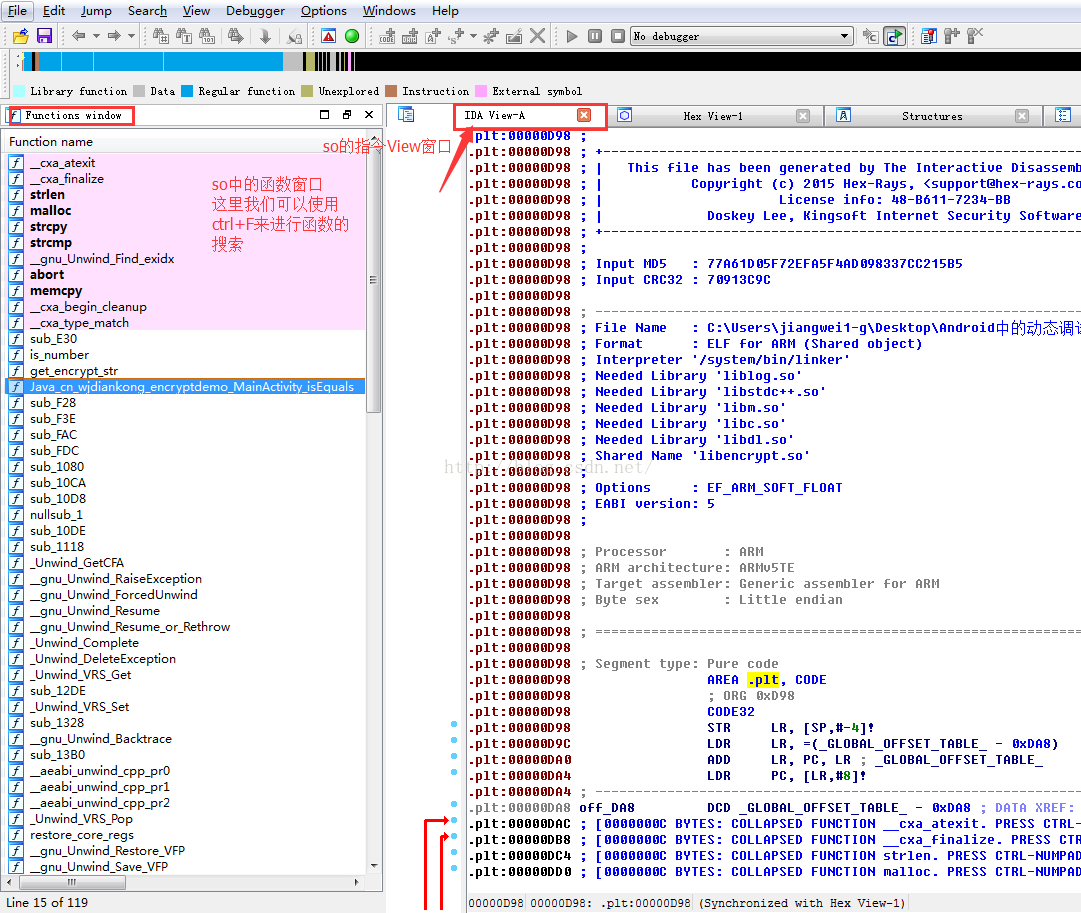 Android 逆向實戰進階:用 IDA 動態調試 so 源碼破解 APK
一、前言本篇我們繼續探討 APK 破解的相關知識。上一篇我們介紹了如何在 Eclipse 中動態調試 smali 源碼來破解 APK,這次則把焦點轉向如何用 IDA 調試
 40 條 Android 開發優化建議大整理
開始 Android 開發的好方法 初學者可以循以下步驟入手:先找一些與目標功能相近的範例程式碼,接著動手改寫讓它符合自己的需求,然後回顧開發過程中遇到的問題,最後善用
 Android Shape 標籤使用全面總結
在 Android 開發中,我們經常會用到 Shape 來定義各種各樣的形狀。先來了解 Shape 底下有哪些標籤及其含義: solid:填充。android:color
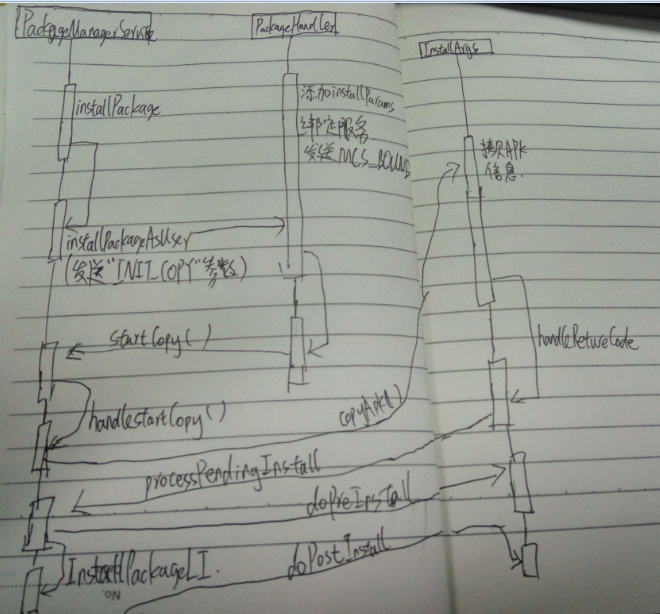 Android APK 安裝流程全解析:從 PackageInstallerActivity 到 PackageManagerService
這篇來把 APK 的安裝流程走一遍。先看應用內最常見的安裝寫法: Intent intent = new Intent(Intent.ACTION_VIEW); inte