

編輯:關於 Android 程式設計
原文出處:https://android.xsoftlab.net/training/displaying-bitmaps/process-bitmap.html
上一節談到 BitmapFactory.decode* 系列方法時強調過一件事:讀取資料不該放在 UI 執行緒上進行,尤其是來源為磁碟或網路的情況。讀取耗時受太多變數影響——磁碟或網路的快慢、圖片尺寸、CPU 效能等等。其中任何一項卡住 UI 執行緒,系統就會判定應用無回應,並跳出關閉選項。
這一節要解決的,正是如何把解碼工作搬到背景執行緒,以及伴隨而來的並發問題。
AsyncTask 提供了一個簡潔的後台工作模型:背景執行運算,完成後把結果送回 UI 執行緒。做法就是繼承它並覆寫關鍵方法。以下範例示範如何搭配 decodeSampledBitmapFromResource() 載入大圖並設定到 ImageView:
class BitmapWorkerTask extends AsyncTask<Integer, Bitmap> {

    private final WeakReference<ImageView> imageViewReference;
    private int data = 0;

    public BitmapWorkerTask(ImageView imageView) {
        // 用 WeakReference 持有 ImageView,避免妨礙其被回收
        imageViewReference = new WeakReference<ImageView>(imageView);
    }

    // 背景執行緒解碼
    @Override
    protected Bitmap doInBackground(Integer... params) {
        data = params[0];
        return decodeSampledBitmapFromResource(getResources(), data, 100, 100);
    }

    // 回到主線程後,先確認 ImageView 還在,再設定圖片
    @Override
    protected void onPostExecute(Bitmap bitmap) {
        if (imageViewReference != null && bitmap != null) {
            final ImageView imageView = imageViewReference.get();
            if (imageView != null) {
                imageView.setImageBitmap(bitmap);
            }
        }
    }
}
這裡用 WeakReference 而非直接持有,是為了不讓 AsyncTask 拖住 ImageView 及其關聯物件,干擾垃圾回收。但弱引用也意味著任務結束時 ImageView 可能已經不在了——例如使用者離開頁面,或任務執行途中發生了配置變更。所以 onPostExecute() 裡必須再做一次引用檢查。
啟動方式很簡單,建立任務並執行即可:
public void loadBitmap(int resId, ImageView imageView) {
    BitmapWorkerTask task = new BitmapWorkerTask(imageView);
    task.execute(resId);
}ListView、GridView 這類容器會衍生另一個問題。為了省記憶體,它們會隨使用者滑動而回收子 View。若每個子 View 都各自觸發一個 AsyncTask,就無法保證任務完成時,原本關聯的 View 是否已被回收重用;而且先後啟動的任務,也不保證會依序完成。結果就是圖片貼錯位置。
官方部落格文章 Multithreading for Performance 提出了一個解法:把最近一次啟動的 AsyncTask 引用存在 ImageView 上,任務完成時回頭比對,確認自己仍是「 Currently 有效的那一位」。沿著這個思路,前面的 AsyncTask 可以擴充如下。
先定義一個專用的 Drawable 子類,用來寄存任務引用。這裡選用 BitmapDrawable,順帶還能在任務完成前先顯示一張佔位圖:
static class AsyncDrawable extends BitmapDrawable {

    private final WeakReference<BitmapWorkerTask> bitmapWorkerTaskReference;

    public AsyncDrawable(Resources res, Bitmap bitmap, BitmapWorkerTask bitmapWorkerTask) {
        super(res, bitmap);
        bitmapWorkerTaskReference = new WeakReference<BitmapWorkerTask>(bitmapWorkerTask);
    }

    public BitmapWorkerTask getBitmapWorkerTask() {
        return bitmapWorkerTaskReference.get();
    }
}
啟動任務前,先建立 AsyncDrawable 並掛到目標 ImageView 上:
public void loadBitmap(int resId, ImageView imageView) {
    if (cancelPotentialWork(resId, imageView)) {
        final BitmapWorkerTask task = new BitmapWorkerTask(imageView);
        final AsyncDrawable asyncDrawable =
                new AsyncDrawable(getResources(), mPlaceHolderBitmap, task);
        imageView.setImageDrawable(asyncDrawable);
        task.execute(resId);
    }
}
cancelPotentialWork() 負責判斷 ImageView 上是否已有執行中的任務。若有,就嘗試取消;若是同一筆資料正在處理,則不必重複動手。實作如下:
public static boolean cancelPotentialWork(int data, ImageView imageView) {
    final BitmapWorkerTask bitmapWorkerTask = getBitmapWorkerTask(imageView);

    if (bitmapWorkerTask != null) {
        final int bitmapData = bitmapWorkerTask.data;
        // 若尚未設定過資料,或與新資料不同,則取消舊任務
        if (bitmapData == 0 || bitmapData != data) {
            bitmapWorkerTask.cancel(true);
        } else {
            // 同樣的工作已在進行中,不必重複
            return false;
        }
    }
    // 沒有關聯任務,或舊任務已被取消
    return true;
}
輔助方法 getBitmapWorkerTask() 用來取出指定 ImageView 目前關聯的任務:
private static BitmapWorkerTask getBitmapWorkerTask(ImageView imageView) {
    if (imageView != null) {
        final Drawable drawable = imageView.getDrawable();
        if (drawable instanceof AsyncDrawable) {
            final AsyncDrawable asyncDrawable = (AsyncDrawable) drawable;
            return asyncDrawable.getBitmapWorkerTask();
        }
    }
    return null;
}
最後,在 onPostExecute() 中補上兩道檢查:任務是否已被取消,以及自己是否仍是 ImageView 目前對應的任務。
class BitmapWorkerTask extends AsyncTask<Integer, Bitmap> {

    // ... 其餘程式碼同上

    @Override
    protected void onPostExecute(Bitmap bitmap) {
        if (isCancelled()) {
            bitmap = null;
            return;
        }
        if (imageViewReference != null && bitmap != null) {
            final ImageView imageView = imageViewReference.get();
            final BitmapWorkerTask bitmapWorkerTask = getBitmapWorkerTask(imageView);
            if (this == bitmapWorkerTask && imageView != null) {
                imageView.setImageBitmap(bitmap);
            }
        }
    }
}
改到這裡,這套實作就能安全地用在會回收子 View 的容器上了。使用方式維持不變,只要呼叫 loadBitmap(),例如在 GridView 的 getView() 中呼叫即可。
 AppBarLayout 與 scrollFlags 的滾動行為
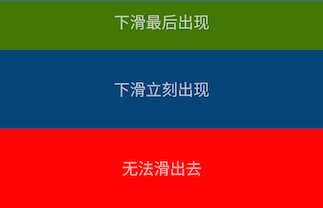
AppBarLayout 的三段式滑動 AppBarLayout 可以粗略分為三種行為:滑到最後才出現、下滑立刻出現、以及永遠無法滑出。前兩者都屬於可滾動內容,後者則固定
 Android 使用自定義 debug keystore 配置詳解
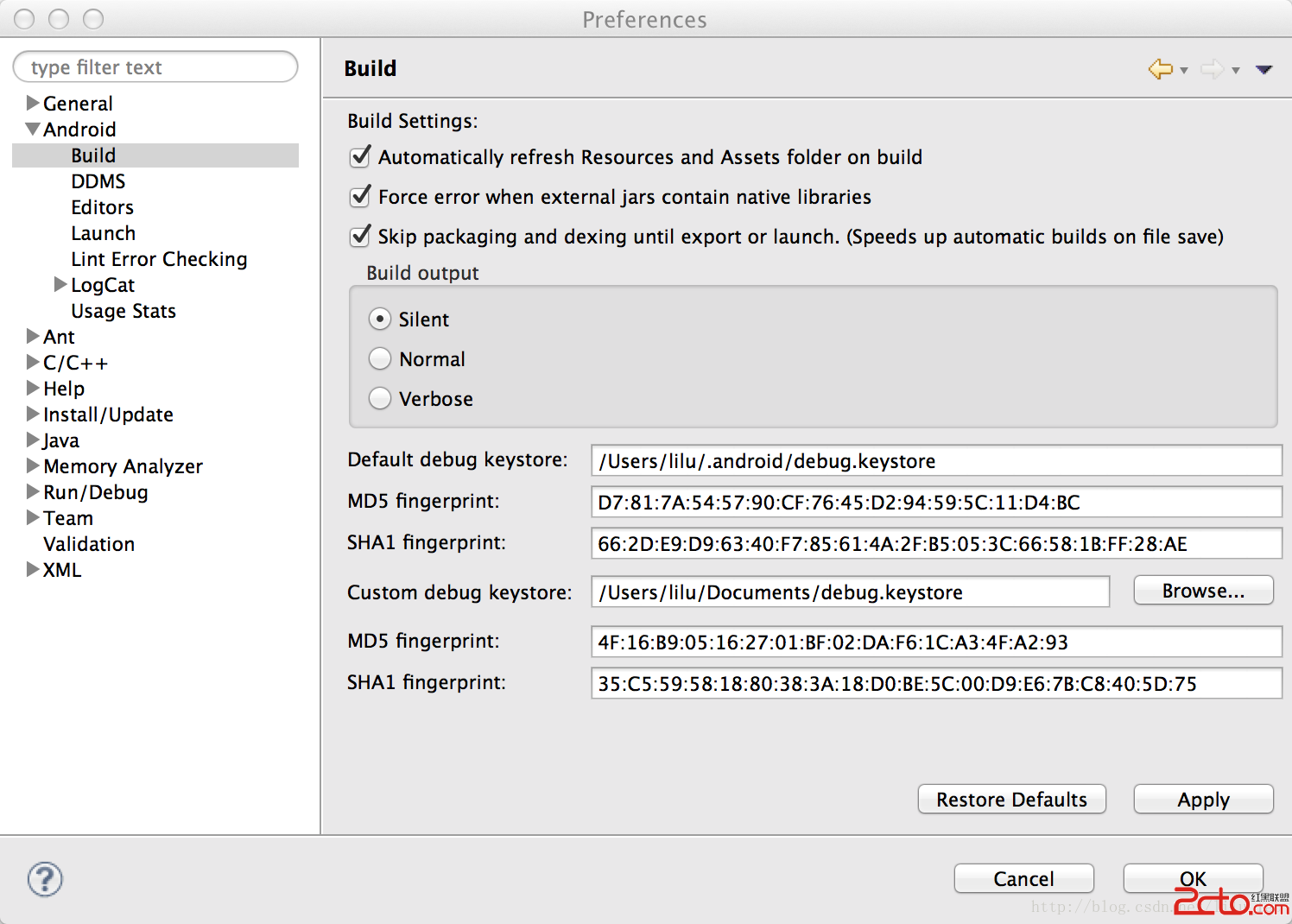
在接入第三方 API 時,常常需要提供 keystore 的 SHA1 值,例如使用百度地圖 API 就是典型場景。如果是團隊協同開發,還需要所有成員的 Eclipse
 Android 動畫三部曲之一:View Animation 與 LayoutAnimation 完全解析
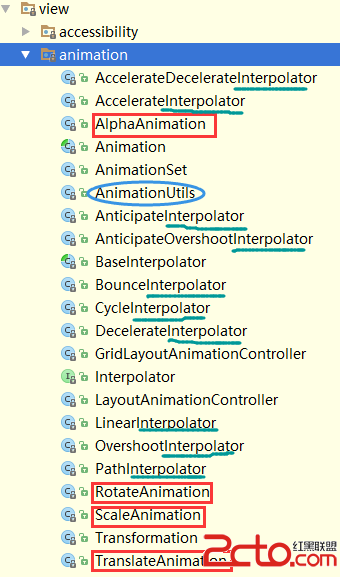
Tween 補間動畫 Tween 動畫又稱補間動畫,是通過改變 View 的位置、大小、透明度與角度來實現動畫效果的一種方式。 補間動畫的基類是 Animation,我們
 仿斗魚滑動登錄驗證:自定義拼图驗證控件 DouYuView 實作
最近不太忙,閒暇時看看直播,總能撞見一些新奇的登錄驗證方式。恰好我也想熟悉一下新的開發工具 Android Studio,於是決定親手實現一個類似斗魚的滑動拼图驗證。