

編輯:關於 Android 程式設計
加密是 App 保護敏感資料時經常要用的手段,AES 則是最主流的對稱式加密演算法之一。下面這個工具類別把加解密流程完整封裝好,實測能相容各個 Android 版本,相當可靠。
它的作法是:先用使用者提供的 seed 透過 SHA1PRNG 產生一把 128 位的金鑰,再以 AES 進行加解密,最後把結果轉成十六進位字串方便儲存與傳輸。
import android.annotation.SuppressLint;
import java.security.SecureRandom;
import javax.crypto.Cipher;
import javax.crypto.KeyGenerator;
import javax.crypto.SecretKey;
import javax.crypto.spec.IvParameterSpec;
import javax.crypto.spec.SecretKeySpec;

/**
 * Author:sunger
 */
public class AESUtils {

    public static String encrypt(String seed, String cleartext) throws Exception {
        byte[] rawKey = getRawKey(seed.getBytes());
        byte[] result = encrypt(rawKey, cleartext.getBytes());
        return toHex(result);
    }

    public static String decrypt(String seed, String encrypted) throws Exception {
        byte[] rawKey = getRawKey(seed.getBytes());
        byte[] enc = toByte(encrypted);
        byte[] result = decrypt(rawKey, enc);
        return new String(result);
    }

    @SuppressLint("TrulyRandom")
    private static byte[] getRawKey(byte[] seed) throws Exception {
        KeyGenerator kgen = KeyGenerator.getInstance("AES");
        SecureRandom sr = SecureRandom.getInstance("SHA1PRNG", "Crypto");
        sr.setSeed(seed);
        kgen.init(128, sr); // 192 與 256 位元在部分環境可能無法使用
        SecretKey skey = kgen.generateKey();
        return skey.getEncoded();
    }

    private static byte[] encrypt(byte[] raw, byte[] clear) throws Exception {
        SecretKeySpec skeySpec = new SecretKeySpec(raw, "AES");
        Cipher cipher = Cipher.getInstance("AES");
        cipher.init(Cipher.ENCRYPT_MODE, skeySpec,
                new IvParameterSpec(new byte[cipher.getBlockSize()]));
        return cipher.doFinal(clear);
    }

    private static byte[] decrypt(byte[] raw, byte[] encrypted) throws Exception {
        SecretKeySpec skeySpec = new SecretKeySpec(raw, "AES");
        Cipher cipher = Cipher.getInstance("AES");
        cipher.init(Cipher.DECRYPT_MODE, skeySpec,
                new IvParameterSpec(new byte[cipher.getBlockSize()]));
        return cipher.doFinal(encrypted);
    }

    private static byte[] toByte(String hexString) {
        int len = hexString.length() / 2;
        byte[] result = new byte[len];
        for (int i = 0; i < len; i++)
            result[i] = Integer.valueOf(hexString.substring(2 * i, 2 * i + 2), 16).byteValue();
        return result;
    }

    private static String toHex(byte[] buf) {
        if (buf == null) return "";
        StringBuffer result = new StringBuffer(2 * buf.length);
        for (int i = 0; i < buf.length; i++) {
            appendHex(result, buf[i]);
        }
        return result.toString();
    }

    private final static String HEX = "0123456789ABCDEF";

    private static void appendHex(StringBuffer sb, byte b) {
        sb.append(HEX.charAt((b >> 4) & 0x0f)).append(HEX.charAt(b & 0x0f));
    }
}
使用時只要呼叫 AESUtils.encrypt(seed, 明文) 取得密文,再用相同的 seed 呼叫 AESUtils.decrypt(seed, 密文) 還原即可,非常省事。
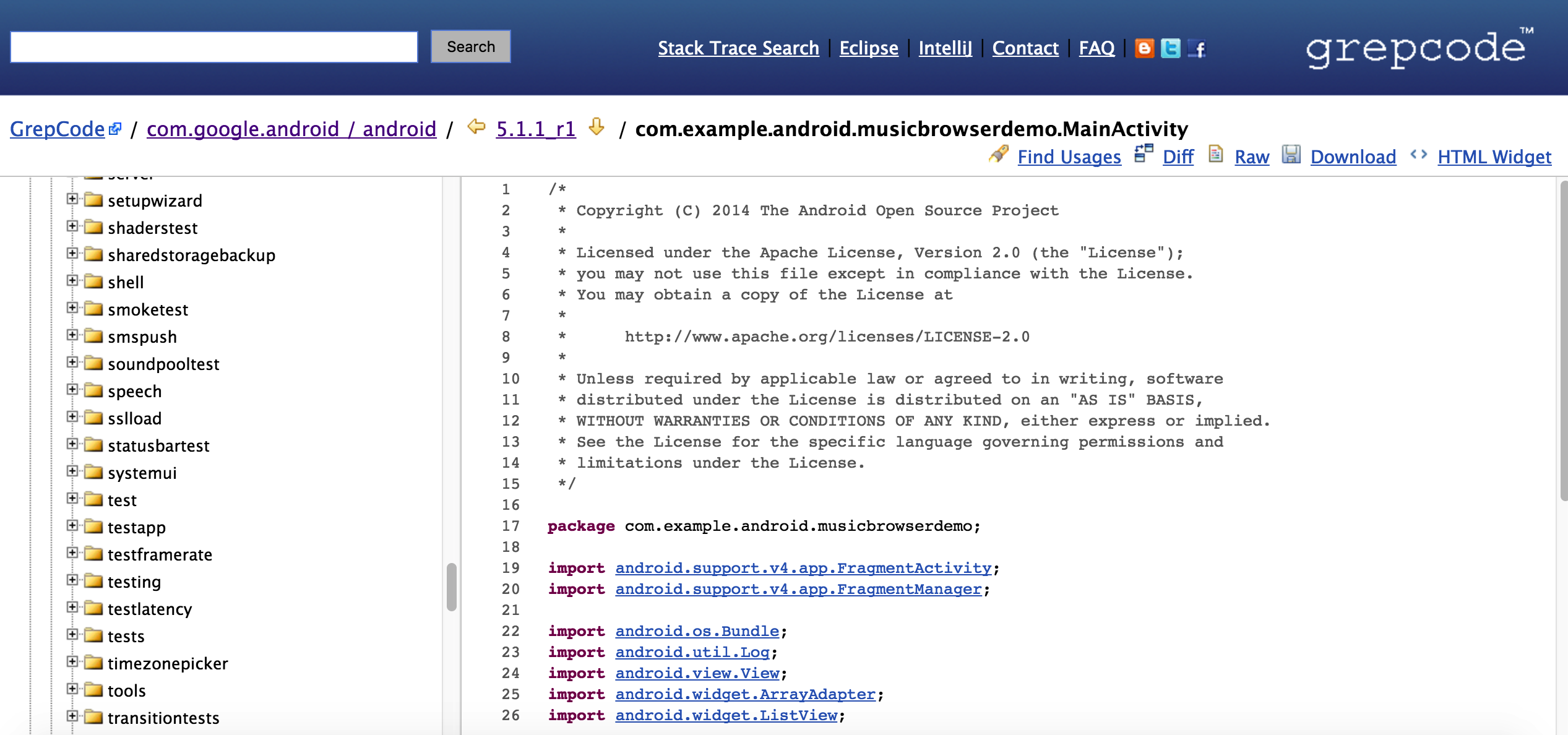 在線查看 Android 系統源碼的實用方案
無論是 Android 底層開發、Framework 分析,還是應用層 API 行為研究,查閱系統源碼都是非常重要的能力。直接閱讀源碼,可以幫助我們理解某個功能背後的實現
 小米電視2S與小米電視2差在哪?功能取捨一次看
小米電視2S與49吋小米電視2的差異主要在取捨。2S取消3D、觸控開關改為按鈕、移除MicroSD卡槽,遙控器改為紅外,並拿掉環境背光調節。 外觀採兩段式設計,上半部較薄
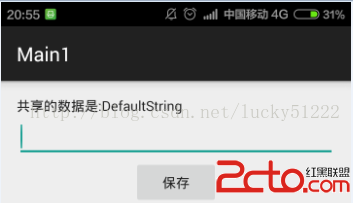 Android Studio 開發基礎:Context 的用途與用法詳解
一、什麼是 Context Context 可以說是 Android 中最常被使用、卻也最容易被忽略的核心類別之一。它提供了一個存取應用程式全域資訊的介面,例如圖片、字串
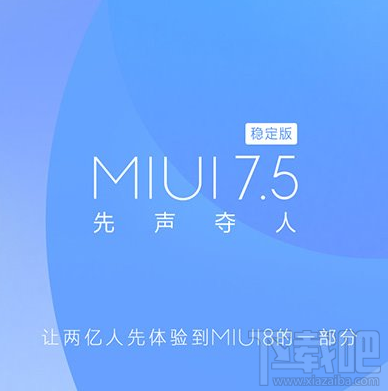 MIUI 7.5 升級支援哪些機型?順便認識一下米 SIM
MIUI 官方已於上午 11 點面向穩定版通道用戶推送 MIUI 7.5 更新。這個版本主要把 MIUI 8 的部分新功能下放,並支援從 MIUI V5/V6/V7 穩定