

編輯:關於 Android 程式設計
需要修改的檔案:
packages/apps/Bluetooth/src/com/android/bluetooth/opp/BluetoothOppReceiveFileInfo.java
相關程式碼片段:
public static BluetoothOppReceiveFileInfo generateFileInfo(Context context, int id) {
    ContentResolver contentResolver = context.getContentResolver();
    Uri contentUri = Uri.parse(BluetoothShare.CONTENT_URI + "/" + id);
    String filename = null, hint = null, mimeType = null;
    long length = 0;
    Cursor metadataCursor = null;
    try {
        metadataCursor = contentResolver.query(contentUri, new String[] {
                BluetoothShare.FILENAME_HINT, BluetoothShare.TOTAL_BYTES, BluetoothShare.MIMETYPE }, null, null, null);
    } catch (SQLiteException e) {
        if (metadataCursor != null) {
            metadataCursor.close();
        }
        metadataCursor = null;
        Log.e(Constants.TAG, "generateFileInfo: " + e);
    } catch (CursorWindowAllocationException e) {
        metadataCursor = null;
        Log.e(Constants.TAG, "generateFileInfo: " + e);
    }
    if (metadataCursor != null) {
        try {
            if (metadataCursor.moveToFirst()) {
                hint = metadataCursor.getString(0);
                length = metadataCursor.getLong(1);
                mimeType = metadataCursor.getString(2);
            }
        } finally {
            metadataCursor.close();
            metadataCursor = null;
        }
    }
    File base = null;
    StatFs stat = null;
    if (Environment.getExternalStorageState().equals(Environment.MEDIA_MOUNTED)) {
        String root = Environment.getExternalStorageDirectory().getPath();
        base = new File(root + Constants.DEFAULT_STORE_SUBDIR);
        if (!base.isDirectory() && !base.mkdir()) {
            return new BluetoothOppReceiveFileInfo(BluetoothShare.STATUS_FILE_ERROR);
        }
        stat = new StatFs(base.getPath());
    } else {
        return new BluetoothOppReceiveFileInfo(BluetoothShare.STATUS_ERROR_NO_SDCARD);
    }
    // 檢查目標檔案系統是否有足夠空間保存檔案,並預留一些餘裕
    if (stat.getBlockSize() * ((long) stat.getAvailableBlocks() - 4) < length) {
        return new BluetoothOppReceiveFileInfo(BluetoothShare.STATUS_ERROR_SDCARD_FULL);
    }
    filename = choosefilename(hint);
    if (filename == null) {
        return new BluetoothOppReceiveFileInfo(BluetoothShare.STATUS_FILE_ERROR);
    }
    String extension = null;
    int dotIndex = filename.lastIndexOf(".");
    if (dotIndex < 0) {
        if (mimeType == null) {
            return new BluetoothOppReceiveFileInfo(BluetoothShare.STATUS_FILE_ERROR);
        } else {
            extension = "";
        }
    } else {
        extension = filename.substring(dotIndex);
        filename = filename.substring(0, dotIndex);
    }
    if ((filename != null) && (filename.getBytes().length > OPP_LENGTH_OF_FILE_NAME)) {
        // 檔案名過長時進行截斷,避免超過 Linux 255 字元上限
        try {
            byte[] oldfilename = filename.getBytes("UTF-8");
            byte[] newfilename = new byte[OPP_LENGTH_OF_FILE_NAME];
            System.arraycopy(oldfilename, 0, newfilename, 0, OPP_LENGTH_OF_FILE_NAME);
            filename = new String(newfilename, "UTF-8");
        } catch (UnsupportedEncodingException e) {
            Log.e(Constants.TAG, "Exception: " + e);
        }
    }
    filename = base.getPath() + File.separator + filename;
    // 生成唯一檔案名,建立檔案並返回
    String fullfilename = chooseUniquefilename(filename, extension);
    if (!safeCanonicalPath(fullfilename)) {
        // 若第二次檢查失敗,則拒絕傳輸
        return new BluetoothOppReceiveFileInfo(BluetoothShare.STATUS_FILE_ERROR);
    }
    if (fullfilename != null) {
        try {
            new FileOutputStream(fullfilename).close();
            int index = fullfilename.lastIndexOf('/') + 1;
            // 更新顯示名稱
            if (index > 0) {
                String displayName = fullfilename.substring(index);
                ContentValues updateValues = new ContentValues();
                updateValues.put(BluetoothShare.FILENAME_HINT, displayName);
                context.getContentResolver().update(contentUri, updateValues, null, null);
            }
            return new BluetoothOppReceiveFileInfo(fullfilename, length, new FileOutputStream(fullfilename), 0);
        } catch (IOException e) {
            return new BluetoothOppReceiveFileInfo(BluetoothShare.STATUS_FILE_ERROR);
        }
    } else {
        return new BluetoothOppReceiveFileInfo(BluetoothShare.STATUS_FILE_ERROR);
    }
}

private static boolean safeCanonicalPath(String uniqueFileName) {
    try {
        File receiveFile = new File(uniqueFileName);
        if (sDesiredStoragePath == null) {
            sDesiredStoragePath = Environment.getExternalStorageDirectory().getPath() + Constants.DEFAULT_STORE_SUBDIR;
        }
        String canonicalPath = receiveFile.getCanonicalPath();
        // 檢查 canonical path 是否完整(大小寫敏感)
        if (!canonicalPath.startsWith(sDesiredStoragePath)) {
            return false;
        }
        return true;
    } catch (IOException ioe) {
        return false;
    }
}
修改方法要點:
root 代表儲存的路徑根目錄。若要改存到外部儲存,修改此處的賦值即可;若要修改子目錄,則調整 base 的拼接賦值。
特別提醒:如果改動了 root 或 base,務必同步為 sDesiredStoragePath 重新賦值,保持一致,否則 safeCanonicalPath() 的判斷會失敗。務必讓完整路徑合法,否則將無法接收檔案。
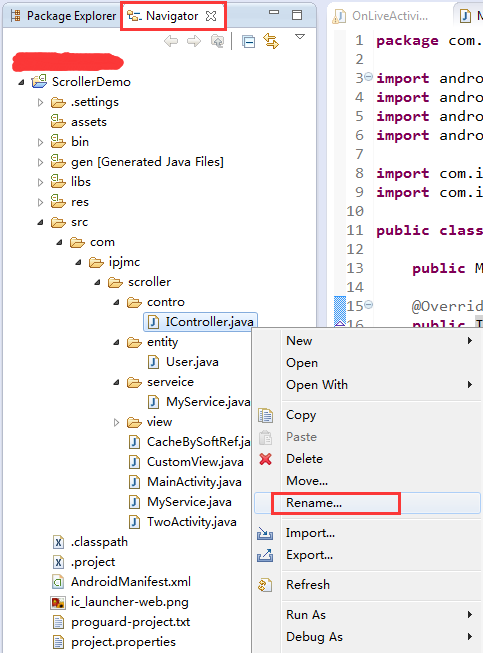 AIDL 入門隨記:綁定本地與遠端 Service 的實作對比
本文記錄 AIDL 的簡單使用,並對比綁定本地 Service 與遠端 Service 的差異。 綁定本地 Service 的用法 第一步:建立介面與實體類 publ
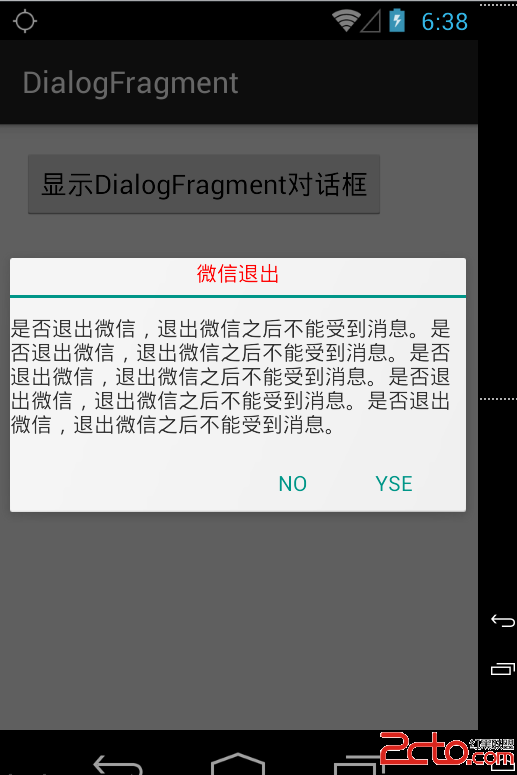 Android DialogFragment 對話框使用詳解
寫在前面 從事 Android 開發至今,一提到對話框,我就會想起 AlertDialog 或 PopupWindow,我在上一篇部落格中也整理過這兩種對話框的使用大全。
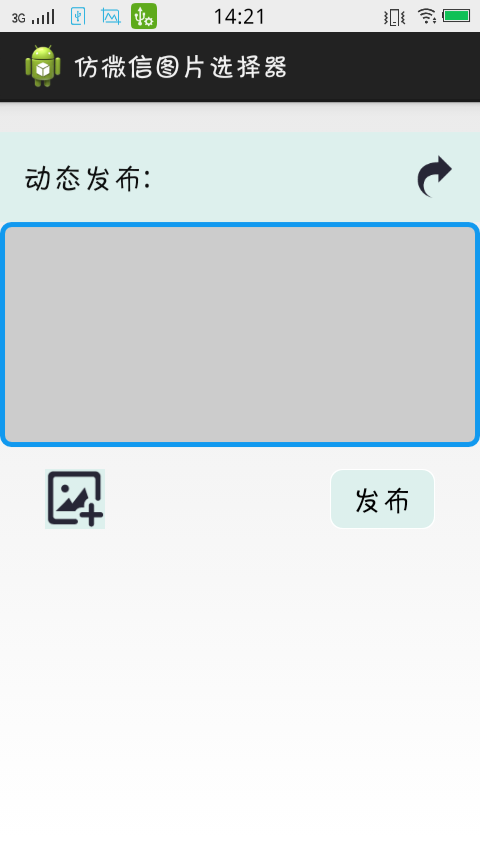 仿微信相册:手把手实现图片选择器
仿微信图片选择器 源码下载链接:见文末。 先上图,后上代码: 打开 app 后点击「添加图片」按钮: 获取所选图片,并在 gridview 中返回显示: 实现该功
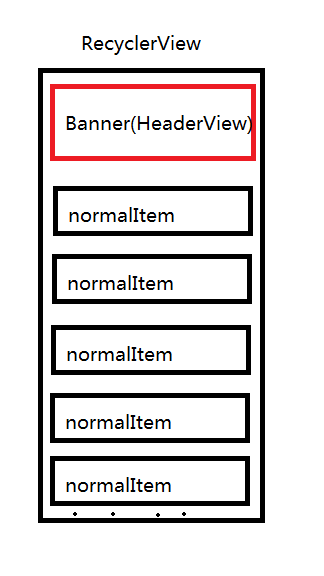 Android 自定義 LayoutManager 入門:常見誤區、關鍵 API 與復用真相
自定義 LayoutManager 系列開篇 這篇文章是深入掌握自定義 LayoutManager 系列的第一篇,也是一份學習前的總整理。內容會先釐清常見誤區,再說明背後