

編輯:關於 Android 程式設計
設定壁紙可先將 Drawable 轉為 Bitmap,再呼叫 setWallpaper。
Bitmap bitmap = BitmapFactory.decodeResource(getResources(), R.drawable.wallpaper);
try {
    setWallpaper(bitmap);
} catch (IOException e) {
    e.printStackTrace();
}可送出 INSTALL_SHORTCUT 廣播,指定名稱、圖示與啟動 Intent。
Intent shortcut = new Intent("com.android.launcher.action.INSTALL_SHORTCUT");
shortcut.putExtra(Intent.EXTRA_SHORTCUT_NAME, getString(R.string.app_name));
shortcut.putExtra("duplicate", false);
Intent shortcutIntent = new Intent(Intent.ACTION_MAIN);
shortcutIntent.setClassName(this, this.getClass().getName());
shortcut.putExtra(Intent.EXTRA_SHORTCUT_INTENT, shortcutIntent);
sendBroadcast(shortcut);可送出 UNINSTALL_SHORTCUT 廣播,並指定要刪除的圖示名稱與 Intent。
可查詢 Launcher 的 favorites 資料表,以應用名稱判斷是否已有圖示。若已存在,可提示使用者或直接跳過建立。
不同 Launcher 對桌面圖示的支援程度不同。部分系統可能需要額外權限或使用者手動允許。
 Android 官方導航欄 ActionBar 使用詳解
一、ActionBar 概述ActionBar 是 Android 3.0 以後新增的元件,主要用於標示應用程式以及用戶所處的位置,並提供相關操作與全局導航功能。真正使用
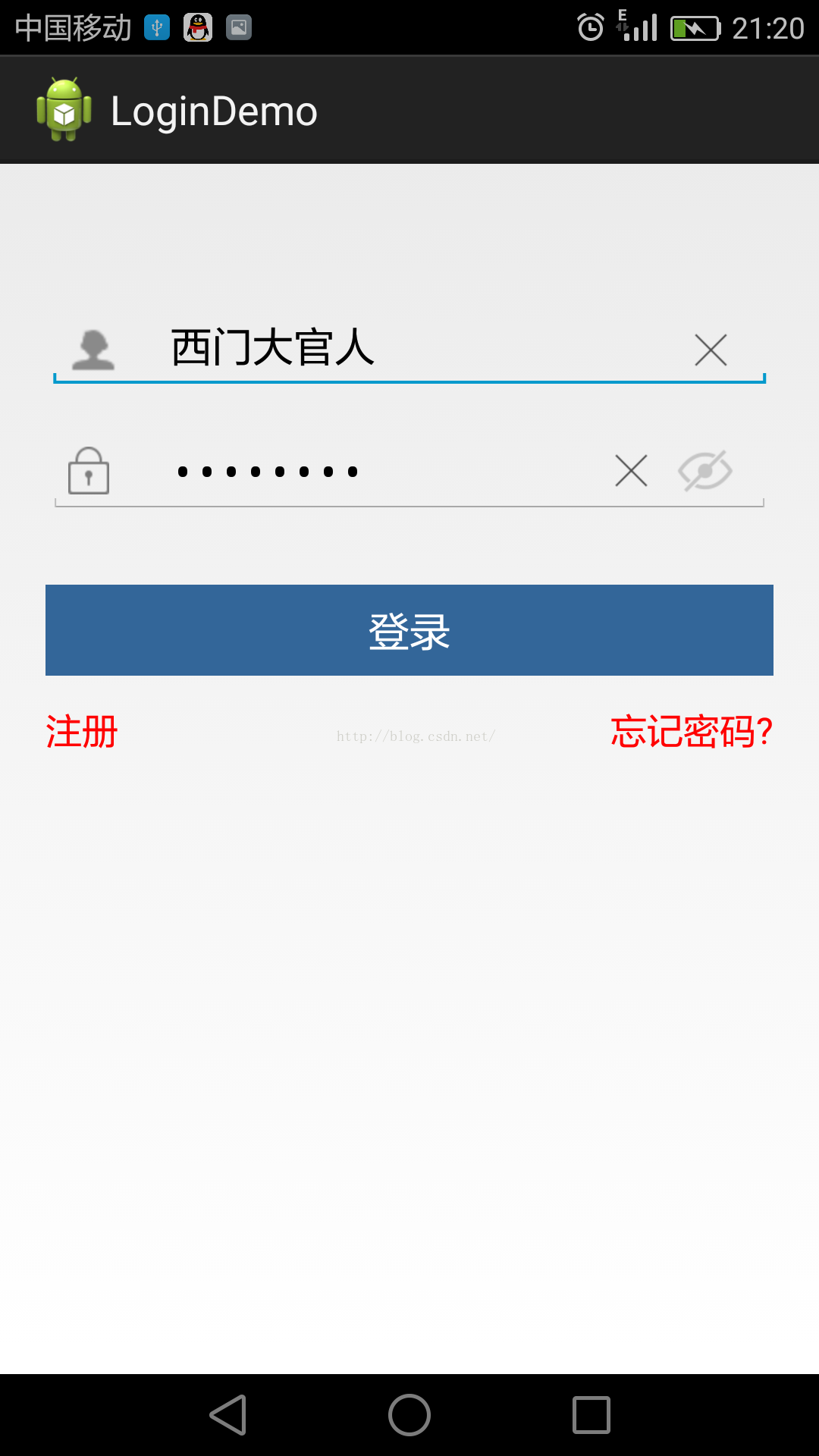 手把手實現一個美觀實用的 Android 登錄界面
最近因為項目需要,久違地又開始搞 Android 了。別的不多說,先從一個登錄界面練練手。登錄界面可以說是 Android 項目中最常用、最基本的頁面,如果連這個都搞不定
 Android 圖像資源之狀態圖像:selector 讓按鈕自動換圖
在上一篇博文中我講解了 XML 圖像資源中的圖層資源,這篇接著談「狀態圖像資源」。後續還會陸續介紹圖像級別資源、淡入淡出資源、嵌入圖像資源、剪切圖像資源與外形資源。 問
 Android Activity 啟動過程源碼全解析(Binder 篇)
本文沿著總圖逐步拆解 Activity 的啟動過程,重點放在 Binder 物件在 Java 層與 Native 層之間的轉換。 第一步:ActivityManagerP