

編輯:關於 Android 程式設計
用 Intent 啟動元件時,如果元件設定有誤或目標應用根本沒安裝,就會拋出例外。若不做處理,App 通常會直接閃退。因此建議用 try…catch 把例外攔下來,在處理區塊中給使用者適當的提示(例如 Toast)。
try {
    Intent intent = new Intent();
    intent.setClassName("com.tencent.mm", "com.tencent.mm.app.MMApplication");
    startActivity(intent);
} catch (Exception e) {
    Log.i("異常標籤", String.valueOf(e));  // Android 不建議使用 e.printStackTrace()
}
更精準的做法是攔特定的例外。例如找不到目標 Activity 時會拋出 ActivityNotFoundException:
try {
    Intent intent = new Intent();
    intent.setClassName("com.tencent.mm", "com.tencent.mm.app.MMApplication");
    startActivity(intent);
} catch (ActivityNotFoundException e) {
    Toast.makeText(PocketSphinxDemo.this, "正在啟動微信客戶端,請稍後…", Toast.LENGTH_SHORT).show();
}以下整理了一些以 Intent 呼叫系統程式的寫法,在 Android 4.0 上實測可用,供大家參考。實際使用時建議一律包上 try…catch。
// (1) 撥打電話
Intent intent1 = new Intent();
intent1.setAction(Intent.ACTION_DIAL);
intent1.setData(Uri.parse("tel://"));
startActivity(intent1);

// (2) 開啟瀏覽器
try {
    Uri uri = Uri.parse("https://www.baidu.com");
    Intent intent2 = new Intent(Intent.ACTION_VIEW, uri);
    intent2.addFlags(Intent.FLAG_ACTIVITY_NEW_TASK);
    startActivity(intent2);
} catch (ActivityNotFoundException e) {
    Toast.makeText(this, "啟動『瀏覽器』異常!\n請檢查是否安裝了該應用.", Toast.LENGTH_SHORT).show();
}

// (3) 開啟地圖
try {
    Uri uri = Uri.parse("geo:38.899533,-77.036476");
    Intent intent3 = new Intent(Intent.ACTION_VIEW, uri);
    intent3.addFlags(Intent.FLAG_ACTIVITY_NEW_TASK);
    startActivity(intent3);
} catch (ActivityNotFoundException e) {
    Toast.makeText(this, "啟動『地圖』異常!\n請檢查是否安裝了該應用.", Toast.LENGTH_SHORT).show();
}

// (4) 編輯簡訊(呼叫傳送簡訊程式)
Intent intent4 = new Intent(Intent.ACTION_VIEW);
intent4.setType("vnd.android-dir/mms-sms");
startActivity(intent4);

// (5) 查看聯絡人
Intent intent5 = new Intent(Intent.ACTION_VIEW, ContactsContract.Contacts.CONTENT_URI);
startActivity(intent5);

// (6) 開啟相機
Intent intent7 = new Intent();
intent7.setAction(MediaStore.INTENT_ACTION_STILL_IMAGE_CAMERA);
startActivity(intent7);

// (7) 開啟圖庫
Intent intent8 = new Intent();
intent8.setType("image/*");
intent8.setAction(Intent.ACTION_GET_CONTENT);
startActivity(intent8);

// (8) 開啟計算機
Intent intent11 = new Intent();
intent11.setClassName("com.android.calculator2", "com.android.calculator2.Calculator");
startActivity(intent11);

// (9) 開啟系統設定
startActivity(new Intent(Settings.ACTION_SETTINGS));

// (10) 開啟時鐘
try {
    Intent intentClock = new Intent();
    intentClock.setClassName("com.android.deskclock", "com.android.deskclock.DeskClock");
    startActivity(intentClock);
} catch (ActivityNotFoundException e) {
    Toast.makeText(this, "啟動『時鐘』異常!\n請檢查是否安裝了該應用.", Toast.LENGTH_SHORT).show();
}

// (11) 開啟檔案管理器
try {
    Intent intentFile = new Intent(Intent.ACTION_VIEW);
    intentFile.setType("text/plain");
    startActivity(intentFile);
} catch (ActivityNotFoundException e) {
    Toast.makeText(this, "啟動『檔案管理器』異常!\n請檢查是否安裝了該應用.", Toast.LENGTH_SHORT).show();
}

// (12) 開啟 QQ
try {
    Intent intent12 = new Intent();
    intent12.setClassName("com.tencent.mobileqq", "com.tencent.mobileqq.activity.SplashActivity");
    intent12.addFlags(Intent.FLAG_ACTIVITY_NEW_TASK);
    startActivity(intent12);
} catch (ActivityNotFoundException e) {
    Toast.makeText(this, "啟動『QQ』異常!\n請檢查是否安裝了該應用.", Toast.LENGTH_SHORT).show();
}

// (13) 開啟微信
try {
    Intent intent13 = new Intent();
    intent13.setClassName("com.tencent.mm", "com.tencent.mm.ui.LauncherUI");
    intent13.addFlags(Intent.FLAG_ACTIVITY_NEW_TASK);
    startActivity(intent13);
} catch (ActivityNotFoundException e) {
    Toast.makeText(this, "啟動『微信』異常!\n請檢查是否安裝了該應用.", Toast.LENGTH_SHORT).show();
}ACTION_DIAL、ACTION_VIEW、IMAGE_CAPTURE 能相容更多裝置;寫死套件名一旦對方改版或使用者沒裝,就會失敗。Runtime.getRuntime().exec("su -c reboot"))在一般裝置上不會成功,正式產品不建議使用。<queries> 宣告。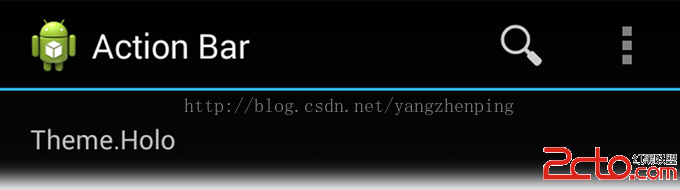 Android 官方入門教學(七):為操作欄套用樣式
Styling the Action Bar — 樣式化操作欄 本節教你: 1. 使用 Android 主題 2. 自定義背景 3. 自定義文字顏色 4. 自定義標籤指示
 解決 Android ViewPager 出現重複數據的問題
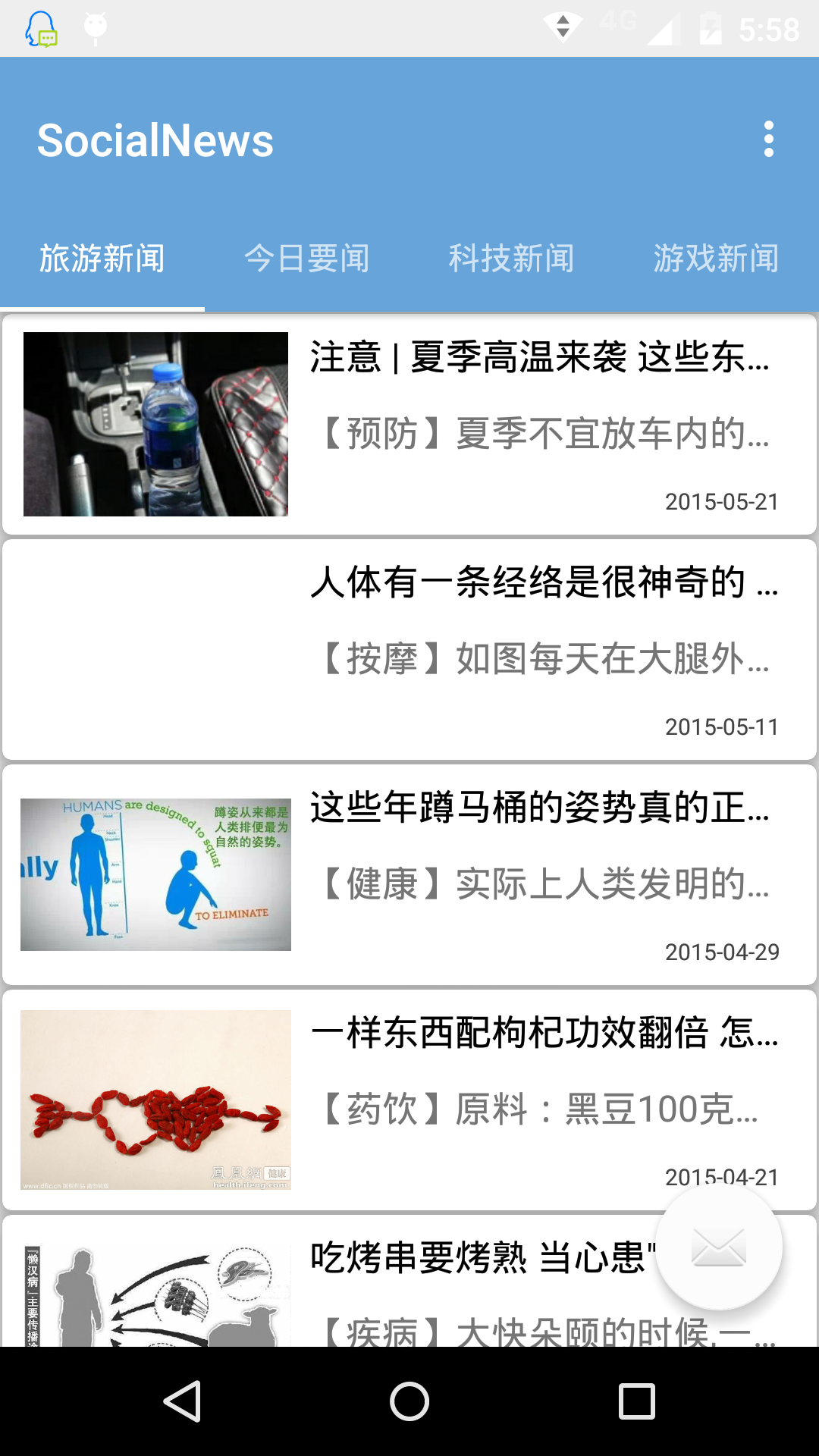
最近在做的的新聞客戶端用到了 ViewPager。如今 Android Studio 整合得很完善,自動產生了許多不必手寫的程式碼。使用過程中,我碰到了一件怪事:View
 Android CPU 使用率曲線實作
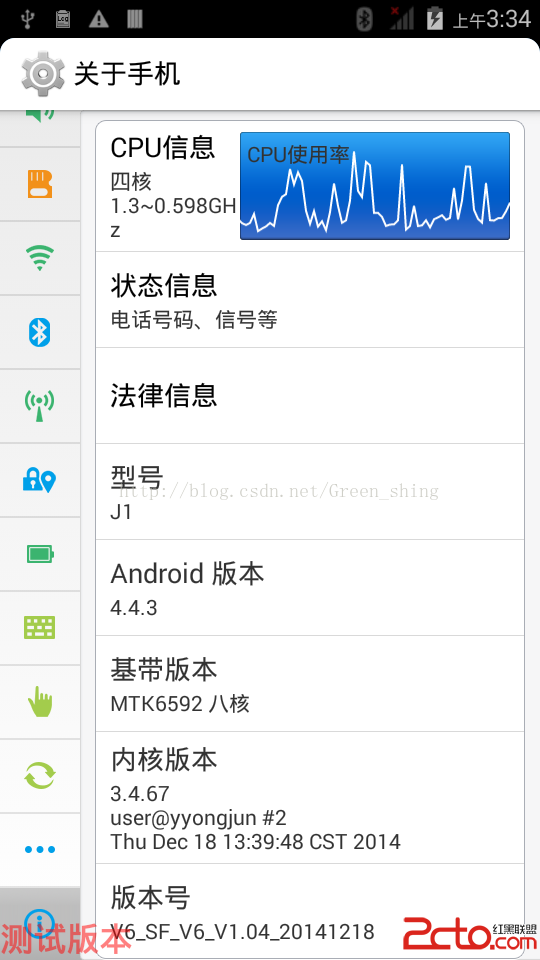
效果目標可在手機設定頁的關於手機中加入一項 CPU 使用率曲線,讓使用者能快速了解目前處理器負載。自訂 View 繪製曲線建立自訂 View,例如 cpu_speedcu
 小米 Max 卡槽在哪裡?SIM 卡安裝圖文教學
小米 Max 是小米首款 6.44 吋大屏手機,支援雙卡雙待。要正確裝卡,先了解卡槽設計。 卡槽位置 SIM 卡槽位於機身左側,採用單卡槽雙 SIM 設計,本體為一體金