

編輯:關於 Android 程式設計
布局是 Android 界面的骨架。選對容器、用對屬性,才能既實現設計效果又保證性能。本文把開發中最常見的五種布局及其關鍵屬性做了一次系統梳理。
線性布局把子控件按單一方向排列,是最常用的容器之一。透過 orientation 屬性決定排列方向:
android:orientation="horizontal"
android:orientation="vertical"
它可以在一個方向上容納多個控件,並透過 layout_weight 分配剩餘空間。使用時應注意盡量減少嵌套層數,避免影響渲染性能。
相對布局允許子控件相對於父容器或其他兄弟控件定位,靈活性很高。常用屬性可分為三類。
TableLayout 需要與 TableRow 配合使用,概念上類似 HTML 中的 table:行由 TableRow 控制,列則由該行中的控件個數決定。它不如 HTML 表格靈活,但足以應對表單類界面。
<TableLayout android:id="@+id/table01"
    android:stretchColumns="1,2,3,4">
    <TableRow>
        <EditText />
        <EditText />
    </TableRow>
    <TableRow>
        <EditText />
        <EditText />
    </TableRow>
</TableLayout>
上例即為兩行兩列的表格。其中 android:gravity="center" 可讓內容居中顯示;android:stretchColumns="1,2,3,4" 表示自動拉伸第 1 至 4 列。表格的行列也可以在代碼中動態添加:
TableLayout tableLayout = (TableLayout) findViewById(R.id.table01);
TableRow tableRow = new TableRow(this);
TextView temp = new TextView(this);
temp.setText("text 的值");
tableRow.addView(temp);
tableLayout.addView(tableRow);
絕對布局允許直接指定每個控件的 x、y 坐標。它曾經常用,但因為不同屏幕尺寸下適配困難,如今已不推荐,僅在特殊場景下偶爾使用。
幀布局中的子控件預設全部堆疊在左上角,後添加的控件會覆蓋前面的控件,常用於圖片切換、浮層、Fragment 容器等場景。
能少嵌套就少嵌套,能用 ConstraintLayout 就優先使用;確需使用傳統布局時,線性與相對布局覆蓋了大多數需求,表格布局適合表單,幀布局適合層疊顯示。
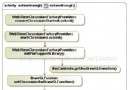 Android 4.4 WebView 硬件渲染:Chromium 内核中那几个"不一样"的类
Android 4.4 的 WebView 换成了 Chromium 内核,但它的硬件渲染路径和原生 Chromium 差别很大。原生 Chromium 依赖多进程 GP
 Android 圖片載入與三級快取:MemoryCache、DiskCache、NetCache 與 OOM 防護
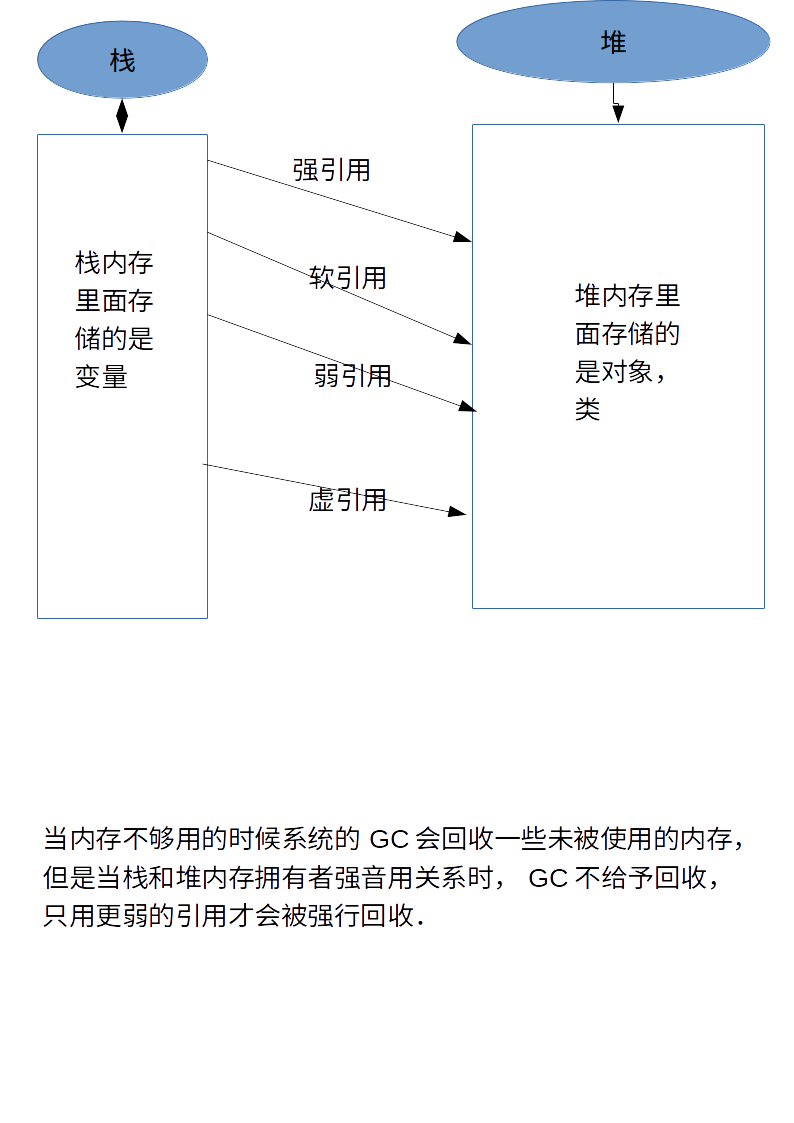
從垃圾回收談起 圖片載入容易消耗記憶體,因此理解引用類型與快取機制很重要。Java 中常見的引用包括強引用、軟引用、弱引用與虛引用。 強引用通常不會被回收;軟引用在記憶
 ImageView 實現圖片縮放與旋轉的完整示例
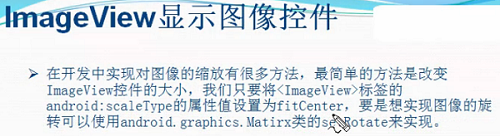
一、簡介 本文示範如何透過 ImageView 搭配 SeekBar,實現圖片的縮放與旋轉效果。 二、實現思路 1)縮放圖片 第一步:將 ImageView 標籤中的
 Android View 事件分發機制探索:從源碼到 ScrollView 衝突
前言 Android 事件傳遞機制是 Framework 中重要的一塊。對應用開發者而言,理解 Touch 事件如何從 Activity 傳到 Window、DecorV