

編輯:關於 Android 程式設計
想要製作一個開機自啟動的應用程式其實並不複雜,甚至可以做出一個沒有界面的純後台啟動程式。實現步驟相當簡單。
新建一個 Android 工程,在 MainActivity 所在包下建立 BootBroadcastReceiver.java,用於監聽開機完成的廣播:
public class BootReceiver extends BroadcastReceiver {
static final String action_boot = "android.intent.action.BOOT_COMPLETED";
@Override
public void onReceive(Context context, Intent intent) {
Intent bootStartIntent = new Intent(context, MainActivity.class);
bootStartIntent.setFlags(Intent.FLAG_ACTIVITY_NEW_TASK);
context.startActivity(bootStartIntent);
}
}
首先需要聲明接收開機廣播所需的權限:
<uses-permission android:name="android.permission.RECEIVE_BOOT_COMPLETED"/>
然後在 application 節點中註冊這個廣播接收器:
<receiver android:name=".BootReceiver">
<intent-filter>
<action android:name="android.intent.action.BOOT_COMPLETED" />
</intent-filter>
</receiver>
核心在於兩點:一是必須申請 RECEIVE_BOOT_COMPLETED 權限;二是廣播接收器要在 intent-filter 中正確匹配 android.intent.action.BOOT_COMPLETED 這個 Action。完成以上配置後,應用在設備開機完成時便會自動啟動。
需要提醒的是,自 Android 8.0(API 26)起,系統對後台啟動與隱式廣播有更嚴格的限制,實際開發中可能需要搭配前台服務(Foreground Service)或使用其他合規方案,以適配較新的系統版本。
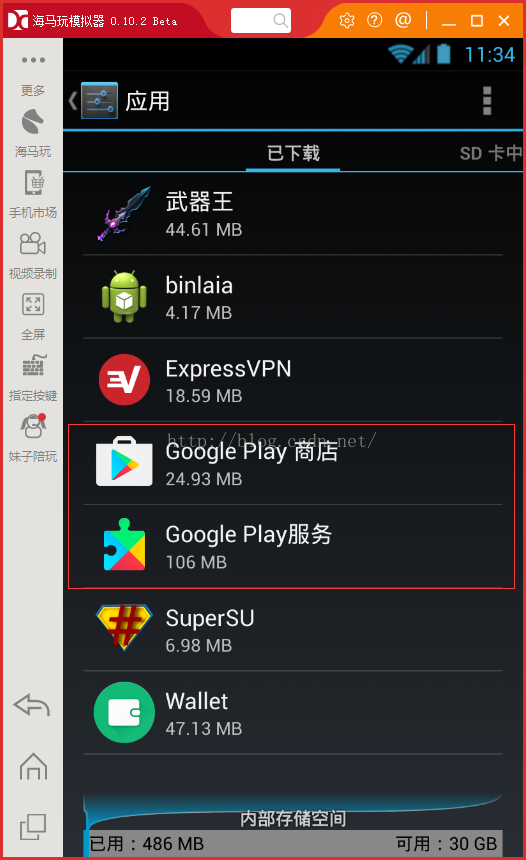 Android 支付接入實戰:Google In-app Billing V3
因為公司需要接入 Google 的應用內支付(即 Google In-app Billing V3),接入過程中查閱了大量文章,也遇到不少問題,因此想和大家分享交流一下心
 寫一個 Cocos2d-x 的 Android.mk 自動維護工具
用 Cocos2d-x 開發時,通常先在電腦上完成邏輯,再移植到手機平台。打包成 apk 的过程中,最惱人的往往不是程式碼,而是維護 Android.mk。 問題在於:
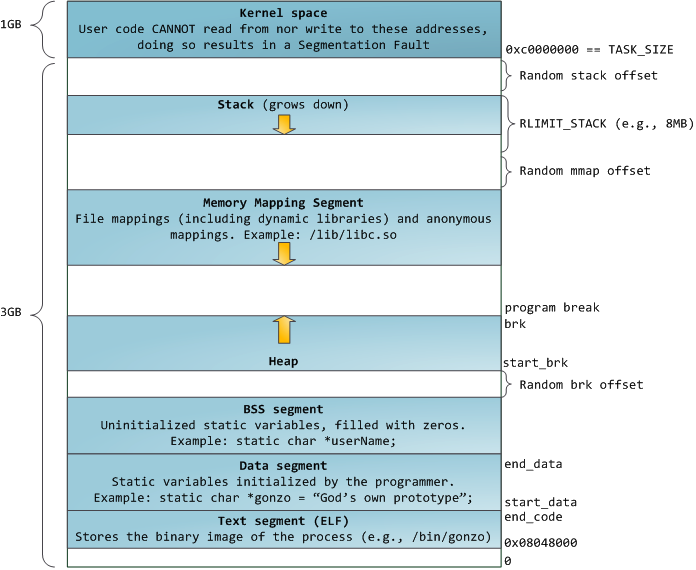 Android 記憶體優化入門:從 OOM 成因到 MAT 分析實操
面試幾乎必問記憶體優化,日常開發也躲不過 OOM。以下把我的學習脈絡整理成三個階段:先弄清楚 OOM 到底怎麼來的,再學會用 MAT 讀懂 heap,最後把常見的洩漏場景
 微信怎麼群發訊息?用群發助手一次通知所有朋友
現在很少人再用簡訊或飛信聯絡了。微信出現之後,慢慢取代了這些老工具,成為多數人日常溝通的首選。問題是到了過年過節,想給幾百位朋友統統送上一句祝福,一個個點開對話實在太費工