

編輯:關於 Android 程式設計
想要撰寫一個能讓裝置重新開機的 APK,關鍵在於權限。需要在 AndroidManifest.xml 中加上 android:sharedUserId="android.uid.system",並以系統簽名簽署應用,才能取得系統級權限。
直接取得 PowerManager 服務並呼叫 reboot 即可:
private void rebootSystem(){
    PowerManager pManager = (PowerManager) getSystemService(Context.POWER_SERVICE);
    pManager.reboot("");
}
構造一個帶有 nowait、interval、window 等額外參數的 ACTION_REBOOT 意圖,再送出廣播:
private void rebootSystem(){
    Intent reboot = new Intent(Intent.ACTION_REBOOT);
    reboot.putExtra("nowait", 1);
    reboot.putExtra("interval", 1);
    reboot.putExtra("window", 0);
    sendBroadcast(reboot);
}
兩種方式都需要系統權限與平台簽名,一般應用無法直接使用,主要應用於定制 ROM 或系統應用開發。實作時也建議加入確認對話框,避免使用者誤觸導致資料遺失。
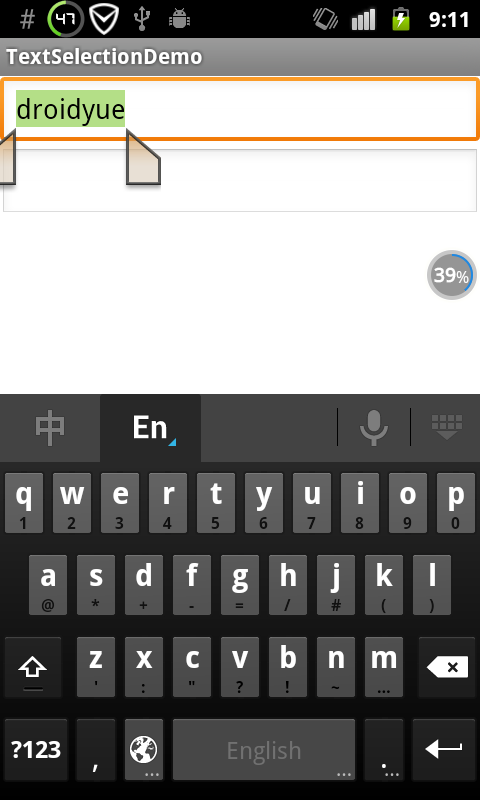 Android 為 EditText 與 AutoCompleteTextView 自訂文字選取顏色
大多數 Android ROM 上,文字選取時的背景色都是清爽的鮮綠色,但在某些三星手機上卻是藍色,觀感實在不佳。好消息是,這個預設的選取背景色完全可以透過程式自行調整。
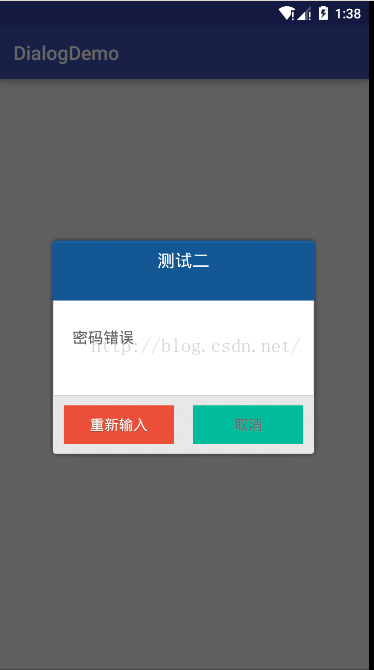 動手封裝一個真正好用的通用 Dialog
有一段時間沒寫 Android 的東西了。最近在做的專案裡,對話框這種再常見不過的元件反而最惱人——系統自帶的樣式實在不好看(5.x 之後才稍有改善),於是很多人轉而自訂
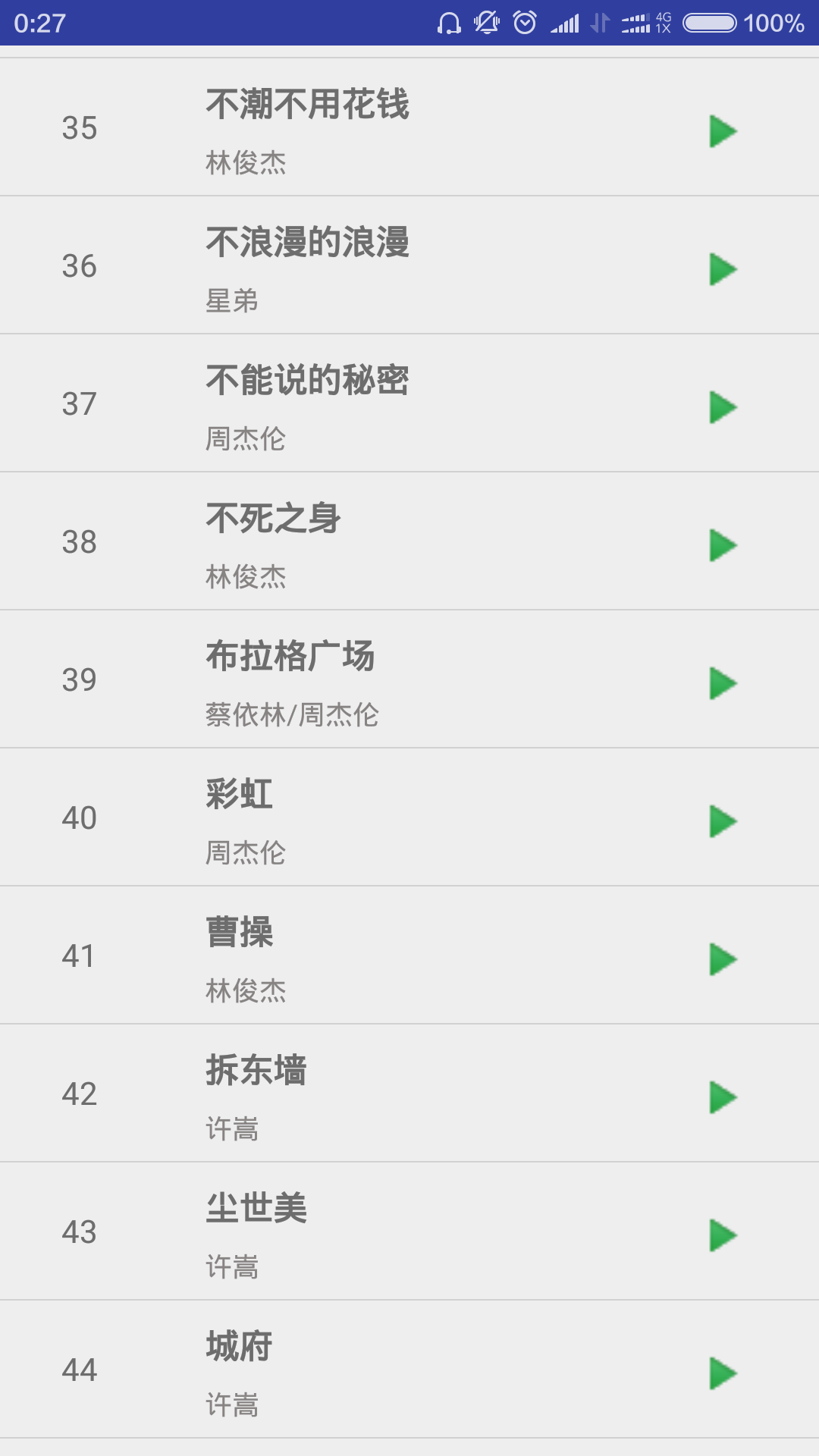 Android 練功專案:動手做一個 MP3 播放器(上篇)
Android 要掌握的知識點實在不少,唯有持續動手才能內化。前陣子我決定拿 MP3 播放器來練功——這個題目幾乎涵蓋了 Android 開發中相當一部分核心概念:Lis
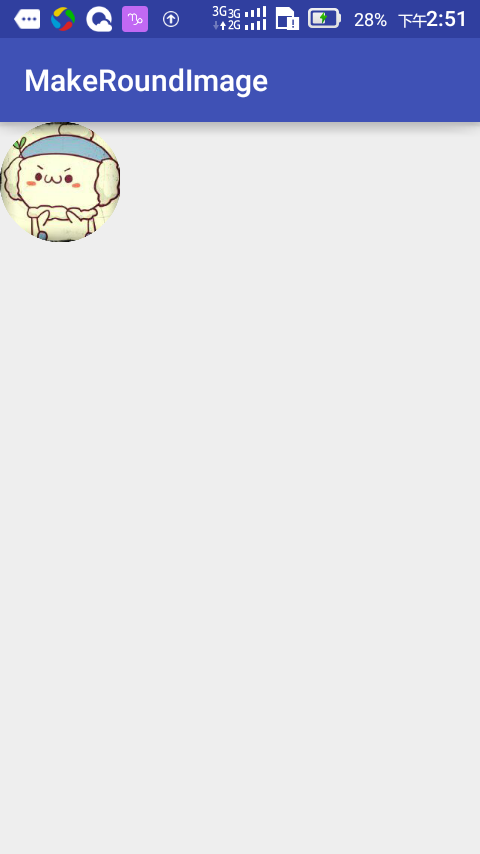 Android 手把手教你繪製圓形頭像
自從騰訊 QQ 的圓形頭像流行開來,越來越多應用的個人主頁或資料面板也開始採用圓形頭像,它讓整體布局顯得更加優雅而得體。本文就來動手實現一個圓形(圓角)頭像。 第一步,創