

編輯:關於 Android 程式設計
HttpClient 簡介:httpclient 是 Apache 上的開源專案,相當於對瀏覽器的簡單包裝。
 public static String sendDataByHttpClientGet(String path, String username, String password) throws Exception {
     // 1. 創建一個瀏覽器的 HttpClient 物件
     HttpClient client = new DefaultHttpClient();
     // 2. 輸入一個 url,創建一個 url
     String urlstr = path + "?name=" + URLEncoder.encode(username)
             + "&password=" + URLEncoder.encode(password);
     // httpGet 物件表示向指定的 url 發送 get 請求
     HttpGet httpGet = new HttpGet(urlstr);
     // 3. 執行 get 請求,並返回響應的數據
     HttpResponse response = client.execute(httpGet);
     // response.getStatusLine() 方法獲取相應的狀態行,並取得狀態碼
     if (response.getStatusLine().getStatusCode() == 200) {
         // response.getEntity() 方法獲取響應數據的實體,取得響應內容
         InputStream is = response.getEntity().getContent();
         // 將流轉成文本
         byte[] result = StreamTools.getBytes(is);
         return new String(result);
 }
     return null;
 }
 public static String sendDataByHttpClientPost(String path, String username,
         String password) throws Exception {
     // 1. 創建一個瀏覽器
     HttpClient client = new DefaultHttpClient();
     // 2. 構建一個 post 的請求
     HttpPost post = new HttpPost(path);
     // 創建請求實體物件中的參數,即鍵值對的集合
     List parameters = new ArrayList();
     parameters.add(new BasicNameValuePair("name", username));
     parameters.add(new BasicNameValuePair("password", password));
     // 創建請求實體物件,並指定字符編碼形式
     UrlEncodedFormEntity entity = new UrlEncodedFormEntity(parameters, "utf-8");
     // 設置 post 請求的實體方法
     post.setEntity(entity);
     // 3. 執行 post 請求
     HttpResponse response = client.execute(post);
     // 判斷響應碼
     if (response.getStatusLine().getStatusCode() == 200) {
         InputStream is = response.getEntity().getContent();
         byte[] result = StreamTools.getBytes(is);
         return new String(result);
 }
     return null;
 }
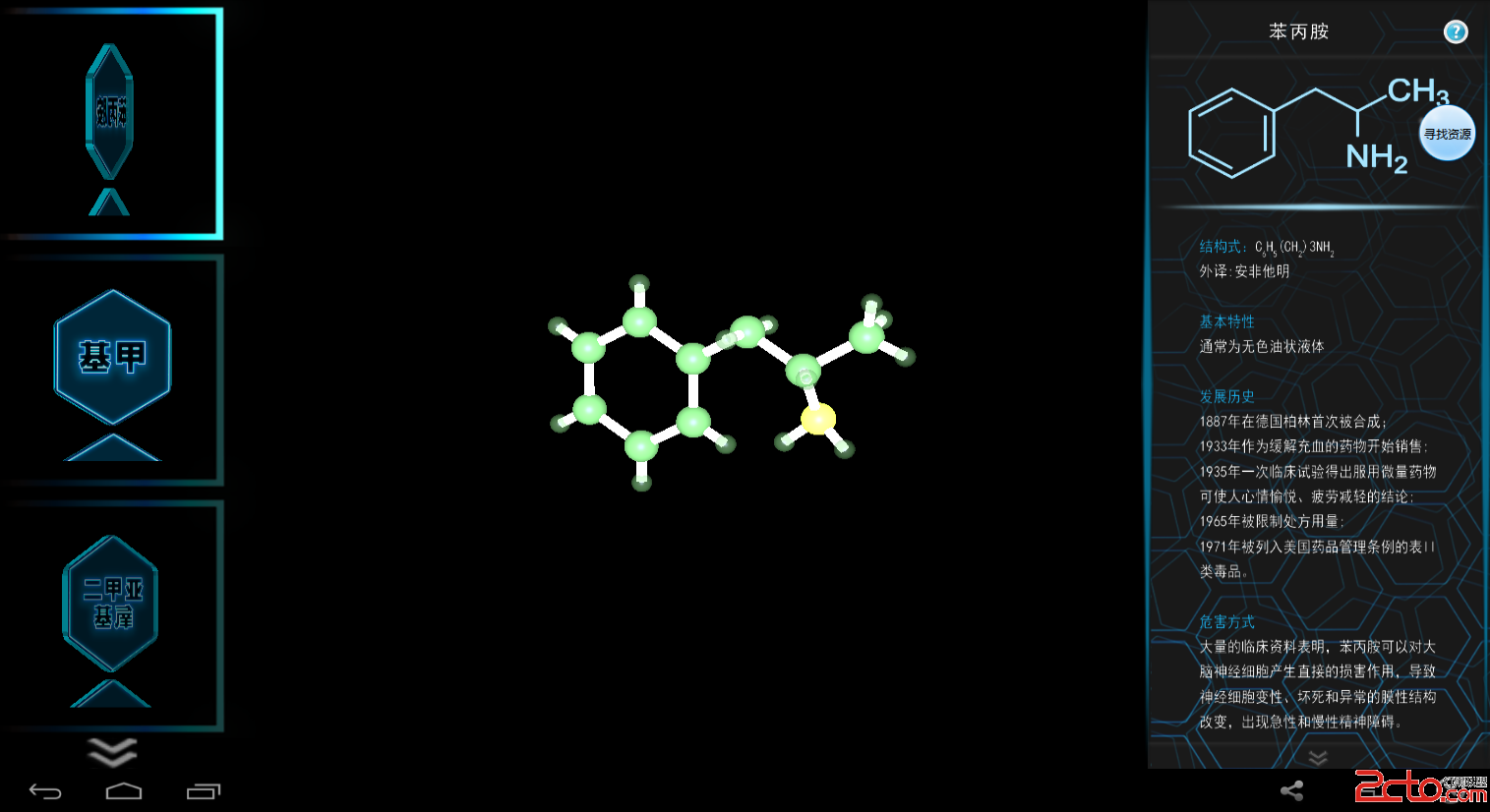 Android OpenGL ES 紋理定距離拖動(到邊自動停止)
這次要實現的效果是:右側的文字欄可以上下拖動,拖到頂或拖到底就自動停住,而不像之前那版循環滾動。也就是說,從「無限循環」變成了「限定範圍內的定位移動」。 一、著色器 思
 Android 6.0 重啟(Reboot)流程源碼深度剖析
由於關機與重啟的整體流程高度相似,本文以重啟(Reboot)為主線展開分析。 在 Android 系統中,重啟大致可以歸納為以下幾種觸發方式: 1、長按電源鍵後於菜單中選
 Android 實訓案例:自定義五子棋棋盤、棋子與勝負判斷
前言 自定義 View 是 Android 開發中非常能展現基本功的題目。本文以單機五子棋為例,從棋盤測量、線條繪製、棋子繪製、點擊落子,一路做到勝負判斷、狀態保存與重新
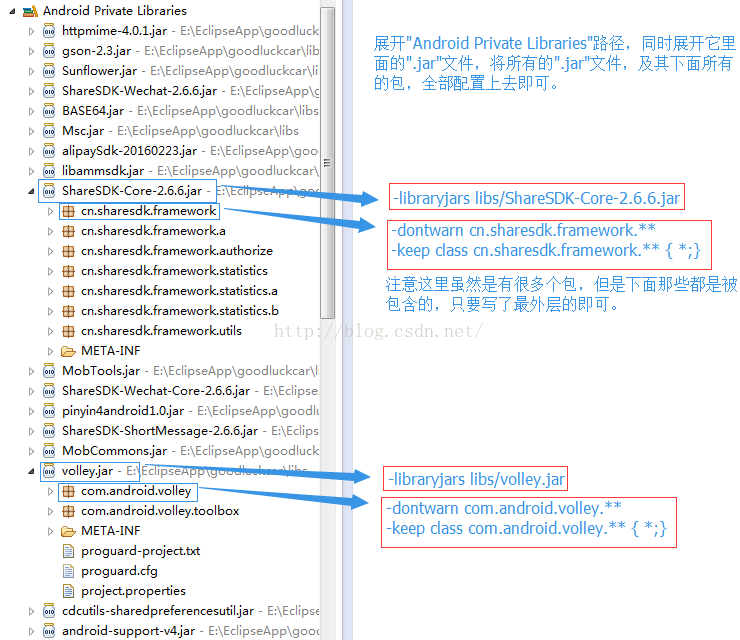 ProGuard 實戰:Android 代碼混淆完全指南
謹以此文記錄我在公司實習時接到的第一個正式而有意義的任務——為即將發布的 APK 進行代碼混淆。 什麼是代碼混淆 混淆就是對發布的程序重新組織和處理,使其在保持功能不變的