

編輯:關於 Android 程式設計
實作通訊錄搜尋時,取得聯絡人的方式有好幾種,容易讓人眼花撩亂。以下提供一種依據 mimetypes 表來查詢、看起來較為簡潔的做法。
// 查詢所有聯絡人的姓名、電話、郵箱
public ArrayList<Contact> loadContacts() throws Exception {
    Uri uri = Uri.parse("content://com.android.contacts/contacts");
    ContentResolver resolver = this.getContentResolver();
    Cursor cursor = resolver.query(uri, new String[] { "_id" }, null, null, null);
    ArrayList<Contact> contacts = new ArrayList<Contact>();
    while (cursor.moveToNext()) {
        Contact contact = new Contact();
        int contractID = cursor.getInt(0);
        contact.setId(String.valueOf(contractID));
        uri = Uri.parse("content://com.android.contacts/contacts/" + contractID + "/data");
        Cursor cursor1 = resolver.query(uri, new String[] { "mimetype", "data1", "data2" }, null, null, null);
        while (cursor1.moveToNext()) {
            String data1 = cursor1.getString(cursor1.getColumnIndex("data1"));
            String mimeType = cursor1.getString(cursor1.getColumnIndex("mimetype"));
            if ("vnd.android.cursor.item/name".equals(mimeType)) {
                contact.setName(data1);           // 姓名
            } else if ("vnd.android.cursor.item/email_v2".equals(mimeType)) {
                if (!TextUtils.isEmpty(data1)) {  // 郵箱
                    contact.setEmail(data1);
                }
            } else if ("vnd.android.cursor.item/phone_v2".equals(mimeType)) {
                contact.setNumber(data1.replaceAll("-", "")); // 手機
            }
        }
        contacts.add(contact);
        cursor1.close();
    }
    cursor.close();
    return contacts;
}
最初我嘗試以正則表達式搭配第三方類庫 pinyin4j.jar 來實作,但实测效率偏低,當通訊錄數量龐大時明顯變慢,用體驗角度來看並不合適。於是改用自行實作的拼音轉換方式,速度立刻提升許多。
網路上流傳的中文字元轉拼音實作類相当實用,核心是利用 GB2312 編碼的區位對照表,將每個中文字元映射到對應的拼音:
public class ChineseSpelling {
    private static int[] pyvalue = new int[] { -20319, -20317, -20304, -20295, ... };
    private static String[] pystr = new String[] { "a", "ai", "an", "ang", "ao", "ba", ... };
    private StringBuilder buffer;
    private String resource;
    private static ChineseSpelling chineseSpelling = new ChineseSpelling();

    public static ChineseSpelling getInstance() {
        return chineseSpelling;
    }

    public String getResource() {
        return resource;
    }

    public void setResource(String resource) {
        this.resource = resource;
    }

    private int getChsAscii(String chs) {
        int asc = 0;
        try {
            byte[] bytes = chs.getBytes("gb2312");
            if (bytes.length == 1) {          // 英文字元
                asc = bytes[0];
            }
            if (bytes.length == 2) {          // 中文字元
                int hightByte = 256 + bytes[0];
                int lowByte = 256 + bytes[1];
                asc = (256 * hightByte + lowByte) - 256 * 256;
            }
        } catch (Exception e) {
            System.out.println("ERROR:ChineseSpelling.class-getChsAscii(String chs)" + e);
        }
        return asc;
    }

    public String convert(String str) {
        String result = null;
        int ascii = getChsAscii(str);
        if (ascii > 0 && ascii < 160) {
            result = String.valueOf((char) ascii);
        } else {
            for (int i = (pyvalue.length - 1); i >= 0; i--) {
                if (pyvalue[i] <= ascii) {
                    result = pystr[i];
                    break;
                }
            }
        }
        return result;
    }

    public String getSelling(String chs) {
        String key, value;
        buffer = new StringBuilder();
        for (int i = 0; i < chs.length(); i++) {
            key = chs.substring(i, i + 1);
            if (key.getBytes().length >= 2) {
                value = convert(key);
                if (value == null) {
                    value = "unknown";
                }
            } else {
                value = key;
            }
            buffer.append(value);
        }
        return buffer.toString();
    }

    public String getSpelling() {
        return this.getSelling(this.getResource());
    }
}
最後,把號碼搜尋與拼音搜尋整合在一起:以 0、1、+ 開頭時按號碼比對,中文則比對全拼,其餘則走簡拼比對。
public void search(String str) {
    contactList.clear();
    // 以 0 1 + 開頭則按號碼搜尋
    if (str.startsWith("0") || str.startsWith("1") || str.startsWith("+")) {
        for (Contact contact : allContacts) {
            if (contact.getNumber().contains(str)) {
                contact.setGroup(str);
                contactList.add(contact);
            }
        }
        refreshList();
        return;
    }
    boolean isChinese = false;
    Pattern pattern = Pattern.compile("[\\u4E00-\\u9FA5]");
    Matcher matcher = pattern.matcher(str);
    if (matcher.find()) {
        isChinese = true; // 為中文
    }
    for (Contact contact : allContacts) {
        if (contains(contact, str, isChinese)) {
            contactList.add(contact);
        } else if (contact.getNumber().contains(str)) {
            contact.setGroup(str);
            contactList.add(contact);
        }
    }
    refreshList();
}

public boolean contains(Contact contact, String search, boolean isChinese) {
    if (TextUtils.isEmpty(contact.getName())) {
        return false;
    }
    boolean flag = false;
    if (isChinese) {
        // 根據全拼中文查詢
        Pattern pattern = Pattern.compile(search.replace("-", ""), Pattern.CASE_INSENSITIVE);
        Matcher matcher = pattern.matcher(contact.getName());
        return matcher.find();
    }
    // 簡拼比對
    ChineseSpelling finder = ChineseSpelling.getInstance();
    finder.setResource(contact.getName());
    Pattern pattern2 = Pattern.compile(search.toUpperCase(), Pattern.CASE_INSENSITIVE);
    Matcher matcher2 = pattern2.matcher(finder.getSpelling());
    flag = matcher2.find();
    return flag;
}
值得一提的是,中文在不同編碼下的位元組數並不相同:GBK 編碼的中文佔 2 個位元組,UTF-8 則佔 3 個。這個差異在動手實作編碼相關功能時特別容易踩坑,值得多加留意。
換上這套方法後,速度提升相當明顯,充分滿足了我的需求。雖說第三方類庫功能完善,但一旦牽涉到使用者體驗,就不得不權衡取捨——這正是本次實作最大的心得。
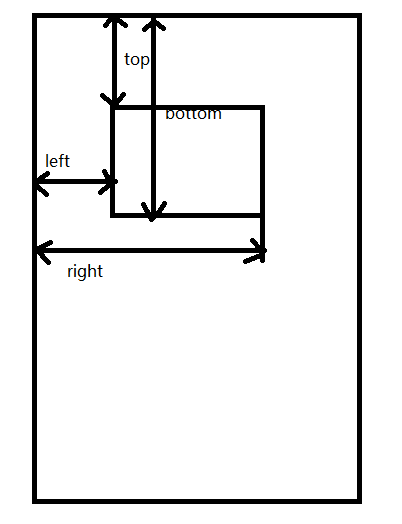 Android View 滑動的四種實作:scrollTo、屬性動畫、LayoutParams 與 Scroller 彈性滾動
一、先認識 View (1)View 是什麼? View 是 Android 所有 UI 控制項的基類。Button、ImageView 等控制項都繼承自 View;Li
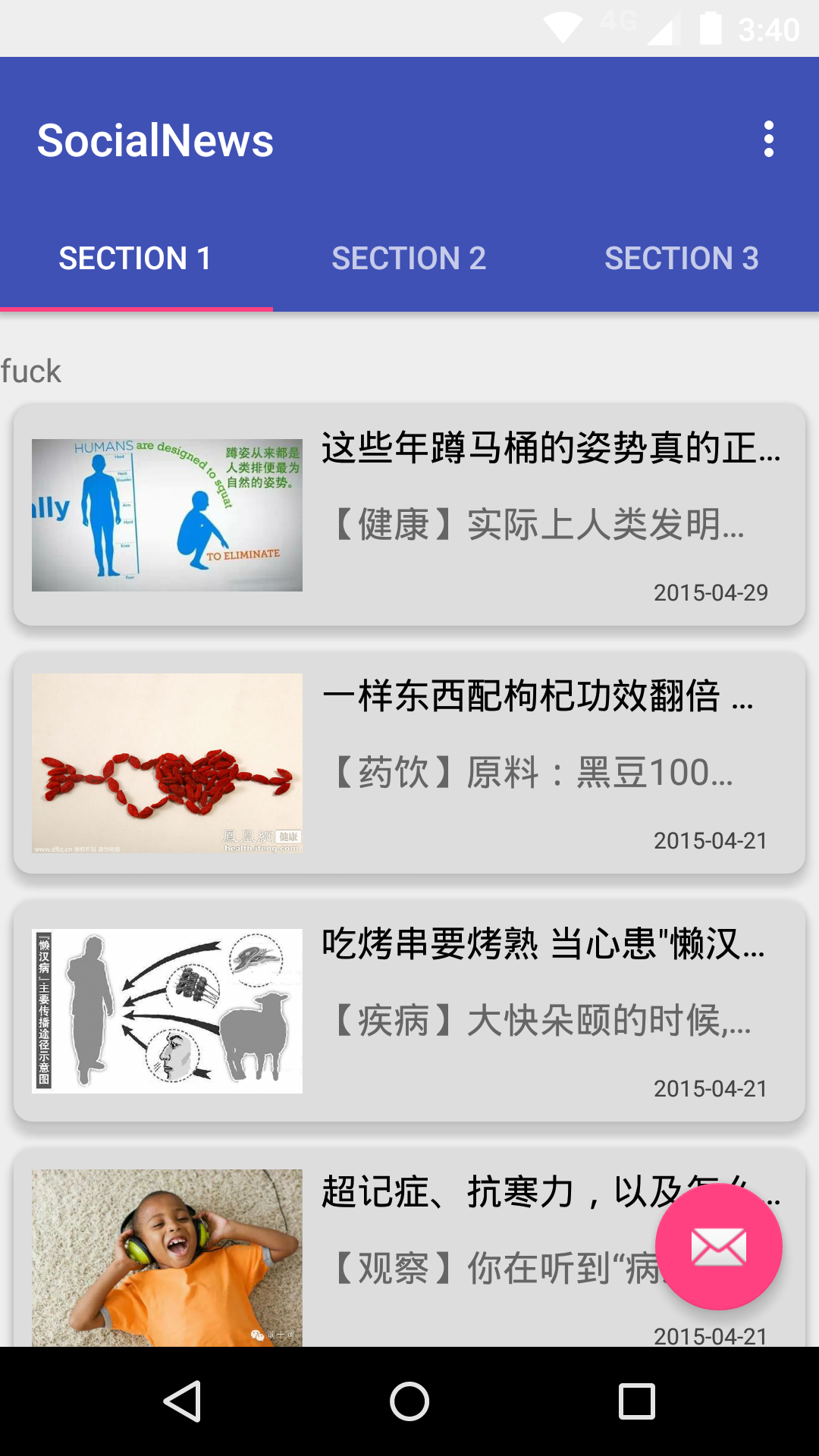 Volley 快速上手:發送 GET 請求並動態添加 apikey 等請求頭
最近在做一個 Android 新聞客戶端,收穫不少,順手把 Volley 取網絡數據的方式記錄下來。 Volley 是 Google I/O 2013 推出的網絡通信庫,
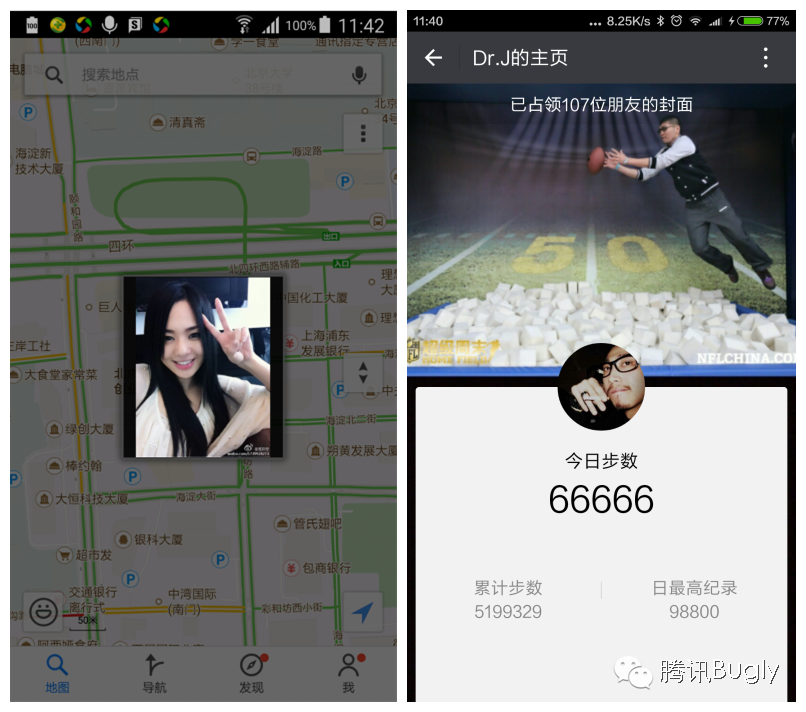 手把手帶你入門 Android 逆向分析
很多技術文章喜歡一上來鋪陳一大堆行業現狀、研究背景,寫得像畢業論文。這裡不來這套,先上兩張圖直觀感受一下成果。 第一張是把代碼注入到地圖 App 裡,啟動時彈出一個浮窗
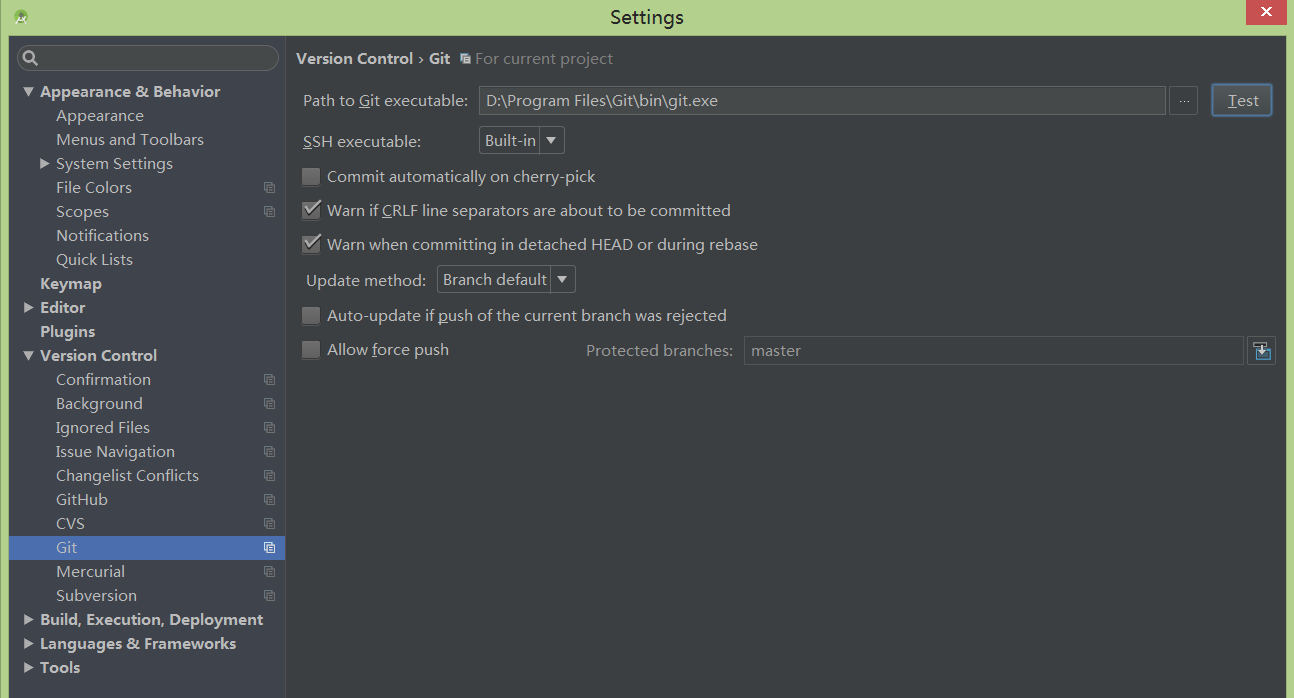 Android Studio 專案提交到 GitHub 的完整流程
Git 與 GitHub 的關係 Git 是分散式版本控制系統,適合管理從小型到大型專案的歷史變更。GitHub 則是提供 Git 服務的網站,讓開發者不必自行架設伺服器