

編輯:關於 Android 程式設計
除了「快取點陣圖」一文中描述的技巧外,還有一些具體做法能促進垃圾回收與 Bitmap 重用。最佳策略取決於你要支援的 Android 版本,官方附帶的 BitmapFun 範例應用就示範了如何設計出跨版本都能高效運行的 App。
在這些舊版本上,官方建議使用 recycle()。若應用大量顯示 Bitmap 資料,很可能遇上 OutOfMemoryError,而 recycle() 能讓應用盡快回收記憶體。
注意:只有在確定一張 Bitmap 不會再被使用時,才應該呼叫 recycle()。若回收後又嘗試繪製它,就會得到錯誤:"Canvas: trying to use a recycled bitmap"。
以下範例利用引用計數(mDisplayRefCount 與 mCacheRefCount)追蹤一張 Bitmap 是正在顯示還是位於快取中,當兩個計數都為 0、且 Bitmap 不為 null 也尚未被回收時,才真正回收它:
private int mCacheRefCount = 0;
private int mDisplayRefCount = 0;
...

// 通知 drawable 顯示狀態已改變,並計數以判斷是否已不再顯示
public void setIsDisplayed(boolean isDisplayed) {
    synchronized (this) {
        if (isDisplayed) {
            mDisplayRefCount++;
            mHasBeenDisplayed = true;
        } else {
            mDisplayRefCount--;
        }
    }
    // 檢查是否可呼叫 recycle()
    checkState();
}

// 通知 drawable 快取狀態已改變,並計數以判斷是否已不再被快取
public void setIsCached(boolean isCached) {
    synchronized (this) {
        if (isCached) {
            mCacheRefCount++;
        } else {
            mCacheRefCount--;
        }
    }
    checkState();
}

private synchronized void checkState() {
    // 若快取與顯示的引用計數都 <= 0,且曾經顯示過,則回收
    if (mCacheRefCount <= 0 && mDisplayRefCount <= 0 && mHasBeenDisplayed
            && hasValidBitmap()) {
        getBitmap().recycle();
    }
}

private synchronized boolean hasValidBitmap() {
    Bitmap bitmap = getBitmap();
    return bitmap != null && !bitmap.isRecycled();
}
Android 3.0(API 11)引入了 BitmapFactory.Options.inBitmap 欄位。若設定此選項,採用 Options 物件的方法在載入內容時會嘗試重用既有的 Bitmap,從而重用其記憶體、免去反覆配置與釋放,效能自然提升。不過使用 inBitmap 有幾個前提:
inPreferredConfig。你應該一律採用解碼方法回傳的 Bitmap,因為無法保證重用一定成功(例如尺寸不符時)。以下示範如何把既有 Bitmap 存起來以備日後透過 inBitmap 重用——當應用運行於 Android 3.0 以上、且 Bitmap 被 LruCache 淘汰時,就把它放進一個 HashSet 保存軟引用:
HashSet<SoftReference<Bitmap>> mReusableBitmaps;
private LruCache<String, BitmapDrawable> mMemoryCache;

// 若運行於 Honeycomb 以上,建立可重用 Bitmap 的軟引用集合
if (Utils.hasHoneycomb()) {
    mReusableBitmaps = new HashSet<SoftReference<Bitmap>>();
}

mMemoryCache = new LruCache<String, BitmapDrawable>(mCacheParams.memCacheSize) {
    // 通知被淘汰的項目它已不再被快取
    @Override
    protected void entryRemoved(boolean evicted, String key,
            BitmapDrawable oldValue, BitmapDrawable newValue) {
        if (RecyclingBitmapDrawable.class.isInstance(oldValue)) {
            ((RecyclingBitmapDrawable) oldValue).setIsCached(false);
        } else {
            if (Utils.hasHoneycomb()) {
                // 運行於 Honeycomb 以上,將 Bitmap 加入軟引用集合以備日後重用
                mReusableBitmaps.add(new SoftReference<Bitmap>(oldValue.getBitmap()));
            }
        }
    }
    ...
};
在運行中的應用裡,解碼方法會先檢查是否有既有 Bitmap 可用:
public static Bitmap decodeSampledBitmapFromFile(String filename,
        int reqWidth, int reqHeight, ImageCache cache) {
    final BitmapFactory.Options options = new BitmapFactory.Options();
    ...
    BitmapFactory.decodeFile(filename, options);
    ...
    // 若運行於 Honeycomb 以上,嘗試使用 inBitmap
    if (Utils.hasHoneycomb()) {
        addInBitmapOptions(options, cache);
    }
    ...
    return BitmapFactory.decodeFile(filename, options);
}
addInBitmapOptions() 會尋找一個既有 Bitmap 作為 inBitmap 的值,但只有在找到合適匹配時才會設定(你的程式碼絕不能假設一定找得到):
private static void addInBitmapOptions(BitmapFactory.Options options, ImageCache cache) {
    // inBitmap 只能作用於可變 Bitmap,因此強制解碼器回傳可變 Bitmap
    options.inMutable = true;
    if (cache != null) {
        Bitmap inBitmap = cache.getBitmapFromReusableSet(options);
        if (inBitmap != null) {
            options.inBitmap = inBitmap;
        }
    }
}

// 遍歷可重用 Bitmap,尋找可用於 inBitmap 者
protected Bitmap getBitmapFromReusableSet(BitmapFactory.Options options) {
    Bitmap bitmap = null;
    if (mReusableBitmaps != null && !mReusableBitmaps.isEmpty()) {
        final Iterator<SoftReference<Bitmap>> iterator = mReusableBitmaps.iterator();
        Bitmap item;
        while (iterator.hasNext()) {
            item = iterator.next().get();
            if (null != item && item.isMutable()) {
                if (canUseForInBitmap(item, options)) {
                    bitmap = item;
                    // 從集合移除,避免重複使用
                    iterator.remove();
                    break;
                }
            } else {
                // 若引用已被清除,則移出集合
                iterator.remove();
            }
        }
    }
    return bitmap;
}
最後,canUseForInBitmap() 負責判斷候選 Bitmap 是否滿足尺寸標準:
private static boolean canUseForInBitmap(
        Bitmap candidate, BitmapFactory.Options targetOptions) {
    int width = targetOptions.outWidth / targetOptions.inSampleSize;
    int height = targetOptions.outHeight / targetOptions.inSampleSize;
    // 若 candidate 能與 targetOptions 用於 inBitmap 重用,回傳 true
    return candidate.getWidth() == width && candidate.getHeight() == height;
}
總結來說:舊版本靠 recycle() 主動回收,新版本則善用 inBitmap 與 LruCache 達到記憶體重用,依目標平台選擇合適策略,才能兼顧效能與穩定。
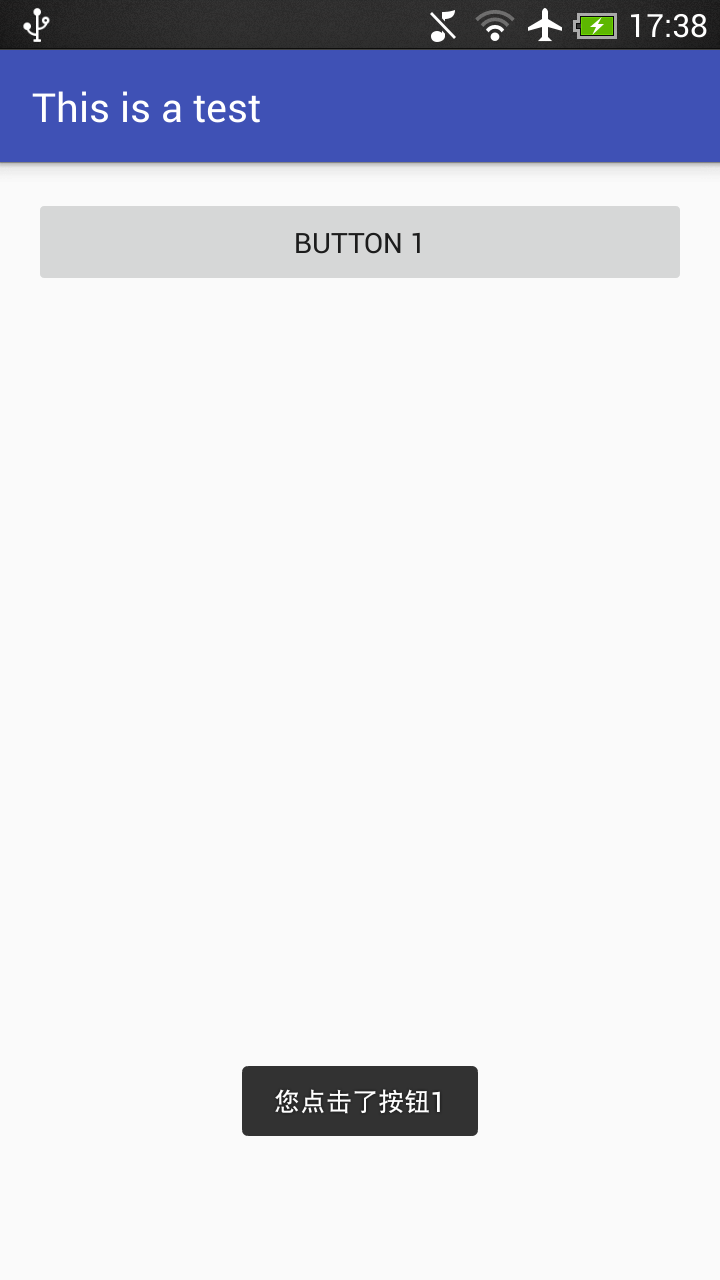 Android 入門第二天:Toast、Menu 與顯式/隱式 Intent 全解
1. Toast 提醒 為昨天寫的按鈕程式加上一個提醒,在 MainActivity 中加入如下程式碼: Button bt1 = (Button) findViewB
 Android 6.0 指紋識別開發筆記:Enroll 流程與關鍵參數
Android M 時期指紋相關的資料還很少,讀了一段時間原生碼之後,把實際跑通的範例整理出來給需要的朋友參考。 以下內容基於 64 位高通 CPU、搭配 FPC1020
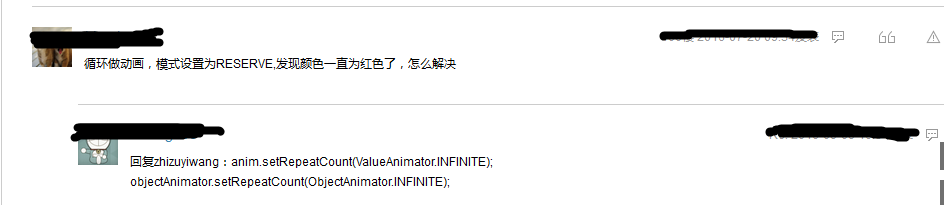 Android 屬性動畫進階:TypeEvaluator、ObjectAnimator 與自訂 View 實作
補間動畫與屬性動畫的差異 補間動畫主要改變 View 的顯示效果,例如平移、縮放、旋轉與透明度,但實際屬性未必改變。屬性動畫則可直接修改物件的屬性值,因此更靈活。 Typ
 自定義 View 實現水面上漲進度條效果
效果預覽 實現思路 拆成兩個獨立的技術問題: 問題一:如何讓水面只出現在圓內部?利用 Paint 的 setXfermode 配合 PorterDuff.Mode.SR