

編輯:關於 Android 程式設計
在 Eclipse 中匯入一個已存在的專案並嘗試執行時,出現以下錯誤:
[2011-06-09 10:08:37 - ApiDemos] Re-installation failed due to different application signatures.

[2011-06-09 10:08:37 - ApiDemos] You must perform a full uninstall of the application. WARNING: This will remove the application data!

[2011-06-09 10:08:37 - ApiDemos] Please execute 'adb uninstall com.example.android.apis' in a shell.

[2011-06-09 10:08:37 - ApiDemos] Launch canceled!
這個錯誤的意思是:模擬器或裝置上已經安裝了同套件名稱(package)的 App,但它当初是用「另一把簽章憑證」簽署的,與你現在專案要安裝的版本簽章不一致。Android 不允許用不同簽章去覆蓋安裝同一個 package,因此必須先完整移除舊版本。
先啟動 Android 模擬器,然後開啟命令提示字元(cmd),切換到 adb 所在的 platform-tools 目錄(例如 E:\Android\android-sdk-windows\platform-tools),執行移除指令:
E:\android\android-sdk-windows\platform-tools> adb uninstall com.example.android.apis
移除成功後,回到 Eclipse 重新執行專案即可正常安裝與啟動。
提醒:如訊息中警告所述,卸載會一併清除該 App 的既有資料,正式環境下請先三思。這類簽章衝突在團隊開發或切換電腦環境時相當常見,記得先乾淨移除舊版再安裝,就能避免這個惱人的錯誤。
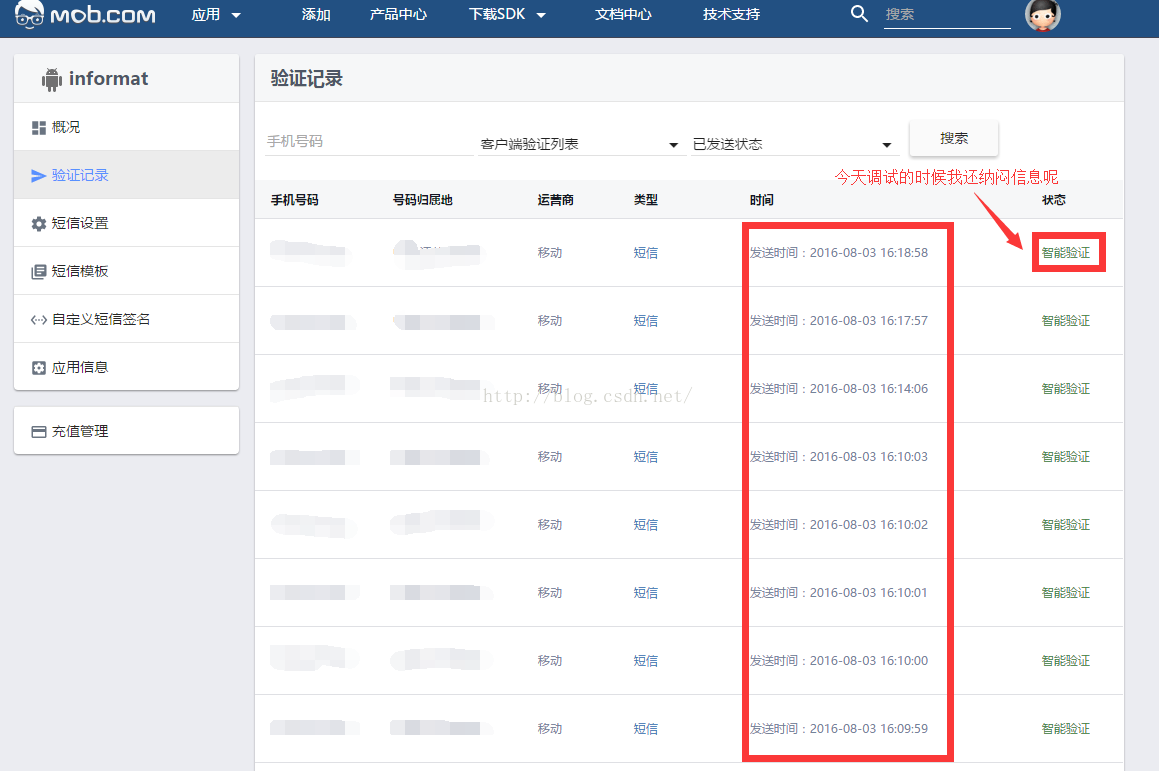 Android 開發:MOB 短信驗證 SDK 自訂 GUI 篇(二)
上一篇已介紹如何快速整合 MOB 短信驗證 SDK,本篇則要談談如何不使用 SDK 內建的 GUI 介面——也就是自訂 GUI。說得直白一點,就是自己打造介面,再把開發所
 Android SQLite 資料庫操作:兩種寫法完整對照實作
幾乎每支 Android 應用都會碰到本機資料庫,而 SQLite 的操作方式其實有兩條路可以走:直接寫 SQL 字串,或是使用 Android 提供的 ContentV
 Android ScrollView 的兩種宣告方式
Android 的版面配置一般來說有兩種宣告方式:一種寫在 XML 裡,另一種用程式碼動態建立。ScrollView 兩者都支援。 方式一:XML 宣告 <?xm
 魅藍Note3如何啟用完整Root權限 補齊授權的方法
雖然不少同學已順利入手魅藍Note3,也照著網上教程拿到了Root權限,但使用部分修改類軟件時仍會提示「設備未取得Root權限」。這其實是因為魅藍Note3系統自帶的Ro