

編輯:關於 Android 程式設計
Android 的版面配置一般來說有兩種宣告方式:一種寫在 XML 裡,另一種用程式碼動態建立。ScrollView 兩者都支援。

<?xml version="1.0" encoding="utf-8"?>
<LinearLayout xmlns:android="https://schemas.android.com/apk/res/android"
    android:layout_width="fill_parent"
    android:layout_height="fill_parent"
    android:orientation="vertical" >
    <ScrollView
        android:id="@+id/Scroll"
        android:layout_width="fill_parent"
        android:layout_height="fill_parent" >
        <TextView
            android:id="@+id/txt"
            android:layout_width="wrap_content"
            android:layout_height="wrap_content" />
    </ScrollView>
</LinearLayout>
TextView txt = new TextView(this);
txt.setText(str);

ScrollView scrollView = new ScrollView(this);
scrollView.addView(txt);
setContentView(scrollView);
兩種方式效果相同,差別只在宣告位置。實務上除非版面完全靠程式動態組裝,否則 XML 宣告可讀性更好,也方便用 Preview 直接預覽。
使用 ScrollView 時有個務必牢記的限制:它只能包含一個直接子節點。如果你的內容有多個並排的元件,必須先包一層 LinearLayout 或其他 ViewGroup,再放進 ScrollView,否則執行時會直接拋出 IllegalStateException: ScrollView can host only one direct child。
<ScrollView
    android:layout_width="match_parent"
    android:layout_height="match_parent">
    <LinearLayout
        android:layout_width="match_parent"
        android:layout_height="wrap_content"
        android:orientation="vertical">
        <!-- 這裡可以放多個子元件 -->
    </LinearLayout>
</ScrollView>
另外兩個常見細節:子容器的 layout_height 建議設為 wrap_content,設成 match_parent 會讓內容被壓縮而失去捲動效果;如果內容是 ListView 或 RecyclerView,不要嵌套在 ScrollView 裡——兩者都自己處理捲動手勢,嵌套會造成手勢衝突與嚴重的效能問題(ListView 會被強制完整 lay out,長列表直接卡住)。這種情況正確做法是使用 NestedScrollView 搭配 RecyclerView,或改用 RecyclerView 的多種 viewType 來實作。
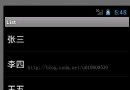 Android 開發筆記(十四):ListView 用法、三種監聽與 Adapter 綁定
Adapter 是什麼角色 Adapter 是資料與視圖之間的橋樑。資料先在 Adapter 裡被整理成列表能吃的形狀,再由 ListView 逐行取出、填充到畫面上。一
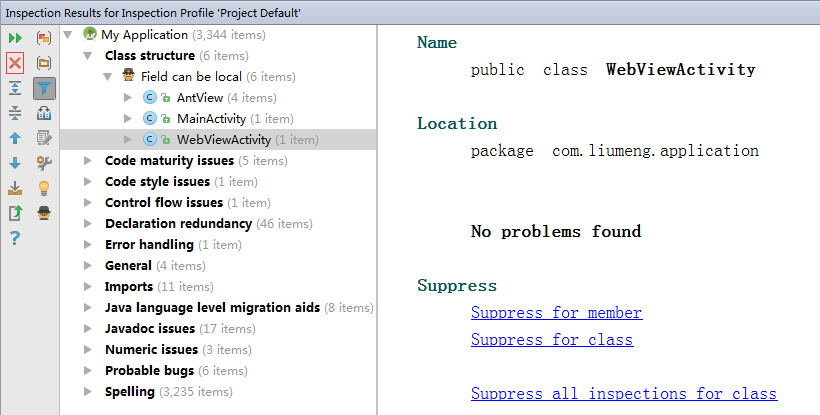 Android Studio 的 Inspection 工具視窗使用說明
Android Studio(以及同源的 IntelliJ IDEA)裡的 Inspection 工具視窗,是檢視程式碼靜態分析結果的地方。它跟編輯器裡的即時提示不同——
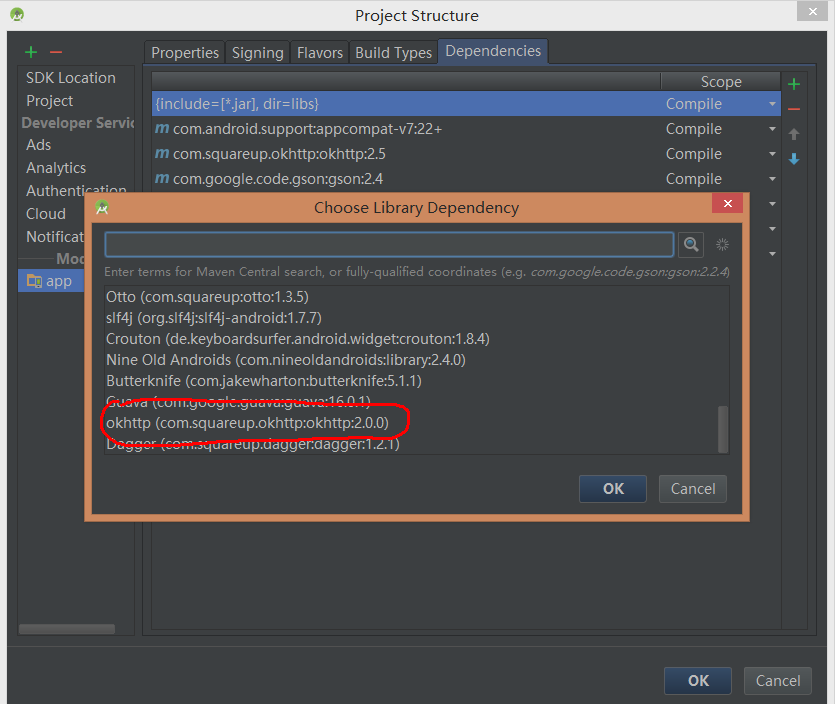 OkHttp 使用詳解:Android 網路請求完整指南
OkHttp 已被 Google 列為推薦的 Android 網路請求框架,在 Android Studio 中可直接加入依賴: 依賴庫為: compile com.s
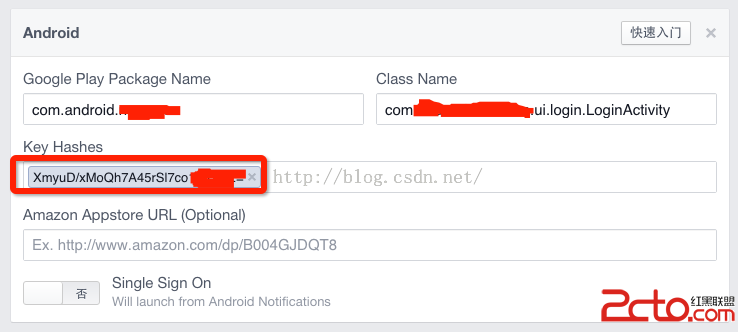 Android 整合 Facebook SDK:Key Hashes 生成步驟
在 Facebook 開發者後台為 Android 平台建立應用時,會要求填入 Key Hashes。這是 Facebook 用來驗證呼叫來源 App 的憑證,如果對不上