

編輯:關於 Android 程式設計
如今的 Android 應用幾乎都離不開圖片,而有些圖片是可變的,需要每次啟動時從網路拉取——這類場景在有廣告位的應用,以及純圖片應用(例如百度美拍)中尤其常見。
問題在於:如果每次啟動都從網路拉取圖片,勢必會消耗大量流量。對非 Wi-Fi 使用者而言,流量成本仍然不低,一個過於耗流量的應用,其用戶規模難免受到影響。因此,一套完善的圖片快取策略,對這類應用來說幾乎是必須的。
本文採用「記憶體—檔案—網路」三層快取機制。其中記憶體快取包含強引用快取與軟引用快取(SoftReference);嚴格來說網路並不算快取,這裡姑且將它歸入快取的層次結構中。
當根據 url 向網路拉取圖片時,流程如下:先從記憶體中查找,若找不到,再從快取檔案中查找;若快取檔案中也沒有,才透過 http 請求從網路拉取。在鍵值對(key-value)中,圖片快取的 key 是圖片 url 的雜湊值,value 則是 bitmap。因此,只要一個 url 被下載過,其圖片便會被快取起來。
關於 Java 中物件的軟引用(SoftReference):若一個物件僅具軟引用,當記憶體空間充足時,垃圾回收器不會回收它;唯有記憶體不足時才會將其回收。只要尚未被回收,該物件就能被程式使用。軟引用適合用來實作對記憶體敏感的高速快取,能有效防止記憶體洩漏、增強程式的健壯性。
從程式碼層面來看,採用一個 ImageManager 負責圖片的管理與快取,主要函式介面為 public void loadBitmap(String url, Handler handler):其中 url 是欲下載的圖片位址,handler 是圖片下載成功後的回呼,於 handler 中處理 message,而 message 裡包含了圖片資訊與 bitmap 物件。ImageManager 所使用的 ImageMemoryCache(記憶體快取)、ImageFileCache(檔案快取)與 LruCache(最近最少使用快取)會在後續文章中介紹。
以下為 ImageManager.java 的關鍵片段,展示多執行緒下載、記憶體與檔案快取的協同運作:
public class ImageManager implements IManager
{
private final static String TAG = "ImageManager";
private ImageMemoryCache imageMemoryCache; //記憶體快取
private ImageFileCache imageFileCache; //檔案快取
//正在下載的 image 列表
public static HashMap<String, Handler> ongoingTaskMap = new HashMap<String, Handler>();
//等待下載的 image 列表
public static HashMap<String, Handler> waitingTaskMap = new HashMap<String, Handler>();
//同時下載圖片的執行緒個數
final static int MAX_DOWNLOAD_IMAGE_THREAD = 4;
private final Handler downloadStatusHandler = new Handler(){
public void handleMessage(Message msg)
{
startDownloadNext();
}
};
public ImageManager()
{
imageMemoryCache = new ImageMemoryCache();
imageFileCache = new ImageFileCache();
}
/** 獲取圖片,多執行緒的入口 */
public void loadBitmap(String url, Handler handler)
{
//先從記憶體快取中獲取,取到直接加載
Bitmap bitmap = getBitmapFromNative(url);
if (bitmap != null)
{
Message msg = Message.obtain();
Bundle bundle = new Bundle();
bundle.putString("url", url);
msg.obj = bitmap;
msg.setData(bundle);
handler.sendMessage(msg);
}
else
{
downloadBmpOnNewThread(url, handler);
}
}
/** 新起執行緒下載圖片,超過上限則進入等待佇列 */
private void downloadBmpOnNewThread(final String url, final Handler handler)
{
if (ongoingTaskMap.size() >= MAX_DOWNLOAD_IMAGE_THREAD)
{
synchronized (waitingTaskMap)
{
waitingTaskMap.put(url, handler);
}
}
else
{
synchronized (ongoingTaskMap)
{
ongoingTaskMap.put(url, handler);
}
new Thread()
{
public void run()
{
Bitmap bmp = getBitmapFromHttp(url);
synchronized (ongoingTaskMap)
{
ongoingTaskMap.remove(url);
}
if(downloadStatusHandler != null)
{
downloadStatusHandler.sendEmptyMessage(0);
}
Message msg = Message.obtain();
msg.obj = bmp;
Bundle bundle = new Bundle();
bundle.putString("url", url);
msg.setData(bundle);
if(handler != null)
{
handler.sendMessage(msg);
}
}
}.start();
}
}
/** 依次從記憶體、快取檔案、網路上加載單個 bitmap,不考慮執行緒問題 */
public Bitmap getBitmap(String url)
{
Bitmap bitmap = imageMemoryCache.getBitmapFromMemory(url);
if (bitmap == null)
{
bitmap = imageFileCache.getImageFromFile(url);
if (bitmap != null)
{
imageMemoryCache.addBitmapToMemory(url, bitmap);
}
else
{
bitmap = getBitmapFromHttp(url);
}
}
return bitmap;
}
/** 通過網路下載圖片,與執行緒無關,成功後寫入檔案與記憶體快取 */
public Bitmap getBitmapFromHttp(String url)
{
Bitmap bmp = null;
try
{
byte[] tmpPicByte = getImageBytes(url);
if (tmpPicByte != null)
{
bmp = BitmapFactory.decodeByteArray(tmpPicByte, 0, tmpPicByte.length);
}
tmpPicByte = null;
}
catch(Exception e)
{
e.printStackTrace();
}
if(bmp != null)
{
imageFileCache.saveBitmapToFile(bmp, url); //添加到檔案快取
imageMemoryCache.addBitmapToMemory(url, bmp); //添加到記憶體快取
}
return bmp;
}
}
其中,getImageBytes(String url) 負責透過 http 請求下載圖片的位元組資料,getBitmapFromNative 則依次從記憶體與快取檔案中取得 bitmap。此外,toRoundCorner(Bitmap bitmap, int pixels) 方法可將圖片處理為圓角效果,透過 Canvas 與 PorterDuffXfermode 實現。整個設計透過 ongoingTaskMap 與 waitingTaskMap 兩個佇列,搭配最多 4 個下載執行緒的限流機制,兼顧了效能與記憶體的合理使用。
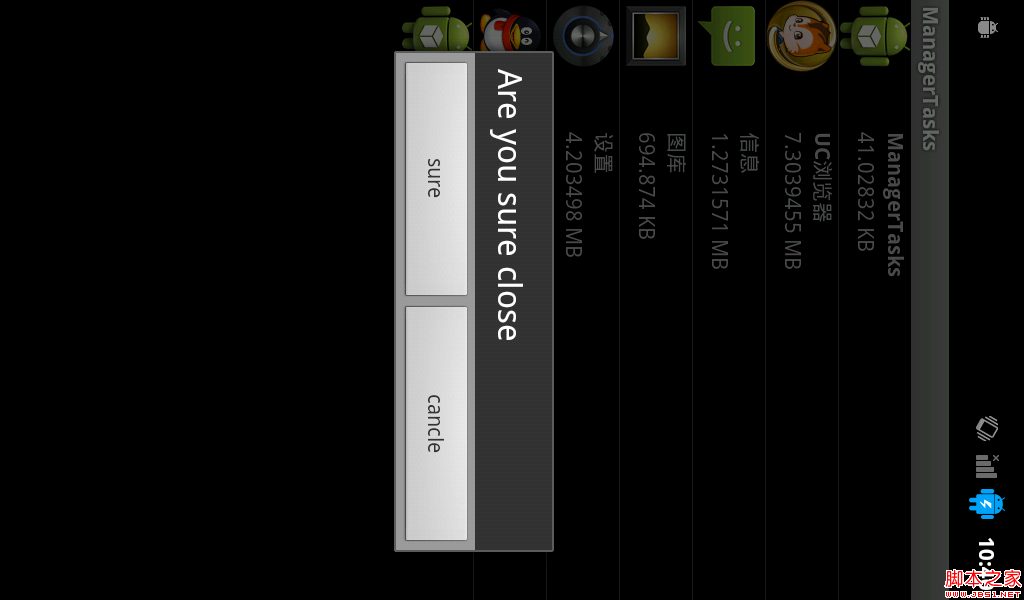 Android 如何獲取正在運行的應用程式並管理
想製作一個類似「清理加速」的小工具嗎?關鍵的第一步就是取得手機上正在運行的應用程式列表。本文以一個實際範例,示範如何透過 ActivityManager 讀取執行中的程式
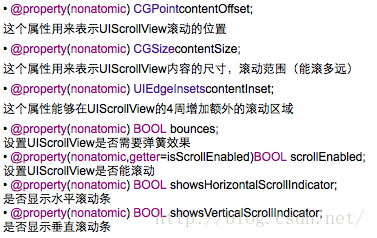 iOS 開發筆記:UIScrollView 用法全解與輪播圖實作
目錄: UIScrollView 的常見屬性 UIScrollView 的常用代理方法 UIScrollView 的縮放 UIScrollView 和 UIPageCon
 自製 Banner 輪播控制元件:完美實作無限循環
需求背景 先前有個需求要做一個公告列,必須無限輪播。第一時間想到的是 ViewPager,網上一查也幾乎都是這個解法。但自己動手做過之後,發現效果其實不夠理想。 常見的兩
 Android VideoView 播放視頻完整教學
VideoView 是什麼VideoView 是 Android 提供的視頻播放元件,使用方式與 ImageView 類似。ImageView 負責顯示圖片,而 Vide