

編輯:關於 Android 程式設計
問題描述:我在 Android 應用程式中加入了通知功能,希望每收到一則通知,未讀數量就累加。原本使用 notification.number 的寫法如下:
NotificationManager notificationManager = (NotificationManager) getSystemService(NOTIFICATION_SERVICE);
Notification notification = new Notification(R.drawable.icon, "A new notification", System.currentTimeMillis());
notification.flags |= Notification.FLAG_AUTO_CANCEL;
notification.number += 1;
Intent intent = new Intent(this, NotificationReceiver.class);
PendingIntent activity = PendingIntent.getActivity(this, 0, intent, 0);
notification.setLatestEventInfo(this, "This is the title", "This is the text", activity);
notificationManager.notify(0, notification);
但不管收到多少通知,未讀數量一直顯示為 1,並沒有累加。
問題出在你每次都重新建立了一個新的 Notification 物件,導致 number 每次都被重置。正確做法是把 Notification 宣告為成員變數,只建立一次,之後檢查它是否存在並累加 number:
public class main extends Activity {
Notification notification = null;
// ...
if (this.notification == null) {
this.notification = new Notification(R.drawable.icon, "A new notification", System.currentTimeMillis());
}
this.notification.flags |= Notification.FLAG_AUTO_CANCEL;
this.notification.number += 1;
}
如此一來,number 便能在同一個 Notification 物件上持續累加,正確顯示未讀通知的數量。
 Android 自訂下拉重新整理 ListView 的完整實作
下拉重新整理是行動應用中常見的互動模式,最早流行於 iOS,後來也被廣泛應用於 Android 的資訊流、社群與新聞類應用。本文說明如何自訂一個支援下拉重新整理與底部載入
 Android 入門:RelativeLayout 與 FrameLayout 用法分析
本文談 RelativeLayout 與 FrameLayout 這兩種佈局。 RelativeLayout 是一種依相對位置排列的佈局,正好與 AbsoluteLay
 為 RecyclerView 加上下拉刷新與上拉加載:從 SwipeRefreshLayout 源碼談起
RecyclerView 系列前面已經寫過兩篇——基本用法與無限復用、以及 HeaderView/FooterView 的加掛。沒看過的朋友建議先補上,本文會直接沿用那兩
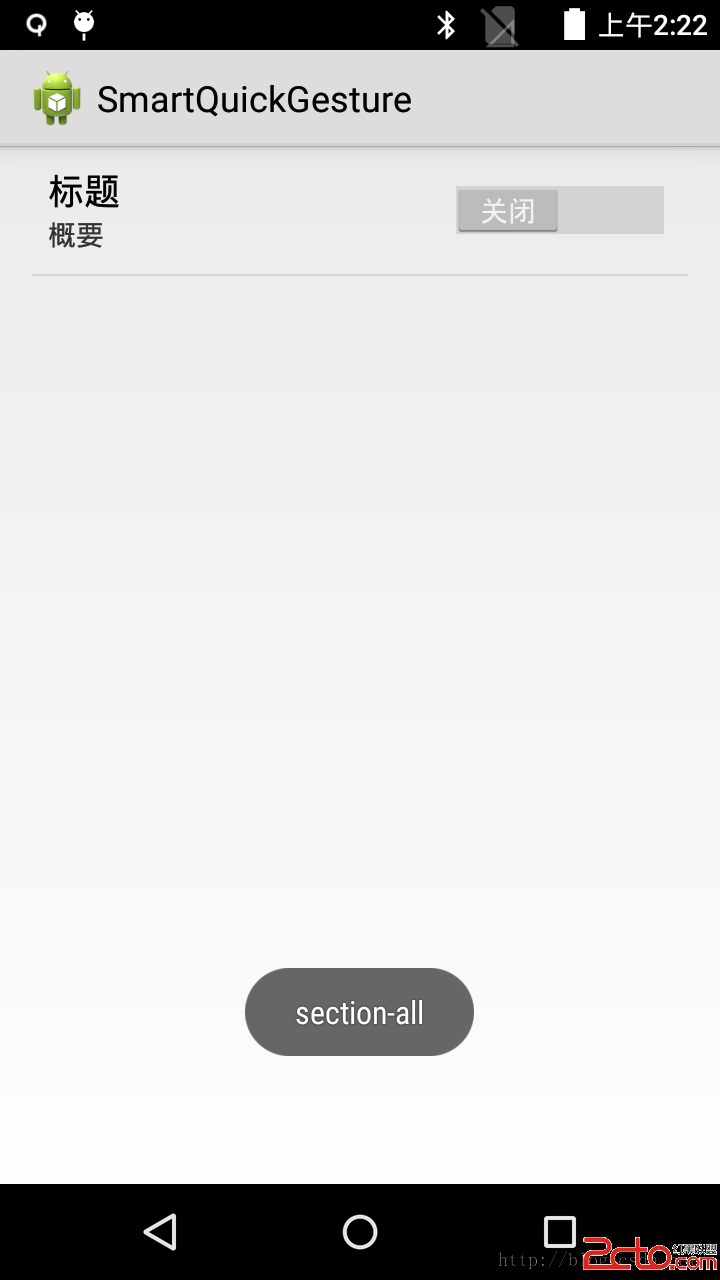 Android 5.0 起拆解 SwitchPreference 與 Preference 的點擊事件綁定
需求是什麼 Android 原生提供的 SwitchPreference 與 CheckBoxPreference,預設會把開關本身的點擊事件和整個 Preference