

編輯:關於 Android 程式設計
由於 Android 不會在 Console 控制台直接輸出錯誤資訊,因此我們需要透過 Eclipse 的選單開啟 LogCat 檢視:Window → Show View → LogCat。
Android 提供 android.util.Log 類別來輸出日誌,常見用法如下:
package com.credream.test;
import android.util.Log;
public class LogTest {
private static final String TAG = "LogTest";
public void testOutLog() throws Throwable {
Log.i(TAG, "資訊內容");
}
public void testOutLog2() throws Throwable {
System.out.println("標準輸出");
}
public void testOutLog3() throws Throwable {
System.err.println("錯誤輸出");
}
}
選擇要測試的方法,右鍵選擇「Run As → Android JUnit Test」即可執行。其中:
System.out.println(...) 的 tag 為 System.out;
System.err.println(...) 的 tag 為 System.err;
Log.i(TAG, ...) 則使用自訂的 TAG。
值得一提的是,Log.i 輸出中文時可能出現亂碼,這是因為部分環境不支援中文編碼,但程式本身並沒有問題。
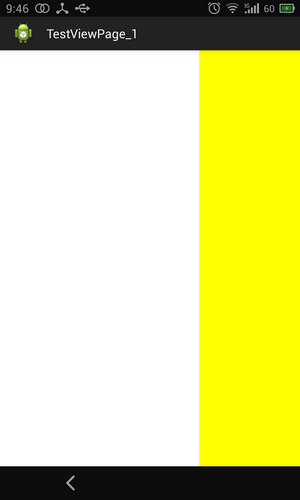 Android ViewPager 入門:幾行程式碼完成三頁滑動切換
先建立整體概念:短短幾行程式碼,就能做出左右滑動切換頁面的效果,後面再回頭解釋為什麼要這樣寫。 三個 View 互相滑動,第一頁往第二頁: 第二頁往第三頁: 一、建立
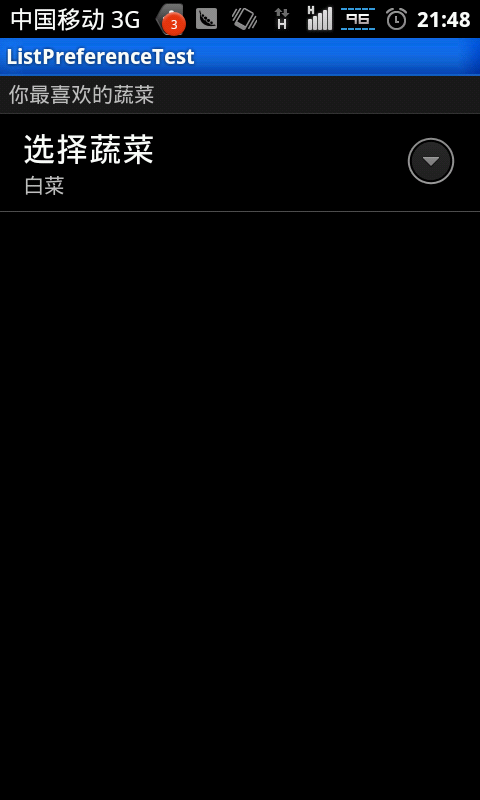 ListPreference 用法詳解:偏好設定清單的實作與常見錯誤
ListPreference 是 Android 偏好設定體系裡最常用的一個元件,效果就是點下去跳出一個單選對話框。它最大的坑在於「選完之後摘要文字不會更新」,本文把完整
 Android DrawerLayout 側滑布局詳解(一):基礎用法
DrawerLayout 顧名思義,就是一個用來管理布局的容器,使用方式與其他布局類別相似。它自帶滑動功能,只要按照 DrawerLayout 規定的布局方式寫好層級,就
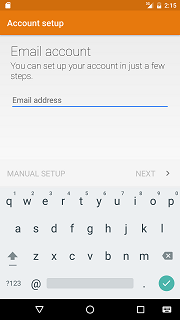 Android 基礎(二十四):EditText 輸入框完全解析
介紹 文字輸入框(Text Field)讓使用者能將文字輸入你的 App,它可以是單行,也可以是多行。觸碰文字輸入框時,游標會自動定位並彈出鍵盤。除了輸入文字之外,輸入框