

編輯:關於 Android 程式設計
在 Android 中整合百度地圖 SDK,通常需要下載 JAR 與 SO 檔、加入權限、配置 MapView,並在 Activity 中初始化地圖物件。若缺少函式庫或權限,常會導致地圖無法啟動。
先從百度地圖開發平台下載 SDK,通常會包含 JAR 檔與 SO 檔。將 JAR 放入專案的 libs 目錄,並把 SO 檔放入 libs/armeabi 或對應的 ABI 目錄。
接著在 Eclipse 或 Android Studio 中,將 JAR 加入 Java Build Path 或相依性設定。
<uses-permission android:name="android.permission.INTERNET" />
<uses-permission android:name="android.permission.ACCESS_NETWORK_STATE" />
<uses-permission android:name="android.permission.ACCESS_FINE_LOCATION" />
<uses-permission android:name="android.permission.WRITE_EXTERNAL_STORAGE" />
<uses-permission android:name="android.permission.READ_PHONE_STATE" />在 layout 中加入 MapView:
<com.baidu.mapapi.MapView
    android:id="@+id/map_View"
    android:layout_width="fill_parent"
    android:layout_height="fill_parent"
android:clickable="true" />mapManager = new BMapManager(getApplication());
mapManager.init("YOUR_API_KEY", null);
super.initMapActivity(mapManager);
mapView = (MapView) findViewById(R.id.map_View);
mapView.setTraffic(true);
mapView.setBuiltInZoomControls(true);
GeoPoint point = new GeoPoint((int) (47.118440 * 1E6), (int) (87.493147 * 1E6));
mapController = mapView.getController();
mapController.setCenter(point);
mapController.setZoom(12);其中 API key 需要向百度地圖平台申請,並替換程式中的 YOUR_API_KEY。
地圖物件通常需要在 onPause 中停止,在 onResume 中啟動,並在 onDestroy 中釋放:
protected void onPause() {
    if (mapManager != null) {
        mapManager.stop();
    }
    super.onPause();
}

protected void onResume() {
    if (mapManager != null) {
        mapManager.start();
    }
    super.onResume();
}

protected void onDestroy() {
    if (mapManager != null) {
        mapManager.destroy();
        mapManager = null;
    }
    super.onDestroy();
}
完成這些步驟後,即可顯示地圖、交通圖層與縮放控制。
 自定義 View 實作:可隨時暫停與續跑的圓形下載進度條
這是一個「一言不合就手撸一個自定義 View」的時代。前陣子我一直在補自定義 View 的知識,看了不少相關文章。常聽人說不要重複造輪子,別人寫好的拿來改改就能用;但若想
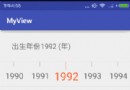 Android 自定義 View:左右滑動選擇出生年份
在一些個人資料頁面中,出生年份的選擇通常採用滑動效果。用戶左右滑動時,中間數字會放大,兩側數字會縮小,最終停留在選中的年份上。這種效果可以通過自定義 View 實現。
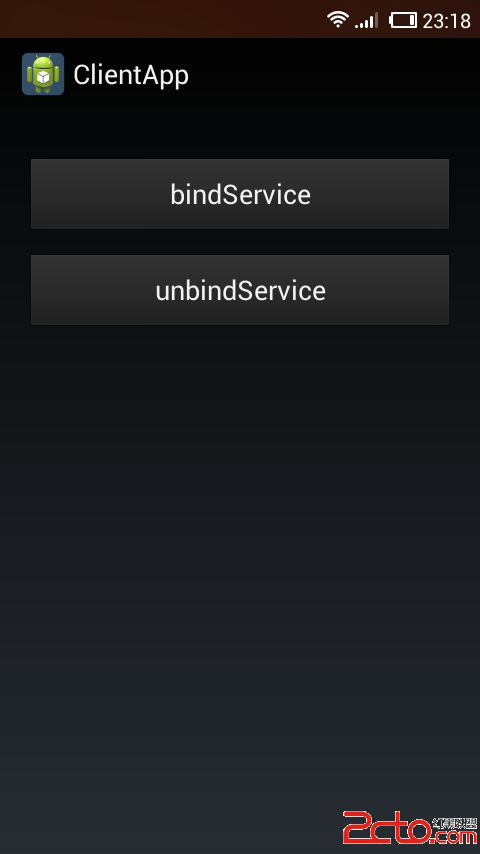 用 Messenger 打通 Android 跨進程雙向通信
Android 裡的 Service 和它的調用方,可以同屬一個 App,也可以分屬兩個 App。當 Service 住在 App1、客戶端住在 App2 時,進程邊界就
 用 PathMeasure 仿支付寶的打勾動畫
前言 在 Android 自定義 View 中,Path 用得比較多,而 PathMeasure 相對少見。以前我也沒用過 PathMeasure,直到看到有人把它與 V