

編輯:關於 Android 開發
Service 作為 Android 四大組件之一,在每個應用程序中都扮演著非常重要的角色。它主要用於在後台處理耗時邏輯,或執行需要長期運行的任務,必要時甚至可以在程序退出後仍保持運行。本文將帶大家全面、深入地探究 Service 的各項核心知識。
啟動 Service 需要借助 Intent,與啟動 Activity 類似。首先新建一個 MyService 繼承自 Service,並重寫 onCreate()、onStartCommand() 和 onDestroy() 方法:
public class MyService extends Service {
    public static final String TAG = "MyService";
    @Override
    public void onCreate() {
        super.onCreate();
        Log.d(TAG, "onCreate() executed");
    }
    @Override
    public int onStartCommand(Intent intent, int flags, int startId) {
        Log.d(TAG, "onStartCommand() executed");
        return super.onStartCommand(intent, flags, startId);
    }
    @Override
    public void onDestroy() {
        super.onDestroy();
        Log.d(TAG, "onDestroy() executed");
    }
    @Override
    public IBinder onBind(Intent intent) {
        return null;
    }
}
在 Activity 中,通過 startService() 啟動 Service,通過 stopService() 停止 Service。需要注意,項目中的每個 Service 都必須在 AndroidManifest.xml 中註冊:
<service android:name="com.example.servicetest.MyService" >
</service>
當第一次啟動 Service 時,會調用 onCreate() 和 onStartCommand() 方法。此後每次調用 startService(),由於 Service 已被創建,只會執行 onStartCommand(),而 onCreate() 不再執行。
通過 onBind() 方法可以讓 Activity 和 Service 建立關聯。新增一個繼承自 Binder 的 MyBinder 類,並在其中添加業務方法,然後在 onBind() 中返回該 Binder 實例:
public class MyService extends Service {
    private MyBinder mBinder = new MyBinder();
    @Override
    public IBinder onBind(Intent intent) {
        return mBinder;
    }
    class MyBinder extends Binder {
        public void startDownload() {
            Log.d("TAG", "startDownload() executed");
            // 執行具體的下載任務
        }
    }
}
在 Activity 中創建 ServiceConnection 匿名類,重寫 onServiceConnected() 方法,在其中通過向下轉型得到 MyBinder 實例,就可以調用 Service 中的 public 方法,實現 Activity 指揮 Service 工作的效果。通過 bindService() 方法進行綁定(第三個參數傳入 BIND_AUTO_CREATE),通過 unbindService() 解除關聯。
Service 的銷毀需要滿足兩個條件:既沒有和任何 Activity 關聯,又處於停止狀態。也就是說,如果同時點擊了 Start Service 和 Bind Service,那麼必須同時點擊 Stop Service 和 Unbind Service,Service 才會被銷毀。因此,我們應該始終在 onDestroy() 方法中清理不再使用的資源,防止內存泄漏。
不少初學者會把 Service 和 Thread 聯系起來,但實際上兩者沒有任何關系。通過打印線程 id 可以發現,Service 其實是運行在主線程裡的。也就是說,如果在 Service 中編寫非常耗時的代碼,程序必定會出現 ANR。
那 Service 究竟有何用處呢?關鍵在於不要把「後台」和「子線程」混為一談。Android 的後台是指運行完全不依賴 UI,即使 Activity 被銷毀或程序關閉,只要進程還在,Service 就可以繼續運行。而耗時操作,則可以在 Service 內部再創建子線程來處理。
相比直接在 Activity 中創建子線程,使用 Service 的優勢在於:所有 Activity 都可以與 Service 關聯並操作其中的方法,即使 Activity 被銷毀,重新關聯後仍能獲取原有的 Binder 實例。因此,使用 Service 處理後台任務,Activity 就可以放心 finish,無需擔心無法控制後台任務。
Service 的系統優先級較低,當系統內存不足時可能被回收。若希望 Service 始終保持運行,可以使用前台 Service。它與普通 Service 最大的區別在於會在系統狀態欄顯示一個正在運行的圖標,下拉後可看到詳細信息。創建方法是在 onCreate() 中構建 Notification 對象並調用 startForeground() 方法:
@Override
public void onCreate() {
    super.onCreate();
    Notification notification = new Notification(R.drawable.ic_launcher, "有通知到來", System.currentTimeMillis());
    Intent notificationIntent = new Intent(this, MainActivity.class);
    PendingIntent pendingIntent = PendingIntent.getActivity(this, 0, notificationIntent, 0);
    notification.setLatestEventInfo(this, "這是通知的標題", "這是通知的內容", pendingIntent);
    startForeground(1, notification);
    Log.d(TAG, "onCreate() executed");
}
由於篇幅原因,本文先寫到這裡。下一篇文章將承接本文,介紹 Android Service 中更為複雜的知識點——遠程 Service 的使用。
本文轉載於:https://blog.csdn.net/guolin_blog/article/details/11952435
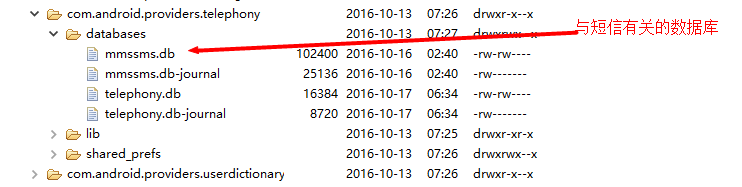 Android 五種資料存儲方式(二):Content Provider 與網路存儲
 先前介紹了 Android 三種資料存儲方式,本文補充另外兩種:內容提供者(Cont
 安卓開源項目精選:元件、架構與效率工具
本文整理一批適合 Android 開發者參考的開源專案,內容包含自訂元件、架構範例、下載管理與權限處理等。PreviewSeekBar:可顯示影片預覽的 SeekBar。
 Java 檔案大小轉換工具類:B、KB、MB、GB、TB、PB 一鍵換算
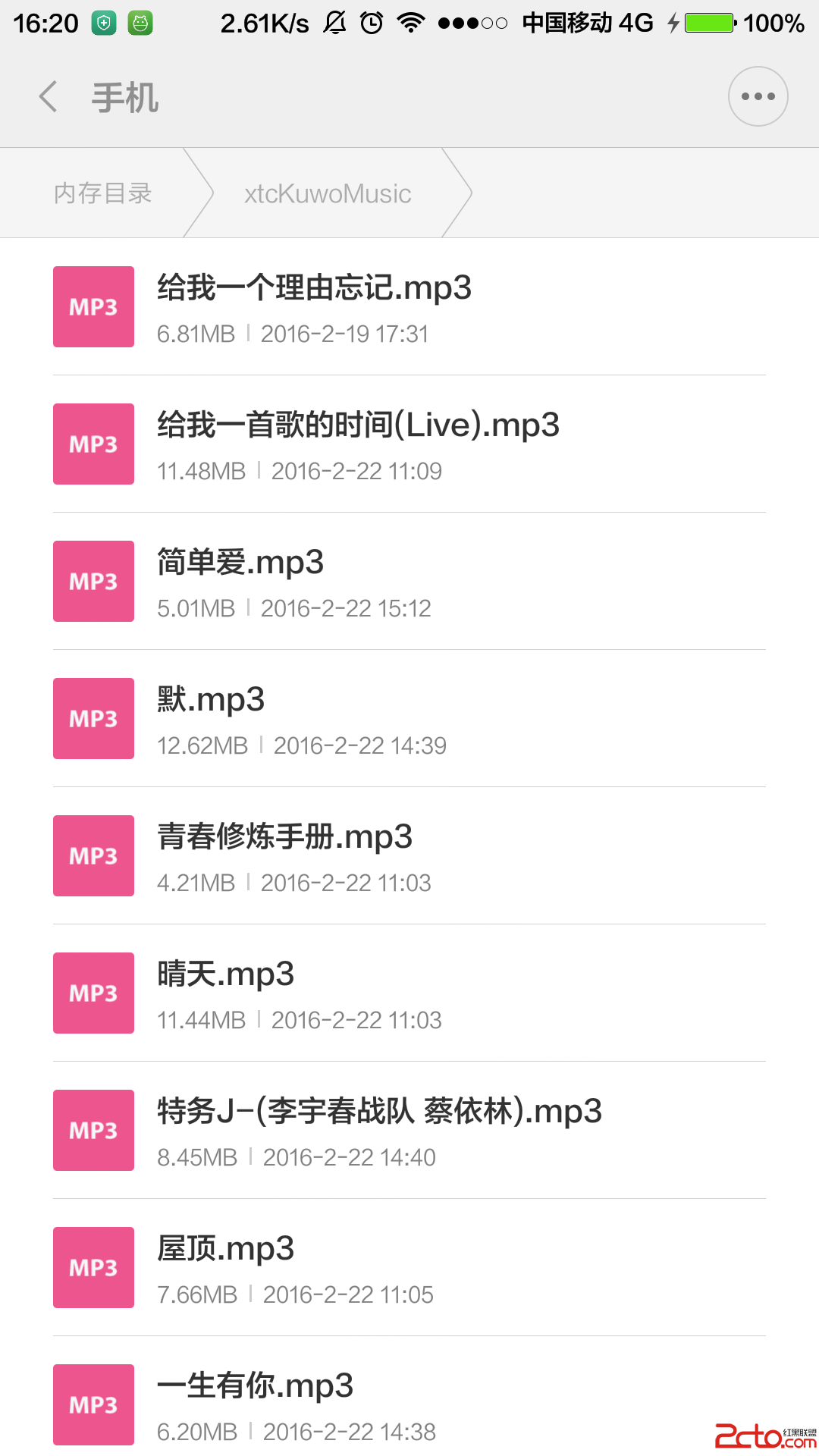
Java 檔案大小轉換工具類(B、KB、MB、GB、TB、PB 之間的換算) 當我們需要呈現類似下圖所示的檔案大小效果時,就得先把原始位元組數轉換成人類易讀的單位,再進
 用 adb 與 sqlite3 直接查看 Android 應用私有資料庫的常用指令
為什麼要用指令列查資料庫 想確認 App 的資料到底有沒有寫進去,把 db 檔拉回電腦再開工具看是一種做法,但如果你手上就是一台已開發環境的手機,直接用 adb 進到裝置