

編輯:關於 Android 開發
相對佈局是 Android 早期最常被使用的容器之一,它的核心思路是「以別人為座標」:每個子控制項都可以聲明自己相對於父容器、或相對於某個兄弟控制項的位置,而不必像線性佈局那樣排隊等候。
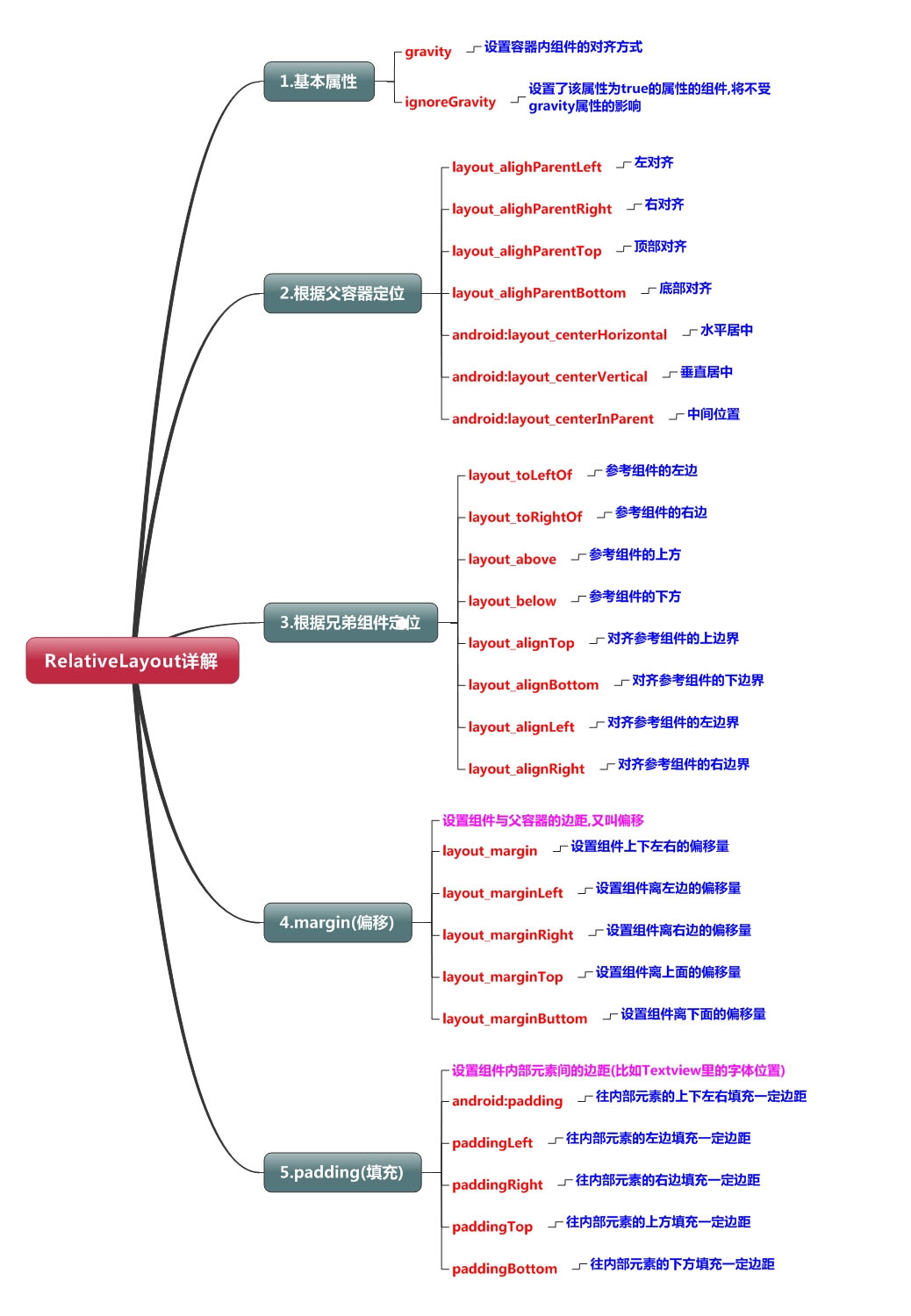
學習 RelativeLayout 最關鍵的一件事,是把屬性分成兩組來記:
layout_centerInParent、layout_alignParentLeft,取值只能是 true 或 false。layout_above、layout_toRightOf,取值必須是對方的 ID,寫成 @id/xxx 的形式。換句話說,前者回答「我在父容器裡的哪個位置」,後者回答「我在誰的上/下/左/右」。搞錯這兩種取值類型,是初學者最常踩的坑。
下面這個例子讓一張圖片居中,其餘四張分別貼在它的上、下、左、右,形成梅花狀排列。注意每張圖片都必須先寫好 android:id,後面的兄弟節點才有辦法引用它。
<?xml version="1.0" encoding="utf-8"?>
<RelativeLayout xmlns:android="https://schemas.android.com/apk/res/android"
    android:layout_width="match_parent"
    android:layout_height="match_parent">

    <ImageView
        android:id="@+id/img1"
        android:layout_width="150dp"
        android:layout_height="150dp"
        android:layout_centerInParent="true"
        android:src="@mipmap/ic_launcher" />

    <ImageView
        android:id="@+id/img2"
        android:layout_width="150dp"
        android:layout_height="150dp"
        android:layout_above="@id/img1"
        android:layout_centerHorizontal="true"
        android:src="@mipmap/ic_launcher" />

    <ImageView
        android:id="@+id/img3"
        android:layout_width="150dp"
        android:layout_height="150dp"
        android:layout_below="@id/img1"
        android:layout_centerHorizontal="true"
        android:src="@mipmap/ic_launcher" />

    <ImageView
        android:id="@+id/img4"
        android:layout_width="150dp"
        android:layout_height="150dp"
        android:layout_toLeftOf="@id/img1"
        android:layout_centerVertical="true"
        android:src="@mipmap/ic_launcher" />

    <ImageView
        android:id="@+id/img5"
        android:layout_width="150dp"
        android:layout_height="150dp"
        android:layout_toRightOf="@id/img1"
        android:layout_centerVertical="true"
        android:src="@mipmap/ic_launcher" />
</RelativeLayout>
第一,RelativeLayout 的測量順序會依賴宣告順序,如果被參照的控制項寫在後面,需要搭配 layout_...\@+ 的宣告方式才能正確解析。
第二,相對佈局的層級很淺、效能表現不錯,適合用在「元素之間有明確相對關係」的畫面;若畫面只是單純的直向或橫向排列,線性佈局反而更直觀。
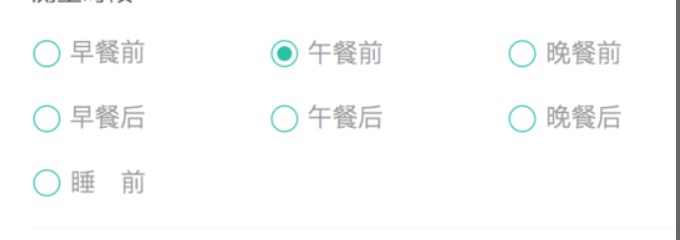 Android 組件式開發(2):打造網格布局的 RadioButton 矩陣
前言 在 Android 中,我們通常透過 RadioGroup 管理一組 RadioButton,以達到單選互斥的效果。但有些需求需要 N 行 N 列的 RadioBu
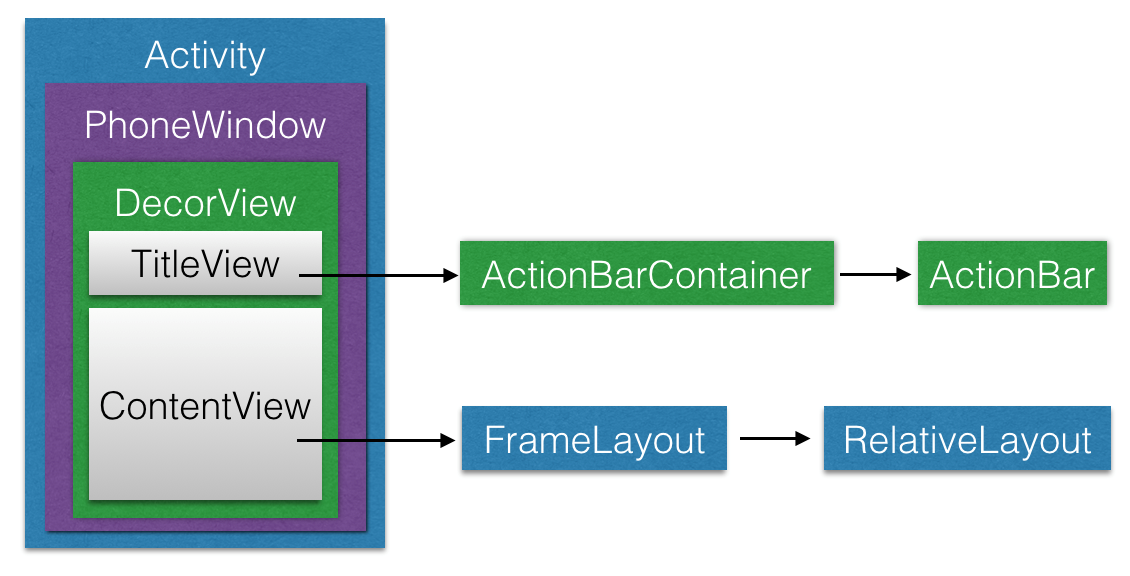 深入剖析 Android View 的繪制流程(基於 6.0 源碼)
深入剖析 Android View 的繪制流程 概述 本文以 Android 6.0 源碼為基礎,重點梳理 View 繪制的整體脈絡,並對一些不易理解的地方加以闡述。目標
 Android 圖片自動輪播實作:Timer 搭配 Handler 的節奏控制
需求與思路 要做一個自動輪播的圖片展示區,關鍵在「定時」與「換圖」兩件事分開處理:用 Timer 負責計時,用 Handler 負責把換圖的訊息送回主執行緒更新畫面。這樣
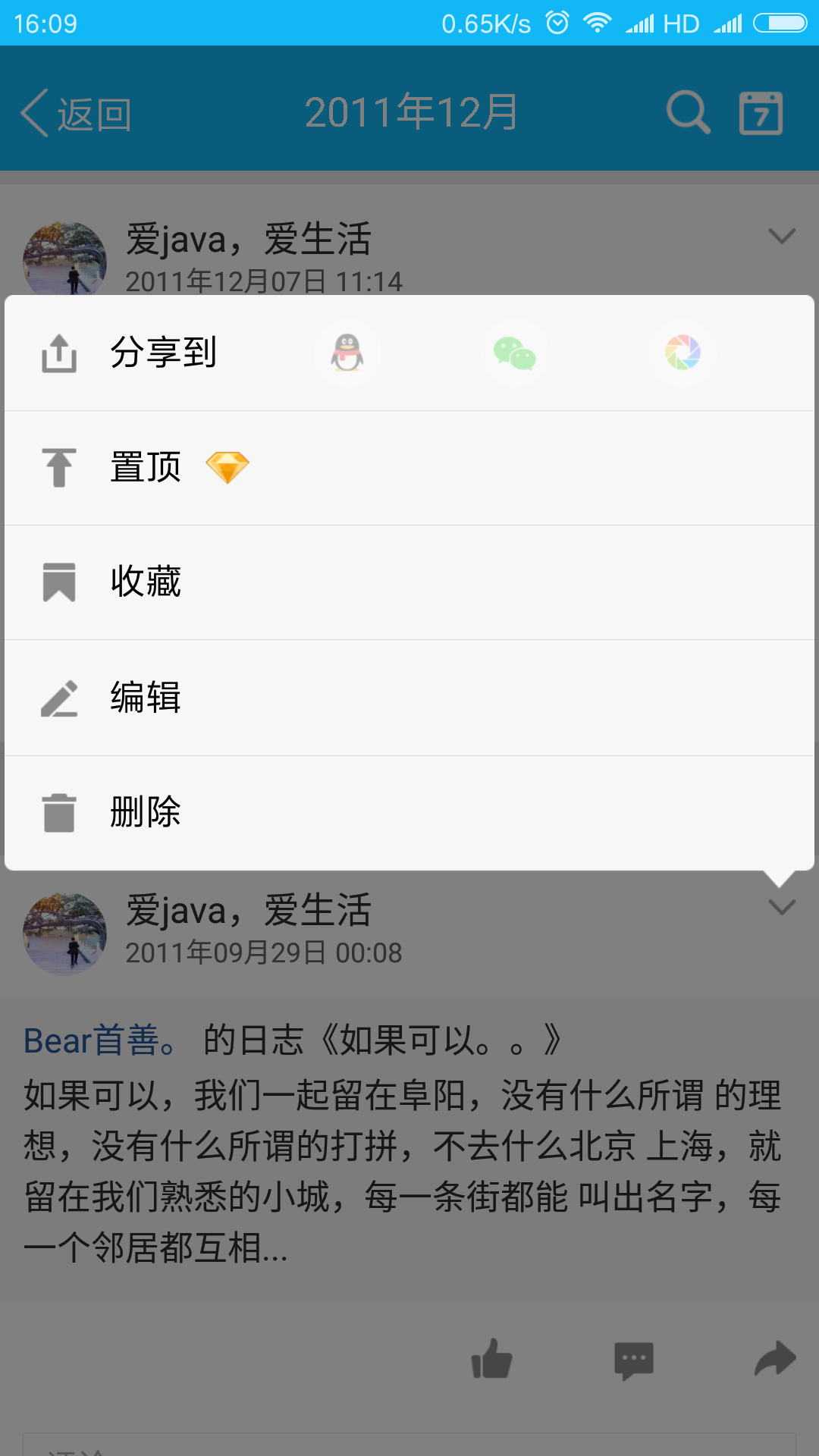 仿 QQ 空間的 PopupWindow:依據點擊位置自動朝上或朝下彈出
要做出的效果 打開 QQ 空間時有個箭頭按鈕,點下去會彈出一個 PopupWindow,而且它會依按鈕在畫面上的位置,自動決定顯示在箭頭上方還是下方。這比一律彈在螢幕正中