

編輯:關於 Android 開發
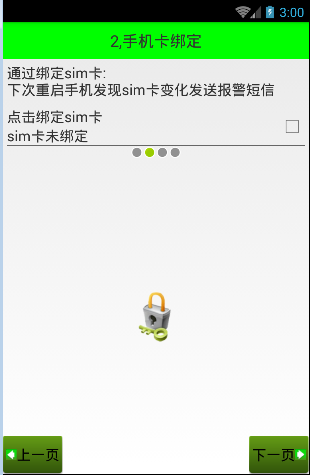
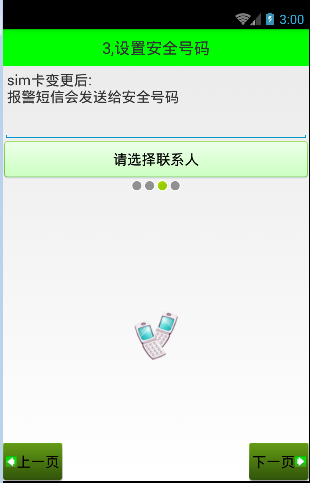
在手機衛士的引導流程中,頁面切換往往伴隨著平移動畫,讓使用者感受到自然的左右滑動過場。本文示範如何在多個引導界面之間實現這種效果。


本文地址:https://www.cnblogs.com/wuyudong/p/5954847.html,轉載請注明出處。
思路分析
平移效果的核心在於「上一頁」與「下一頁」的進出動畫方向:
上一頁移入動畫:從 (-螢幕寬度, y) 移動到 (0, y);
上一頁移出動畫:從 (0, y) 移動到 (螢幕寬度, y)。
下一頁移入動畫:從 (螢幕寬度, y) 移動到 (0, y);
下一頁移出動畫:從 (0, y) 移動到 (-螢幕寬度, y)。
實作步驟
在 res 資料夾下新建 anim 資料夾,並在其中建立四個 translate 類型的動畫檔案:
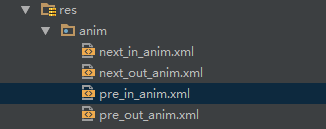
pre_in_anim.xml:
<?xml version="1.0" encoding="utf-8"?> <!-- -100%p 負一屏幕的寬度大小值 --> <translate xmlns:android="https://schemas.android.com/apk/res/android" android:fromXDelta="-100%p" android:toXDelta="0" android:duration="500"> </translate>
pre_out_anim.xml:
<?xml version="1.0" encoding="utf-8"?> <translate xmlns:android="https://schemas.android.com/apk/res/android" android:fromXDelta="0" android:toXDelta="100%p" android:duration="500"> </translate>
next_in_anim.xml:
<?xml version="1.0" encoding="utf-8"?> <translate xmlns:android="https://schemas.android.com/apk/res/android" android:fromXDelta="100%p" android:toXDelta="0" android:duration="500"> </translate>
next_out_anim.xml:
<?xml version="1.0" encoding="utf-8"?> <translate xmlns:android="https://schemas.android.com/apk/res/android" android:fromXDelta="0" android:toXDelta="-100%p" android:duration="500"> </translate>
接著在四個界面的按鈕點擊事件中分別套用動畫。返回上一頁時:
overridePendingTransition(R.anim.pre_in_anim, R.anim.pre_out_anim);
前往下一頁時:
overridePendingTransition(R.anim.next_in_anim, R.anim.next_out_anim);
透過 overridePendingTransition 指定進出場動畫,就能讓相鄰界面之間產生流暢的平移過場效果。
 Android 嵌套 ViewPager 事件衝突:禁止內部 ViewPager 滑動
Android 嵌套 ViewPager:禁止內部 ViewPager 滑動 當 ViewPager 中又包含另一個 ViewPager 時,容易出現事件衝突:外部想要切
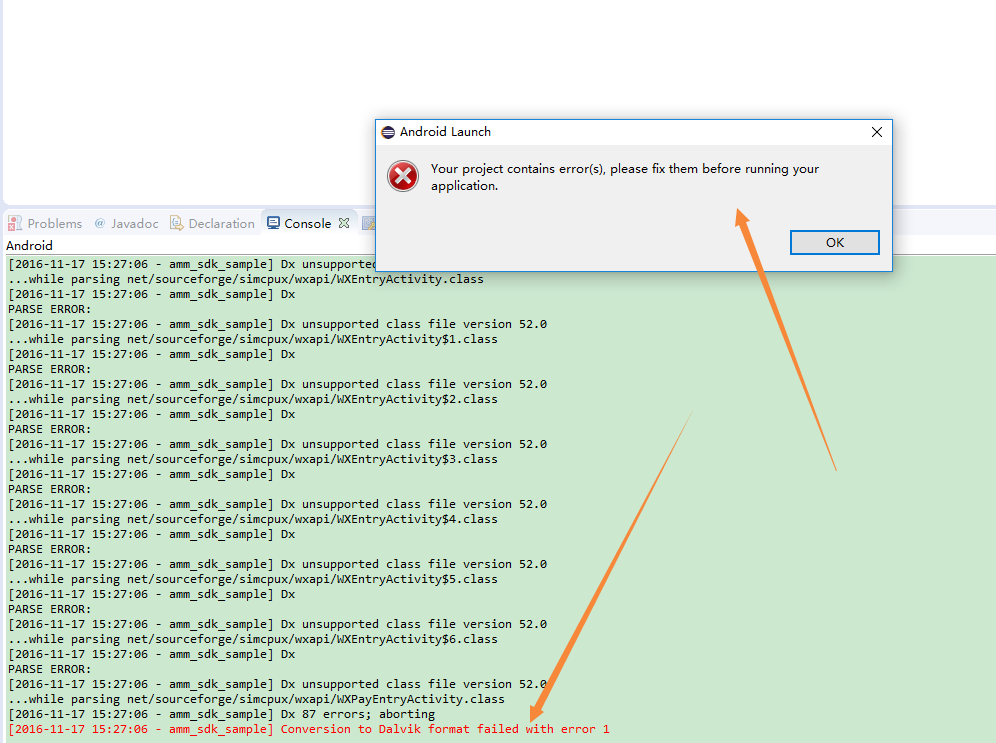 解決 Eclipse 運行 Android 專案時 Conversion to Dalvik format failed with error 1
 在 Eclipse 中
 用 Kotlin 對 ViewGroup 的子視圖做函數式操作
問題:Android SDK 不給你一個 List 集合、迭代、陣列、序列——這些型別都共用一套好用的函式:map、filter、forEach、first……能大幅簡化
 用藍牙連接數位傳感器:Android SPP 通訊實作
先前介紹過用麥克風擷取並顯示類比訊號的做法。那種方式適合用於沒有 IO 控制、單純讀取訊號的情境。但如果傳感器本身內含控制電路——例如量測血氧訊號需要紅外線交替發射——那