

編輯:關於 Android 開發
清單裡的暱稱、標題常常長度失控,把版面擠壞。要讓 TextView 只顯示固定字數、超出部分以太字號省略結尾,關鍵在於三個屬性同時搭配使用,少一個都不會如預期。
<TextView
    android:id="@+id/tvUserNameUgcListItem"
    android:layout_width="wrap_content"
    android:layout_height="@dimen/dp45"
    android:layout_marginLeft="@dimen/dp10"
    android:layout_toRightOf="@+id/ivUserImgUgcListItem"
    android:gravity="center_vertical"
    android:singleLine="true"
    android:maxEms="8"
    android:ellipsize="end"
    android:text="何問起 hovertree.com"
    android:textColor="@color/white_wall"
    android:textSize="@dimen/sp15" />
android:singleLine="true"
android:maxEms="8"
android:ellipsize="end"
middle,想從開頭截斷則用 start。實務上還有兩個替代思路值得知道:android:maxLength 是直接硬性截斷(不會出現省略號),而 maxLines="1" 加 ellipsize 則是新版 Android 偏好寫法,能避免使用 singleLine 帶來的效能與警告問題。
延伸參考:https://www.cnblogs.com/roucheng/p/androidwujie.html
 Nginx 與 PHP 正確配置指南
 許多人配置 Nginx 與 PHP 時,習慣直接複製網路教程。然而,若配置方式過時或概念不清,可能會埋下安全與維護上的隱憂。本文以常
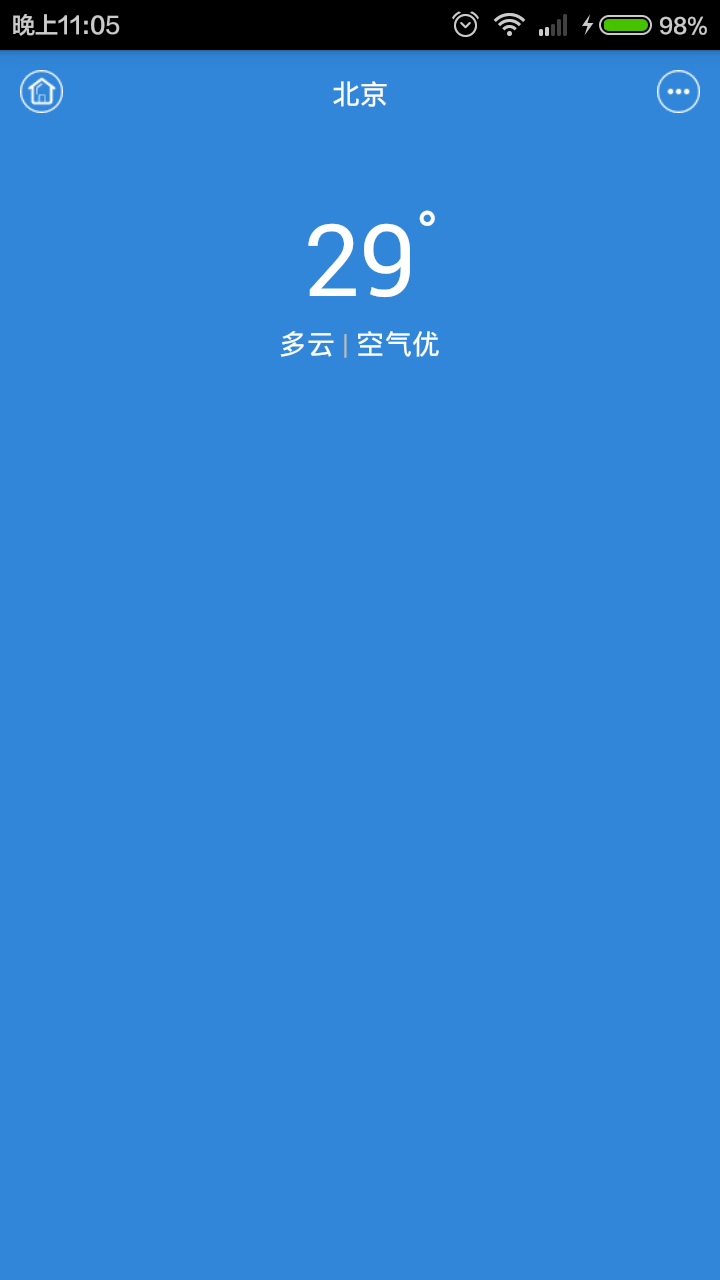 Android 天氣 App 版面練習:RelativeLayout 與 LinearLayout 的組合
天氣 App 版面練習 這個範例以 RelativeLayout 為主體,搭配 LinearLayout 排列次要資訊,適合練習天氣首頁常見的置中與相對定位。 畫面中上
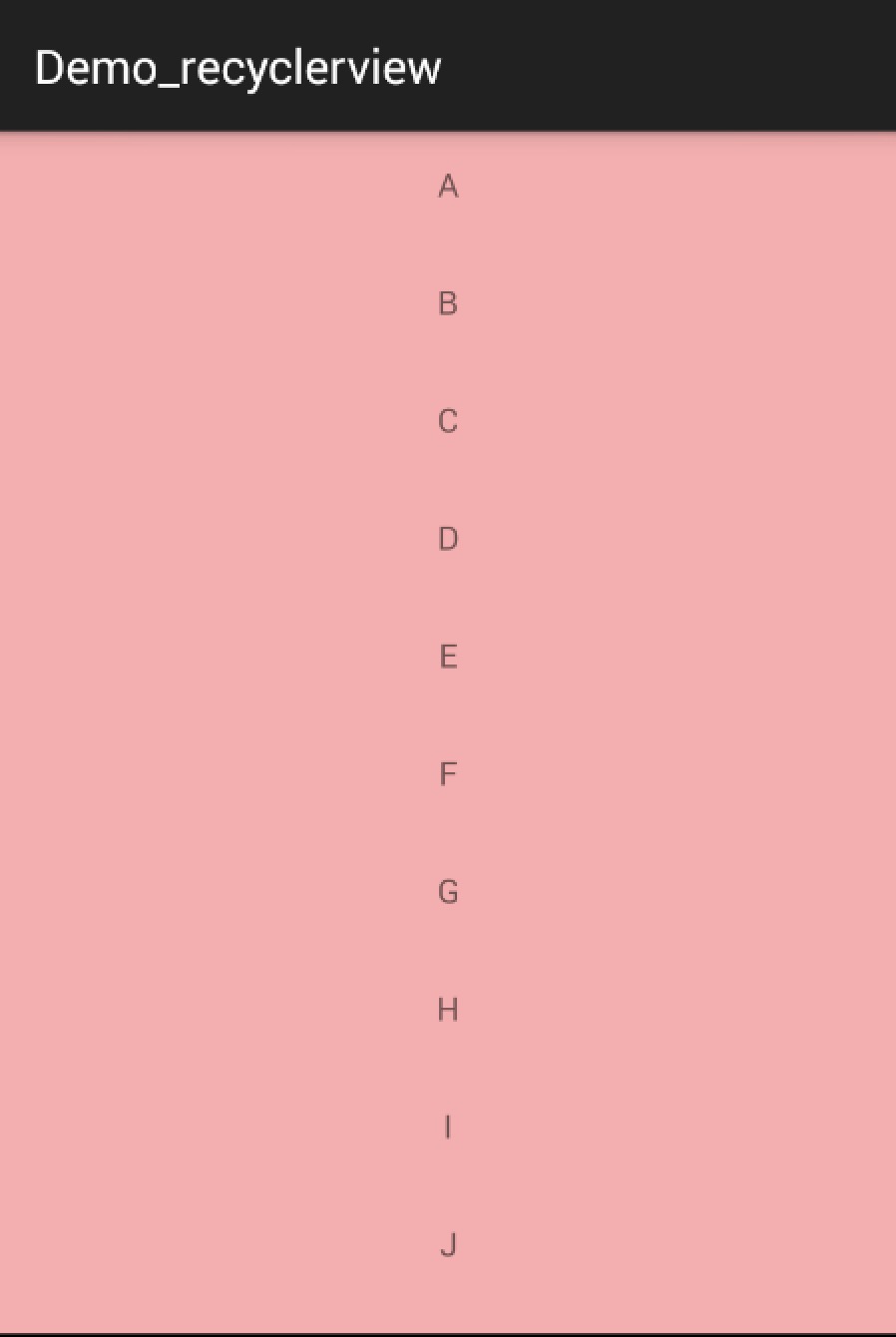 Android RecyclerView使用解析:LayoutManager、ItemDecoration與ItemAnimator
RecyclerView的設計理念 RecyclerView用於在有限視窗中呈現大量資料。它與ListView最大的差異在於高度解耦:顯示方式交由LayoutManage
 徹底理解 MediaPlayer 的生命週期與狀態轉換
 MediaPlayer 的狀態轉換圖,其實就是它的生命週期。理解每個狀態之間如何轉移、以及哪些方法只能在特定狀態下