

編輯:關於 Android 開發
Service,俗稱服務。在 Android 系統中,Service 與 Activity 就像一母同胞——不僅長得像,連生命周期行為也有幾分相似。相比人人熟悉的 Activity,Service 則是四大組件之一,同樣需要在 AndroidManifest 清單文件中注册。
與 Activity 在前台運行不同,Service 是呼應其進行後台運行的服務。如果把 Activity 比作下載軟件的用戶交互界面,那 Service 就是那個默默在後台工作的下載線程。因此它的應用場景通常是那些「不需要常駐前台、但需要一直在後台工作」的情況,比如後台下載、播放音樂、IM 軟件監聽客戶端消息等。
啟動 Service 有兩種方式:一種是類似 Activity 的 startService(),對應 stopService() 關閉;另一種是比較獨特的綁定方式 bindService(),對應 unbindService() 解綁。兩種方式意味著不同的生命周期回調。先定義一個 Service 類:

1 public class MyService extends Service { 2 //onBind為必須實現的抽象方法 3 @Override 4 public IBinder onBind(Intent arg0) { 5 return new MyBinder(); 6 } 7 @Override 8 public void onCreate() { 9 super.onCreate(); 10 } 11 @Override 12 public void onDestroy() { 13 super.onDestroy(); 14 } 15 @Override 16 public void onRebind(Intent intent) { 17 super.onRebind(intent); 18 } 19 @Override 20 public void onStart(Intent intent, int startId) { 21 super.onStart(intent, startId); 22 } 23 @Override 24 public boolean onUnbind(Intent intent) { 25 return super.onUnbind(intent); 26 } 27 /** 28 * 構造一個MyBinder類,其繼承於Binder,而Binder實現了IBinder的接口 29 */ 30 public class MyBinder extends Binder{ 31 //返回Service實例的引用 32 public MyService getId(){ 33 return MyService.this; 34 } 35 } 36 }
啟動方式為 startService:
//啟動一個Service Intent intent = new Intent(this, MyService.class); startService(intent); //停止Service stopService(intent);
startService() 的生命周期為:
context.startService() → onCreate() → onStart() → Service 運行中 → context.stop() → onDestroy() → Service 被關閉
啟動方式為 bindService:需要先構造一個實現 ServiceConnection 接口的連接類:
1 private class MyServiceConnection implements ServiceConnection{ 2 public MyServiceConnection(){} 3 @Override 4 public void onServiceConnected(ComponentName arg0, IBinder binder) { 5 MyService Myservice = ((MyService.MyBinder)binder).getService(); 6 //綁定成功後調用 7 } 8 @Override 9 public void onServiceDisconnected(ComponentName arg0) { 10 //當服務奔潰時調用 11 } 12 }
然後進行綁定啟動:
//綁定一個Service Intent intent = new Intent(this, MyService.class); MyServiceConnection conn = new MyServiceConnection(); bindService(intent, conn, Context.BIND_AUTO_CREATE); //解綁Service unbindService(conn);
執行 bindService() 後,系統會調用 onCreate() 和 onBind(),onBind() 執行完畢後回調 ServiceConnection 的 onServiceConnected(),同時傳回一個實現了 IBinder 接口的類(一般傳回繼承自 Binder 的子類)。一旦拿到這個引用,就相當於拿到了 Service 的控制權。
bindService() 的生命周期:
context.bindService() → onCreate() → onBind() → Service 運行中 → context.unBindService() → onUnbind() → onDestroy() → Service 被關閉
情形一:用 startService() 啟動後未調用 stopService(),再次 startService() 時不會調用 onCreate(),而是僅執行 onStart()。因為 Android 中每個服務都是單例,無論啟動多少次,系統永遠只運行一個 Service。所以 onCreate() 只會被調用一次,而 onStart() 可被調用多次。
情形二:用 startService() 啟動的 Service,若不用 stopService() 而是直接 kill 掉調用者(如 Activity),並不會執行 onDestroy()——因為自從啟動後,該服務就與調用者撇清了關系。除非通過 intent 調用 stopService() 主動回收。
情形三:對於 bindService(),多次重復綁定時 onCreate() 依然只調用一次,而 onBind() 每次綁定都會被調用,其主要作用是把 IBinder 傳回給綁定者。若存在多個綁定,執行 unbindService() 僅觸發 onUnbind(),只有最後一個綁定者解綁才會觸發 onDestroy()。此外,若銷毀綁定者(如 Activity),該 Service 也會隨之銷毀(onUnbind → onDestroy)。
1. 若需要一個調用者退出後仍不被銷毀、同時又能獲取其引用的 Service,可以先 startService() 啟動,再 bindService() 綁定拿到引用,然後 unbindService() 解綁。由於先 start 過,解綁只會執行 onUnbind(),此後即使調用者銷毀,Service 依然運行。
2. Service 雖說後台運行,但它的 onCreate、onStart、onBind 等生命周期方法實際仍運行在主線程。若在這些方法中做下載、讀大文件等耗時操作,會阻塞主線程,所以一般在 Service 中另起子線程處理業務。
3. Service 的啟動、綁定與停止、解綁應放在調用者對應的生命周期中。例如需要貫穿整個 Activity,可在 onCreate 啟動、onDestroy 停止;若只需前台時運行,則在 onStart/onStop 處理。不建議在 onPause/onResume 中啟動停止服務,以免造成不必要的性能消耗。
4. bindService 時之所以不能立即返回 IBinder,是因為啟動服務是異步的,只能通過後續 onBind 回調把 IBinder 傳到 onServiceConnected 的參數裡。
5. 若 bindService 後 onServiceConnected() 沒被調用,請檢查 onBind() 的返回值——如果返回 null 是不會觸發該回調的,要確保它返回一個實現了 IBinder 接口的類。
6. 可以在 onUnbind() 中返回 true,這樣解綁後再次綁定時會調用不常見的 onRebind(),而不會再執行 onBind()。
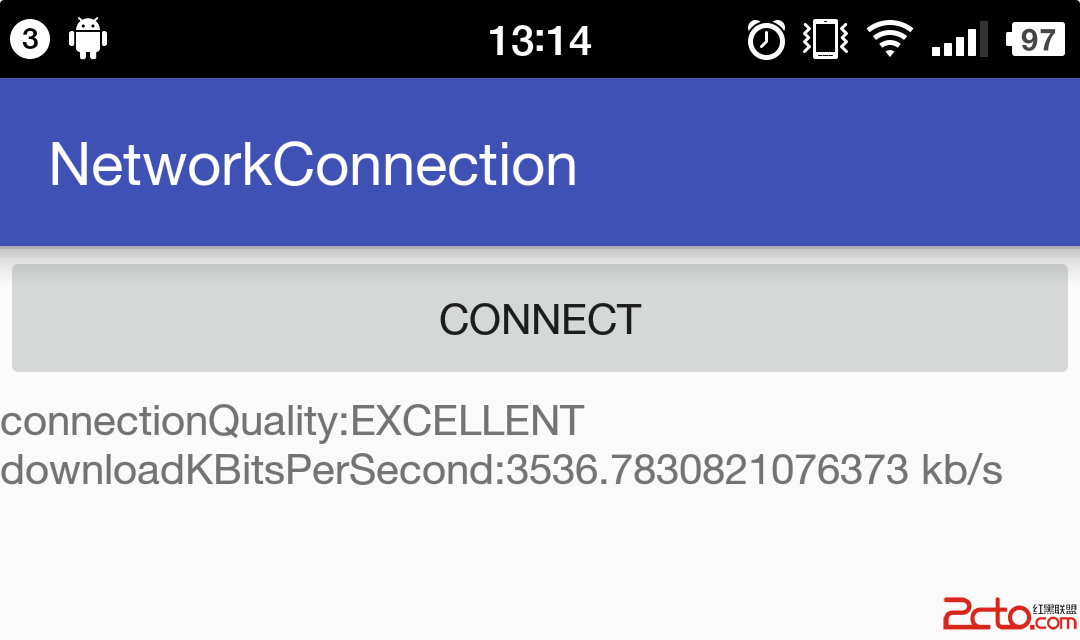 Android 獲取當前網速品質,動態調整網路請求策略
根據當前網速品質動態調整網路請求 開發中,我們常常需要依據使用者當前的網速來做不同處理。比如圖片加載:當網速很好(例如連的是 Wi-Fi)時,我們下載高解析度圖片;而當使
 記 CBS 一次動人心魄的數據保衛戰
接觸分布式存儲一年多,第一次遇到存儲側三份副本同時出現異常的情況。三副本同時受損意味著客戶數據面臨真實丟失風險,對於雲存儲產品而言幾乎是最嚴重的故障等級。為了守住數據,C
 仿 360 手機衛士的簡易實作:設計思路與原始碼拆解
 這段時間一直在廣州四處跑,實習工作著實不好找,部落格也荒廢了一段。做這個仿 360 手機衛士的專案,主要目的是把常用
 Android 如何自學:從 Java 基礎到進階主題的路線圖
Java 與 UI 基礎自學 Android 前,建議先鞏固 Java 基礎,再理解常用控制項與版面配置。官方文件與範例是很好的起點。四大元件與布局Activity、Se