編輯:關於Android編程
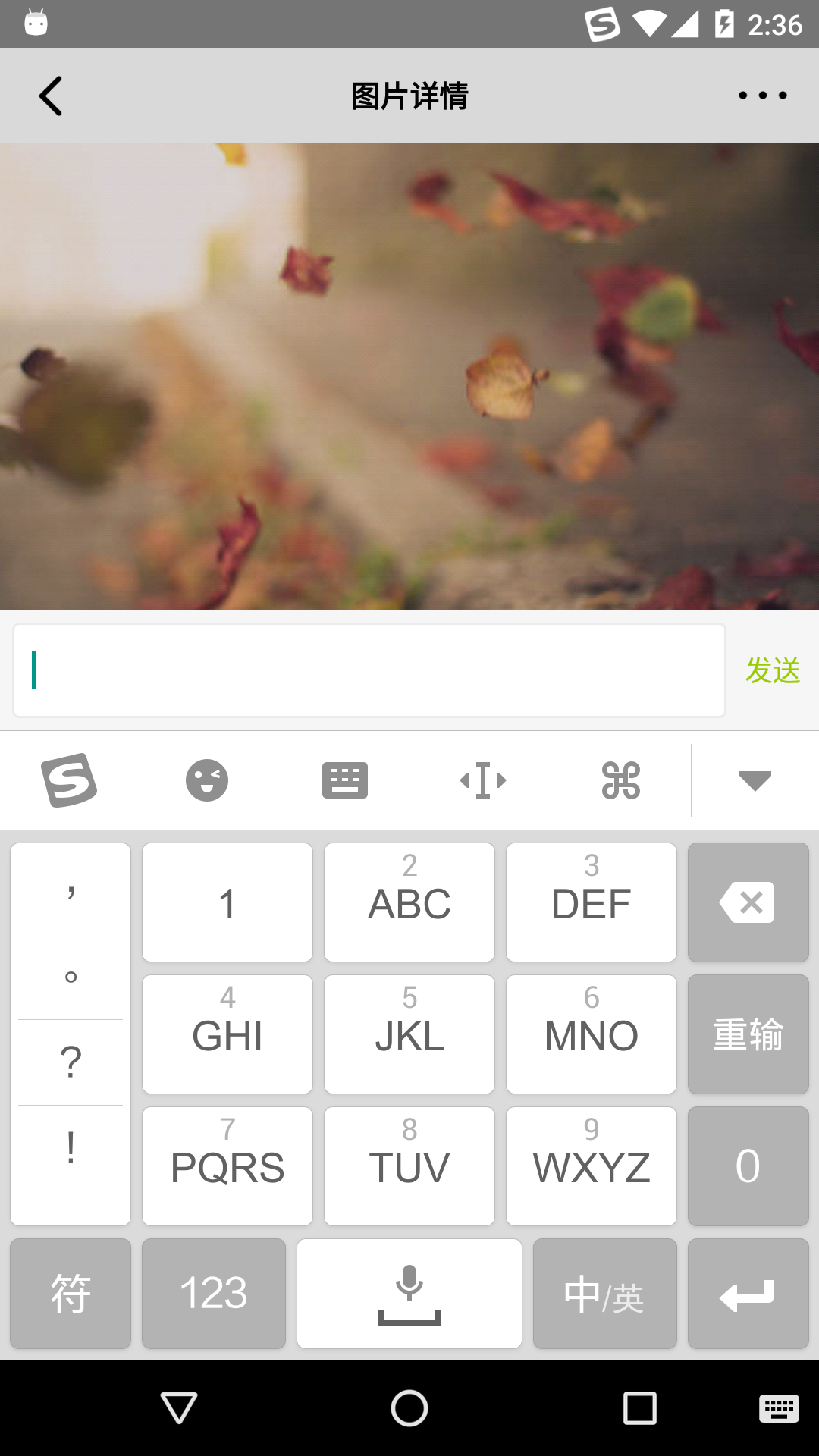
用過ios的都知道ios上輸入法關閉的同時會自動關閉輸入框,那麼在android上如何實現監聽輸入法彈出和關閉呢?本篇文章就為你提供了一種可靠的實現方式。
演示效果視頻地址
首先在AndroidManifest中配置
android:windowSoftInputMode="adjustResize"
這樣每次輸入法彈出和關閉都會重新計算高度實現把布局頂上去的效果
然後我們要自定義一個布局,監聽布局大小變化
public class CheckSoftInputLayout extends FrameLayout {
private OnResizeListener mOnResizeListener;
public CheckSoftInputLayout(Context context) {
super(context);
}
public CheckSoftInputLayout(Context context, AttributeSet attrs) {
super(context, attires);
}
public CheckSoftInputLayout(Context context, AttributeSet attrs, int
defStyleAttr) {
super(context, attrs, defStyleAttr);
}
@TargetApi(21)
public CheckSoftInputLayout(Context context, AttributeSet attrs, int
defStyleAttr, int defStyleRes) {
super(context, attrs, defStyleAttr, defStyleRes);
}
@Override
protected void onSizeChanged(int w, int h, int oldw, int oldh) {
super.onSizeChanged(w, h, oldw, old);
if (mOnResizeListener != null) {
mOnResizeListener.onResize(w, h, oldw, old);
}
}
public void setOnResizeListener(OnResizeListener listener) {
this.mOnResizeListener = listener;
}
public interface OnResizeListener {
void onResize(int w, int h, int oldw, int old);
}
}
然後把上面的自定義布局作為跟布局放到你需要的Activity中去,然後在Activity中綁定監聽事件
mRootLayout.setOnResizeListener(this);
@Override
public void onResize(int w, int h, int oldw, int oldh) {
//如果第一次初始化
if (oldh == 0) {
return;
}
//如果用戶橫豎屏轉換
if (w != oldw) {
return;
}
if (h < oldh) {
//輸入法彈出
} else if (h > oldh) {
//輸入法關閉
setCommentViewEnabled(false, false);
}
int distance = h - old;
EventBus.getDefault().post(new InputMethodChangeEvent(distance,mCurrentImageId));
}
這樣只要輸入法彈出和關閉就能自動實現監聽,達到關閉輸入框的效果,這樣就和蘋果的體驗很一致。 到這裡就介紹完了,如果有什麼好的思路,也歡迎評論分享點贊! [Github demo地址](https://github.com/gupengcheng/CheckSoftInputDemo)
 Android 音樂播放器的實現(二)界面的實現
寫程序的過程中,想法總會不斷地變,有時候會很糾結,到底做哪種效果好,怎麼做好呢? 就比如這個音樂播放器,我原來的想法是把列表頁面跟歌詞頁面放在同一個Activity中的兩
 Android.Camera2相機超詳細講解
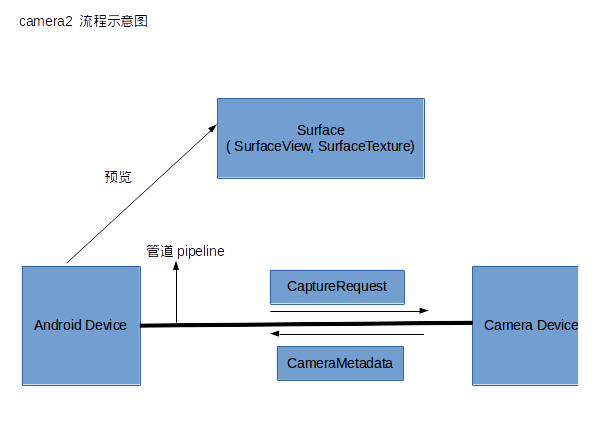
在API21中Google就發布了Camera2類來取代Camera類,那麼這個Camera2類到底改變了那些地方呢,我們來看官方的說法:Camera2 APISuppo
 論Android中的值傳遞
眾所周知,根據mvc設計模式,數據是要通過model來傳遞的,從一個activity(以下簡稱A)到另外一個activity(以下簡稱B)如果要傳值的話我們可
 Android Selector和Shape的使用方法
1.背景選擇器(位於res/drawable/,使用方法:android:background=”@drawable/XXX”) 復制代碼 代碼如下: <?xml