編輯:關於Android編程
Android手機上,我們常用ImageView顯示圖片,我們本章獲取網絡圖片並顯示在ImageView中。
一、設計界面
1、布局文件
打開res/layout/activity_main.xml文件。
輸入以下代碼:
<?xml version="." encoding="utf-"?>
<LinearLayout xmlns:android="http://schemas.android.com/apk/res/android"
android:orientation="vertical"
android:layout_width="match_parent"
android:layout_height="match_parent" >
<ImageView
android:id="@+id/imagephoto"
android:layout_width="wrap_content"
android:layout_height="wrap_content" />
</LinearLayout>
二、程序文件
打開“src/com.genwoxue.networkphoto/MainActivity.java”文件。
然後輸入以下代碼:
package com.genwoxue.networkphoto;
import java.io.IOException;
import java.io.InputStream;
import java.net.HttpURLConnection;
import java.net.MalformedURLException;
import java.net.URL;
import android.app.Activity;
import android.graphics.Bitmap;
import android.graphics.BitmapFactory;
import android.os.AsyncTask;
import android.os.Bundle;
import android.widget.ImageView;
public class MainActivity extends Activity {
private ImageView imView;
@Override
public void onCreate(Bundle savedInstanceState) {
super.onCreate(savedInstanceState);
setContentView(R.layout.activity_main);
imView = (ImageView) findViewById(R.id.imagephoto);
String imageUrl = "http://img.baidu.com/img/image/ilogob.gif";
new NetworkPhoto().execute(imageUrl);
}
/* 四個步驟:
* ()onPreExecute(),執行預處理,它運行於UI線程,
* 可以為後台任務做一些准備工作,比如繪制一個進度條控件。
* ()doInBackground(Params...),後台進程執行的具體計算在這裡實現,
* doInBackground(Params...)是AsyncTask的關鍵,此方法必須重載。
* 在這個方法內可以使用 publishProgress(Progress...)改變當前的進度值。
* ()onProgressUpdate(Progress...),運行於UI線程。如果
* 在doInBackground(Params...) 中使用了publishProgress(Progress...),就會
* 觸發這個方法。在這裡可以對進度條控件根據進度值做出具體的響應。
* ()onPostExecute(Result),運行於UI線程,可以對後台任務的結果做出處理,結果
* 就是doInBackground(Params...)的返回值。此方法也要經常重載,如果Result為
* null表明後台任務沒有完成(被取消或者出現異常)。 *
*/
//本案例我們僅使用了()和()
class NetworkPhoto extends AsyncTask<String, Integer, Bitmap> {
public NetworkPhoto() {
}
//doInBackground(Params...),後台進程執行的具體計算在這裡實現,是AsyncTask的關鍵,此方法必須重載。
@Override
protected Bitmap doInBackground(String... urls) {
URL url = null;
Bitmap bitmap = null;
HttpURLConnection conn=null;
InputStream is=null;
try {
url = new URL(urls[]);
} catch (MalformedURLException e) {
e.printStackTrace();
}
try {
conn = (HttpURLConnection) url.openConnection();
conn.setDoInput(true);
conn.connect();
is = conn.getInputStream();
bitmap = BitmapFactory.decodeStream(is);
is.close();
} catch (IOException e) {
e.printStackTrace();
} finally {
if(conn!=null){
conn.disconnect();
conn=null;
}
if(is!=null) {
try {
is.close();
} catch (IOException e) {
e.printStackTrace();
}
is=null;
}
}
return bitmap;
}
//onPostExecute(Result),運行於UI線程,可以對後台任務的結果做出處理,結果
//就是doInBackground(Params...)的返回值。
@Override
protected void onPostExecute(Bitmap bitmap) {
// 返回結果bitmap顯示在ImageView控件
imView.setImageBitmap(bitmap);
}
}
}
三、配置文件
打開“AndroidManifest.xml”文件。
然後輸入以下代碼:
<?xml version="." encoding="utf-"?>
<manifest xmlns:android="http://schemas.android.com/apk/res/android"
package="com.genwoxue.networkphoto"
android:versionCode=""
android:versionName="." >
<uses-sdk
android:minSdkVersion=""
android:targetSdkVersion="" />
<uses-permission android:name="android.permission.INTERNET" />
<application
android:allowBackup="true"
android:icon="@drawable/ic_launcher"
android:label="@string/app_name"
android:theme="@style/AppTheme" >
<activity
android:name="com.genwoxue.networkphoto.MainActivity"
android:label="@string/app_name" >
<intent-filter>
<action android:name="android.intent.action.MAIN" />
<category android:name="android.intent.category.LAUNCHER" />
</intent-filter>
</activity>
</application>
</manifest>
注意:需要在AndroidManifest.xml文件中添加權限:
<uses-permission android:name="android.permission.INTERNET" />
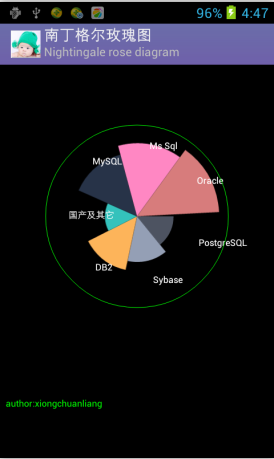 Android中使用Canvas繪制南丁格爾玫瑰圖(Nightingale rose diagram)
南丁格爾玫瑰圖 在常規圖表中實在很驚艷,但我初看沒看懂,一查原來南丁格爾這麼偉大,確實值得尊敬。再仔細研究了下這種圖的構成,發現原來就是把柱形圖的柱形換成了扇形圖的半徑來
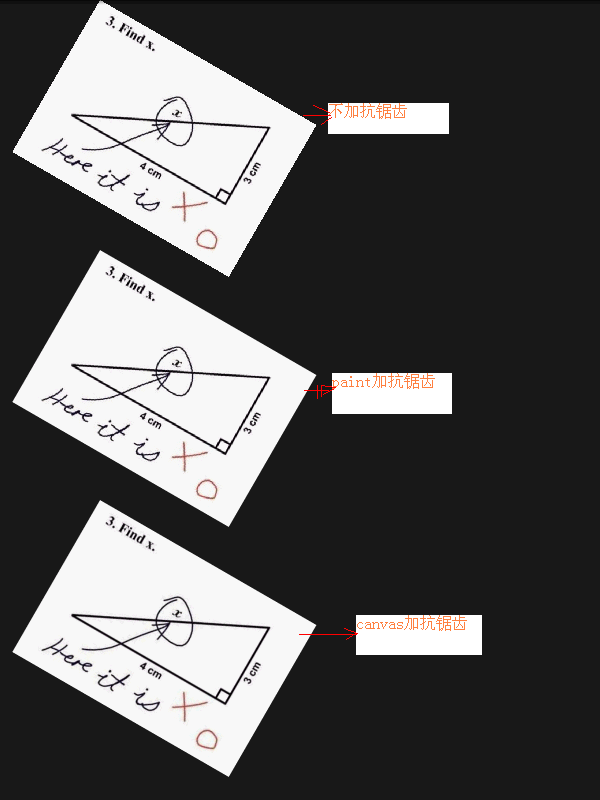 Android編程畫圖之抗鋸齒解決方法
本文實例分析了Android編程畫圖之抗鋸齒解決方法。分享給大家供大家參考,具體如下:在畫圖的時候,圖片如果旋轉或縮放之後,總是會出現那些華麗的鋸齒。其實Android自
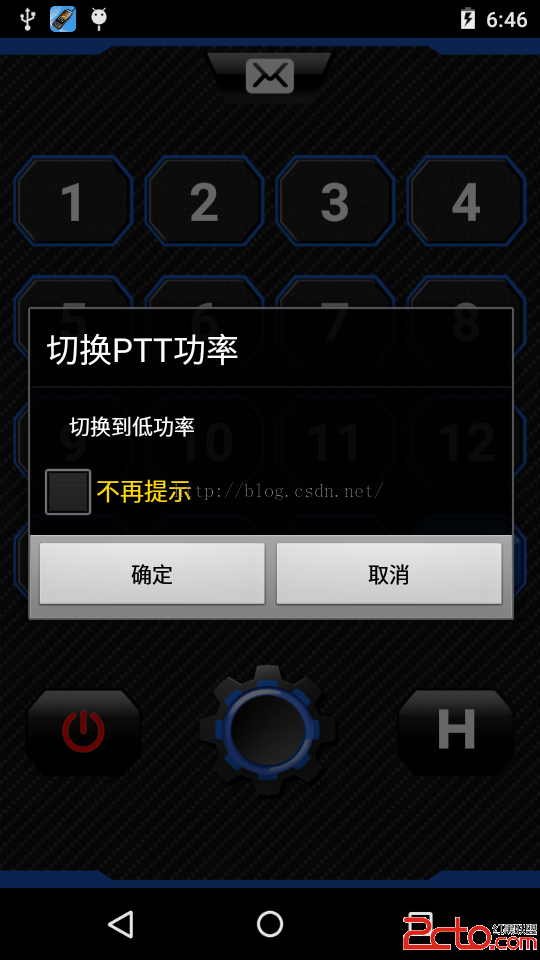 我的Android進階之旅------)Android中Dialog系統樣式講解
今天在維護公司的一個APP的時候,有如下場景。彈出一個AlertDialog的時候,在系統語言是中文的時候,如下所示:彈出一個AlertDialog的時候,在系統語言是E
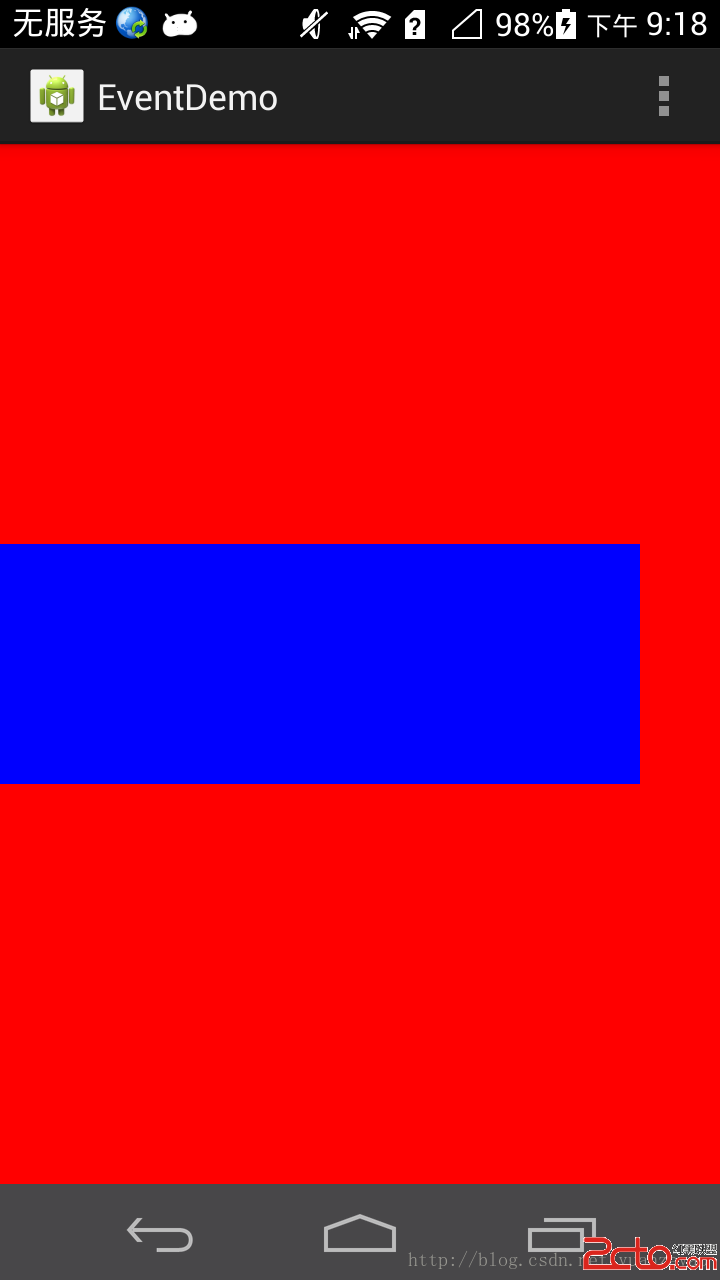 Android Touch事件傳遞機制詳解 下
在前一篇文章中,我主要講解了Android源碼中的Touch事件的傳遞過程,現在我想使用一個demo以及一個實例來學習一下Andorid中的T