編輯:關於Android編程
Android中的ListView 可以上下滑動,並且上下活動可以分頁加載數據,這一節我們看下ListView的滾動事件.
ListView的滾動事件主要通過setOnScrollListener監聽器來實現,主要包括兩個方法onScroll和onScrollStateChanged方法,onScrollStateChanged主要用來監聽滾動狀態
在滑動過程中向ListView添加數據 ,ListView滾動的時候主要有三個狀態,SCROLL_STATE_TOUCH_SCROLL ,SCROLL_STATE_FLING,SCROLL_STATE_IDLE
 lv.setOnItemClickListener(new OnItemClickListener() {
		            @Override
		            public void onItemClick(AdapterView arg0,View arg1, int arg2,
		                    long arg3) {


		            	TextView   tname= (TextView)arg1.findViewById(R.id.tvname);//名稱
		            	TextView   tmodel= (TextView)arg1.findViewById(R.id.tvmodel);//規格
		            	TextView   tprice= (TextView)arg1.findViewById(R.id.tvprice);//單價
		            	TextView   tcode= (TextView)arg1.findViewById(R.id.tvcode);//編碼

		                Toast.makeText(getApplicationContext(),"當前商品 名稱:"+tname.getText()+",編碼:"+tcode.getText(),30).show();

		            }
		        });

		      lv.setOnScrollListener(new OnScrollListener(){

				@Override
				public void onScroll(AbsListView arg0, int arg1, int arg2,
						int arg3) {
					// TODO Auto-generated method stub


				}

				@Override
				public void onScrollStateChanged(AbsListView arg0, int arg1) {
					// TODO Auto-generated method stub 滾動狀態監聽器
					if(arg1==AbsListView.OnScrollListener.SCROLL_STATE_TOUCH_SCROLL)
					{
						//手指沒有離開屏幕,正在滑動
						Toast.makeText(getApplicationContext(),"手指沒有離開屏幕,正在滑動",30).show();

						Map map=new HashMap();
			    		map.put("code","編碼:10");
			    		map.put("name","名稱:Ipad");
			    		map.put("price","價格:22");
			    		map.put("model","單位:22");
			    		mapList.add(map);
			    		//adp.notifyDataSetChanged();
			    		SimpleAdapter sAdapter = (SimpleAdapter)lv.getAdapter();
			            sAdapter.notifyDataSetChanged();


					}
					else if(arg1==AbsListView.OnScrollListener.SCROLL_STATE_FLING)
					{
						//手指離開屏幕之前,用力滑動了一下
						Toast.makeText(getApplicationContext(),"手指離開屏幕之前,用力滑動了一下",30).show();
					}
					else if(arg1==AbsListView.OnScrollListener.SCROLL_STATE_IDLE)
					{
						 //停止滑動
						Toast.makeText(getApplicationContext(),"停止滑動",30).show();
					}

				}


		      });
 android AttributeSet API
android AttributeSet API public interface AttributeSet android.util.Attri
 Android PopupWindow全屏詳細介紹及實例代碼
Android PopupWindow全屏很多應用中經常可以看到彈出這種PopupWindow的效果,做了一個小demo分享一下。demo的思路是通過遍歷文件
 Android Fragment動態創建詳解及示例代碼
Android Fragment 動態創建Fragment是activity的界面中的一部分或一種行為。可以把多個Fragment組合到一個activity中來創建一個多
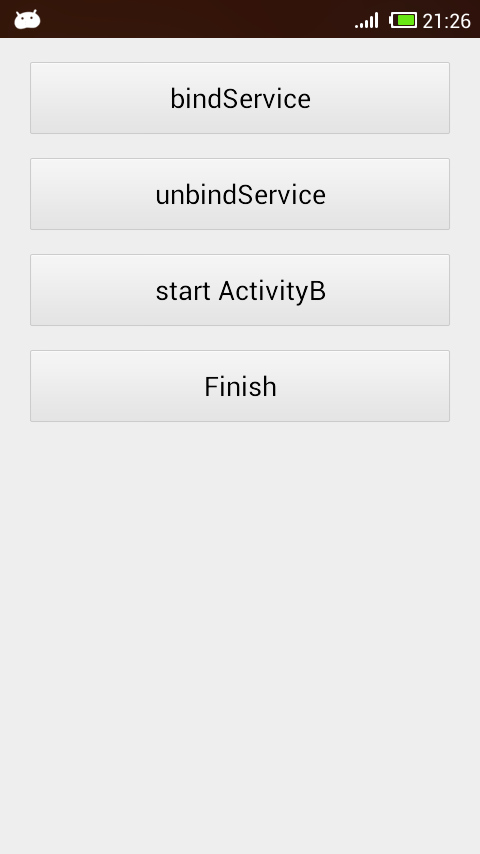 Android中bindService基本使用方法概述
Android中有兩種主要方式使用Service,通過調用Context的startService方法或調用Context的bindService方法,本文只探討純bin