編輯:關於Android編程
設置Navigation Bar 透明
getWindow().addFlags(WindowManager.LayoutParams.FLAG_TRANSLUCENT_NAVIGATION);
或者Theme中添加- true
  /**
     * Convenience function to set the flag bits as specified in flags, as
     * per {@link #setFlags}.
     * @param flags The flag bits to be set.
     * @see #setFlags
     * @see #clearFlags
     */
    public void addFlags(int flags) {
        setFlags(flags, flags);
    }
/**
* Set the flags of the window, as per the
* {@link WindowManager.LayoutParams WindowManager.LayoutParams}
* flags.
*
* Note that some flags must be set before the window decoration is
* created (by the first call to
* {@link #setContentView(View, android.view.ViewGroup.LayoutParams)} or
* {@link #getDecorView()}:
* {@link WindowManager.LayoutParams#FLAG_LAYOUT_IN_SCREEN} and
* {@link WindowManager.LayoutParams#FLAG_LAYOUT_INSET_DECOR}. These
* will be set for you based on the {@link android.R.attr#windowIsFloating}
* attribute.
*
* @param flags The new window flags (see WindowManager.LayoutParams).
* @param mask Which of the window flag bits to modify.
* @see #addFlags
* @see #clearFlags
*/
public void setFlags(int flags, int mask) {
final WindowManager.LayoutParams attrs = getAttributes();
attrs.flags = (attrs.flags&~mask) | (flags&mask);
if ((mask&WindowManager.LayoutParams.FLAG_NEEDS_MENU_KEY) != 0) {
attrs.privateFlags |= WindowManager.LayoutParams.PRIVATE_FLAG_SET_NEEDS_MENU_KEY;
}
mForcedWindowFlags |= mask;
if (mCallback != null) {
mCallback.onWindowAttributesChanged(attrs);
}
}
attrs.flags = (attrs.flags&~mask) | (flags&mask);
誰能給解釋一下這行代碼的意思?以前學的都忘記了
so
	public boolean existFlag(int flags){
	    WindowManager.LayoutParams attrs= getWindow().getAttributes();
	    if(attrs.flags ==( (attrs.flags&~flags) | (flags&flags))){
	    	return true;
	    }
	    return false;
	}
 Android APK XML解析與反編譯方法
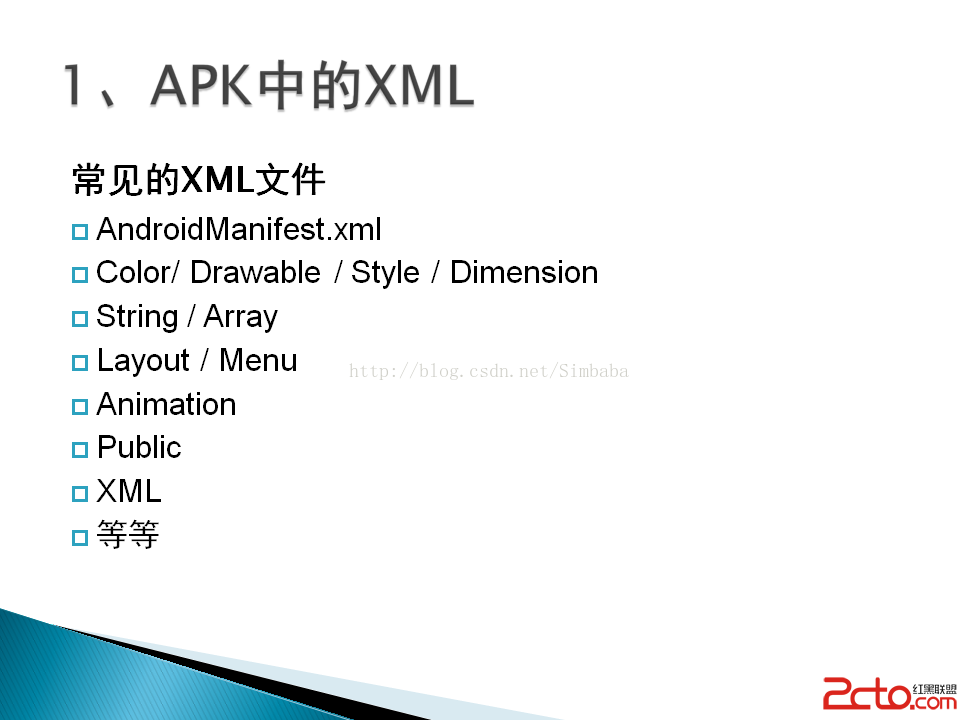
APK中的XML為何不能直接打開,是否只是簡單的二進制文件,難道被加密了?為什麼AXMLPrinter2反編譯的時候竟然報錯了,如何解決?&nbs
 使用Timer實現網頁勻速加載的進度條樣式
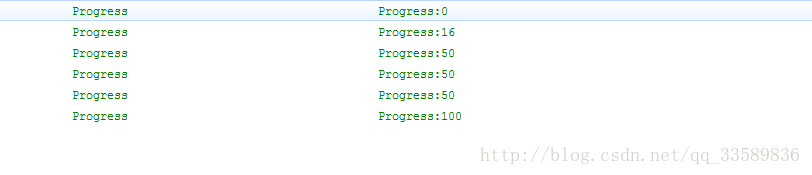
在使用WebView加載網頁時有時候網速等原因加載比較慢時,為了避免在加載網頁的時候出現一片空白的區域,給用戶很不好的體驗感,我們往往在加載的時候添加一個進度條,使用戶直
 Android開發之ImageLoader使用詳解
先給大家展示效果圖,看看是大家想要的效果嗎,如果還滿意,請參考以下代碼:前言 UniversalImageLoader是用於加載圖片的一個開源項目,在其項目介紹中是這麼寫
 小豬的Android入門之路 Day 8 part 2
本節引言: 在part 1中我們學習了網絡交互中用得較多的xml文件的相關概念,以及在Android中常用的 解析XML三種不同形式,分別SA