編輯:關於Android編程
Android項目在編譯時,Assets下文件不被編譯。
Assets下的文件除了 html文件可以直接在項目中使用外,其他的文件都需要做處理滴。
在項目中使用方法:InputStream open = manager.open("logo.png");
注意:某些經常使用的文件(比如數據庫a.db),可以在項目初始化時將其copy到手機中存儲。示例見下邊2//示例一 Get the AssetManager
 AssetManager manager = getAssets();

    // read a Bitmap from Assets
    InputStream open = null;
    try {
      open = manager.open("logo.png");
      Bitmap bitmap = BitmapFactory.decodeStream(open);
      // Assign the bitmap to an ImageView in this layout
      ImageView view = (ImageView) findViewById(R.id.imageView1);
      view.setImageBitmap(bitmap);
    } catch (IOException e) {
      e.printStackTrace();
    } finally {
      if (open != null) {
        try {
          open.close();
        } catch (IOException e) {
          e.printStackTrace();
        }
      }
    }
實例二/**
* 拷貝assets中的電話歸屬地數據庫文件
*/
private void copyAddrDB() {
File file = new File(getFilesDir(), "address.db");
if (file.exists()) {
Log.i("log:SplashActivity", "數據庫已經存在,不需要拷貝。。。");
} else {
Log.i("log:SplashActivity", "開始拷貝了。。。。");
// 拷貝
try {
InputStream is = getAssets().open("address.db"); // 獲取數據庫庫文件輸入流
FileOutputStream fos = new FileOutputStream(file); // 定義輸出流
byte[] bt = new byte[8192];
int len = -1;
while((len = is.read(bt)) != -1){
fos.write(bt, 0, len);
}
is.close();
fos.close();
} catch (IOException e) {
e.printStackTrace();
}
}
}
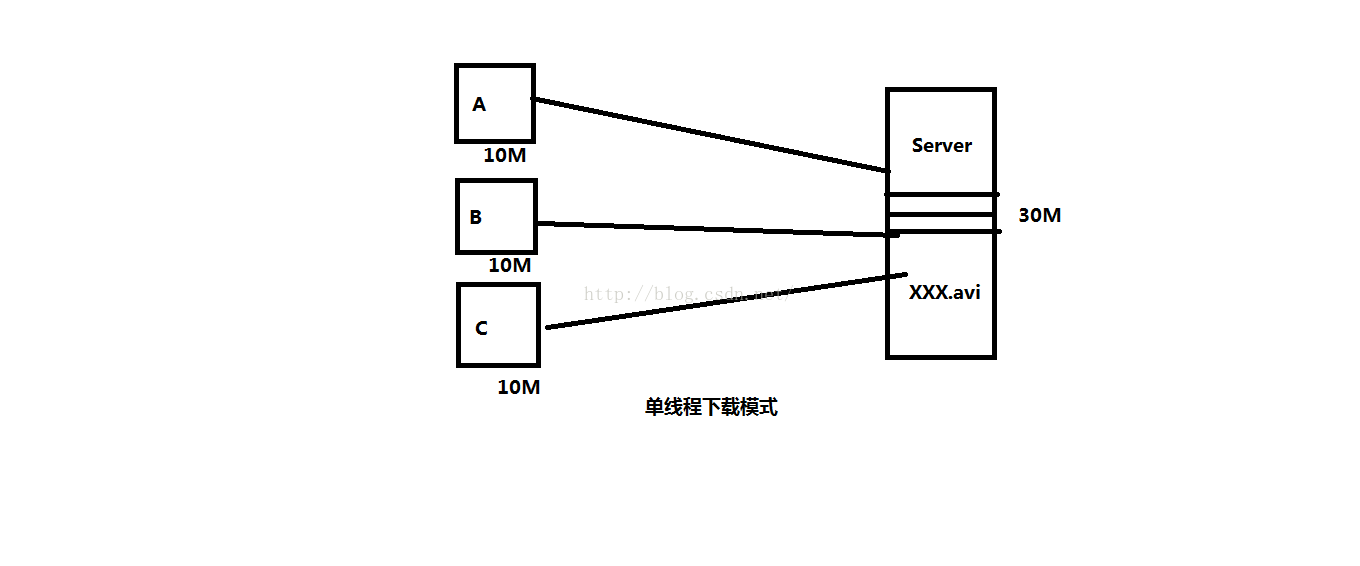 淺談Android和java中的多線程下載
為什麼要使用多線程下載呢?究其原因就一個字:"快",使用多線程下載的速度遠比單線程的下載速度要快,說到下載速度,決定下載速度的因素一般有兩個:一個是客
 Android批量圖片加載經典系列——采用二級緩存、異步加載網絡圖片
一、問題描述 Android應用中經常涉及從網絡中加載大量圖片,為提升加載速度和效率,減少網絡流量都會采用二級緩存和異步加載機制,所謂二級緩存就是通過先從內存中獲
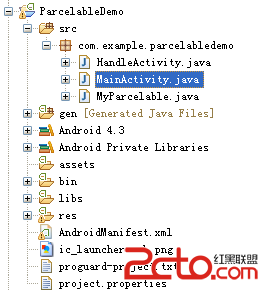 Android開發之使用Parcelable對自定義的類進行序列化
如果自定義的類型需要通過Intent或IPC進行傳遞,就需要對數據進行序列化處理。 下面是Android官網上的一個例子 public class MyP
 androidUI性能優化
1、adapter 和adapterview 復用歷史緩存(item布局和數據緩存)。 2、數據分頁顯示(利用操作引導用戶) 3、優化布局文件xml。(layout盡量不