編輯:關於Android編程
想把文件保存到SD卡中,一定要知道SD卡的路徑,有人說可以用File explore來查看,這種方法不太好,因為隨著android版本的升級,SD卡的路徑可能會發生改變。在1.6的時候SD的路徑是/sdCard。後續版本都改成了mnt/sdCard。所有還是使用API來獲取:
Environment.getExternalStorageDirectory()
//判斷SDcard是否存在並且可讀寫
				if(Environment.getExternalStorageState().equals(Environment.MEDIA_MOUNTED)){
					service.saveToSDCard(filename,filecontent);
					Toast.makeText(getApplicationContext(), R.string.success, 1).show();
				}else{
					Toast.makeText(getApplicationContext(), R.string.sdcarderror, 1).show();
} /**
* 保存到SD卡
* @param filename
* @param filecontent
* @throws Exception
*/
public void saveToSDCard(String filename, String filecontent)throws Exception{
File file = new File(Environment.getExternalStorageDirectory(),filename);
FileOutputStream outStream = new FileOutputStream(file);
outStream.write(filecontent.getBytes());
outStream.close();
} @Override
public void onClick(View v) {
EditText filenameText = (EditText)findViewById(R.id.filename);
EditText filecontentText = (EditText)findViewById(R.id.filecontent);
String filename = filenameText.getText().toString();
String filecontent = filecontentText.getText().toString();
FileService service = new FileService(getApplicationContext());
try {
//判斷SDcard是否存在並且可讀寫
if(Environment.getExternalStorageState().equals(Environment.MEDIA_MOUNTED)){
service.saveToSDCard(filename,filecontent);
Toast.makeText(getApplicationContext(), R.string.success, 1).show();
}else{
Toast.makeText(getApplicationContext(), R.string.sdcarderror, 1).show();
}
} catch (Exception e) {
Toast.makeText(getApplicationContext(), R.string.fail, 1).show();
e.printStackTrace();
}
Toast.makeText(getApplicationContext(), R.string.success, 1).show();
} Android Fresco圖片處理庫用法API英文原文文檔3(Facebook開源Android圖片庫)
這是英文文檔的第三部分:IMAGE PIPELINE GUIDE Introduction to the Image Pipeline T
 Android布局之GridLayout網格布局
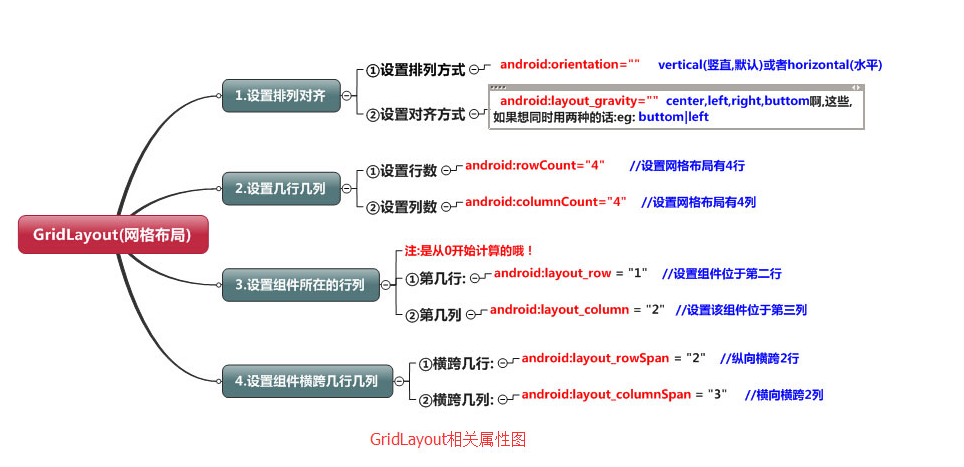
網格布局標簽是GridLayout。這個布局是android4.0新增的布局。這個布局只有4.0之後的版本才能使用。不過新增了一些東東①跟LinearLayout(線性布
 Android通用流行框架大全【整理】
Android通用流行框架大全1. 緩存DiskLruCacheJava實現基於LRU的磁盤緩存2.圖片加載Android Universal Image Loader一
 Android實現跟隨手指拖動並自動貼邊的View樣式(實例demo)
效果圖代碼/** * 根據手指拖動的當前位置,自動貼邊的View */public class DragView extends ImageView implements