

編輯:關於 Android 程式設計
Android 原生並不支援 GIF 格式的圖片。由於我希望程式剛啟動時能顯示一個小人跑步的動畫,來表示「正在載入」,而這個跑步動畫正好是一張 GIF 圖,也就是想在程式啟動的瞬間就載入這張 GIF。
我在網上找了一些方法,但不確定是因為我用的 Android 版本較高(Android 4.4)還是其他因素,就是顯示不出來。最後想出了一個辦法成功載入——把 GIF 放進 WebView 裡讓它顯示。

下面是相關程式碼。
activity_prepare_fullscreen.xml 檔:
<RelativeLayout xmlns:android="https://schemas.android.com/apk/res/android" xmlns:tools="https://schemas.android.com/tools" android:layout_width="match_parent" android:layout_height="match_parent" android:background="#F3F3F3" > <WebView android:id="@+id/runWebView" android:layout_width="wrap_content" android:layout_height="wrap_content" android:layout_centerHorizontal="true" android:layout_centerVertical="true" /> <TextView android:id="@+id/fullscreen_content" android:layout_width="wrap_content" android:layout_height="wrap_content" android:layout_below="@+id/runWebView" android:layout_centerHorizontal="true" android:gravity="center" android:keepScreenOn="true" android:text="正在加載請等待..." android:textColor="#33b5e5" android:textSize="30sp" android:text /> </RelativeLayout>
PrepareFullscreenActivity.java 檔,這裡只列出主要的兩句:
private WebView runWebView=null;
runWebView = (WebView) findViewById(R.id.runWebView);
下一句就是把檔案放進去,檔案放在 assets 目錄下:
runWebView.loadDataWithBaseURL(null,"<HTML><body bgcolor='#f3f3f3'><div align=center><IMG src='file:///android_asset/run.gif'/></div></body></html>", "text/html", "UTF-8",null);
希望透過本文能幫大家解決這類問題。
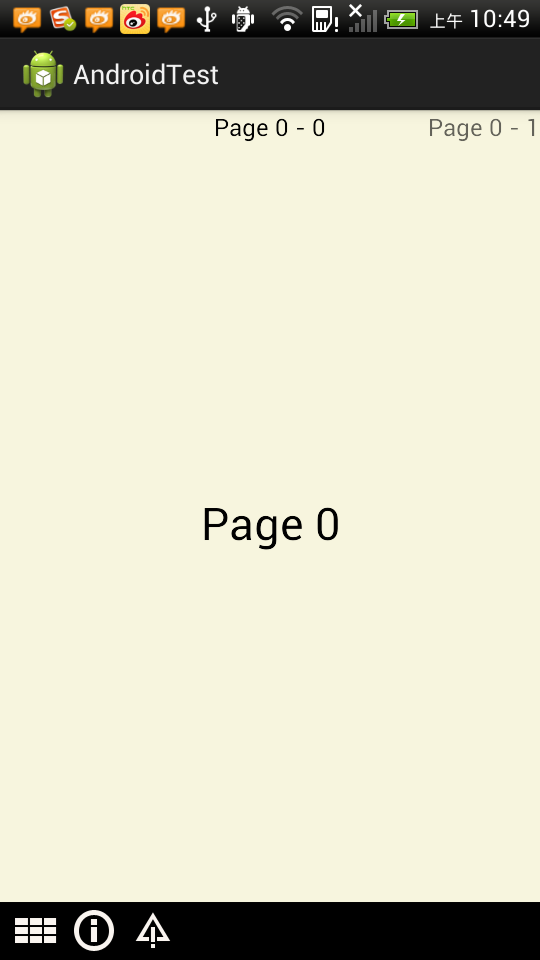 Android 嵌套 Fragment 實戰:FrameLayout 外層切模塊、ViewPager 內層切頁籤
前言 之前介紹 ActivityGroup 時,不少人問到嵌套使用的問題。同樣的需求在 Fragment 上自然也會出現,好消息是當時最新的 Android suppor
 ArcGIS for Android 離線地圖的幾種實現方式
離線地圖的價值不必多說:沒有網路也能定位與瀏覽、載入速度快、不受行動網路品質影響。因此很多專案在評估階段就會把離線方案列入考量。本文整理 ArcGIS for Andro
 Android 列表懸停效果:WindowManager 與滾動監聽
懸停效果常見於分類列表或日曆列表中。當列表滾動到某個位置時,一個標題或提示布局會固定在頂部,形成懸停感。這種效果可以通過 ListView 的滾動監聽與 WindowMa
 Android 屬性動畫完全指南:ObjectAnimator 與 ValueAnimator
屬性動畫 屬性動畫的核心是 ObjectAnimator 和 ValueAnimator 這幾個類的使用。下面逐一介紹各方法。 一、ObjectAnimator 的使用